
Video Production Agent Skill
Turn an AI agent into a full-stack video producer: research, storyboard, narration, animated visuals, render, QC, archive, and delivery.
This is built for requests like:
- "Make a video explaining this research paper."
- "Make a product walkthrough with narration and animated diagrams."
- "Make a daily summary video with sources and caveats."
- "Go all out on an explainer with Manim visuals and narration."
Install with an AI agent
Want an AI coding agent (Claude Code, OpenClaw, Gemini CLI, etc.) to install this for you? Just point it at INSTALL_FOR_AGENTS.md - a step-by-step guide that walks the agent through adding this skill (plus its scripts and references) to its skills directory and checking dependencies. No manual setup required.
Prefer to install it yourself? See the Install section below.
Showcase
These are real generated videos created with the skill workflow for this repository update. Each one includes narration, visuals, source notes, and verified audio/video streams.
| Repo intro | GenLIP paper showcase | ClawMark paper showcase |
|---|---|---|
 |
 |
 |
| Full MP4 / verification | Full MP4 / sources | Full MP4 / sources |
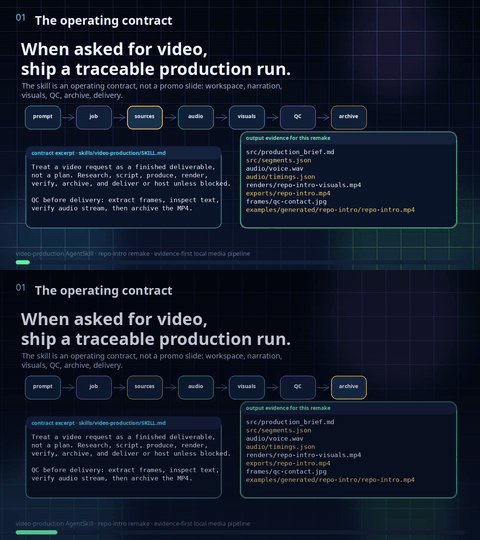
- Repo intro: 226-second narrated walkthrough of what this AgentSkill does and how agents use it.
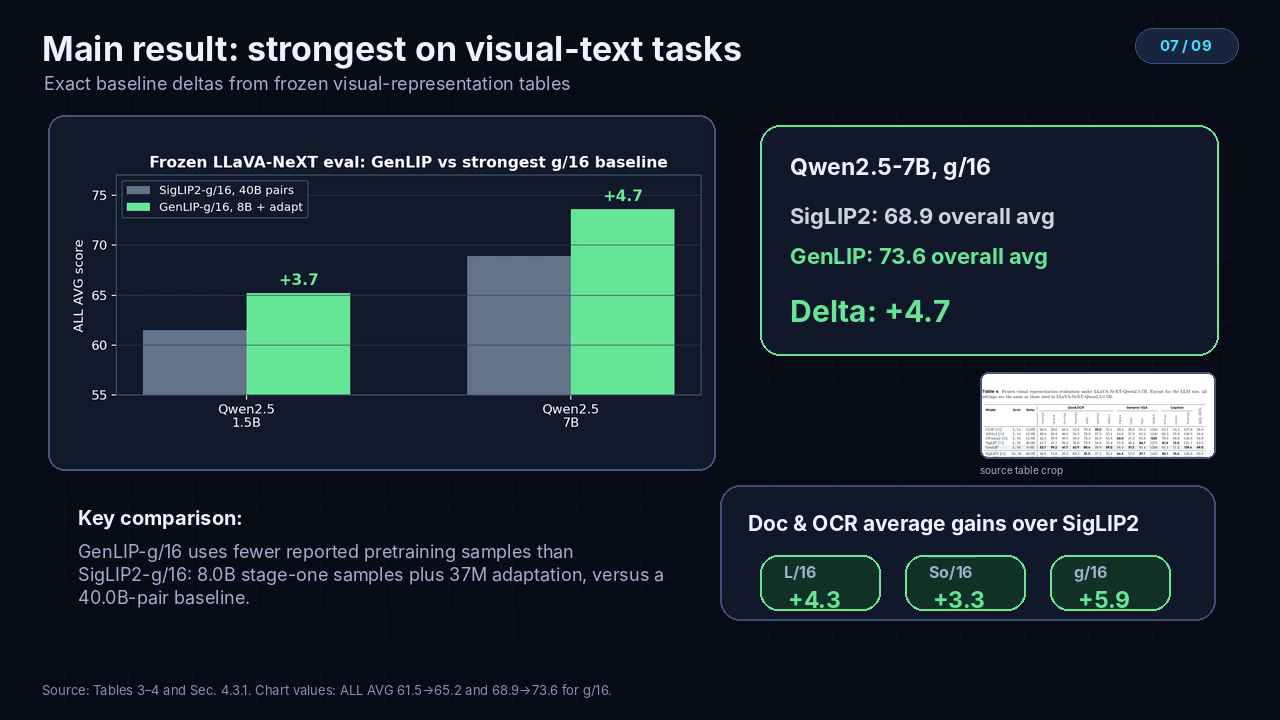
- GenLIP / Let ViT Speak: 356-second narrated showcase for a recent multimodal generative pretraining paper.
- ClawMark: 331-second narrated showcase for a recent multi-turn, multi-day coworker-agent benchmark paper.
Lightweight Example Clips
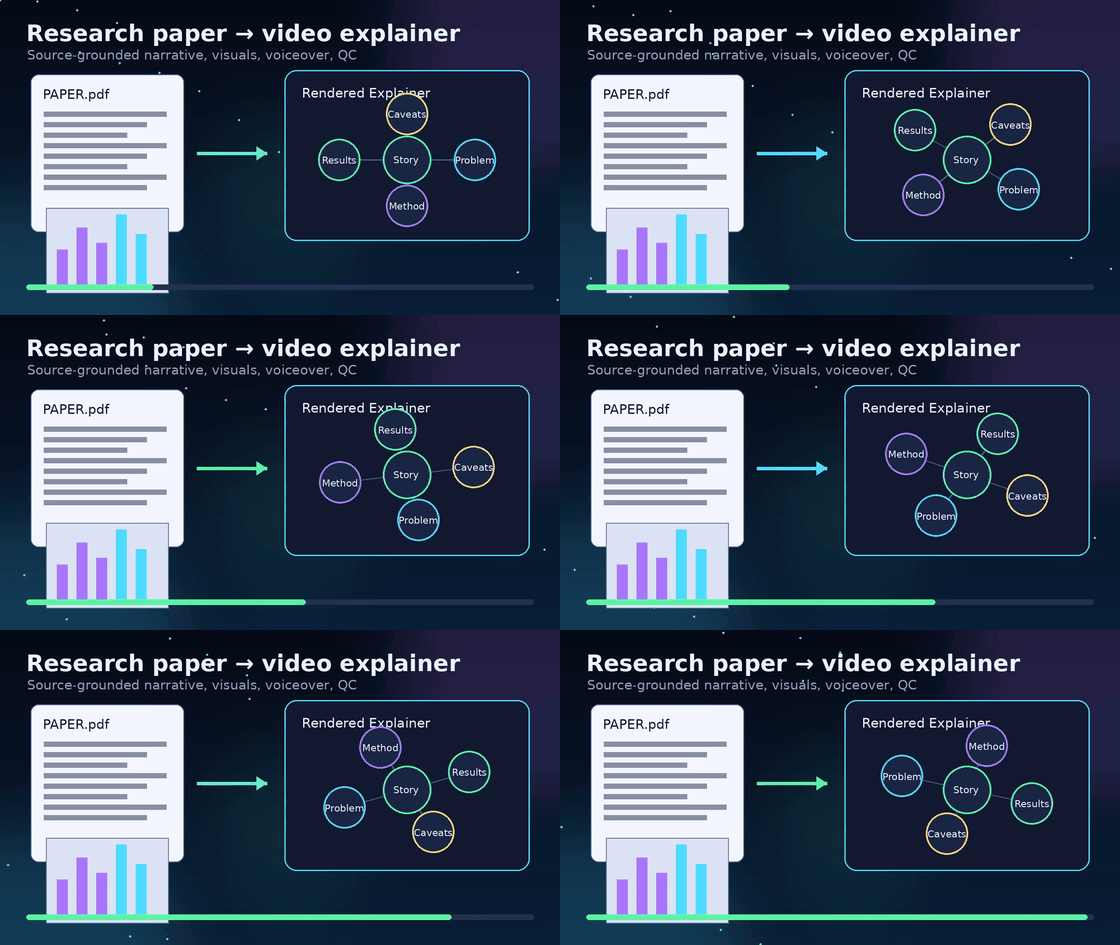
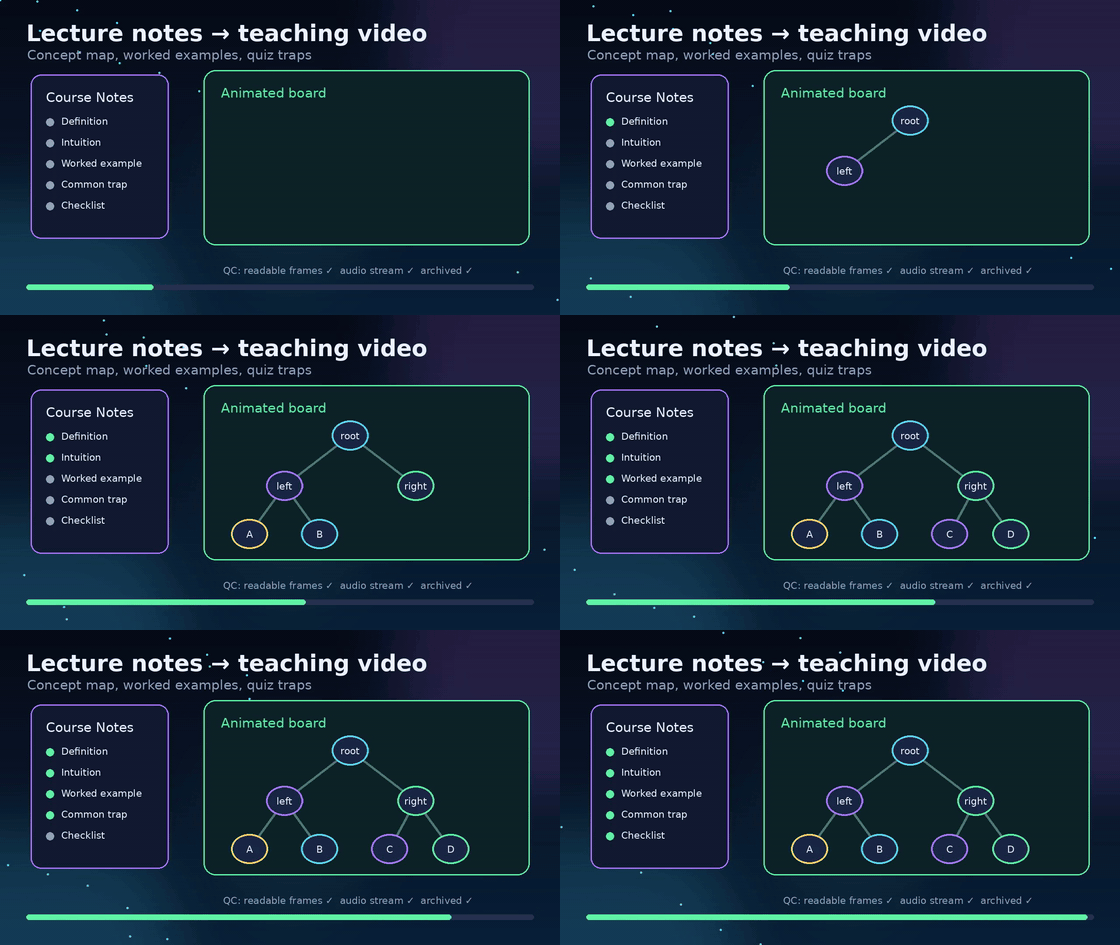
These short clips are compact examples for quick README browsing, not the full generated showcase videos.
| Research paper explainer | Product walkthrough | Current-topic briefing |
|---|---|---|
 |
 |
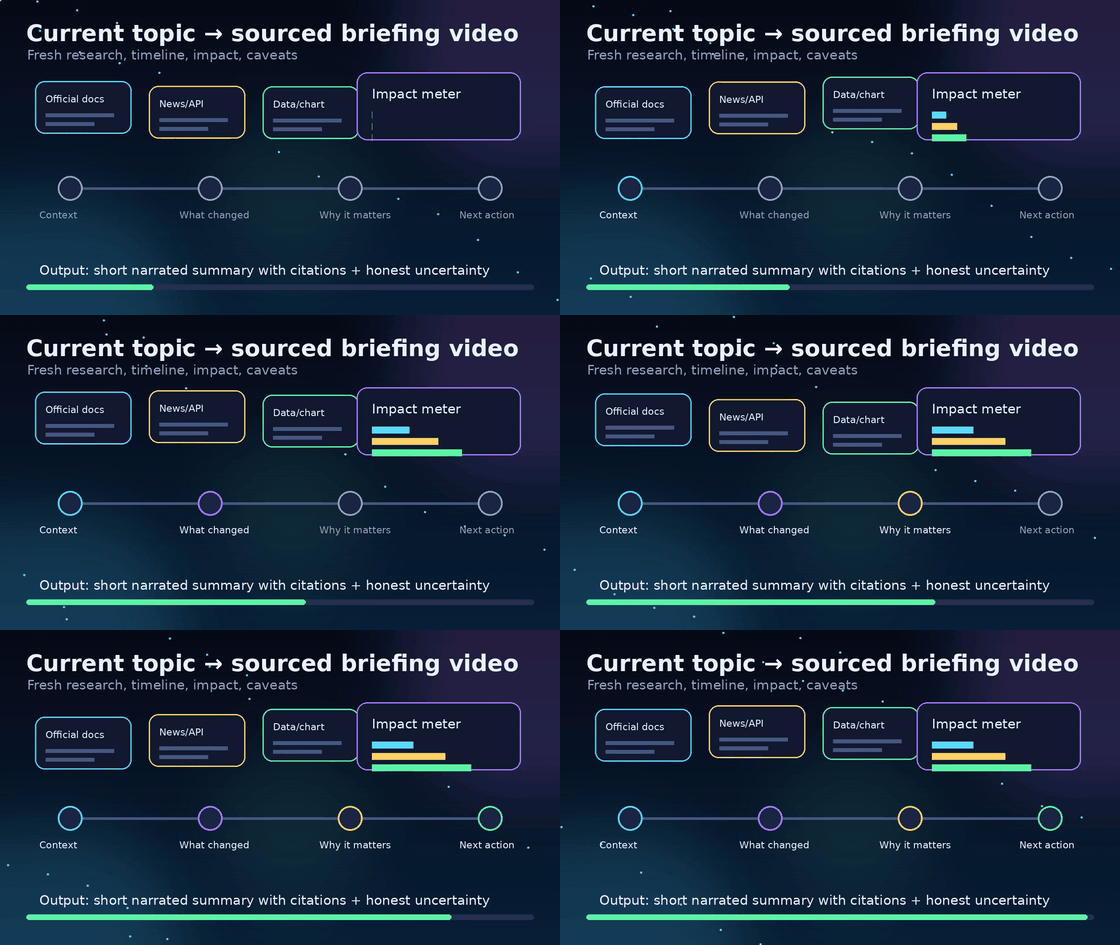 |
| 10-second MP4 | 10-second MP4 | 10-second MP4 |
What it does
video-production gives agents a repeatable production workflow:
- Create a durable job workspace.
- Pull or extract source material.
- Build a source-grounded production brief.
- Write segmented narration.
- Generate TTS voiceover.
- Produce Manim/ffmpeg/PIL visuals.
- Sync animation timing to audio.
- Render and mux final MP4.
- QC frames and audio stream.
- Archive and optionally host the deliverable.
Repository layout
skills/video-production/
|-- SKILL.md
|-- scripts/
|   |-- init_video_job.py
|   |-- synth_kokoro.py
|   |-- archive_video.py
|   `-- host_video.py
`-- references/
    |-- production-standards.md
    `-- source-playbooks.md

dist/
|-- video-production.skill
`-- video-production.zip

examples/videos/
|-- paper-explainer-demo.mp4 / .gif
|-- product-walkthrough-demo.mp4 / .gif
`-- current-topic-demo.mp4 / .gif
Install
Using an AI agent? Point it at
INSTALL_FOR_AGENTS.mdand it will handle everything below automatically.
OpenClaw
git clone https://github.com/Aaryan-Kapoor/video-production-skill.git
mkdir -p /path/to/openclaw-workspace/skills
cp -R video-production-skill/skills/video-production /path/to/openclaw-workspace/skills/
Start a new OpenClaw session so the skill snapshot reloads.
AgentSkills / Claude-style upload
Use either packaged artifact:
Both archives contain a root video-production/ folder with SKILL.md, scripts/, and references/.
Gemini / generic agents
Load skills/video-production/SKILL.md and keep the sibling scripts/ and references/ directories available.
gemini skills install ./skills/video-production
Requirements
Required:
- Python 3.10+
- ffmpeg + ffprobe
Recommended:
- Manim for animated diagrams/equations
- Kokoro TTS for the built-in
synth_kokoro.pypath, or another TTS stack such as OpenAI TTS, ElevenLabs, or Piper - poppler-utils for paper/PDF extraction
- Pillow for image/crop workflows
- Tailscale for private one-file hosting fallback
Set VIDEO_PRODUCTION_ROOT to control where generated jobs live. Default: ~/video-productions.
Quick test
export VIDEO_PRODUCTION_ROOT="$PWD/.video-productions"
python skills/video-production/scripts/init_video_job.py "Attention explainer" --prompt "Make a short video about attention"
Kokoro TTS check
If Kokoro is installed in the active environment:
python skills/video-production/scripts/synth_kokoro.py --check
Or point the skill at a Kokoro virtualenv:
KOKORO_PYTHON=/path/to/kokoro/.venv/bin/python \
  python skills/video-production/scripts/synth_kokoro.py --check
Package locally:
./scripts/package.sh
Safety
This skill can lead agents to run local scripts and media commands. Review the skill before enabling it, keep secrets out of the skill folder, and only host files you intend to share.
License
MIT
No comments yet
Be the first to share your take.