
the-loop
The loop for everything! — an opinionated product-development lifecycle, shipped as an executable process graph and a daemon that runs it. Nodes are the steps of the PDLC, hooks are the checks and side effects at their boundaries, and declared edges route on hook outcomes. Prose describes a process; here the graph is the process — so the phase label on a ticket, the gate on an artifact and the assignment an agent receives all come from one declaration rather than from someone remembering.
The the-loop CLI turns ticket and pull-request activity into agent sessions and drives
each of them through that graph. Claude Code and Cursor plugins are how an agent picks up
the operating model — one delivery surface, not the product.
Read the documentation — everything below in full: install, quickstart, the CLI command by command, every config option, and the developer docs.
Four loops
The PDLC is four graphs, all shipped inside the CLI as package data
(cli/the_loop/graph/):
pdlc-work-item-loop— the outer loop. One work item, from a fuzzy idea to a closed ticket.pdlc-pr-loop— the inner loop. One pull request delivering that work item, running in its own session, through the component-scoped subset: implementation → verification → the same review chain → the PR's own human gate.pdlc-contribution-loop— the contribution loop. the-loop invited into an existing, in-progress issue or PR as a contributor (commentthe-loop contribute): it refuses to start until an authorized human states a goal and success criteria, plans in one lightweightcontribution.mdinstead of the four-file spec chain, and its verification gate holds until every stated criterion is met.pdlc-adhoc-loop— the ad-hoc loop, and the smallest of them. A tactical task that runs no PDLC process at all (commentthe-loop do, optionally with the instruction on the same line):work → review → complete, no spec chain, no phase-selection gate, no artifact gates, no review chain. The ticket is the instruction; any reply that is not a "we're done" is more work; the item ends when you say so or close it. Walkthrough: quickstart § ad-hoc tasks.
The first two meet at exactly one seam. The outer implementation node waits at
await-inner-loops until every inner loop that was started reaches complete; then
verification runs across all the PRs. A work item delivered by a single session starts no
inner loops and passes that gate vacuously.
And they run in named places. The outer loop runs in the repository the ticket was
created in, which is where the work item's one spec chain lives. A work item that needs
code in three repositories raises three pull requests — one per repository, each walking
its own inner loop — and none in the origin repository unless code lands there too.
Where the outer loop's artifacts are iterated is the work item's own choice, ticked at
phase-selection alongside the phases: the work item itself (the default, Jira-style)
or a pull request in that repository. No config key anywhere — one project has both a
one-repo bugfix and a three-repo migration. A pull request's own loop is never
configurable: it runs on its pull request.
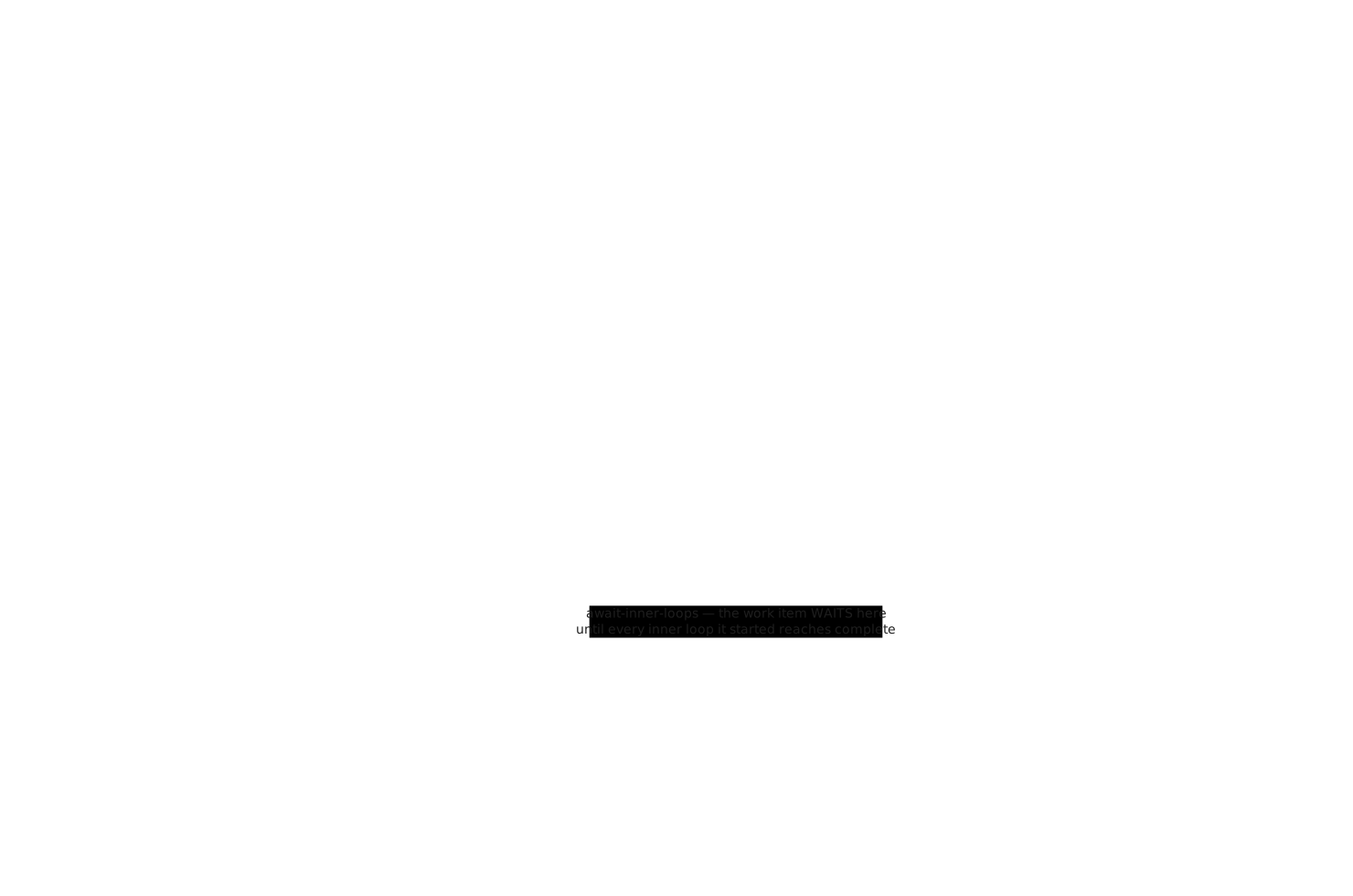
Drawn with Excalidraw. Both the
SVG (which embeds the scene) and the
.excalidraw source can be dropped into
excalidraw.com to edit.

The work item's position is tracked by a loop:<phase> label on the ticket and mirrored in
its execution log:
not-started → brainstorming (optional) → requirements-definition → design → test-planning
  → tasks-breakdown → implementation → verification → needs-review → complete
The artifact chain
A work item is a chain of documents, each derived from the one before it and iterated
with feedback until it is locked (status: approved) — only then is the next one
written. They live in docs/specs/<id>/, in the
Kiro spirit:
| Artifact | What it settles |
|---|---|
brainstorm.md (optional) |
A scratchpad for a fuzzy idea: problem, options, open questions. Skip it when the work is already clear |
requirements.md (or bugfix.md) |
User stories and EARS acceptance criteria, plus a threat-model-lite Security considerations section |
design.md |
Architecture, components, data models, error handling, and a Security design section answering every abuse case above |
testing-plan.md |
How the work item will be proved: which kinds of testing apply and which are n/a with a reason, the verification environment, the evidence to capture. Written before the task DAG that references its rows, reviewed together with the design, and completed at the verification node — one file, written once as a plan and once as a record |
tasks.md |
A DAG of small, verifiable tasks; each names the requirement it satisfies and the testing-plan row that proves it |
Evidence is committed under docs/specs/<id>/evidence/ — a link to a CI run that expires
is not evidence.
The CLI
An extensible Python CLI (in cli/, one runtime dependency) that both drives
the graph and lets you inspect it:
pip install the-loopy-one

the-loop start              # bring up every service the CLI config enables — the
                            # control-plane service (+ /mcp), the webhook receiver,
                            # the poller — each detached, each reported per service
the-loop status             # per-service liveness + the poller's last cycle (exit 0/1)
the-loop restart --with-upgrade  # bounce everything, upgrading the CLI in between
the-loop sessions list      # the work-item record: its session, and one endpoint per PR
the-loop events --follow    # the structured trail of every routing and dispatch decision

the-loop graph status <id>            # where a work item sits in the outer loop
the-loop graph status <id> --pr <n>   # …and where a PR sits in its inner loop
the-loop graph status <id> --pr <n> --pr-repo owner/repo   # …in another repository
the-loop graph complete <id>          # the node-completion claim: the graph verdicts, not the claim
the-loop check <work-item>            # evaluate every node against the artifacts (pure; CI-safe)
The graph assigns as well as judges: entering a node pushes that node's assignment — where the item stands, what to produce, the exact claim command — into the session bound to that loop.
Full reference: the-loop CLI · installation · getting started · concepts · every command · every config option.
The SDK
The same package is importable, so the control plane can live inside a Python service you already run rather than in a process of its own:
from fastapi import Depends, FastAPI
from the_loop.sdk import TheLoop

loop = TheLoop(config_path="/etc/the-loop/cli-config.yaml")

app = FastAPI()
loop.mount(app, prefix="/the-loop", dependencies=[Depends(verify_caller)])
That mounts every /api/v1 operation the-loop start serves — the same router, so the
embedded and standalone surfaces cannot drift — plus the MCP endpoint, under your prefix,
behind your auth and middleware, in your process. The capabilities are also callable with no
HTTP in the way (loop.work_items.list(), loop.graph.check(repo, "issue-42")), and
loop.check_environment() tells you at startup which external binaries your configuration
needs and whether they are there.
Full reference: the Python SDK · embedding in FastAPI · environment expectations · API reference.
The agent plugins
The operating model reaches an agent as a plugin — the same SKILL.md for both harnesses,
following the Agent Skills standard. Installed from GitHub; no
bespoke marketplace.
the-loop install # the CLI's own installer, for Claude Code
/plugin marketplace add MadaraUchiha-314/the-loop     # or, in a Claude Code session
/plugin install the-loop@the-loop
Cursor (≥ 2.5) resolves the plugin from .cursor-plugin/ — /add-plugin with this
repository's URL. /the-loop:work-on <ticket> runs the whole loop; the granular commands
run it a step at a time.
Details: installation · quickstart · command reference.
What the loop insists on
Every work item has a ticket and a spec chain approved phase by phase. Reviews — self, then critic, then security — run before a human is asked for anything, and a work item can opt in to one more: a critic reading the locked design before anything is derived from it. Tests come first, evidence is committed, and every human decision leaves a paper trail on the ticket or PR. Capability docs and the user-facing documentation, this README included, are updated in the same PR as the change that made them wrong. Commits follow Conventional Commits, and the same tooling runs locally and in CI.
The full list, and the reasoning behind each item, is in
what is the-loop? and
the operating model — whose
source of truth is the bundled skill, skills/the-loop/SKILL.md.
Working on the-loop
the-loop dogfoods its own rules: the same checks run locally and in CI.
make install-dev             # ruff, pyright, pytest, pre-commit, jsonschema, pyyaml, the CLI
pre-commit install           # run the gates on every commit
make check                   # ruff (lint+format) · pyright · schema validation · pytest
pre-commit run --all-files   # exactly what CI runs
See contributing and
CLAUDE.md — working in this repository means running the loop on it.
Feedback
All feedback goes through GitHub issues on this repository. And — fittingly — the-loop uses the-loop to improve itself.
License
MIT — see LICENSE.
No comments yet
Be the first to share your take.