
Skills & Specs Lab
A network engineer's lab for building reliable AI agents with MCP, agent skills, and behavioral specs.
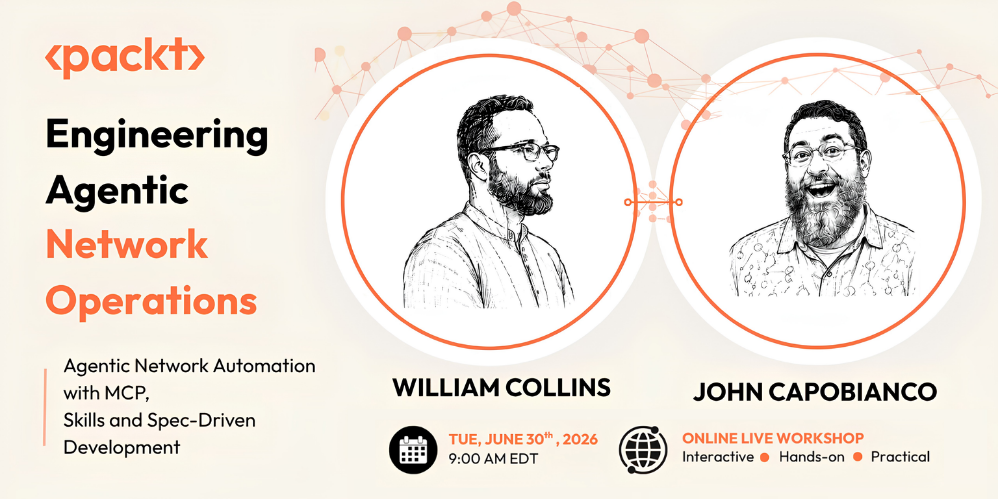
This is the first half of the Packt workshop Engineering Agentic Network Operations. It is a standalone, hands-on lab: you stand up a small Nokia SR Linux fabric with Containerlab, wire MCP tooling together with Gridctl, and work through two modules with an MCP client (Claude Code is the worked example; any MCP-aware client works).
What you build
- Module 1, Tools to Skills. You see a raw MCP tool and the same capability as a structured skill side by side, build two composable skills (device state query and change validation), and chain them into a workflow against the live fabric.
- Module 2, Spec-Driven Development. You write a behavioral spec for a network change agent, watch it drift in a repeatable way, and tighten the spec until the behavior is predictable, with no agent code changes.
Prerequisites
A laptop with Docker, Containerlab, Gridctl, and an MCP client. Full setup is in
setup/ and should take under 30 minutes. Verify with:
./scripts/verify-setup.sh
Quick start
# 0. Get the repo (on macOS, clone inside the OrbStack VM; see setup/00)
git clone https://github.com/wcollins/skills-and-specs-lab.git
cd skills-and-specs-lab

# 1. Verify prerequisites
./scripts/verify-setup.sh

# 2. Deploy the lab fabric
./scripts/deploy.sh
./scripts/smoke-test.sh        # confirm interfaces and BGP are up

# 3. Bring up the agent stack and connect your client
gridctl skill add https://github.com/wcollins/skills-and-specs-lab --path skills  # import curated skills (offline: ./scripts/load-skills.sh)
gridctl apply stack.yaml
gridctl link claude-code

# 4. Start Module 1
open lab-01/README.md
If anything breaks mid-lab, ./scripts/reset.sh returns you to a known-good
fabric in about 90 seconds.
Repository layout
| Path | What it is |
|---|---|
setup/ |
Numbered setup guides (do these first). |
lab-environment/ |
Containerlab topology and SR Linux configs. |
scripts/ |
Deploy, destroy, reset, smoke-test, verify, checkpoint. |
stack.yaml |
Gridctl stack: clab MCP server plus skill registry. |
skills/ |
Curated core skills loaded into every registry. |
showcase/ |
Community skills and labs (review before importing). |
lab-01/ |
Module 1 guide, checkpoints, solutions. |
lab-02/ |
Module 2 guide, spec templates, solutions. |
spec/ |
The spec this workshop was built from (dogfood). |
docs/ |
FAQ, troubleshooting, quick reference, midpoint contract. |
run.md |
Instructor runbook: build, test, and roll back every part. |
CONTRIBUTING.md |
Post-workshop fork-and-PR flow. |
Using a different MCP client
Claude Code is the worked example, but everything student-facing speaks "your
MCP client." Gridctl exposes one endpoint (http://localhost:8180/sse) and
gridctl link supports Claude Desktop, Cursor, VS Code, OpenCode, and others.
See setup/04-gridctl.md.
After the workshop
Keep your stack running. Build a skill or a lab, then open your first pull
request into showcase/. The contributing
skill walks you through the whole flow, including the GitHub authentication step
(plan about 20 minutes for your first PR with the skill guiding you). See
CONTRIBUTING.md.
License
See LICENSE.
No comments yet
Be the first to share your take.