
Scenarix
I built this to generate short-form drama series end-to-end: screenplays, images, voiceovers, subtitles, background music — exported as vertical video. The whole pipeline runs from a single admin panel, or you can drive it from your editor via MCP tools.
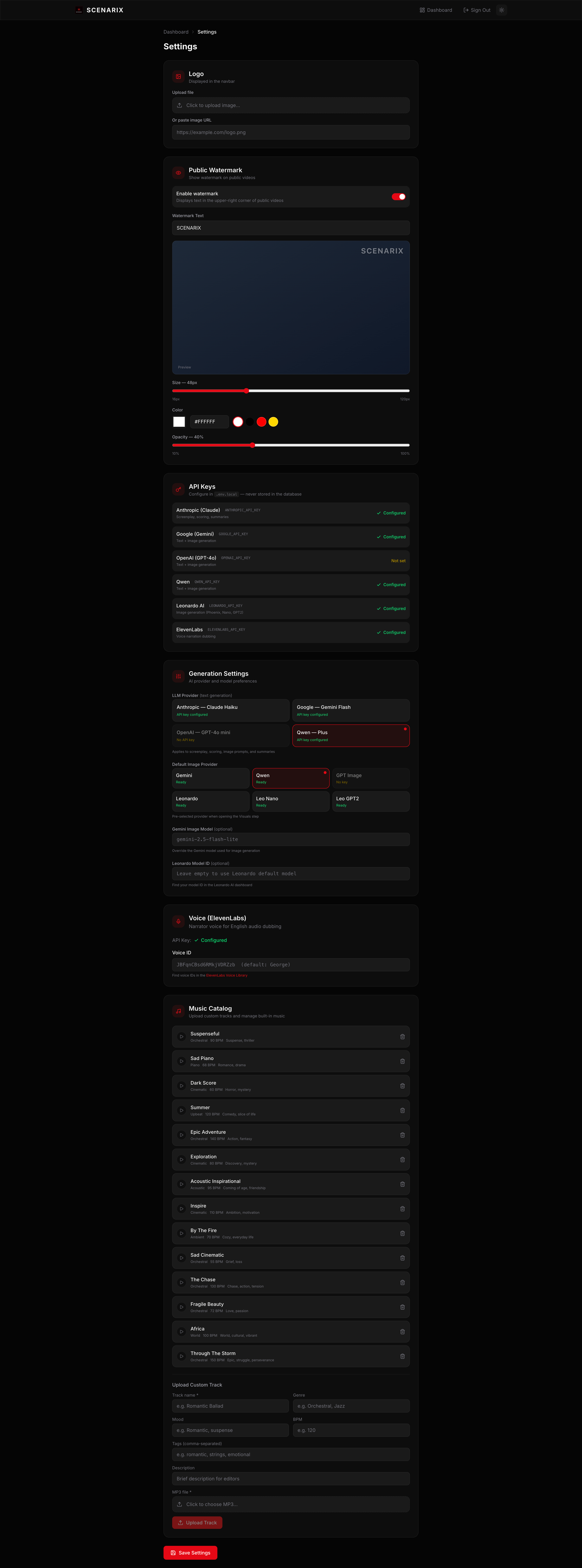
It supports multiple AI providers (Anthropic, Google, OpenAI, Qwen for text; Gemini, Leonardo, OpenAI, Qwen for images), so you're not locked into any one service. Plug in whichever API keys you have and it works.
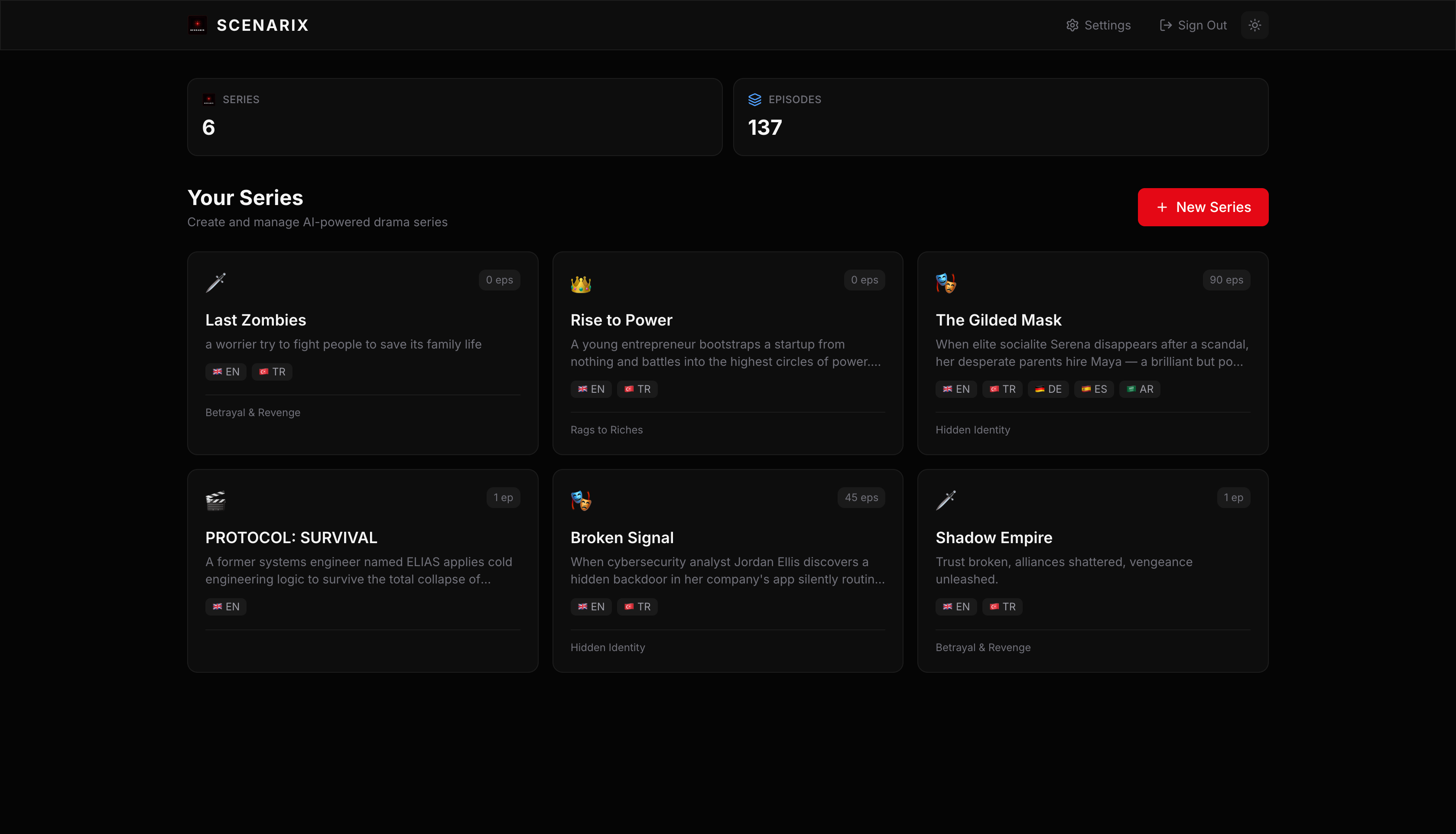
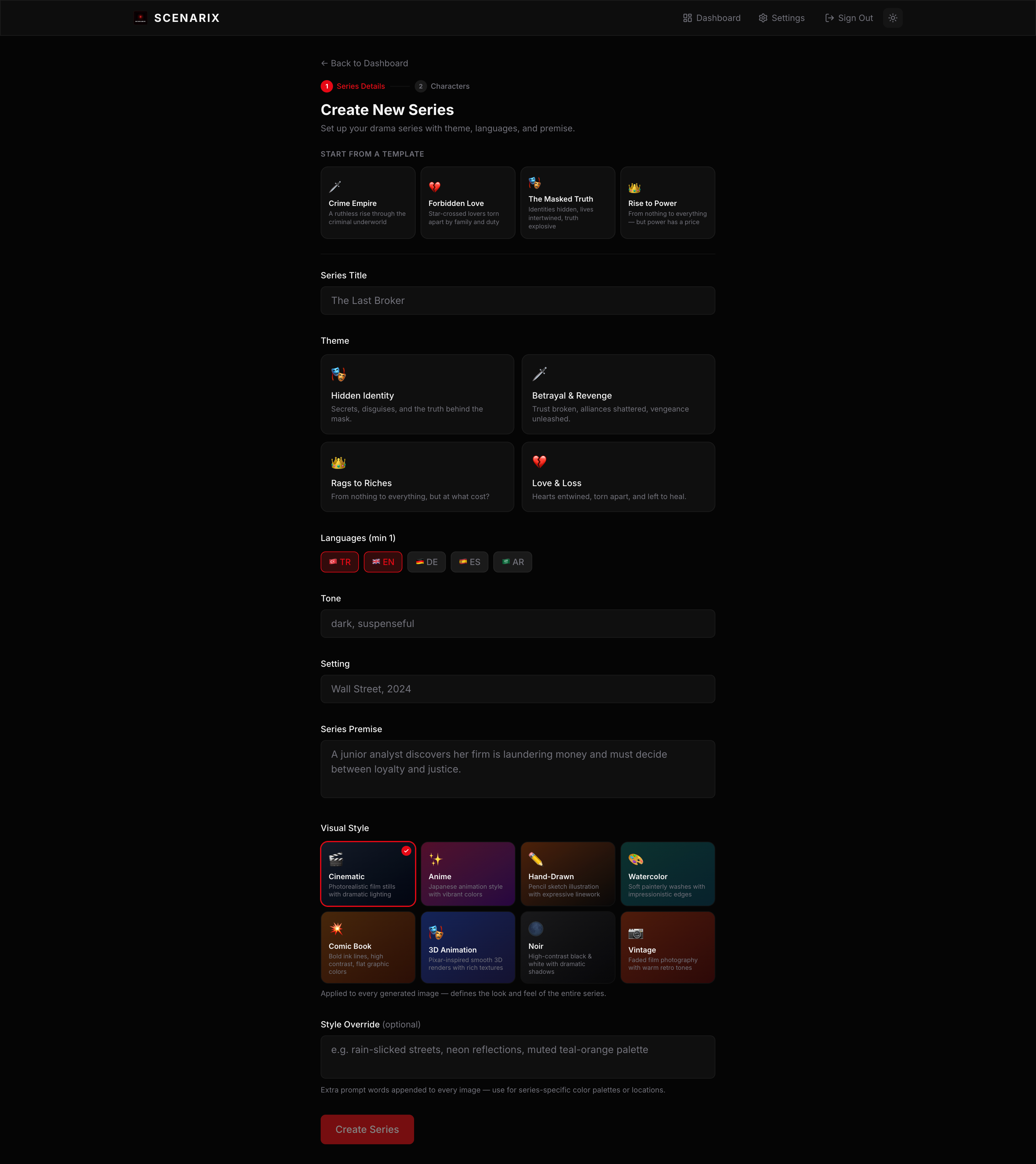
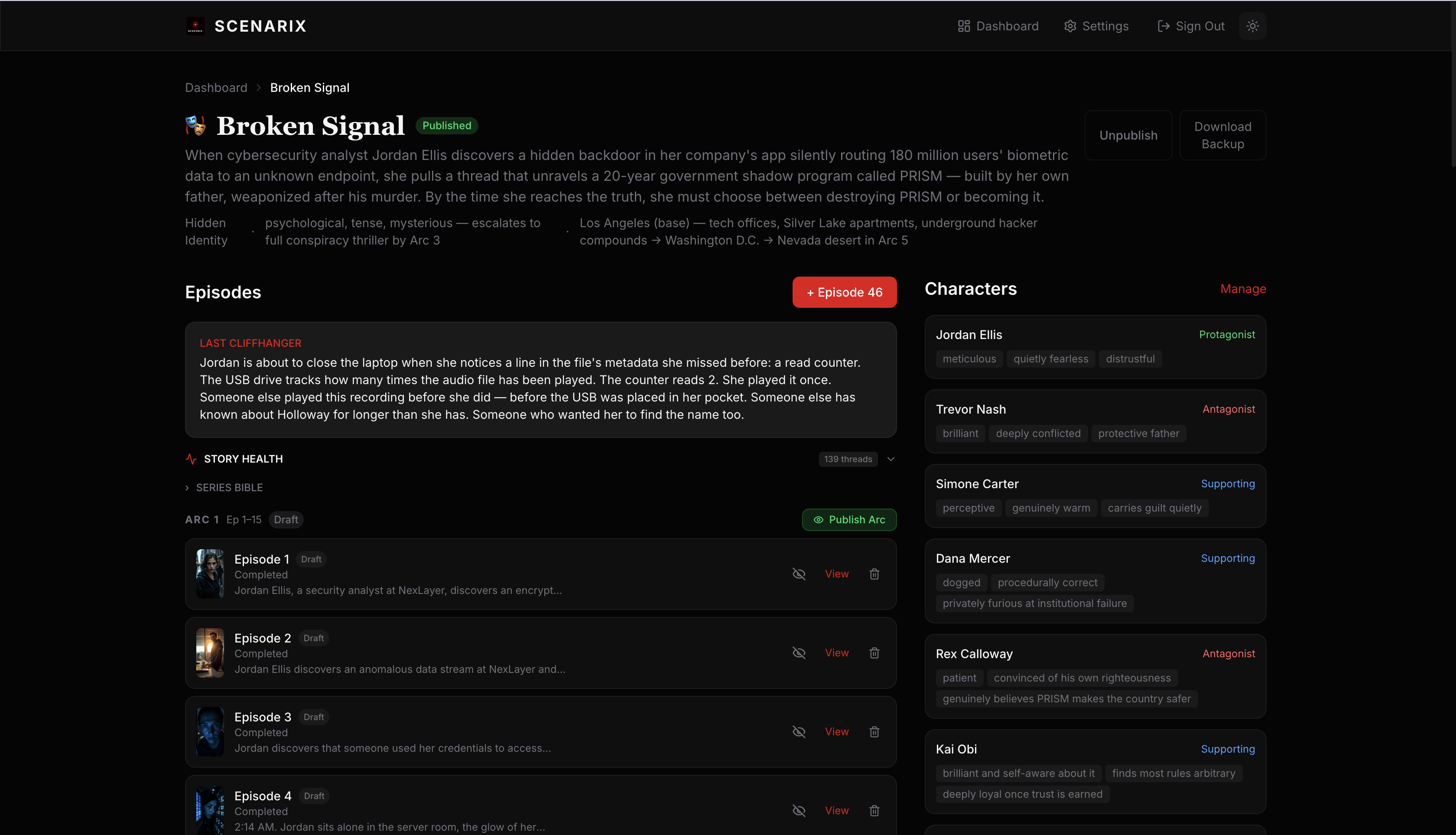
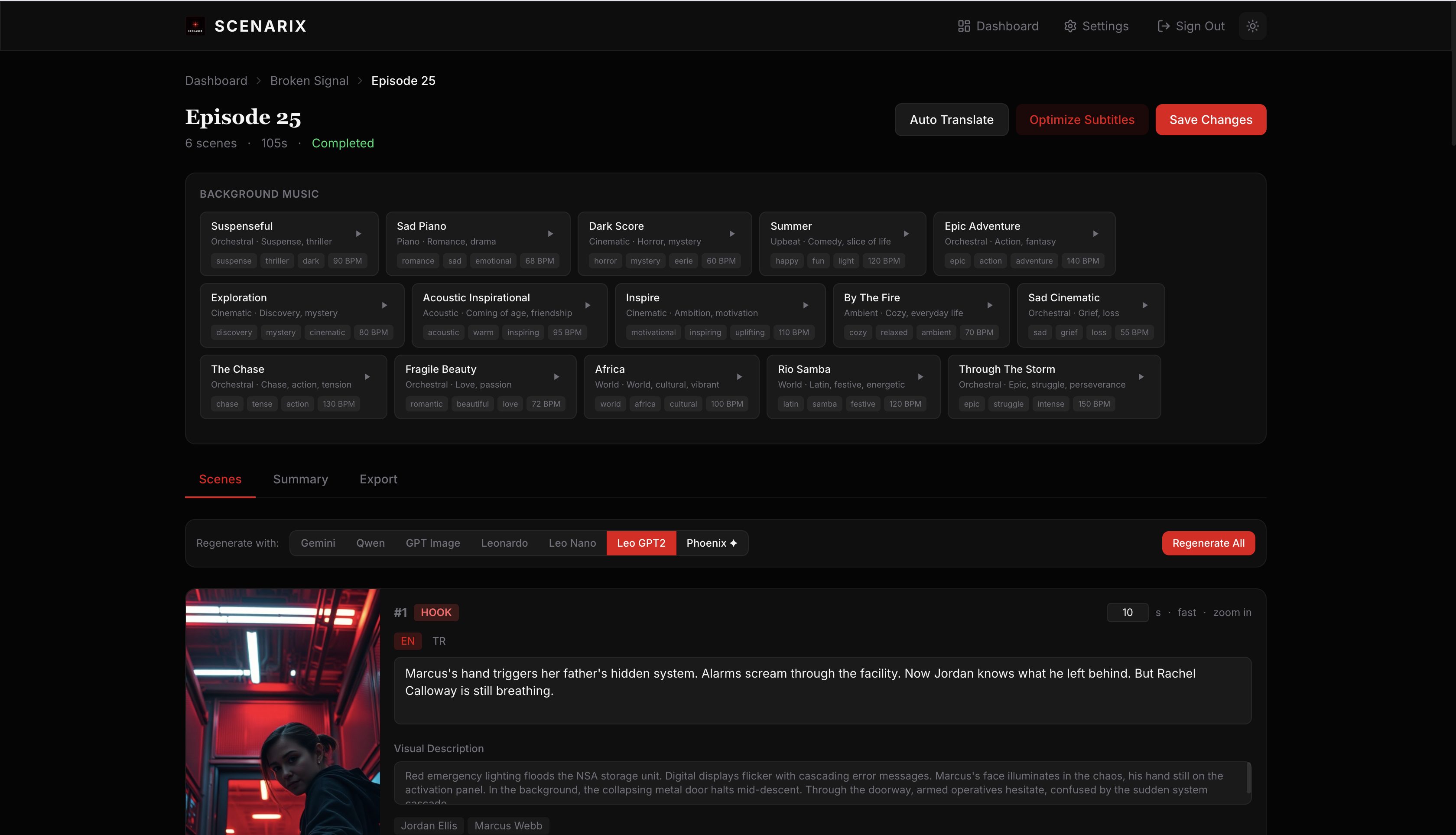
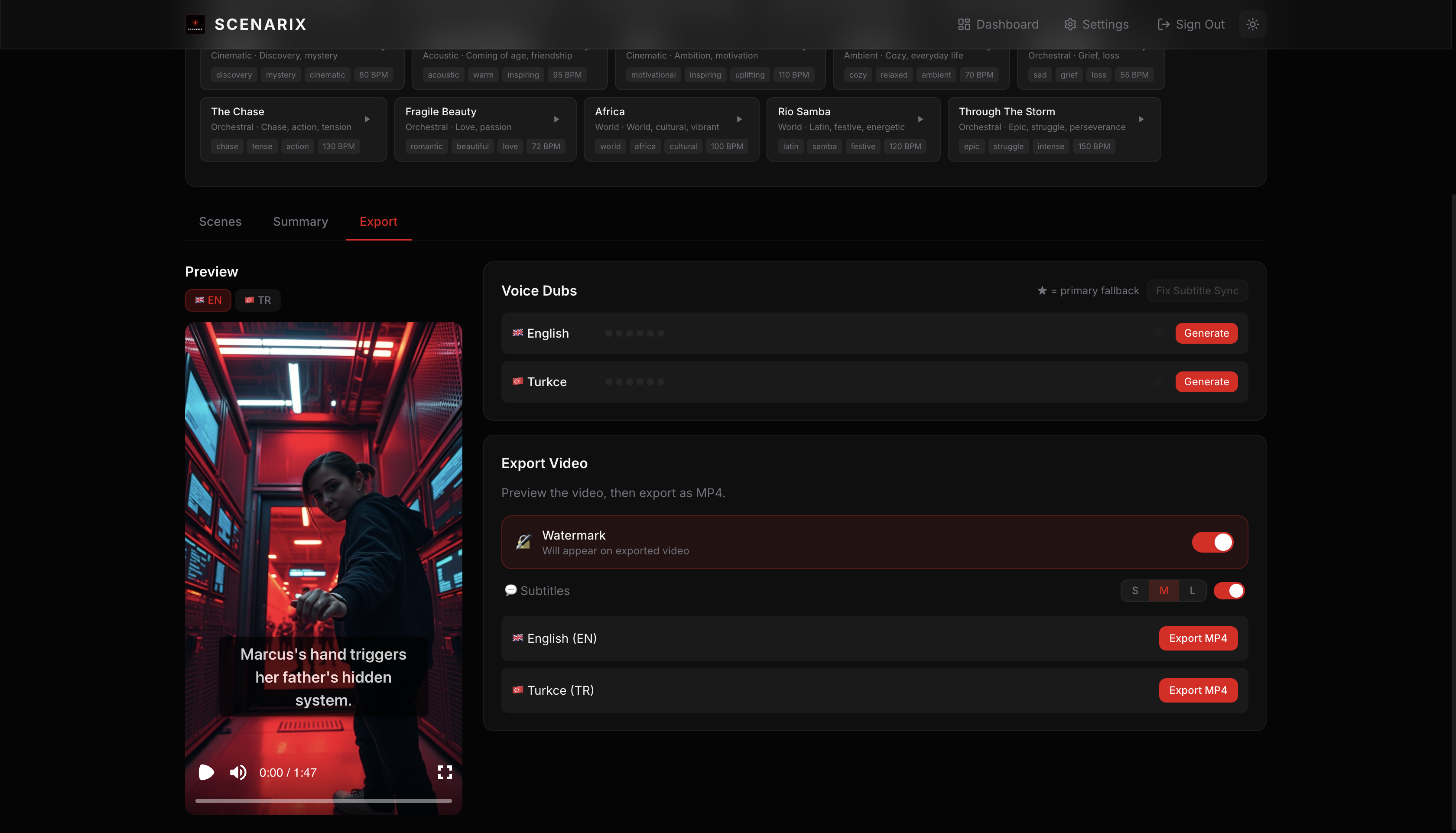
What it does
- Generates screenplays with a series bible that tracks characters, plot threads, and cliffhangers across episodes
- Creates scene images through multiple providers (you pick per-episode)
- Translates episodes to other languages automatically
- Generates voiceover narration via ElevenLabs
- Exports 9:16 vertical video with subtitles, watermark, and background music using Remotion
- Scores each episode on tension, voice consistency, cliffhangers, and continuity
- Ships with 15 royalty-free background tracks, plus you can upload your own
- Includes an MCP server with 13 tools so Claude Code, Cursor, or Copilot can create and manage series conversationally
Getting started
You need Node.js 20+ (22 recommended), PostgreSQL 14+, and at least one AI API key.
git clone https://github.com/yakupbulbul/scenarix.git
cd scenarix
npm install

cp .env.example .env.local
# Fill in your database URL and API keys

npx prisma db push
node prisma/seed.mjs

npm run dev
Open localhost:3000, log in with the credentials you set in .env.local. That's it.
For Docker, docker compose up -d starts PostgreSQL and the app together.
All environment variables are documented in .env.example.
MCP tools
Scenarix has an MCP server that lets AI coding assistants create series, generate episodes, translate, and manage plot threads — all through natural conversation. There are 13 tools total.
Config files are already included for Claude Code (.claude/mcp.json), Cursor (.cursor/mcp.json), and VS Code (.vscode/mcp.json). Just open the project and the tools are available.
The only setup: set CLI_API_KEY in your .env.local and make sure the dev server is running.
For other MCP clients:
{
  "mcpServers": {
    "scenarix": {
      "command": "node",
      "args": ["mcp/server.mjs"],
      "env": {
        "SCENARIX_URL": "http://localhost:3000"
      }
    }
  }
}
Here's what a typical session looks like:
You: Create a crime drama series called "The Last Deal"
Claude: [calls create_series] Done — Series ID: 7

You: Add a protagonist named Victor, a retired detective with a scar on his left cheek
Claude: [calls create_character] Created — ID: 12

You: Generate episode 1 with Qwen images
Claude: [calls create_episode] Episode 1 ready
  Quality: 8.2/10
  Cliffhanger: "Victor stares at the photo — it's the same face from 20 years ago."

You: Translate to Turkish and German
Claude: [calls translate_series] Done — 2 languages, 1 episode
Tech stack
Next.js 16 (App Router), React 19, PostgreSQL with Prisma 7, Tailwind CSS 4, Remotion 4 for video, JWT auth via jose.
Contributing
PRs are welcome. For anything bigger than a bug fix, open an issue first so we can discuss the approach.
Support
If you find Scenarix useful, consider buying me a coffee:
No comments yet
Be the first to share your take.