
Dhruv's Sketchbook
The source for whoisdhruv.com, an interactive portfolio built as a hand-drawn engineering sketchbook. It combines a command-line interface, grounded multimodal AI chat, project case studies, custom speech, a public guestbook, and a small discovery layer that rewards exploration.
Visit production · Preview staging · Read the app guide
Documentation
Screenshots
| Home | About |
|---|---|
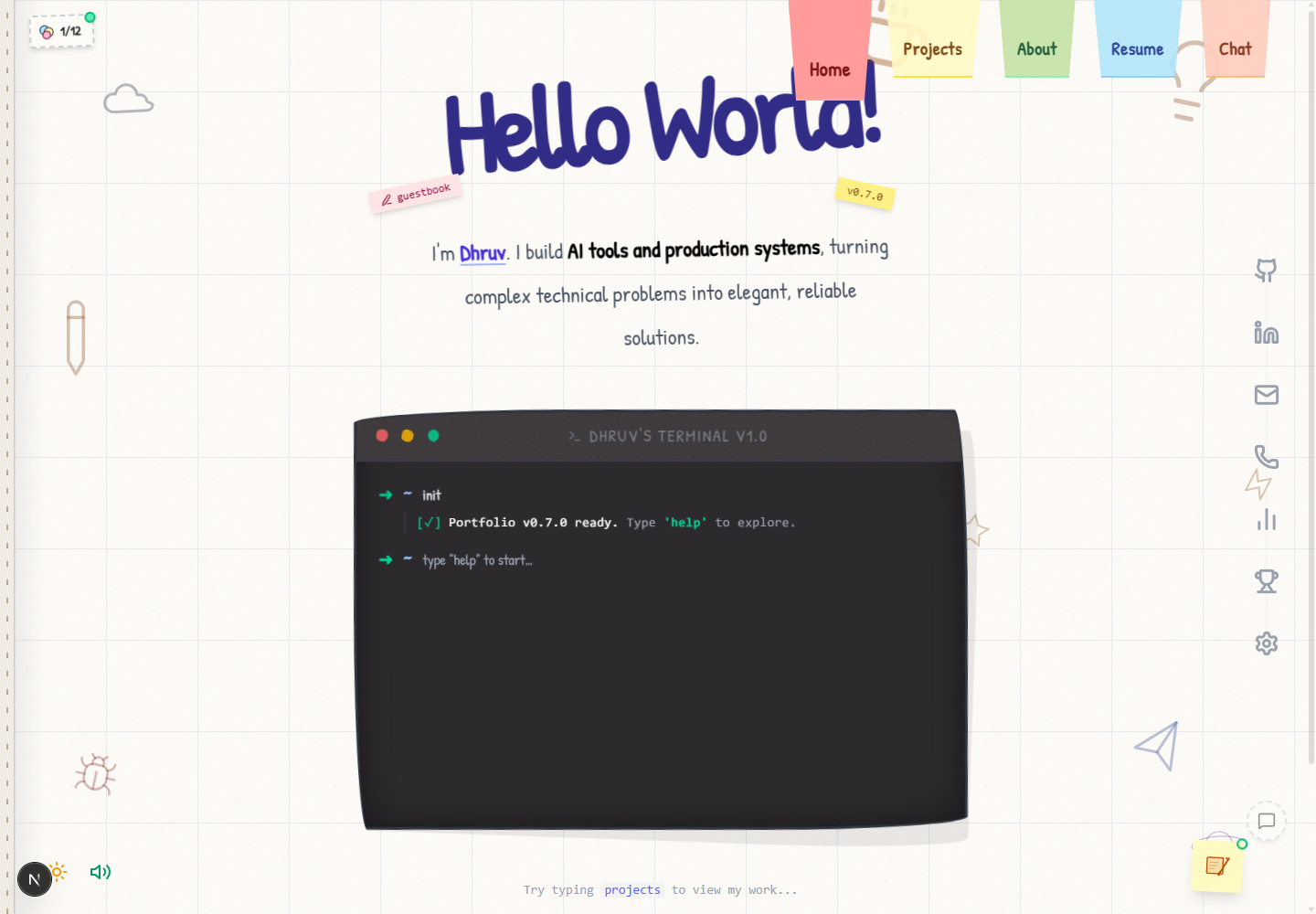 |
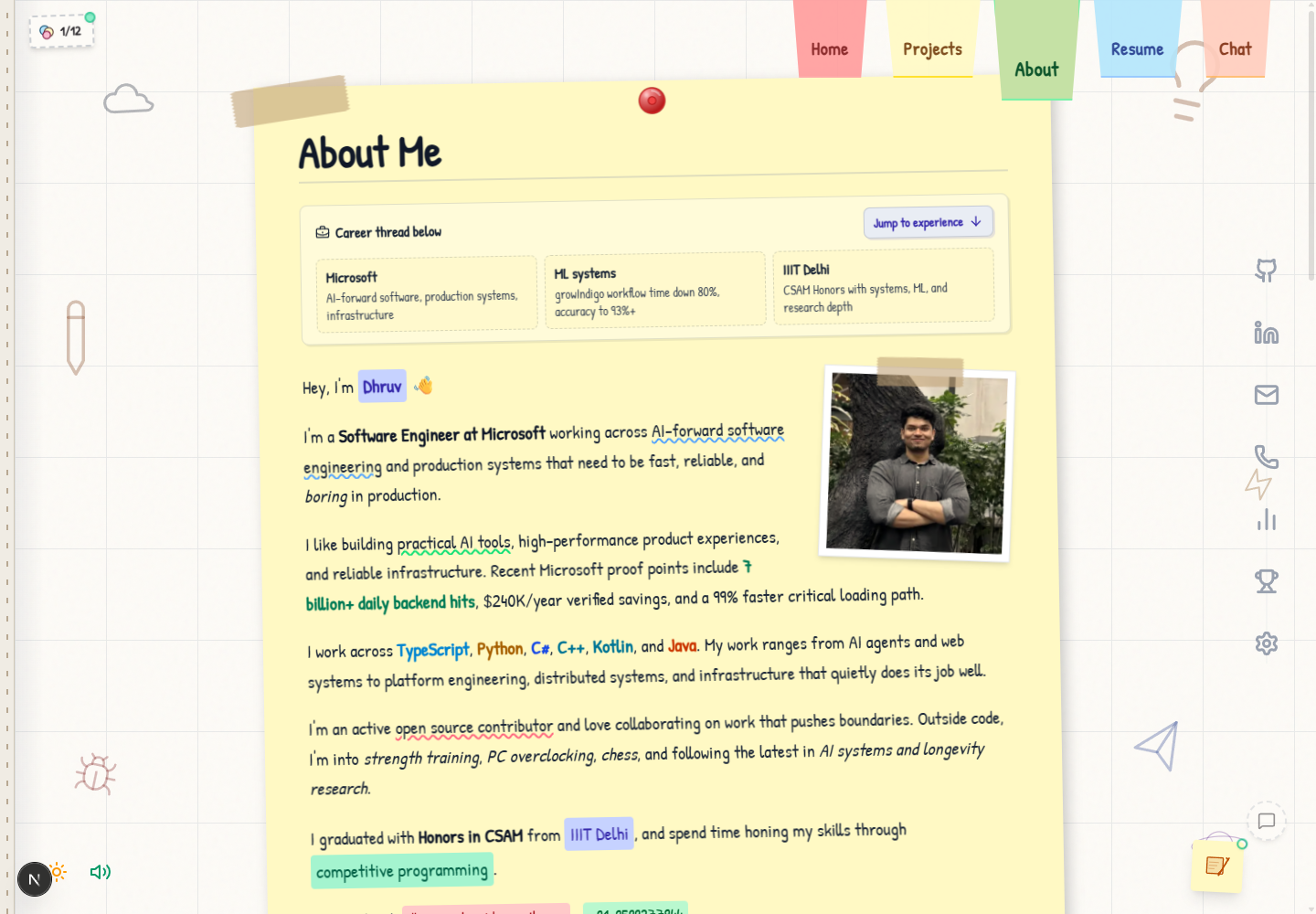 |
| Resume | Chat |
|---|---|
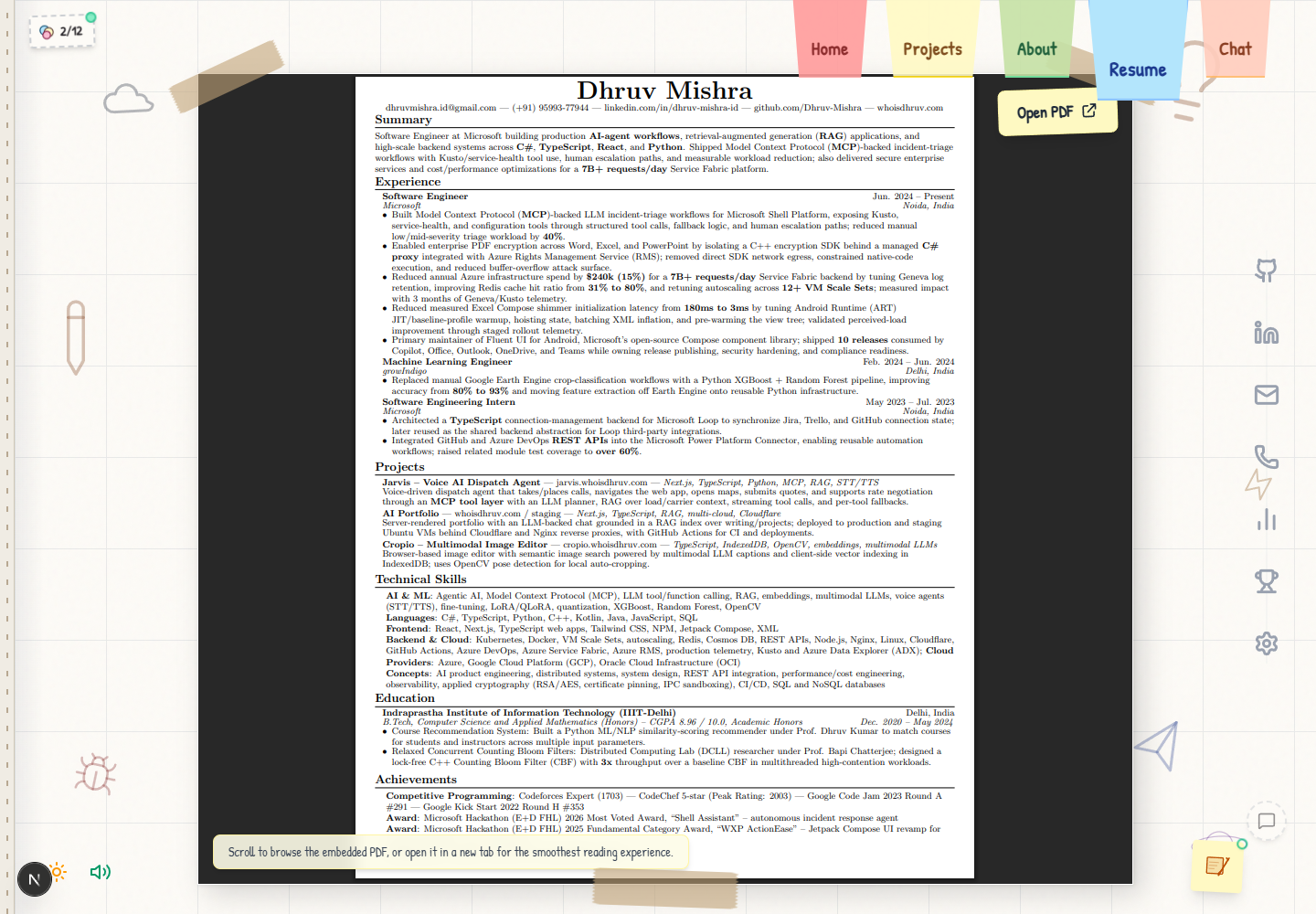 |
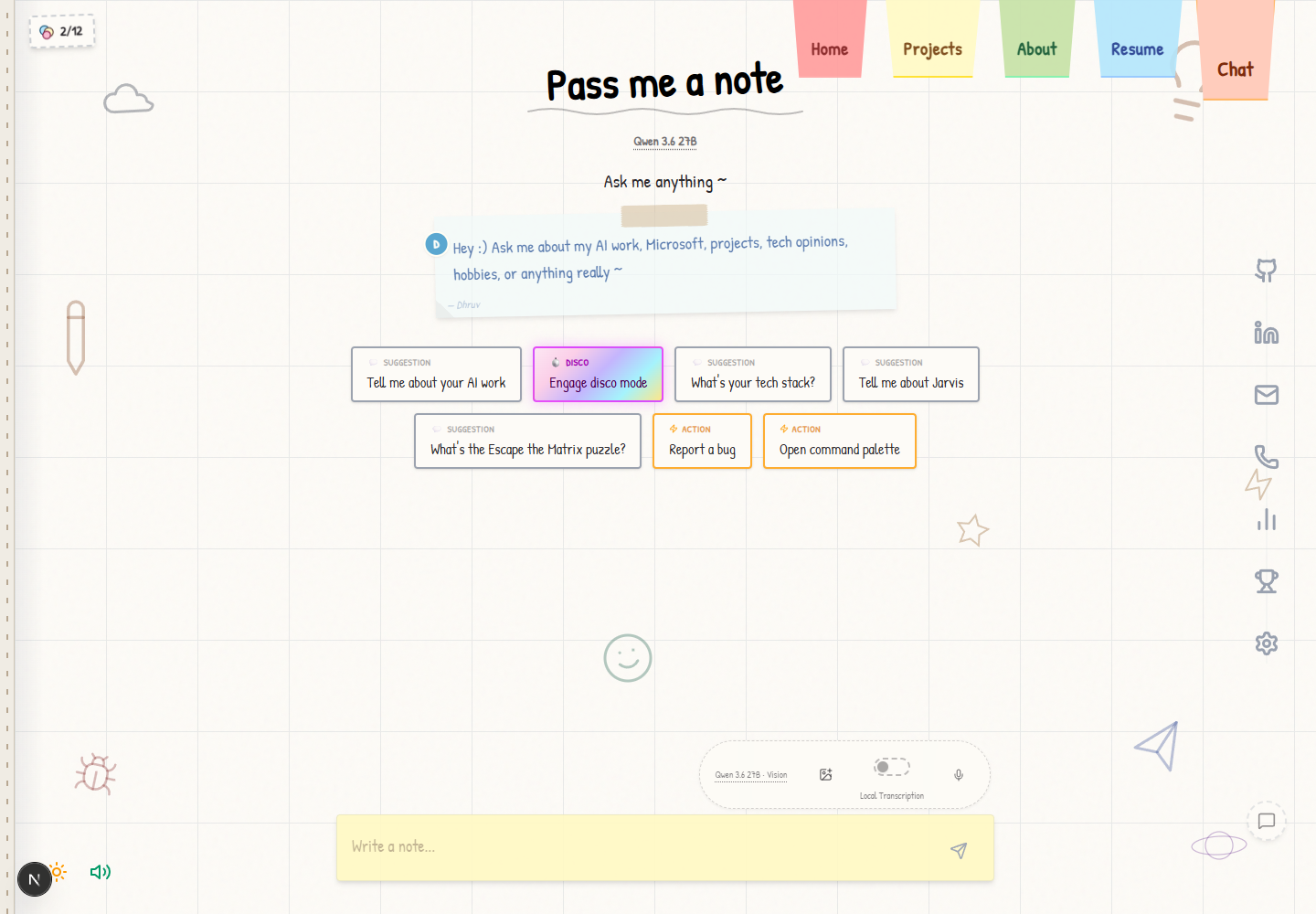 |
| Projects | Stickers |
|---|---|
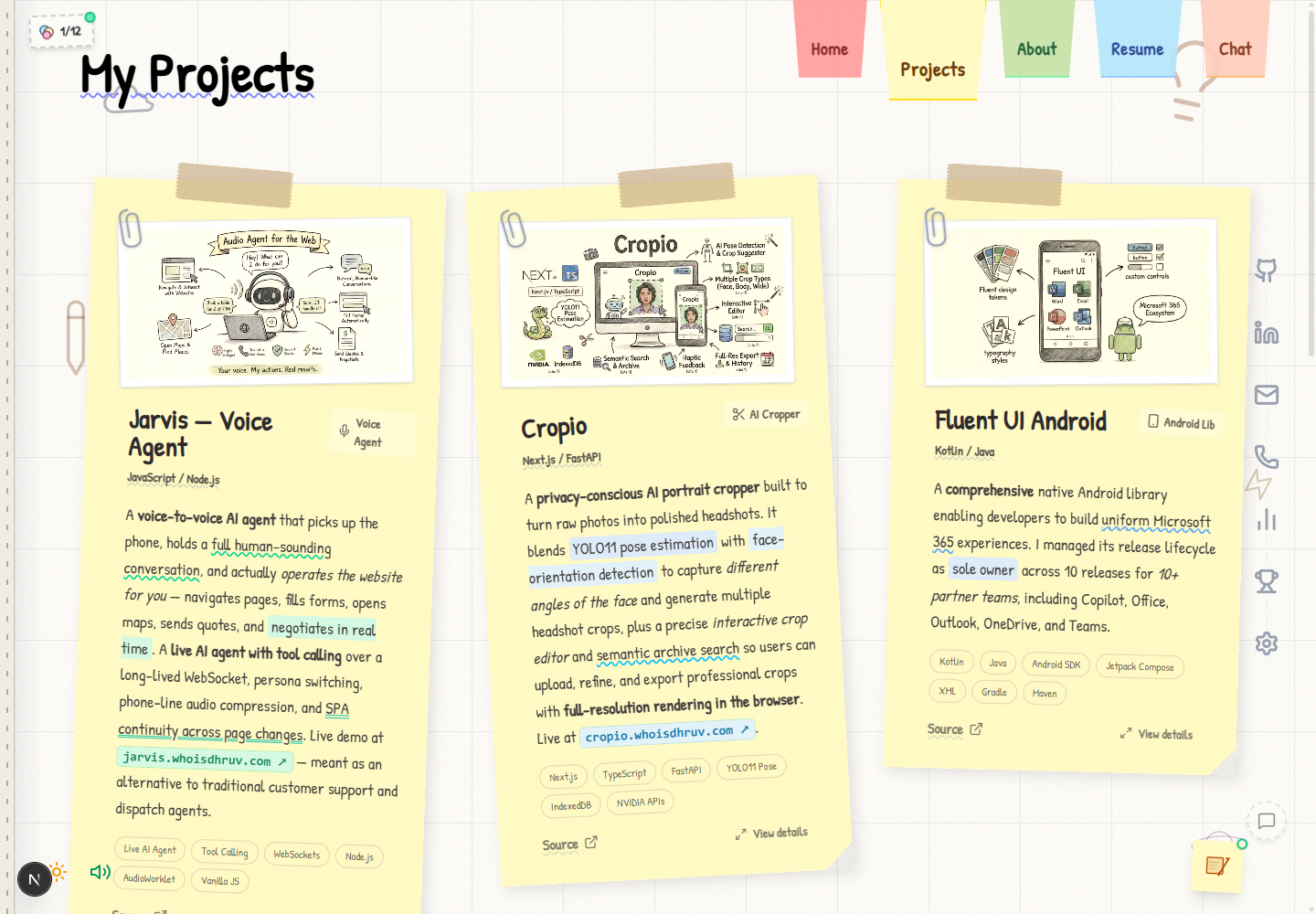 |
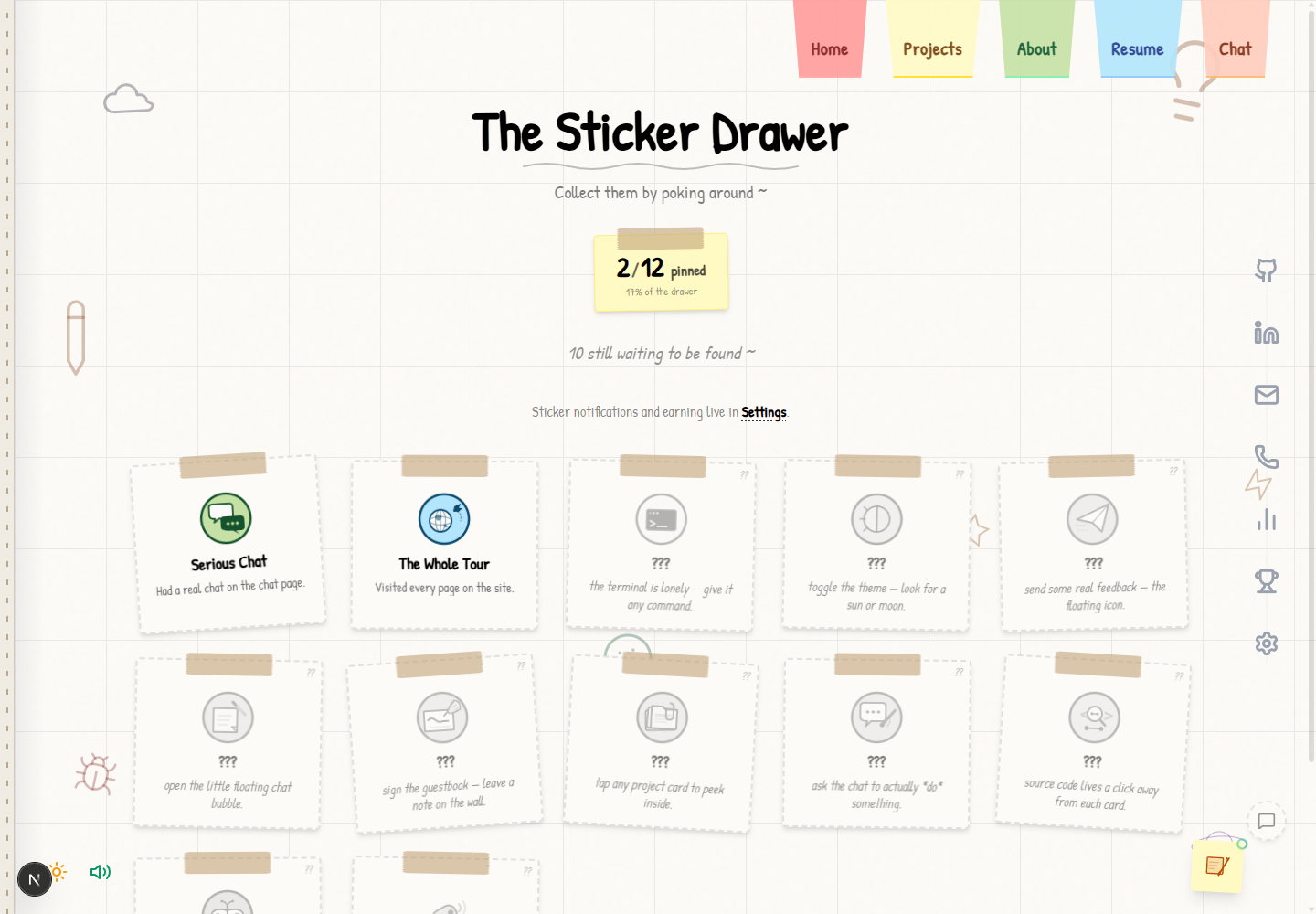 |
| Settings | Guestbook |
|---|---|
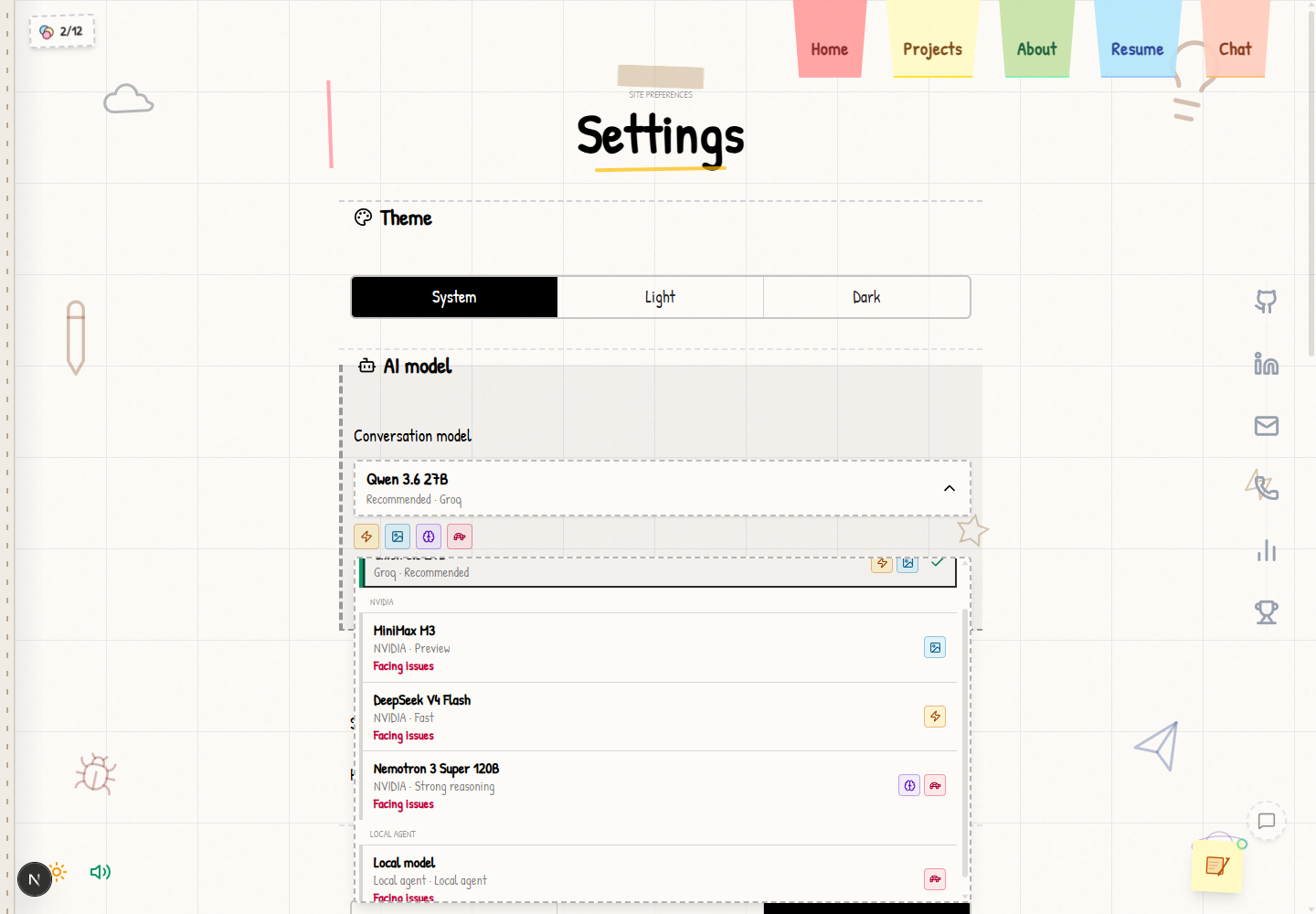 |
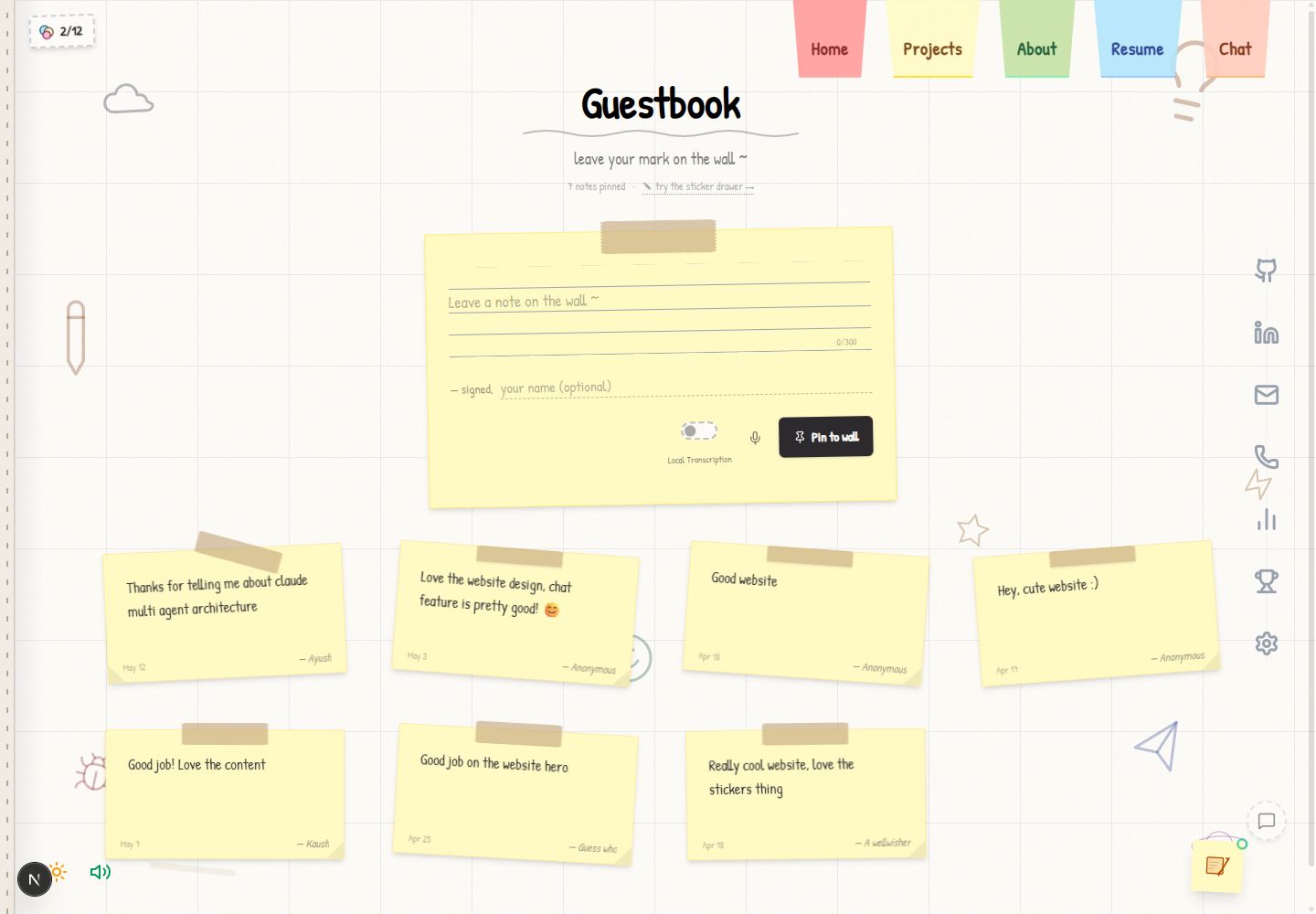 |
Experience
- Sketchbook UI: responsive themes, terminal navigation, page turns, command palette, sound, and hidden interactions.
- Grounded chat: a local Markdown corpus and committed embeddings shape server-built context; credentials remain server-side.
- Exact model selection: five allowlisted choices: Groq Qwen 3.6 27B, three NVIDIA models, and an optional text-only local agent. Images appear only for vision-capable models, and a provider failure returns a local fallback without changing the selected model.
- Voice and workflows: browser-native or local Whisper input, Pocket TTS with device-speech fallback, plus guestbook, feedback, stickers, and validated chat actions.
For the component, API, runtime, and delivery boundaries behind these surfaces, read the architecture HLD.
Some commands and interactions intentionally remain undocumented so the site keeps its discovery layer.
AI Chat
The chat boundary is deliberately narrow: model and provider IDs are server-allowlisted, provider keys never reach the browser, assistant history is signed before reuse, requests are origin-checked and rate-limited, and remote replies are sanitized before rendering.
Image attachments are request-scoped and never persisted to local storage. Before upload, the browser:
- Accepts JPEG, PNG, or WebP files up to 10 MB.
- Corrects browser decoding and renders onto a high-quality canvas.
- Downscales the longest edge to at most 1280 px.
- Encodes JPEG at a quality floor of 0.60, progressively reducing dimensions until the image is at most 128 KiB.
This keeps enough detail for screenshots and visual questions while reducing base64 overhead, provider latency, and request-size failures. When a selected provider is unavailable, the route returns the local static fallback rather than silently switching models.
Models
| Runtime | Model | Capability |
|---|---|---|
| Groq | Qwen 3.6 27B | Recommended, fast, vision |
| NVIDIA | MiniMax M3 | Preview, vision; non-commercial use only |
| NVIDIA | DeepSeek V4 Flash | Fast |
| NVIDIA | Nemotron 3 Super 120B | Reasoning |
| Local agent | Optional configured model | Text-only; healthy backend name shown when available |
The picker reads a short-lived, same-origin status snapshot. It can flag configured-unavailable models, display deployment-canary models, and replace the local-agent label with its healthy backend model name. A failed request marks that model as having issues for the current tab; it never causes a silent model switch.
Chat Actions
The LLM is not given arbitrary browser or operating-system access. Recognized requests resolve through a deterministic, validated action layer with six tool families:
| Tool | Allowed result |
|---|---|
| Navigate | Open home, about, projects, resume, chat, guestbook, stickers, or settings |
| Project | Open one of the nine allowlisted project detail modals |
| Open link | Open approved profile, contact, resume, project source, demo, or research links |
| Appearance | Switch light/dark theme or enter/exit disco mode |
| Feedback | Open the feedback note |
| Command palette | Open the site's command palette |
Action chips and contextual follow-up suggestions cover the same allowlist, so suggested actions cannot grant capabilities beyond those the router already validates.
High-Level Design
flowchart LR
	Browser[Browser] --> Edge[Cloudflare edge]
	Edge --> Nginx[Nginx on Linux VMs]
	Nginx --> App[Next.js standalone app]
	App --> Pages[App Router pages]
	App --> Chat[Chat API]
	Chat --> Facts[Markdown facts and embeddings]
	Chat --> Models[Groq, NVIDIA, or local model]
	App --> TTS[Pocket TTS gateway]
	App --> GitHub[Guestbook and feedback]
	Browser --> Whisper[Browser Whisper worker]
flowchart LR
	Dev[dev/lkg] --> CI[Checks and multi-architecture image]
	CI --> Stage[deployed/staging]
	Stage --> Approval[Production approval]
	Approval --> Prod[deployed/production]
	Prod --> Fleet[Linux VM fleet]
	Fleet --> Status[Model status API]
	Status --> Picker[Model picker]
Deploy health checks validate each VM, release SHA, and TTS synthesis before activation. A runner-only Cloudflare bot challenge is warning-only after those VM-local checks pass; other public-edge non-200 responses fail the deployment.
Stack
- Next.js 16 App Router, React 19, and strict TypeScript 5
- Tailwind CSS 4, Framer Motion 12, and Lucide icons
- Groq SDK plus OpenAI-compatible NVIDIA and optional legacy providers
- Transformers.js for local transcription and Pocket TTS 2.1 for server speech
- Vitest 4 and ESLint 9
- Dockerized standalone output on Linux VMs behind Cloudflare and Nginx
Local Development
Requirements: Node.js 22 or newer and npm 10.9.8.
git clone https://github.com/Dhruv-Mishra/dhruvwebsite.git
cd dhruvwebsite/portfolio
npm install
npm run dev
Open http://localhost:3000. The committed embedding bundle supports local builds without provider credentials; online chat, GitHub workflows, and custom speech require their corresponding server-side configuration.
| Command | Purpose |
|---|---|
npm run dev |
Start the development server |
npm run build |
Generate embeddings when configured and build standalone output |
npm run start |
Run the production server locally |
npm run lint |
Run ESLint |
npm run typecheck |
Run the TypeScript compiler without emitting files |
npm test |
Run the Vitest suite |
Configuration, container setup, Pocket TTS requirements, and deployment contracts are documented in portfolio/README.md.
Repository
portfolio/app/              pages, public routes, and API handlers
portfolio/components/       sketchbook UI and interactive surfaces
portfolio/content/facts/    retrieval corpus for grounded chat
portfolio/context/          React providers
portfolio/hooks/            client controllers and persistence
portfolio/lib/              models, actions, integrations, and tests
portfolio/public/           fonts, media, sounds, and static assets
portfolio/scripts/          build, smoke-test, and deployment tooling
docs/screenshots/           curated GitHub screenshots
Deployment
Development is promoted through environment branches:
dev/lkg -> deployed/staging -> deployed/production
deployed/stagingdeploys Docker images to staging.whoisdhruv.com.deployed/productiondeploys to whoisdhruv.com after the production environment gate.- Each environment has separate signing, access, provider, and speech credentials.
- Deploy workflows validate VM identity, image architecture, runtime health, TTS synthesis, and deployed SHA before retaining a rollback release. A runner-only Cloudflare bot challenge is warning-only only after VM-local checks pass; other public-edge non-200 responses remain fatal.
Cloudflare provides the public edge; Nginx routes traffic to the standalone Next.js service on the VM fleet. The complete operational contract lives in portfolio/README.md.
Contributing
Start with AGENTS.md, then read the nearest directory-level guide before editing. Preserve the runtime Markdown routes, retrieval corpus, hidden discovery layer, theme support, accessibility, and mobile behavior. Run lint, type checking, and relevant Vitest coverage before opening a pull request.
No comments yet
Be the first to share your take.