
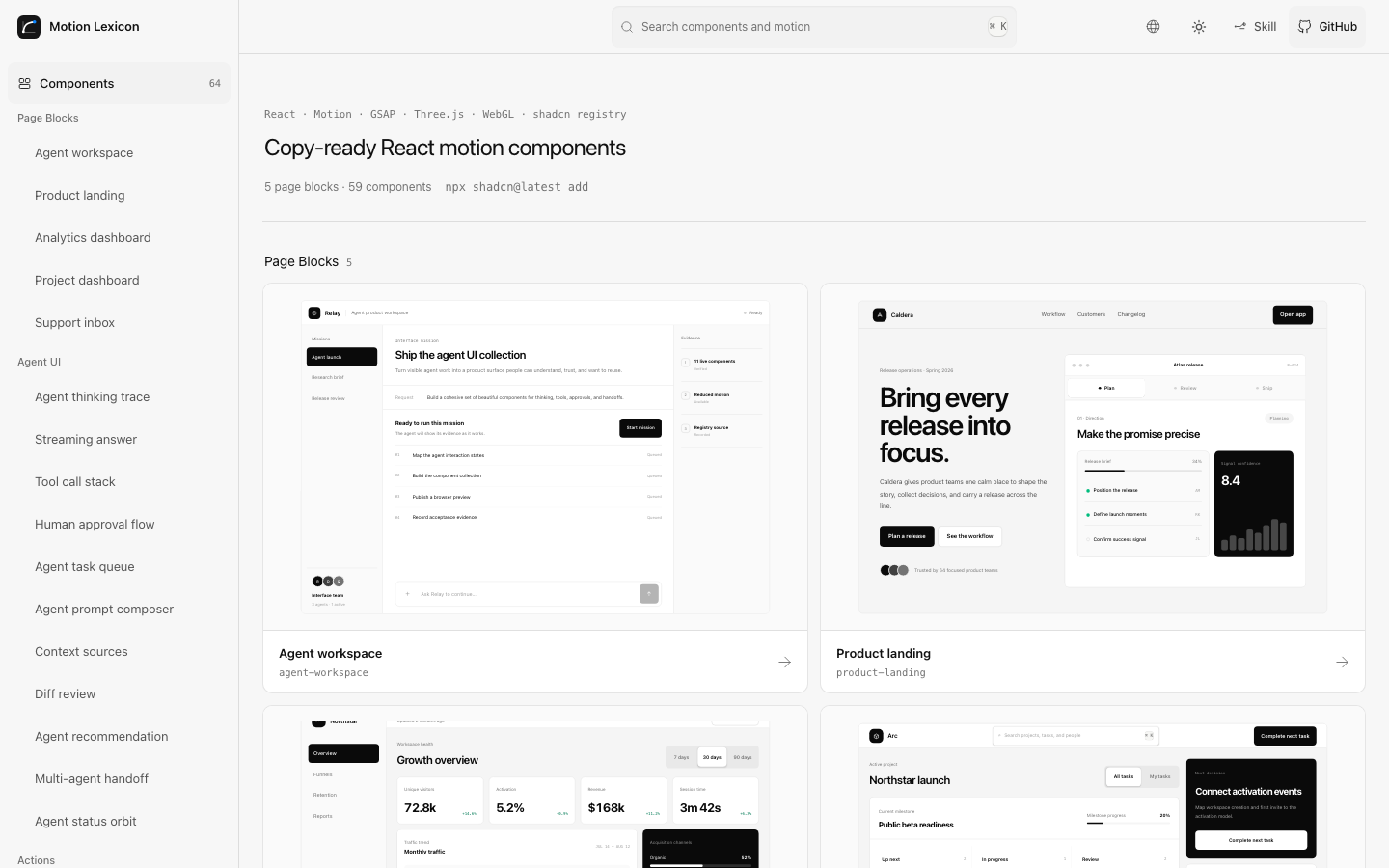
Start from the level you need
| Collection | Use it for | Output |
|---|---|---|
| Page Blocks | A complete product page you can preview at desktop, tablet, and mobile sizes | One self-contained TypeScript page through the shadcn registry |
| Components | A polished product interaction you can place into a React app | One self-contained TypeScript file through the shadcn registry |
| Primitives | A precise behavior, timing curve, or motion rule | Live React + Motion preview, tunable props, source, and registry install |
| Agent Skill | Complete page construction and motion decisions inside an agent workflow | A page plan, published component composition, production implementation, and acceptance evidence |
Components and Primitives are parallel collections. A component can combine several primitives; each component page links back to the underlying motion decisions.
V5 gives the website shell, all five Page Blocks, the Agent UI collection, and the post-launch component set one zero-chroma light and dark design system.
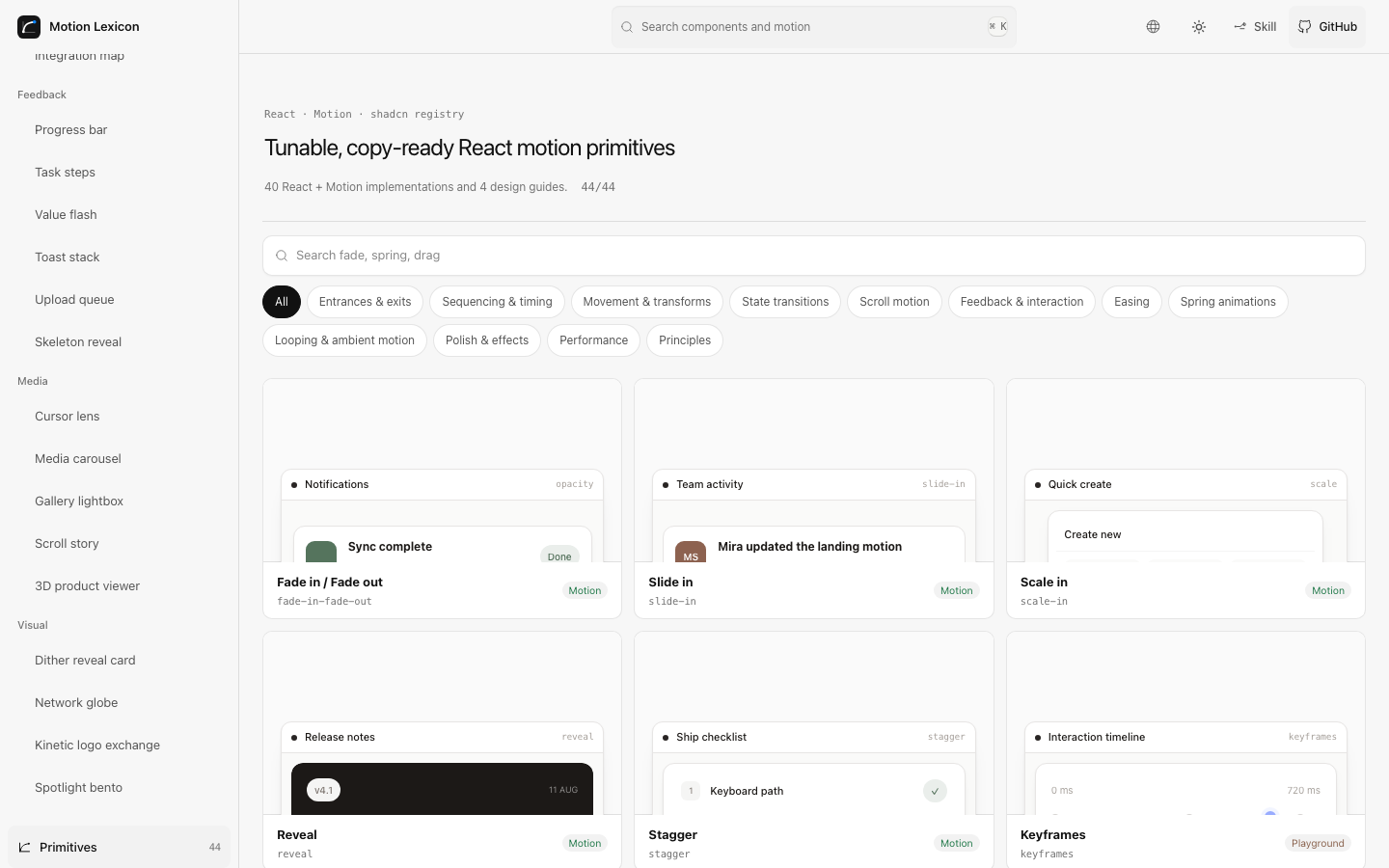
Install page blocks, components, and primitives
Every preview demo imports the same Primitive implementation published by the source view and registry response. There is no generated source-string layer.
npx shadcn@latest add https://motion-lexicon.pages.dev/r/product-landing.json
npx shadcn@latest add https://motion-lexicon.pages.dev/r/agent-workspace.json
npx shadcn@latest add https://motion-lexicon.pages.dev/r/agent-thinking-trace.json
npx shadcn@latest add https://motion-lexicon.pages.dev/r/copy-button.json
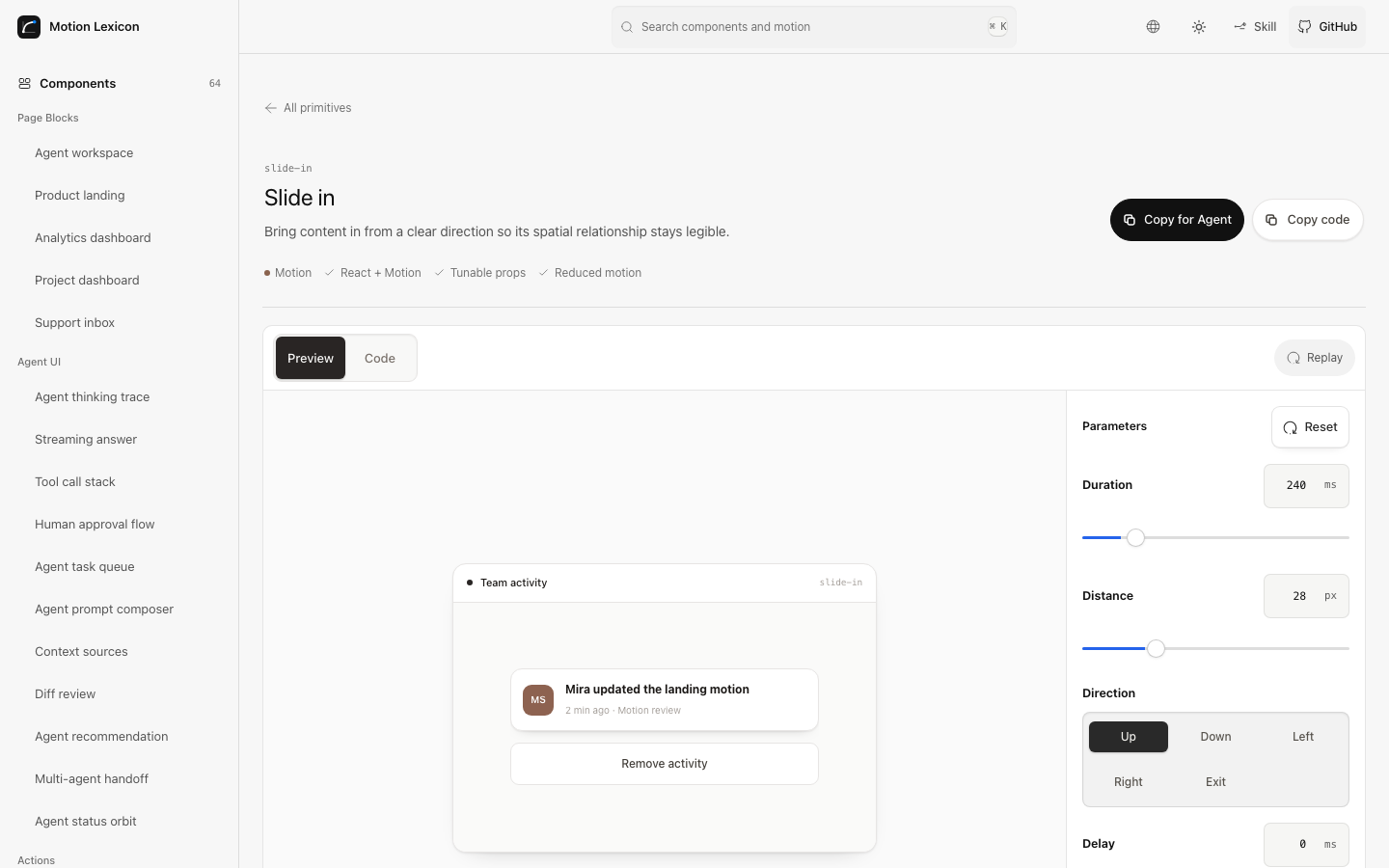
npx shadcn@latest add https://motion-lexicon.pages.dev/r/primitive-slide-in.json
Add the project registry once to components.json for shorter commands:
{
  "registries": {
    "@motion-lexicon": "https://motion-lexicon.pages.dev/r/{name}.json"
  }
}
npx shadcn@latest add @motion-lexicon/product-landing
The registry includes 5 complete page blocks and 59 product, agent, and website components spanning Motion, GSAP, Three.js, native WebGL, SVG, and CSS, plus 40 executable motion primitives. Four editorial primitives remain design guides. Every installable item includes TypeScript types, real dependencies, and a reduced-motion path.
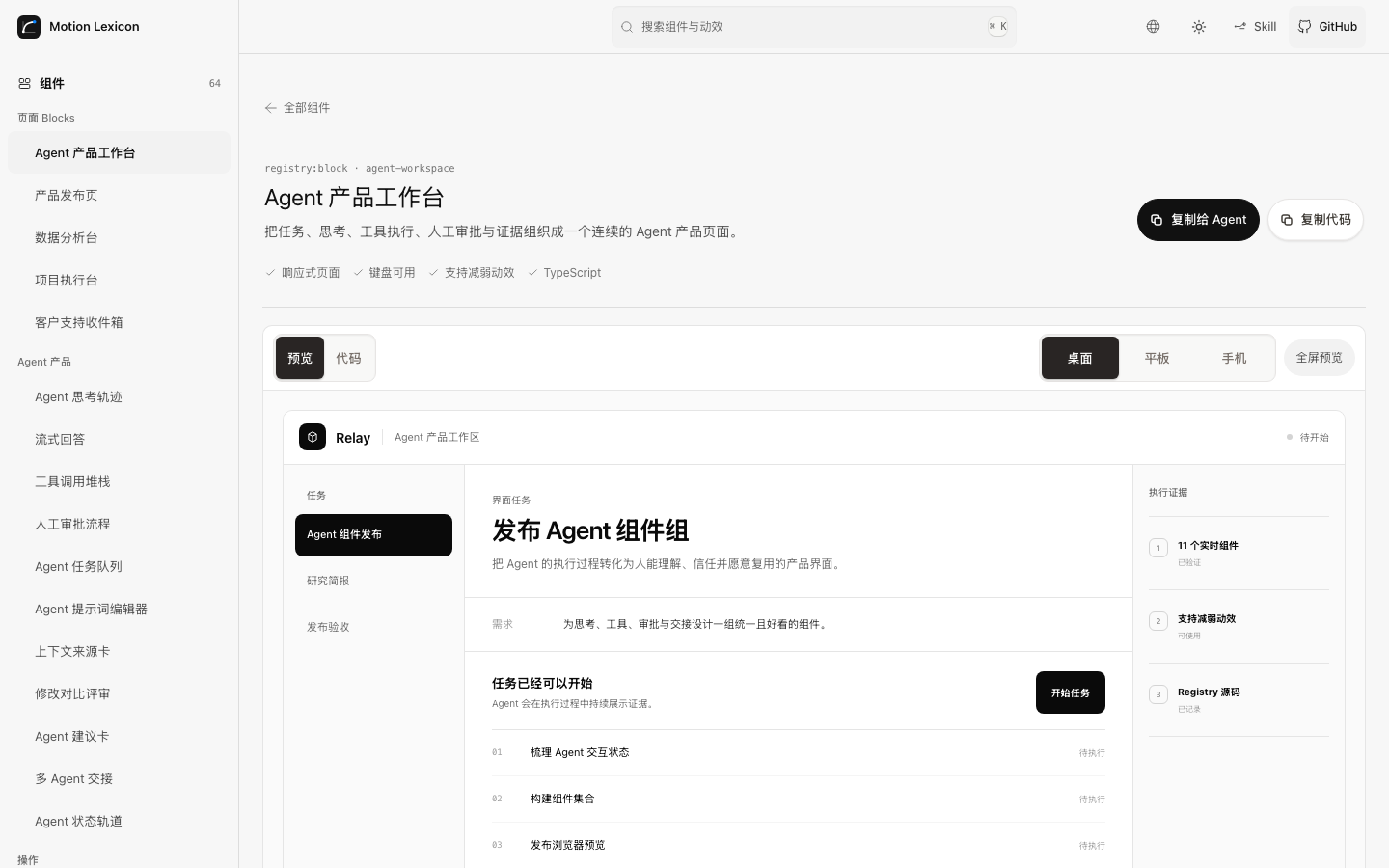
The Agent UI collection covers thinking traces, streaming answers, tool calls, approval, task queues, prompt composition, context sources, diff review, recommendations, multi-agent handoff, and agent status. Every detail page also offers a Copy for Agent brief with the preview URL, source URL, integration requirements, and acceptance criteria.
Agent Skill
# Install for the current project
npx skills add Ryan-yang125/motion-lexicon --skill motion-lexicon

# Install at user scope
npx skills add Ryan-yang125/motion-lexicon --skill motion-lexicon --global

# Install only for Codex; replace codex with another supported agent ID when needed
npx skills add Ryan-yang125/motion-lexicon --skill motion-lexicon --agent codex
Verify project installs with npx skills list and user-scope installs with
npx skills list --global. Project installs are linked under the selected
agent's project Skill directory; user-scope installs are available across
projects for the selected agent.
The Skill works in six modes:
- Build Page from a product job, exact Registry components, and a compact page plan.
- Recommend a fitting primitive or component for a product event.
- Compose several behaviors into a complete product interaction.
- Implement React, HTML, CSS, or JavaScript.
- Review rhythm, continuity, interruption, performance, and accessibility.
- Contribute a real product request back as a library candidate.
Project structure
src/registry/blocks/      React page block source of truth
src/registry/block-demos/ Live page block previews
src/registry/components/  React component source of truth
src/registry/demos/       Live product demos
src/registry/primitives/        40 independent React + Motion primitives
src/registry/primitive-demos/   40 real product demos using those primitives
src/registry/primitive-preview-map.tsx  Lazy demo registry
src/data/                 Component, primitive, guide, and SEO content
skills/motion-lexicon/    Agent Skill and motion references
scripts/                  Registry, prerender, SEO, and quality checks
Motion Lexicon is a static React + TypeScript application. npm run build
generates the app, bilingual prerendered pages, sitemap, public data, and the
shadcn-compatible registry under /r/.
npm ci
npm run dev
npm run build
Quality gates
npm run lint
npm run typecheck
npm run test
npm run i18n:check
npm run vocabulary:check
npm run motion-grammar:check
npm run skill:check
npm run artifacts:check
npm run seo:check
npm run motion:check
npm run a11y:check
npm run build
npm run bundle:check
npm run crawl:dist
npm run test:visual
License and attribution
- Application and component code: MIT
- Project-authored content: CC BY 4.0
- Interior-derived interaction work: MIT attribution
The component collection builds on interaction principles and MIT-licensed implementations from Interior.
No comments yet
Be the first to share your take.