
✦ Luminite
AI-Native Immersive Knowledge Workspace
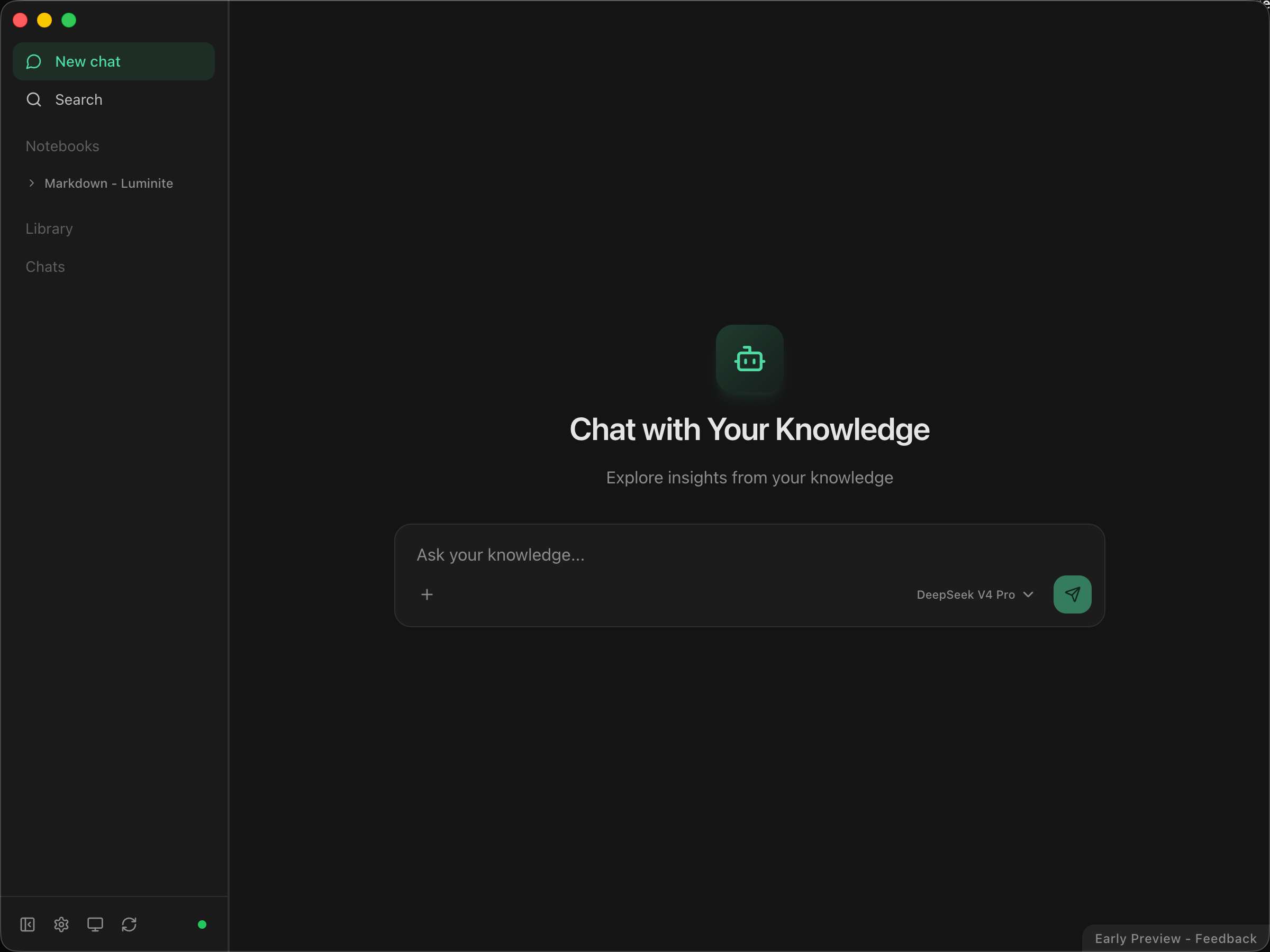
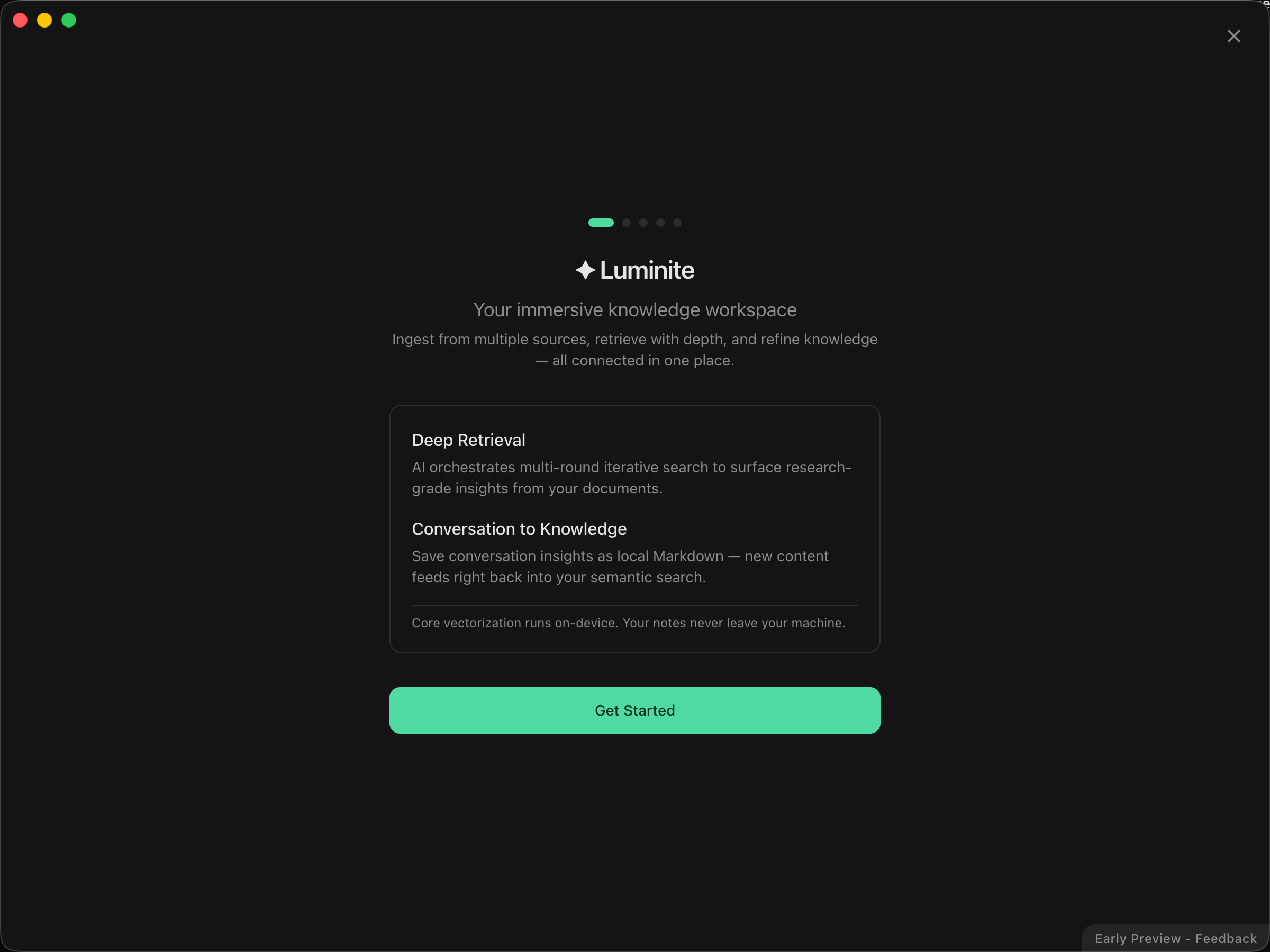
A closed-loop system that seamlessly connects multi-source data ingestion, intelligent retrieval orchestration, and knowledge processing & accumulation. Build a dedicated digital brain on your local machine — one that responds instantly and thinks deeply.
 |
 |
|---|
🤔 What Problems Does It Solve?
🔀 Information Fragmentation
Knowledge scatters across cloud platforms and local drives. Piecing together a project's full picture forces constant app-switching, severely breaking your flow state.
💤 Dormant Local Data
PDFs, Word docs, PPTs, and historical files pile up on your machine. These "dead data" lack an activation mechanism — never surfaced when you actually need them.
✂️ Tool Fragmentation
"Reading materials," "querying AI," and "writing new content" live in separate apps. New content can't seamlessly complement your existing knowledge base.
🕳️ Shallow Retrieval Limits
Complex questions spanning multiple documents need depth — not surface-level stitching. You need multi-round deep investigation that fills implicit context automatically.
🚀 Core Features
🤖 Agentic RAG — Iterative Retrieval Based on ReAct
LLM as core orchestrator. Breaks free from single-retrieval pipelines — autonomously selects tools, reads full documents, performs multi-round reasoning with supplementary retrieval. Delivers panoramic, well-substantiated research conclusions.
🏠 Local-First — Data Sovereignty Returns to You
Vectorization, on-device embedding inference, and semantic indexing all run locally. Files reside in plaintext on local storage. Physical-level isolation for sensitive data — zero cloud privacy leakage.
📝 Markdown as First-Class Citizen — Zero Lock-in
All data stored as standard Markdown with Frontmatter metadata. Long-term readability, cross-system portability, no vendor dependency.
🔑 Out-of-the-Box & BYOK
Preset APIs ready to go. Bring Your Own Key supported. Switch between model providers in real time based on task workloads.
🌐 Cross-Domain Data Source Aggregation
Native integration with Notion, Feishu, Apple Notes, and 6+ external knowledge domains. Multi-modal high-fidelity parsing (DDU) with silent incremental sync. Breaks down information silos across SaaS platforms.
🔄 Knowledge Flow Closed Loop
One-click persistence of conversation insights into local Markdown docs. Ephemeral interactions → sustainable knowledge production. New content immediately feeds back into your semantic network.
🔍 Transparent Reasoning, Auditable Sources
Real-time streaming of reasoning logic and Function Call chains. Every claim hard-linked to precise source jump links. Strips the AI black box — full verifiability.
🔌 MCP (Model Context Protocol) Support
Expose as a standard MCP Server via HTTP streaming. Extends Luminite from standalone app into a system-level context module — external tools can invoke your local knowledge network directly.
🧲 Multi-Level Hybrid Retrieval & Implicit Association
Semantic search + keyword full-text search + hybrid retrieval, combined with entity recognition at ingestion. Discovers non-intuitive associative structures between isolated concepts.
💬 Conversation Lifecycle & Multimodal Interaction
Dynamic branch management, context truncation, node tracing, partial re-rendering. Image attachments and long-text injection. Precise fine-tuning control over the LLM context window.
⚙️ Async Scheduling Engine & Eventual Consistency
FSM-based filesystem debounce engine + multi-stage pipelines + periodic orphan reconciliation. Strong consistency across retrieval indices, local DB, and file layers under high-frequency concurrent R/W.
🧩 Targeted Chunking & Interface Degradation
Customized extraction per data source (e.g., Notion block-level API adaptation). Six-level recursive semantic slicing preserves document context coherence and section topology.
🚀 Quick Start
1. Download & Install
- Visit the official website to download the latest version for macOS.
- Drag
Luminite.appinto your Applications folder.
2. Initial Setup
- Launch Luminite and complete the onboarding guide.
- Configure your LLM provider (use preset APIs or bring your own key).
- Connect data sources — local folders, Notion, Feishu, Apple Notes, etc.
3. Start Using
- Ask questions: Open the conversation panel and query across all your connected knowledge.
- Ingest documents: Drop PDFs, Markdown, Word, or PPT files into Luminite — they'll be indexed automatically.
- Save insights: One-click persist any conversation insight back into your local knowledge base.
4. MCP Integration (Optional)
Enable the built-in MCP Server to let external AI tools (e.g., Claude, Cursor) access your local knowledge network directly.
No comments yet
Be the first to share your take.