
LEJ Output Fixer
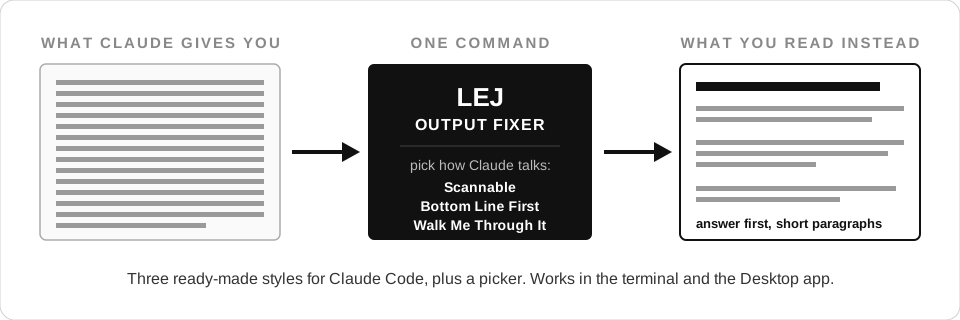
Make Claude readable again. Three ready-made output styles for Claude Code, plus a picker command. Works in the terminal and the Desktop app.

Install it in under a minute
Paste this to your Claude (terminal or Desktop, doesn't matter):
Install the lej-output-fixer plugin for me:
1. Run: claude plugin marketplace add justfinethanku/LEJ-output-fixer
2. Run: claude plugin install lej-output-fixer@lej
Then start a fresh session, run /lej-output-fixer:style, and help me pick a style.
That's the whole install. Claude runs the two commands, you pick a style from a menu, done.
Rather type it yourself? Same two commands:
claude plugin marketplace add justfinethanku/LEJ-output-fixer
claude plugin install lej-output-fixer@lej
Why this exists
You ask Claude a question. You get back a wall of text... dense, jargon-packed, zero paragraph breaks. You read it twice and you're still not sure what the actual answer was.

Here's the thing: Claude Code already ships with a fix. It's called an output style, and it swaps out the part of Claude's instructions that controls tone and formatting. Not a suggestion layered on top... a real replacement, built into the product.
But the menu for it lives three levels deep in the terminal, and the Desktop app doesn't show it at all. A feature nobody can find is a feature nobody uses.
So this plugin puts a door on it. Three styles that fix the actual complaints, and one command that lets you switch, turn them off, or build your own.
The three styles
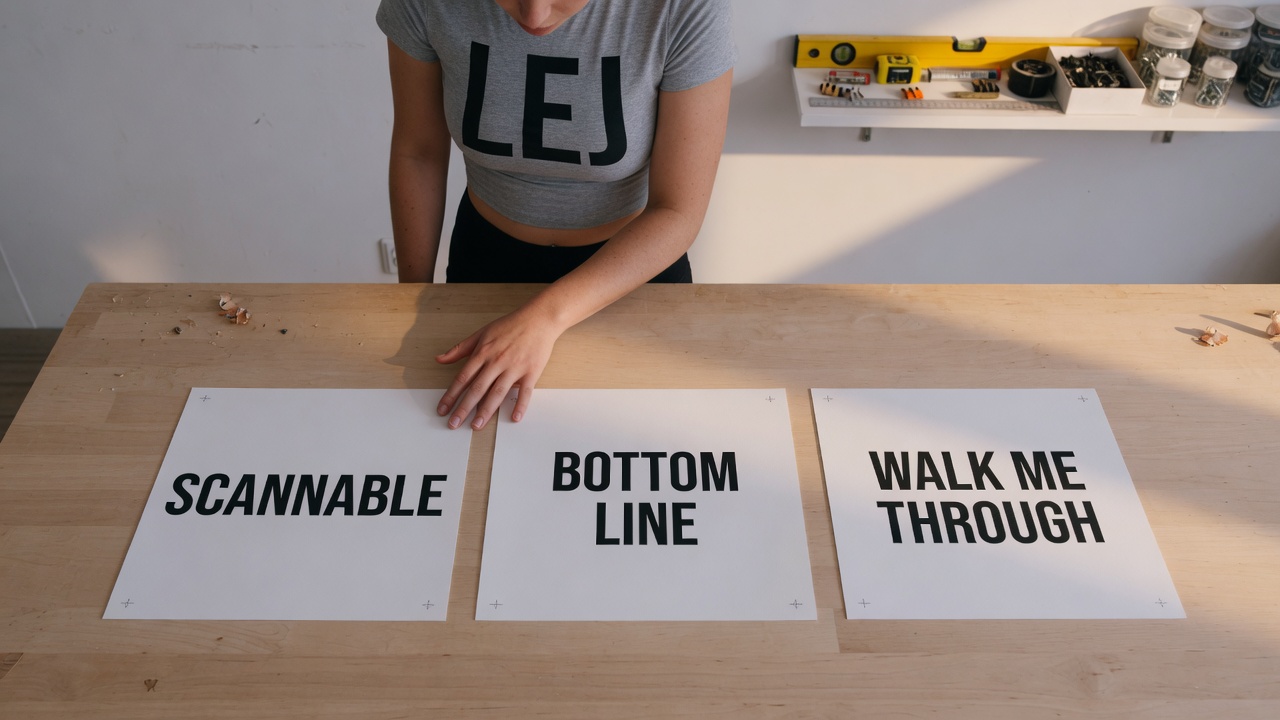
Scannable: Answer first, short paragraphs, 8th-grade reading level, jargon spelled out. For when you're smart but busy and Claude keeps handing you homework.
Bottom Line First: Executive brief mode. The verdict up top, then only the details that would change a decision. Numbers over adjectives.
Walk Me Through It: Claude does the work at full quality but narrates it: says what it's about to do, defines every term, explains what happened in plain cause-and-effect. For when the territory is new to you.
All three keep Claude Code's coding instructions fully intact. They change how Claude talks, never how well it codes.
Using it
Run:
/lej-output-fixer:style
You get a menu: the three styles above, any styles you've made yourself, No output style to go back to stock Claude, and Create new preset.
Pick one and it's active everywhere Claude Code runs for you. Switching and un-switching is the same command again.
Build your own style
Pick Create new preset from the menu and Claude interviews you: what should it be called, how formal, how long-winded, what formatting you want, what habits drive you nuts. It writes the style file to your own ~/.claude/output-styles/ folder and offers to turn it on.
Your custom styles belong to you, not to this plugin. Updates and uninstalls never touch them.
Good to know
- Nothing activates on install. The plugin never touches your settings until you pick a style from the menu yourself.
- One setting, nothing else. Picking a style writes one field (
outputStyle) to your Claude settings. Turning styles off removes that field. That's the entire footprint. - New sessions pick up changes. If a style switch doesn't kick in mid-session, start a fresh session and it's there.
- Uninstall:
claude plugin uninstall lej-output-fixerputs everything back the way it was. Custom styles you created stay yours.
Credit
Built by Jonathan Edwards. The styles exist because good answers you can't read aren't good answers.
MIT licensed. Take it, fork it, make your own presets.
No comments yet
Be the first to share your take.