
dear-hiring-manager
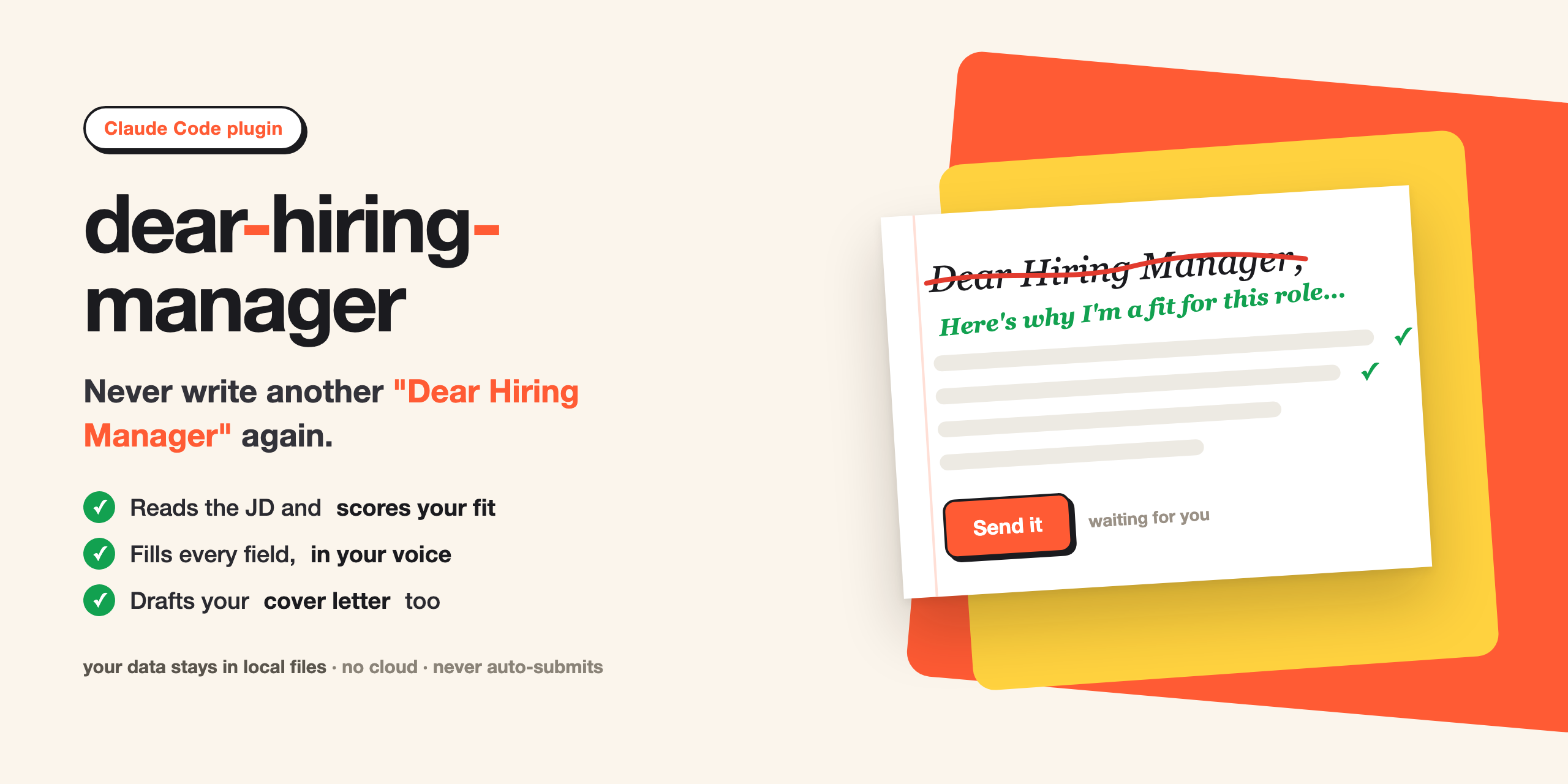
Fills your job applications so you never have to write another 'Dear Hiring Manager.'
It reads the job description, scores how well you fit, fills every field from your saved profile, and drafts open-ended answers and a cover letter in your own voice. When the form is ready it parks the tab and leaves the final send to you.
Runs as a Claude Code plugin. Your data stays in local files. No account, no cloud, no extra API keys (Apify is optional).
Install
- Add the marketplace, then install the plugin:
That pulls straight from GitHub, no clone needed. (For local development instead, point the first command at your checkout path:/plugin marketplace add extrasmall0/dear-hiring-manager /plugin install dear-hiring-manager@dhm/plugin marketplace add /path/to/dear-hiring-manager.) - Restart Claude Code so the bundled Playwright browser loads. Approve it when asked.
Commands are namespaced: /dear-hiring-manager:<command>.
Set up your profile (once)
/dear-hiring-manager:onboard
It interviews you and registers your resume. It asks for your identity and contact, your LinkedIn,
GitHub and portfolio links, your home address, work authorization, EEO answers, the standard screening
questions, your desired job titles, target level, years of experience, salary expectation, and a
minimum fit score. Everything lands in ~/.dear-hiring-manager/profile.md, which you can open and edit
by hand anytime.
Apply to one job
/dear-hiring-manager:apply <job-url>
It opens the posting and scores your fit first. If the job clears your minimum fit score, it fills the form. Anything it is unsure about it flags in red. It stops at the Submit button. You fix the flagged items and send.
Apply to many at once
Put job URLs in ~/.dear-hiring-manager/urls.txt, one per line, then:
/dear-hiring-manager:batch
Each job opens in its own tab. It runs unattended, so you can walk away. It fills the clean postings and parks them at Submit, and it marks anything that needs you, like a login wall, an email verification, or a CAPTCHA, as blocked without pausing. Come back and review the parked and blocked tabs in one pass.
Fill urls.txt
urls.txt is the only input batch needs. Fill it however you like:
- By hand: paste job URLs into
~/.dear-hiring-manager/urls.txt. - With Apify:
/dear-hiring-manager:apify-collectruns your Apify job scraper and appends fresh URLs. PutAPIFY_TOKENandAPIFY_ACTORin~/.dear-hiring-manager/.envfirst. That file is gitignored and never leaves your machine.
Prefer direct application links (Greenhouse, Lever, Ashby, Workday) over LinkedIn or Indeed pages. The filler works best landing straight on the real form.
Other commands
/dear-hiring-manager:boardshows your pipeline grouped by status, with a response rate and what needs your attention./dear-hiring-manager:cover-letter <url>writes a tailored cover letter on its own.
Your data (all local, plain files)
~/.dear-hiring-manager/
  profile.md        who you are, work auth, EEO, screening answers, job targets
  answers.md        a growing memory of how you answered past questions
  applications.md   the tracker, one row per job
  urls.txt          the job list for batch
  resume.*          your registered resume
  .env              your Apify token, optional, gitignored
What it will not do
- It never clicks Submit. You own the last click.
- It never solves or evades a CAPTCHA. It stops and hands it to you.
- It never fills a legal or EEO answer you did not confirm.
- It never invents a claim that is not in your resume.
Roadmap
Today it runs inside Claude Code. You start a job or a batch, it fills, you submit. The next step is an unattended daemon that watches for new postings and fills them around the clock, so you only show up to review and send. That part is not built yet.
No comments yet
Be the first to share your take.