
CrewLoop



CrewLoop is a documentation-first framework of role-based AI skills. Each skill is a self-contained SKILL.md instruction set that agents load and follow, enforcing a structured workflow across discovery, planning, design, implementation, review, and shipping.
Highlights
- Process-driven workflow: CrewLoop Plan, CrewLoop Design, CrewLoop Code, CrewLoop Review, CrewLoop Ship, and
crewloop:docseach own one phase and never invade another's territory. - Mandatory specs: Every change, from a one-line fix to a full feature, gets a single-file feature spec in
specs/features/<domain>/before implementation starts. - Design before code: When there is UI, CrewLoop Design defines the aesthetic direction before CrewLoop Code writes markup or styles.
- Docs by crewloop:docs: READMEs, module docs, and changelogs are owned by the
crewloop:docsskill socrewloop:codecan focus on code and tests. - Quality gate: The Reviewer inspects every diff for spec compliance, security, performance, and AI artifacts before anything reaches the repository.
- Conventional Commits: The Shipper generates commit messages, branches, archives specs, and opens PRs following the Conventional Commits standard.
Quick Start
Install the CLI globally and load the full crew:
npm install -g @archznn/crewloop-cli
crewloop install
Install only the skills you need:
crewloop install --skill crewloop:plan --skill crewloop:code
Install to a custom directory or for another supported agent:
crewloop install --target /path/to/your/skills/dir
crewloop install --agent claude
Validate that all skills are well-formed:
python scripts/validate-skills.py
Each skill is automatically detected and activated according to the conversation context.
CLI Reference & Options
The crewloop CLI provides commands to manage skills and integrate them with your AI coding agents.
Commands
| Command | Description |
|---|---|
crewloop install |
Installs the CrewLoop skills to your local environment. |
crewloop list |
Lists all installed skills and active hooks. |
crewloop dashboard |
Launches the real-time WebSocket dashboard. |
Global Flags for crewloop install
| Flag | Description |
|---|---|
--symlink |
Symbolically link skills instead of copying them (ideal for development). |
--force |
Overwrite existing skill configurations or hooks without asking. |
--dry-run |
Output the installation steps without modifying any files. |
--agent <name> |
Configure hooks for a specific agent (e.g., kimi, claude, codex, agy). |
--target <path> |
Specify a custom destination path for the skills. |
--skill <name> |
Install only a specific skill (can be specified multiple times). Use the crewloop:<slug> name. |
Real-time Activity Dashboard
The dashboard provides a real-time WebSocket visualization of active skills, tool-use events, and execution logs.
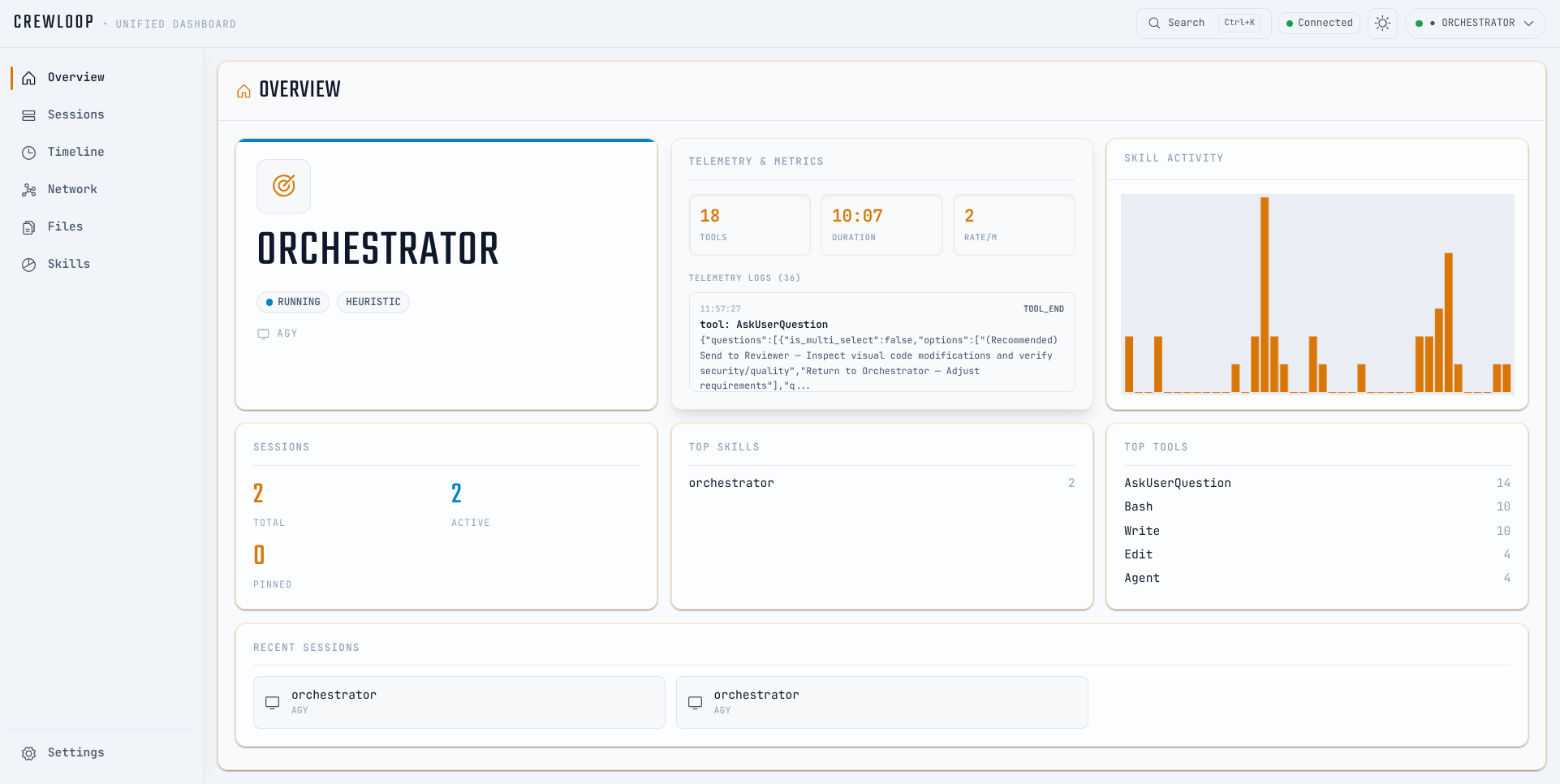
By default, the dashboard binds to http://127.0.0.1:7890. You can change this port by setting the CREWLOOP_DASHBOARD_PORT environment variable.
Running the Dashboard
You can start the dashboard using the CLI:
crewloop dashboard
Alternatively, you can run it from the source:
cd servers/dashboard
npm install
npm run dev
Keyboard Shortcuts
Cmd/Ctrl + K: Opens the command palette to search events, switch sessions, or manage active skills.
Supported Agents & Hooks
CrewLoop supports native shimming/hooking for the following AI agents:
- Kimi Code (
kimi) - Claude (
claude) - Codex (
codex) - AGY (
agy) - OpenCode (
opencode)
During crewloop install, the installer modifies the configuration or custom scripts of the selected agent. This shims their execution, allowing tool execution events (such as read/write file, run command, etc.) to be forwarded to the local dashboard WebSocket.
Meet the Crew
CrewLoop ships 7 specialist skills. The core crew owns the main delivery loop; crewloop:docs and crewloop:code-review jump in when the context demands it.
Core Crew
| Skill | Phase | Responsibility |
|---|---|---|
| CrewLoop Plan | Discovery & Specs | Context gathering, spec creation, architecture, and routing |
| CrewLoop Design | Design | UI/UX aesthetic direction and design specs |
| CrewLoop Code | Build | Implementation, tests, and verification |
| CrewLoop Review | Review | Code review, quality gate, and security scan |
| CrewLoop Ship | Ship | Git commit, branch creation, push, and PR |
Supporting Crew
| Skill | Phase | Responsibility |
|---|---|---|
crewloop-docs |
Docs | Documentation, READMEs, and changelogs |
crewloop-code-review |
Audit | Whole-codebase audit and code-debt analysis |
Skills in Action
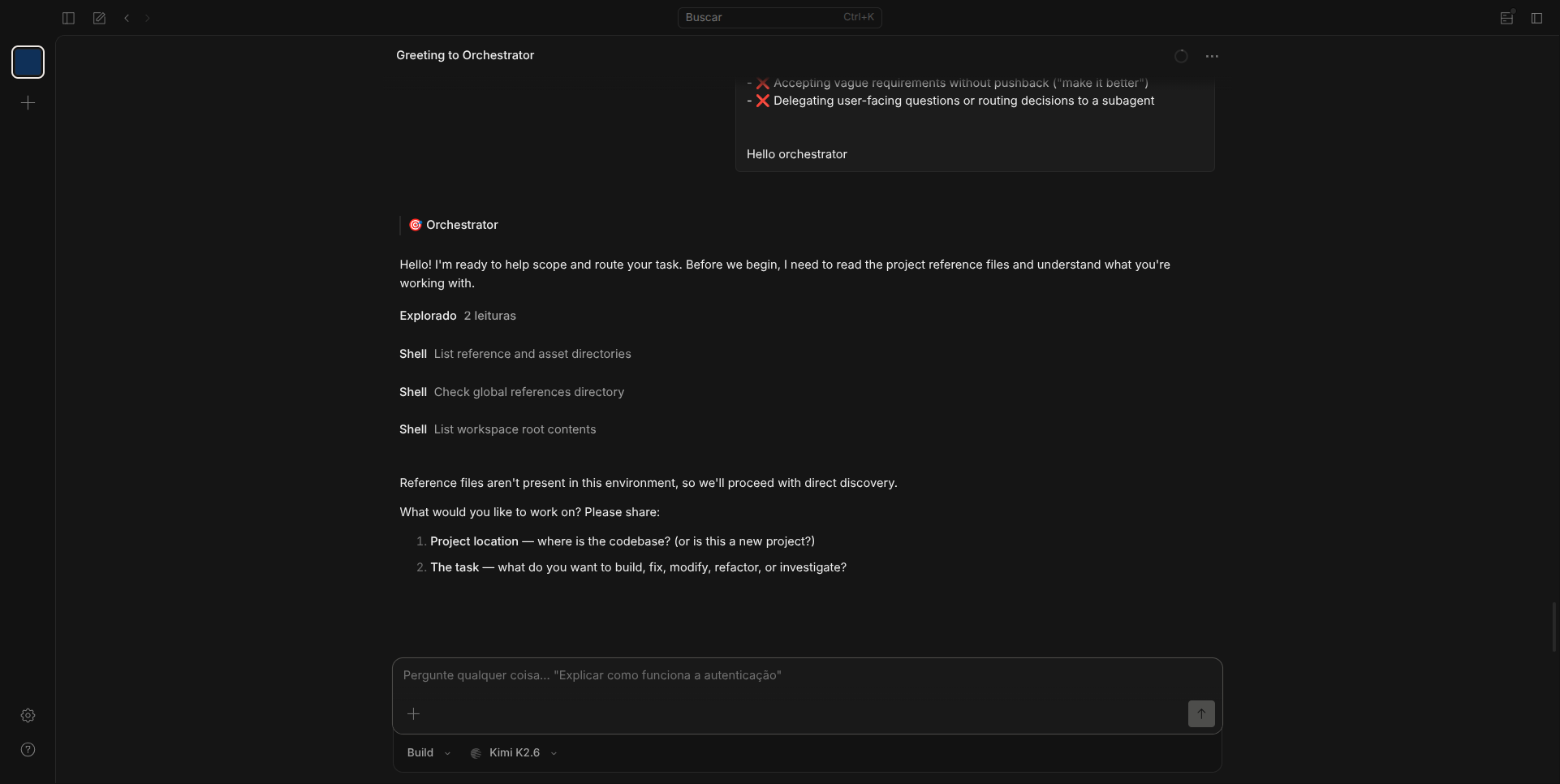
Workflow (Auto-Routing)
Skills hand off automatically to the next skill per the transition contract. The user can
interrupt the flow with explicit commands; crewloop:plan is the entry point for new tasks
and the AFK fallback router.
flowchart TD
    P["CrewLoop Plan\nDiscovery, Specs & Architecture"] --> D["CrewLoop Design\nUI/UX Direction"]
    P --> C["CrewLoop Code\nImplementation"]
    D --> C
    C --> R["CrewLoop Review\nQuality Gate"]
    R -->|PASS| S["CrewLoop Ship\nGit & PR"]
    R -->|FAIL| C
    S --> done

    DO["CrewLoop Docs\nDocumentation"] --> P
Flow rules:
[!IMPORTANT] Core Routing Rule: Skills route automatically to the next skill per the transition contract in
references/conventions.md.crewloop:planis the entry point for new tasks and the AFK fallback router.
crewloop:planis the entry point — every session starts here; it gathers context and creates a spec before any implementation.crewloop:planis mandatory before implementation — it never routes directly tocrewloop:designorcrewloop:codewithout first creating a spec.crewloop:planis the design gatekeeper — once the spec is created, it routes tocrewloop:design(for UI) orcrewloop:code(for code).crewloop:designacts beforecrewloop:code— when there is UI, the design skill creates the visual specification before the code skill implements.crewloop:codenever does git, review, or docs — it implements code and tests, then routes tocrewloop:reviewautomatically.crewloop:reviewis the quality gate — no code reaches the repository without review. PASS routes tocrewloop:ship; FAIL routes tocrewloop:code.crewloop:shipis the only skill that touches git — commit, branch, push, and PR. After shipping it routes todone.- Sub-skills assist core skills —
crewloop:docsreturns tocrewloop:planwhen done. - Feature specs are the source of truth — completed feature specs stay in
specs/features/;crewloop:shipmarks them completed, appends a chat-log, and updatesspecs/memory/project-state.md. Only dead or rejected proposals go tospecs/archive/. - AFK mode is Plan-driven — every skill returns control to
crewloop:plan, which loads the next skill without menus.
[!NOTE] Standard Developer Cycle Example:
CrewLoop Plan(Discovery & Specs) ->CrewLoop Code(Build & Tests) ->CrewLoop Review(Quality gate check) ->CrewLoop Ship(Git commit & PR) -> done.crewloop:planandcrewloop:designhand off automatically; interactive transitions only occur when the user interrupts the flow.
Repository Layout
crewloop/
├── skills/                # Role-based SKILL.md instructions
├── packages/cli/          # npm-published CLI installer
├── servers/dashboard/     # Real-time WebSocket dashboard
├── docs/                  # Documentation site (Vite + React + Tailwind)
├── references/            # Shared conventions and workflow reference
├── scripts/               # Validation and packaging helpers
└── specs/                 # Features (one spec = one task), RFCs, memory, shared refs, archive
Adding a New Skill
- Copy
assets/templates/skill-template.mdtoskills/crewloop-<slug>/SKILL.md. - Fill in the YAML frontmatter with
name: crewloop:<slug>and role instructions. - Add the skill to the README tables if it is user-facing.
- Run
python scripts/validate-skills.py. - Open a PR; the CrewLoop Review validates structure and the CrewLoop Ship archives the spec.
Releasing
Versions are published automatically from main:
- The Shipper bumps the version in
package.json(and workspace manifests) following semver. - Merging to
maintriggers.github/workflows/release-tag.yml, which creates avX.Y.Ztag. .github/workflows/publish-npm.ymlpublishes@archznn/crewloop-skillsto npm.
Manual releases are not required.
Contributing
Edit the files in skills/ and references/. Keep each SKILL.md concise and use reference files for shared detail. Run python scripts/validate-skills.py before opening a PR. For the full workflow, see references/workflow.md.
No comments yet
Be the first to share your take.