
Awesome MCP Clients 


A curated list of awesome Model Context Protocol (MCP) clients.
[!NOTE] For most up to date MCP client list, please refer to https://glama.ai/mcp/clients
What is MCP?
MCP is an open protocol that enables AI models to securely interact with local and remote resources through standardized server implementations. This list focuses on production-ready and experimental MCP clients that extend AI capabilities through file access, database connections, API integrations, and other contextual services.
Community
Clients
- Awesome MCP Clients
- What is MCP?
- Community
- Clients
- askit-mcp
- eechat
- 5ire
- Agent Bridge
- AgentOne
- AIaW
- Ano
- AstrBot
- Autohand Code CLI
- AnythingLLM
- BrowseWiz
- Canvas MCP Client
- CarrotAI
- Chainlit
- ChatMCP
- Cherry Studio
- Claude Desktop
- Claude Code Open
- ClaudeMind
- Cline
- console-chat-gpt
- ContextKit
- Copilot-MCP
- Cursor
- Continue
- DeepChat
- Dexto
- DocsGPT
- Dolphin-MCP
- Fastchat MCP
- Enola.dev
- FLUJO
- Goose
- Glue
- HyperChat
- JDBCX
- kibitz
- LangBot
- Klavis AI
- Kiro
- LibreChat
- Lutra
- mcp-agent
- LobeHub
- MCP Chatbot
- MCP CLI client
- MCPHost
- MCP Playground
- McPico
- MCP Simple Slackbot
- Memex
- MCPOmni Connect
- MCP SuperAssistant
- Nerve
- NextChat
- Octomind
- oterm
- Slack MCP Client
- Runbear
- Superinterface
- SeekChat
- Simple AI
- Tambo
- Taskade
- Tester MCP Client
- Tiles Notebook
- Tome
- Vercade
- VS Code GitHub Copilot
- Windsurf
- Witsy
- Enconvo
- y-cli
- Yume
- Zed
- MindPal
- WhatsMCP
- Runbear
- BoltAI
- Argo-LocalAI
- MCPCLIHost
- AdaL
- Agent-cli
- Zin MCP Client
- Qordinate
- PraisonAI
- Servers
OpenClaw
OpenClaw is a powerful open-source AI agent that connects to multiple messaging platforms (WhatsApp, Telegram, Discord) and supports Model Context Protocol (MCP) for tool integration. It features a robust plugin ecosystem and automated workflows.
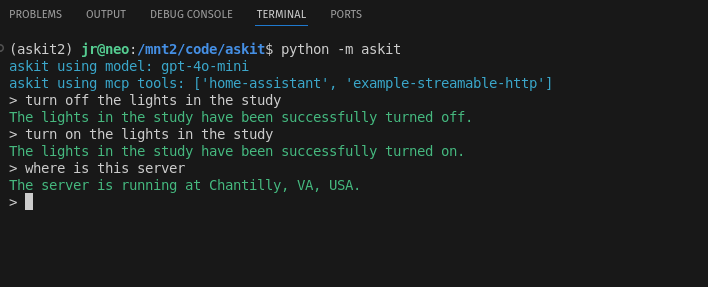
askit-mcp
askit-mcp is a flexible asyncio Python library and CLI tool that allows various LLM models to extend their abilities by invoking services from Model Context Protocol (MCP) servers and by calling locally-defined Python functions..
pip install git+https://github.com/johnrobinsn/askit.git
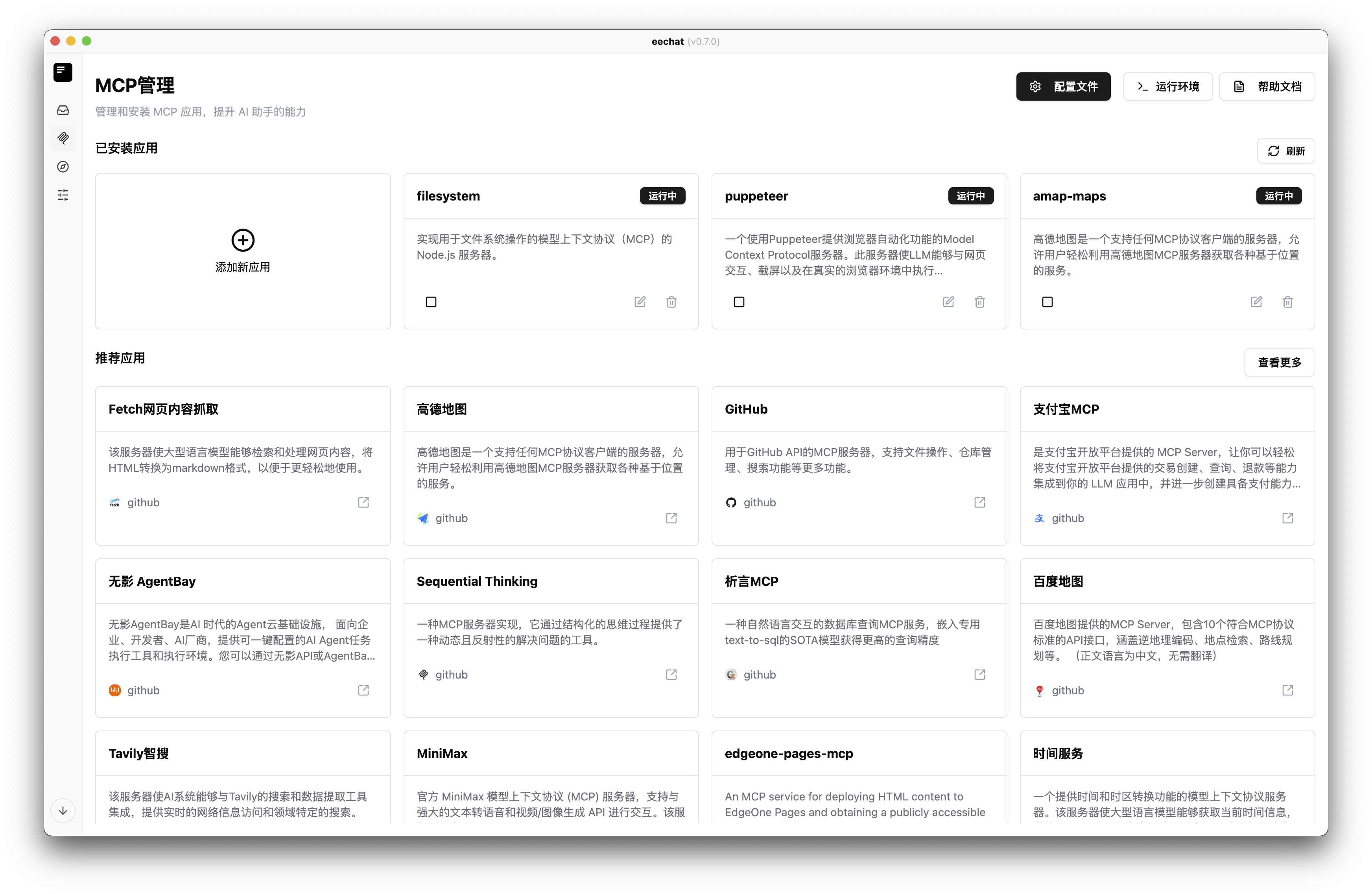
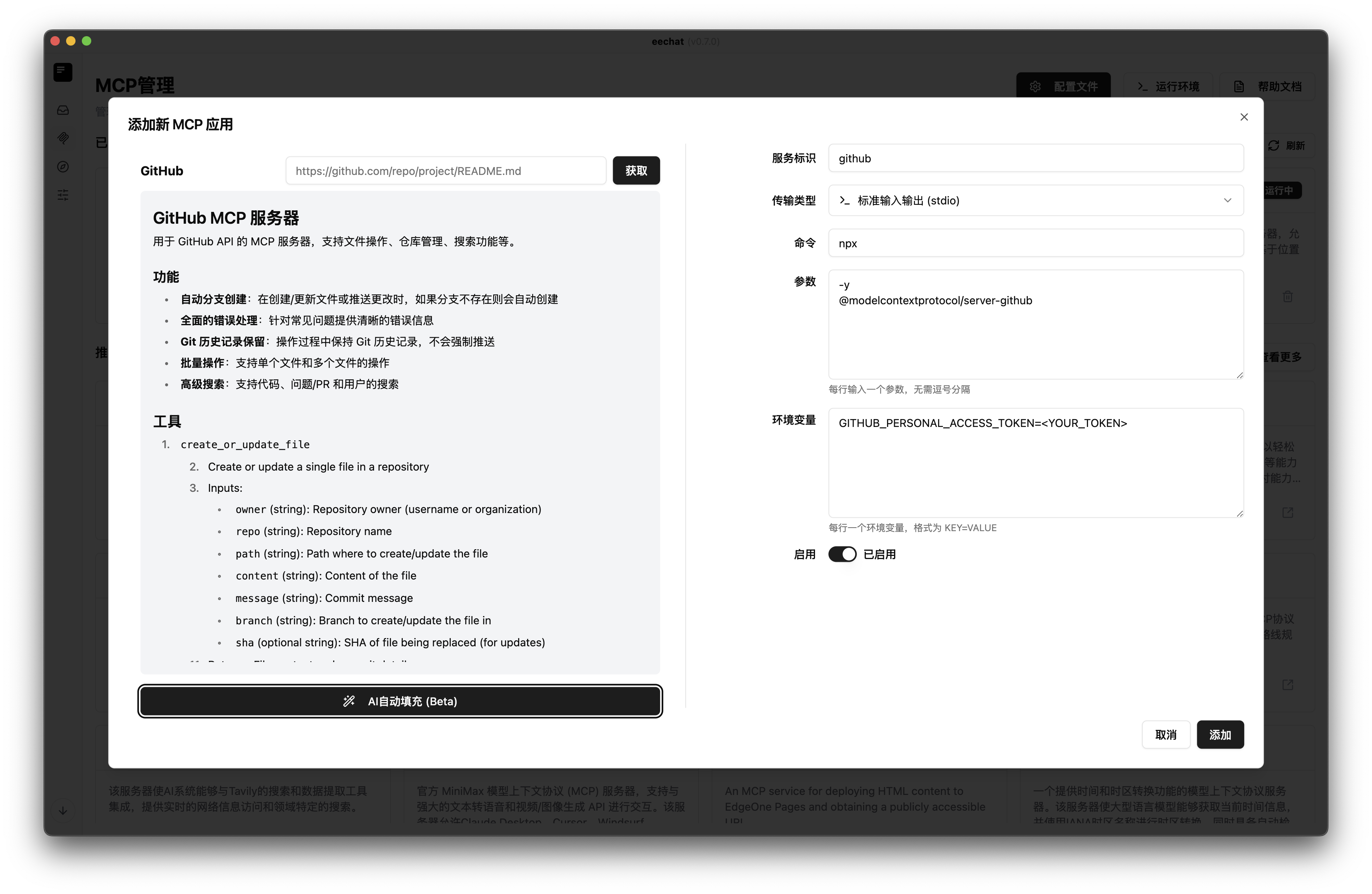
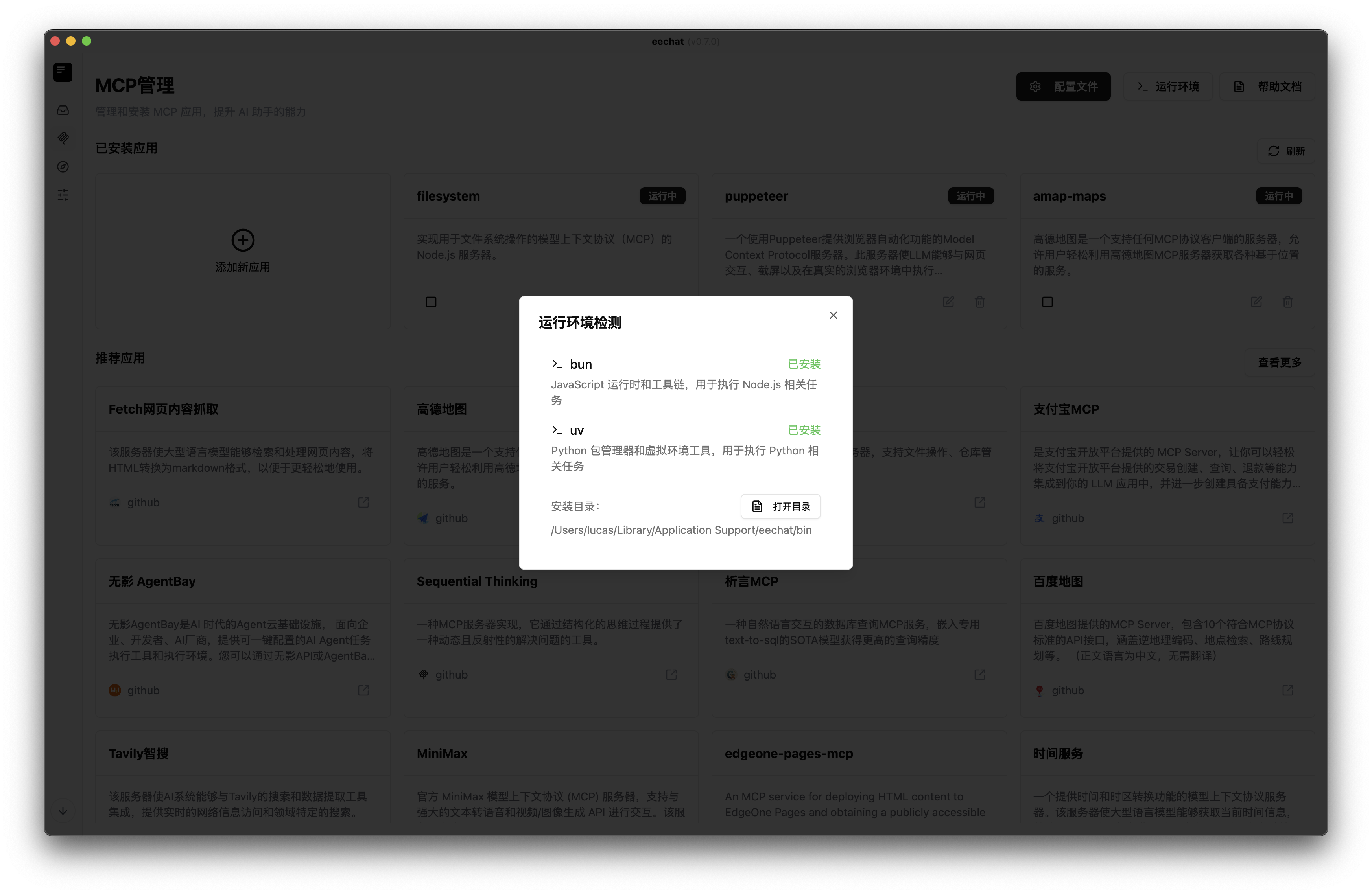
eechat
An open-source, cross-platform desktop application that seamlessly connects with full support for MCP, across Linux, macOS, and Windows.
5ire
5ire is a cross-platform desktop AI assistant, MCP client. It compatible with major service providers, supports local knowledge base and tools via model context protocol servers.
https://github.com/user-attachments/assets/a27494c5-437d-481c-a25f-74cfa5a2bc45
Agent Bridge
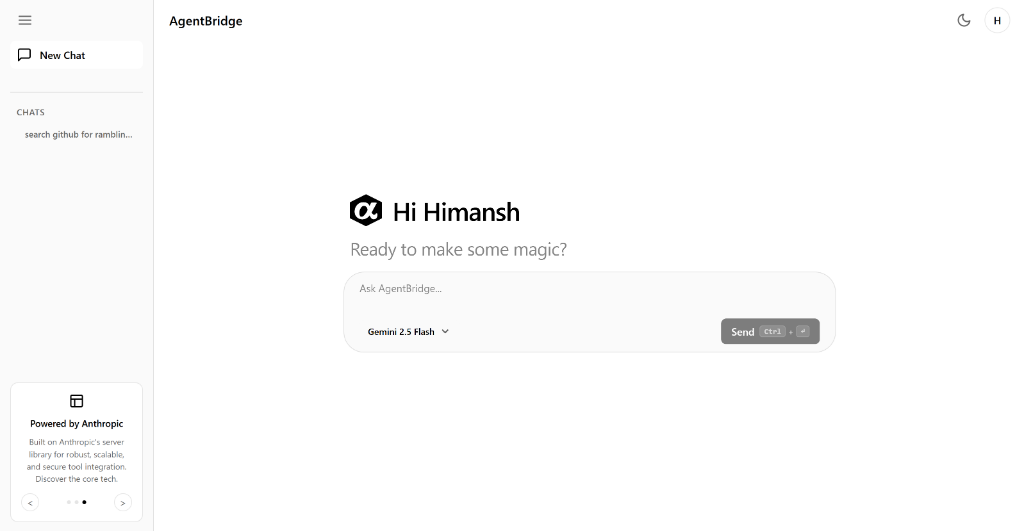
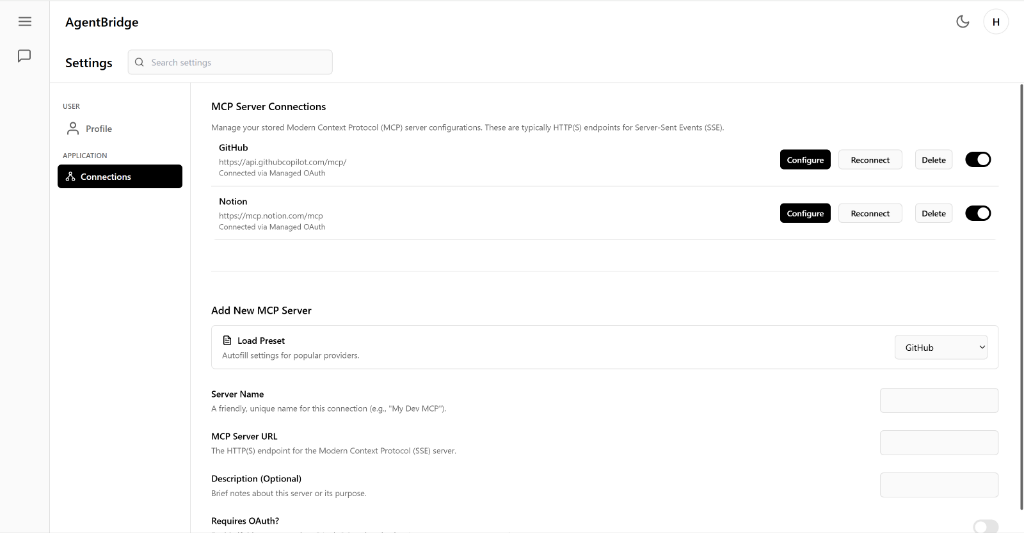
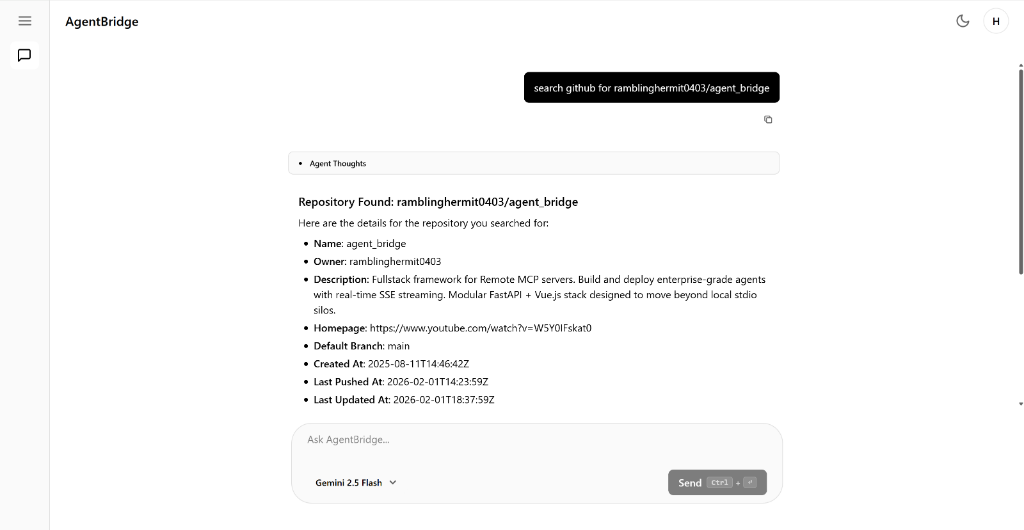
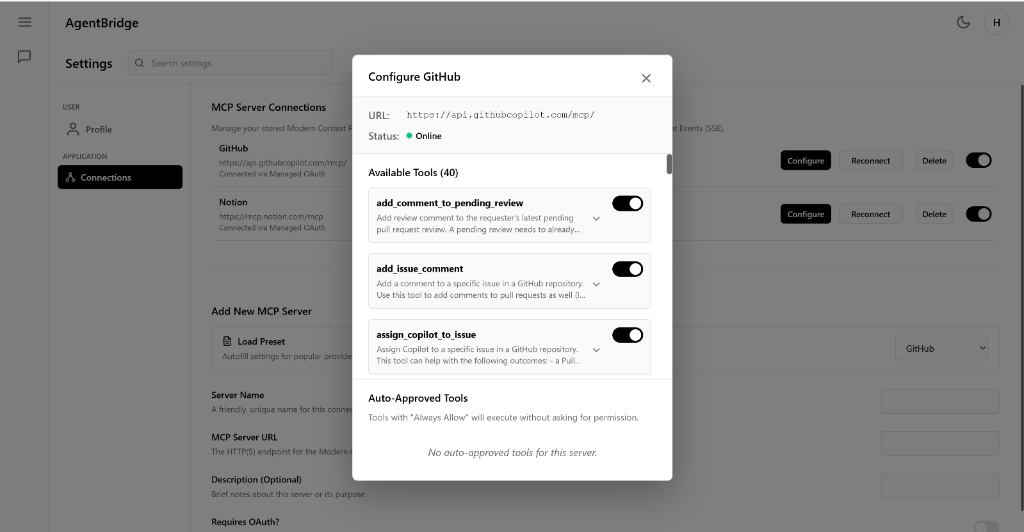
A deployable web-based agent platform for remote MCP servers featuring human-in-the-loop tool permissions, enabling intelligent automation.
Key Features:
- Web Client: Modern interface
- Remote MCP Servers: Connectivity
- Scalability/Enterprise: Ready for business use
- Human-in-the-loop: Security/oversight
- Tool Permissions: Granular control
AgentOne
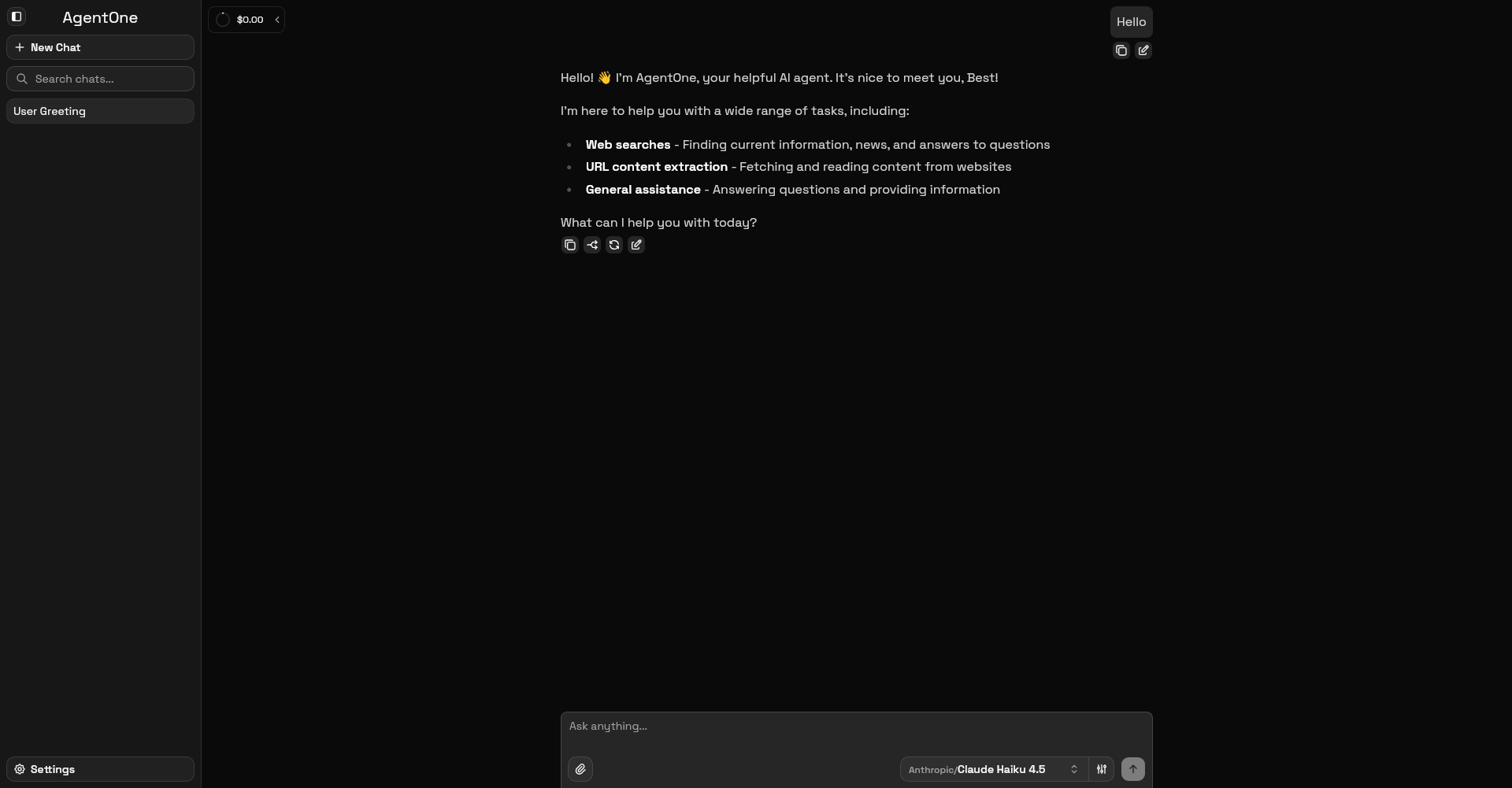
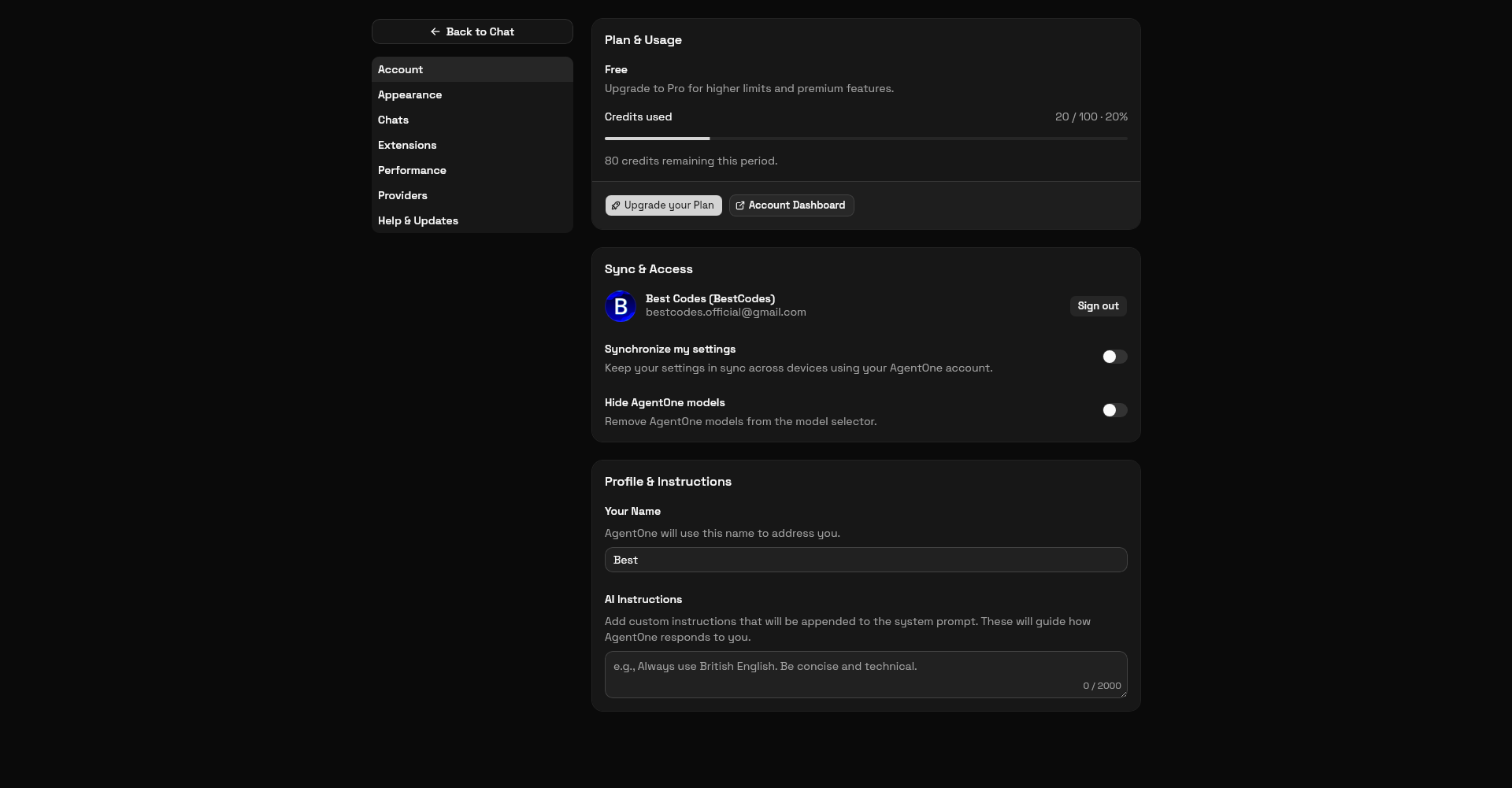
AgentOne is a fully-featured AI agent desktop app that takes a goal in plain language and carries it out end-to-end across your apps. It connects 600+ AI models from 20+ providers (OpenAI, Anthropic, Google, xAI, Mistral, Groq, Cerebras, and more) with 2,000+ extensions for apps like Gmail, Notion, Slack, GitHub, and Google Calendar, and supports user-added MCP servers for further extensibility. Multiple agents can run in parallel, your data stays on your device by default, and you can bring your own API keys with no markup.
Learn more on the website, docs, or blog. Get help on the forum.
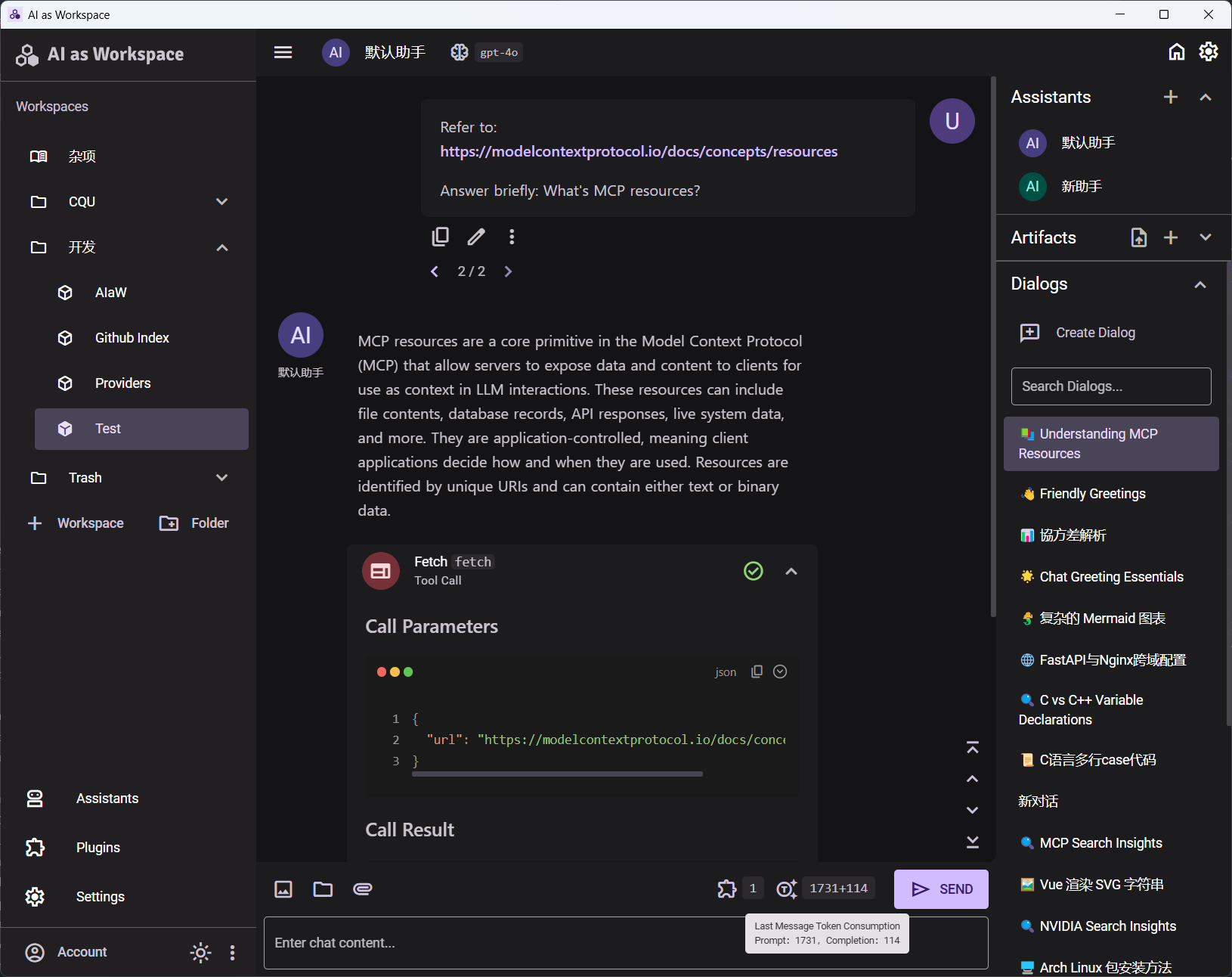
AIaW
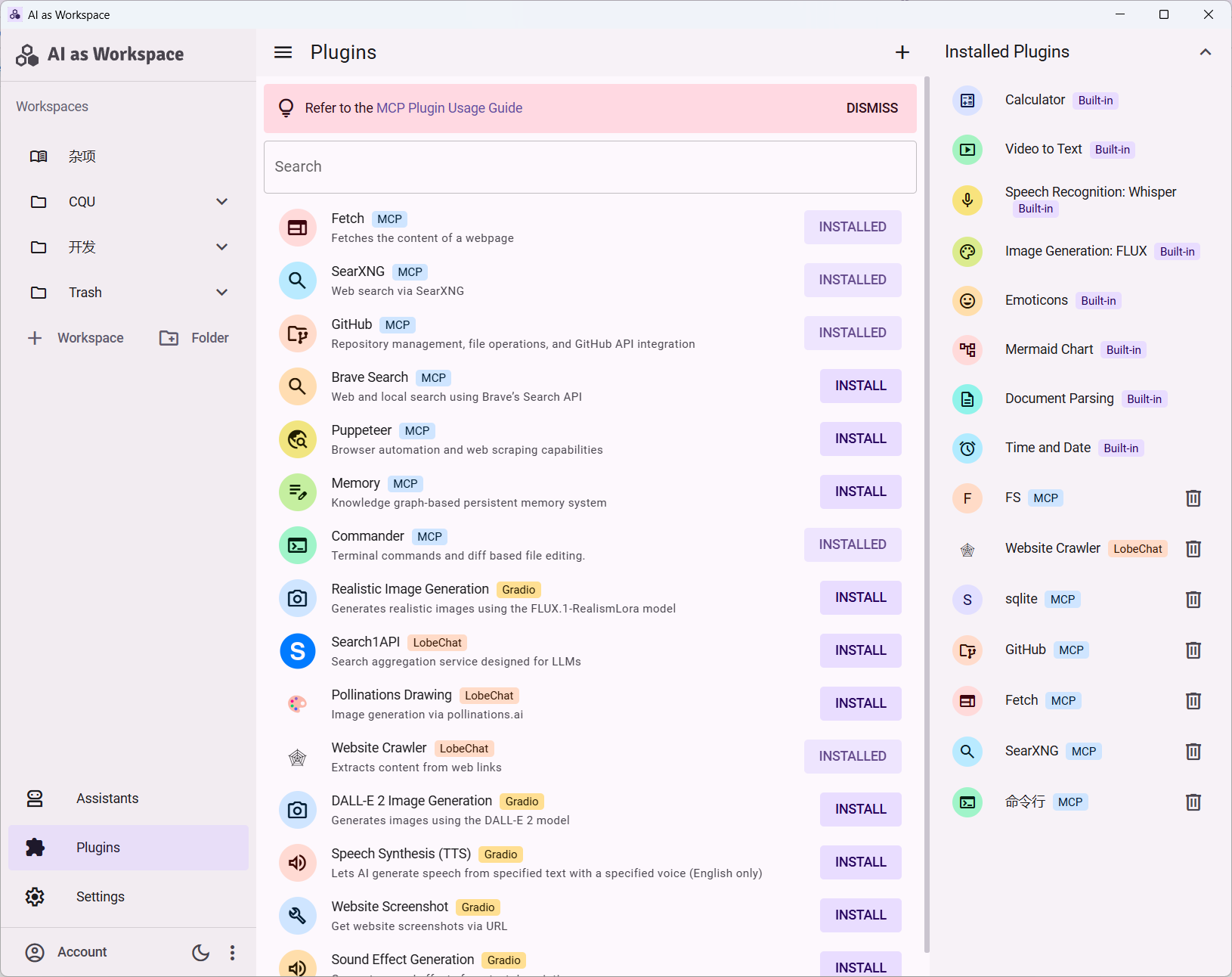
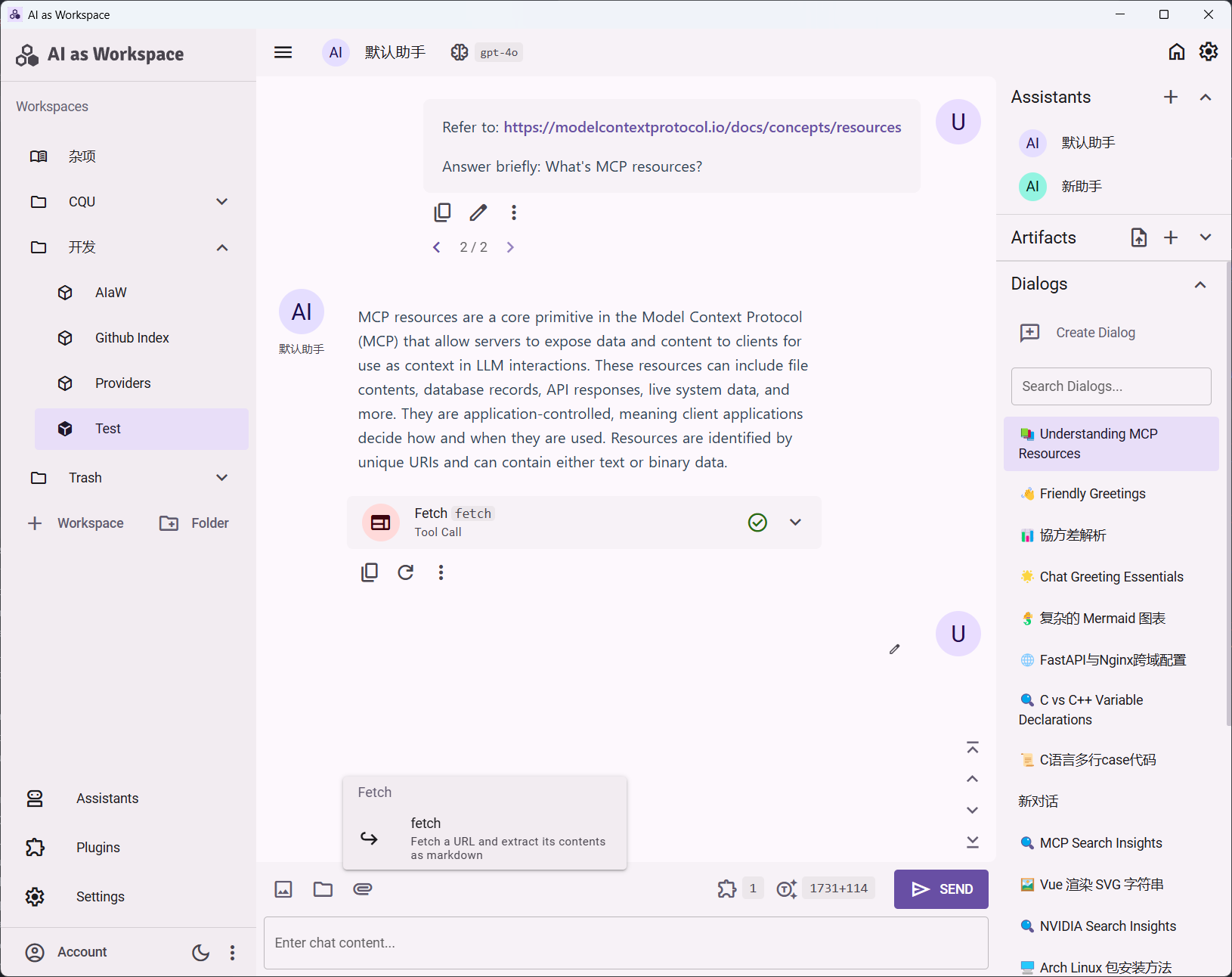
AIaW is a cross-platform, full-featured and lightweight AI Chat client with full support for MCP.
Ano
Ano is a collaborative chat and workspace for devs that features a native in-app terminal and integrated AI (like Claude Code). It is built as an MCP client, allowing users to run local CLIs, trigger custom automations, and connect to any Model Context Protocol (MCP) server directly from their channels.
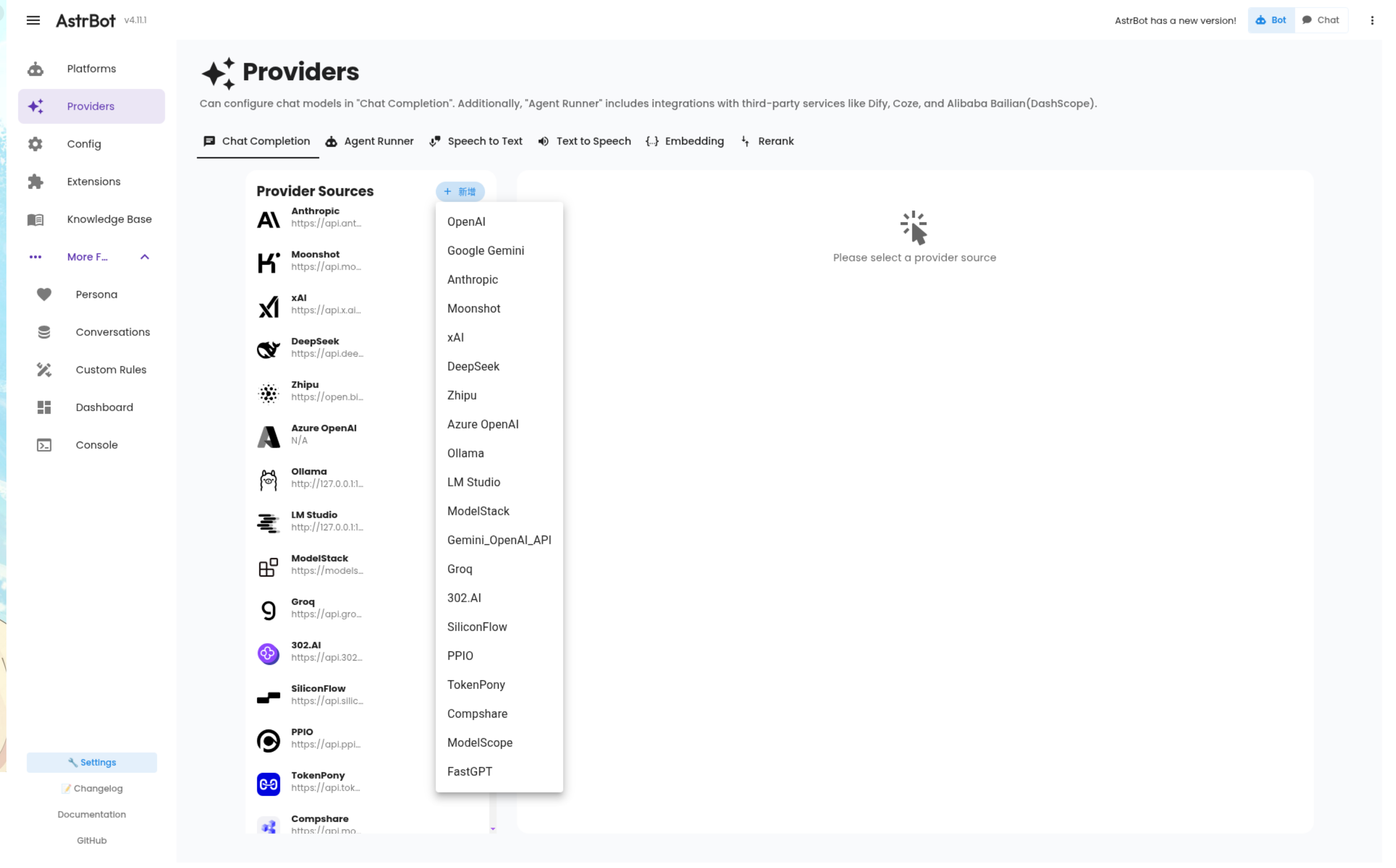
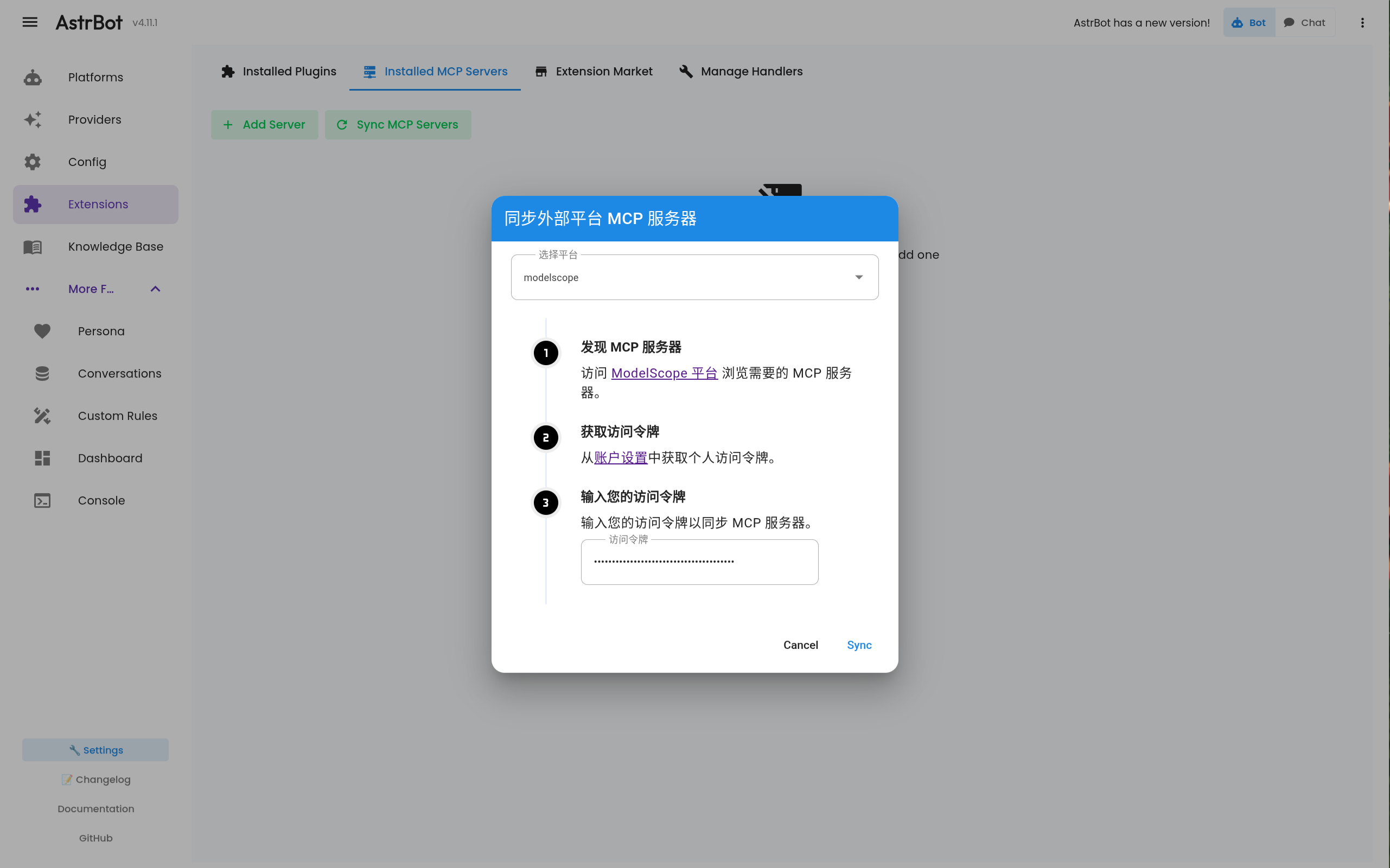
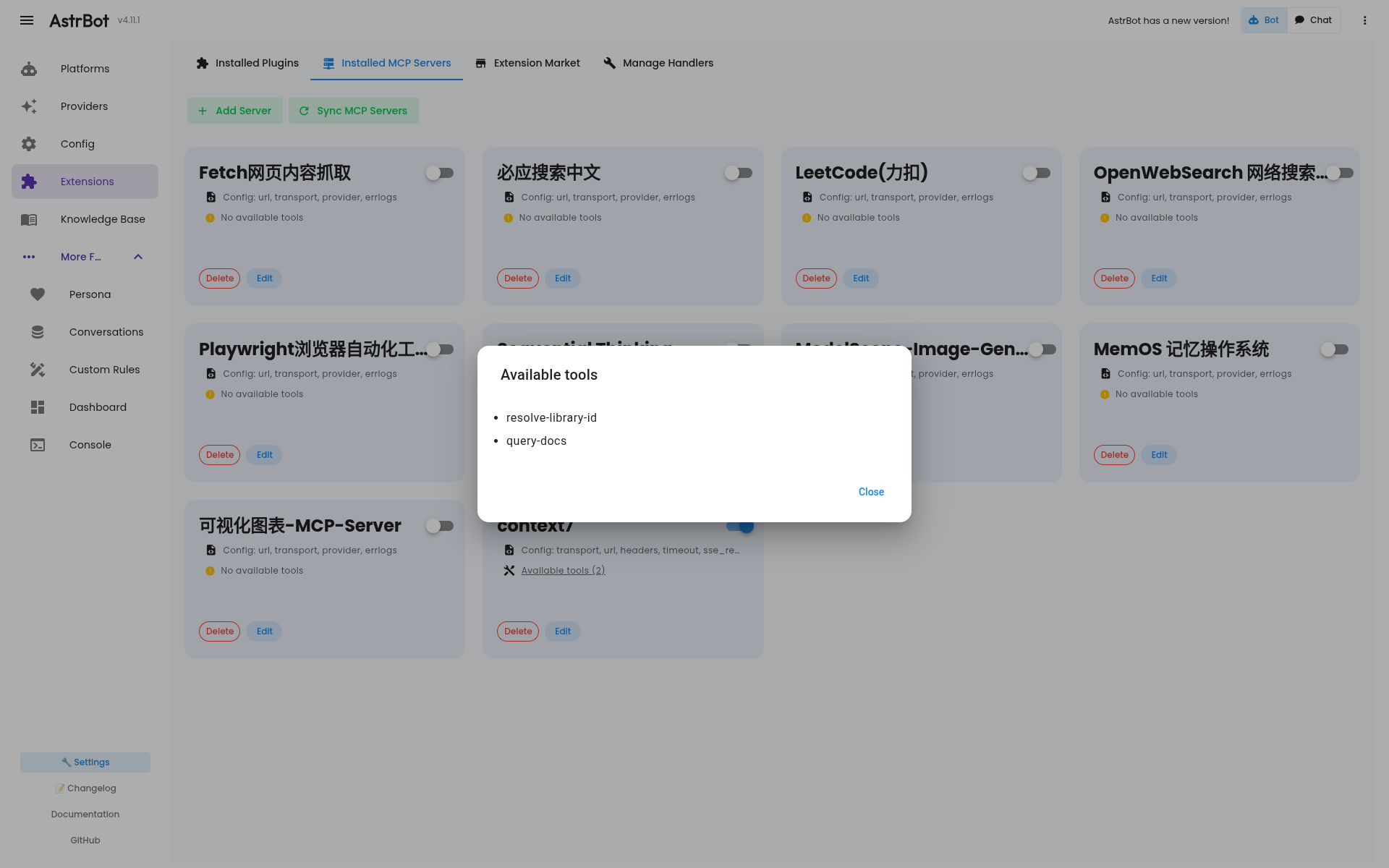
AstrBot
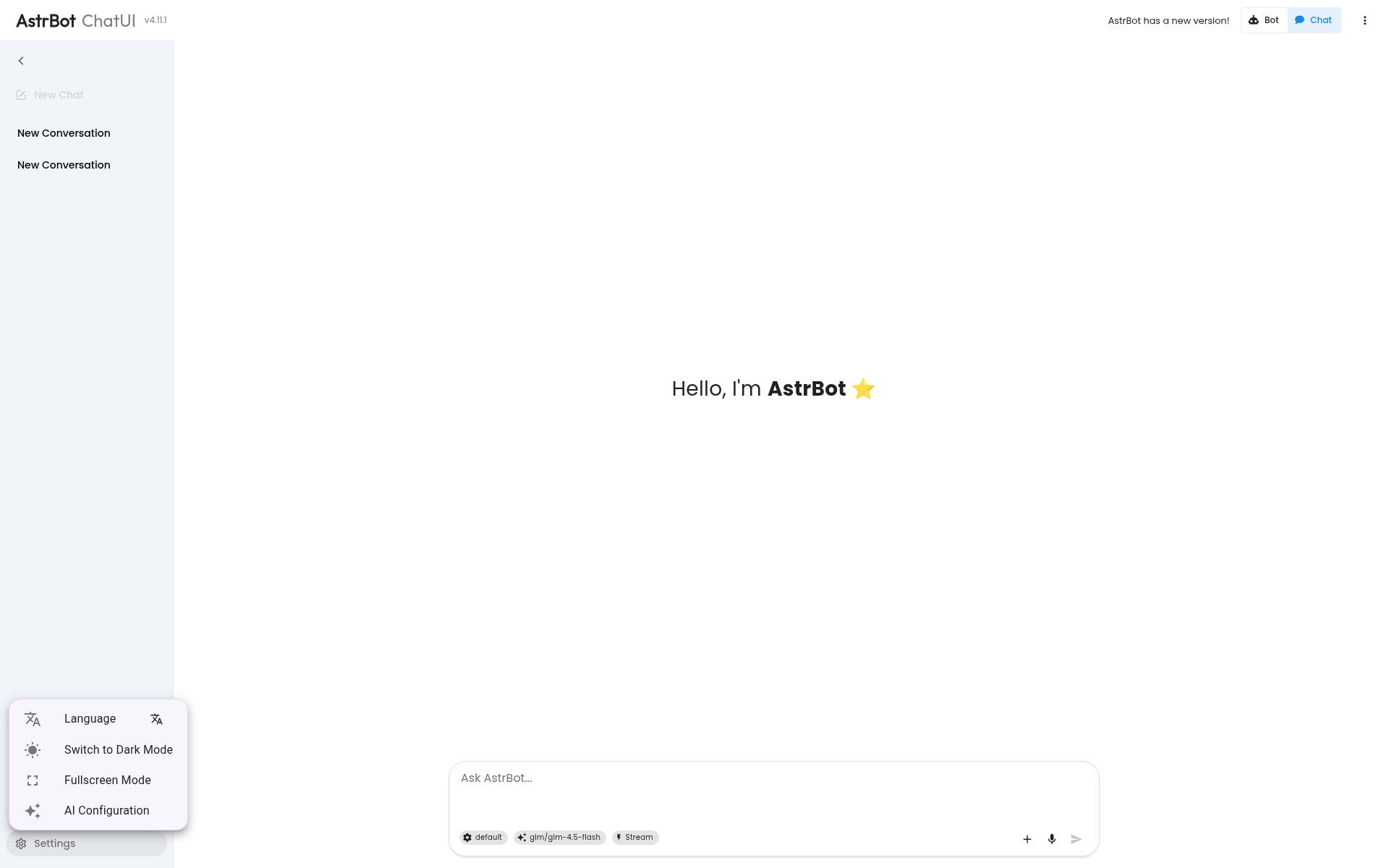
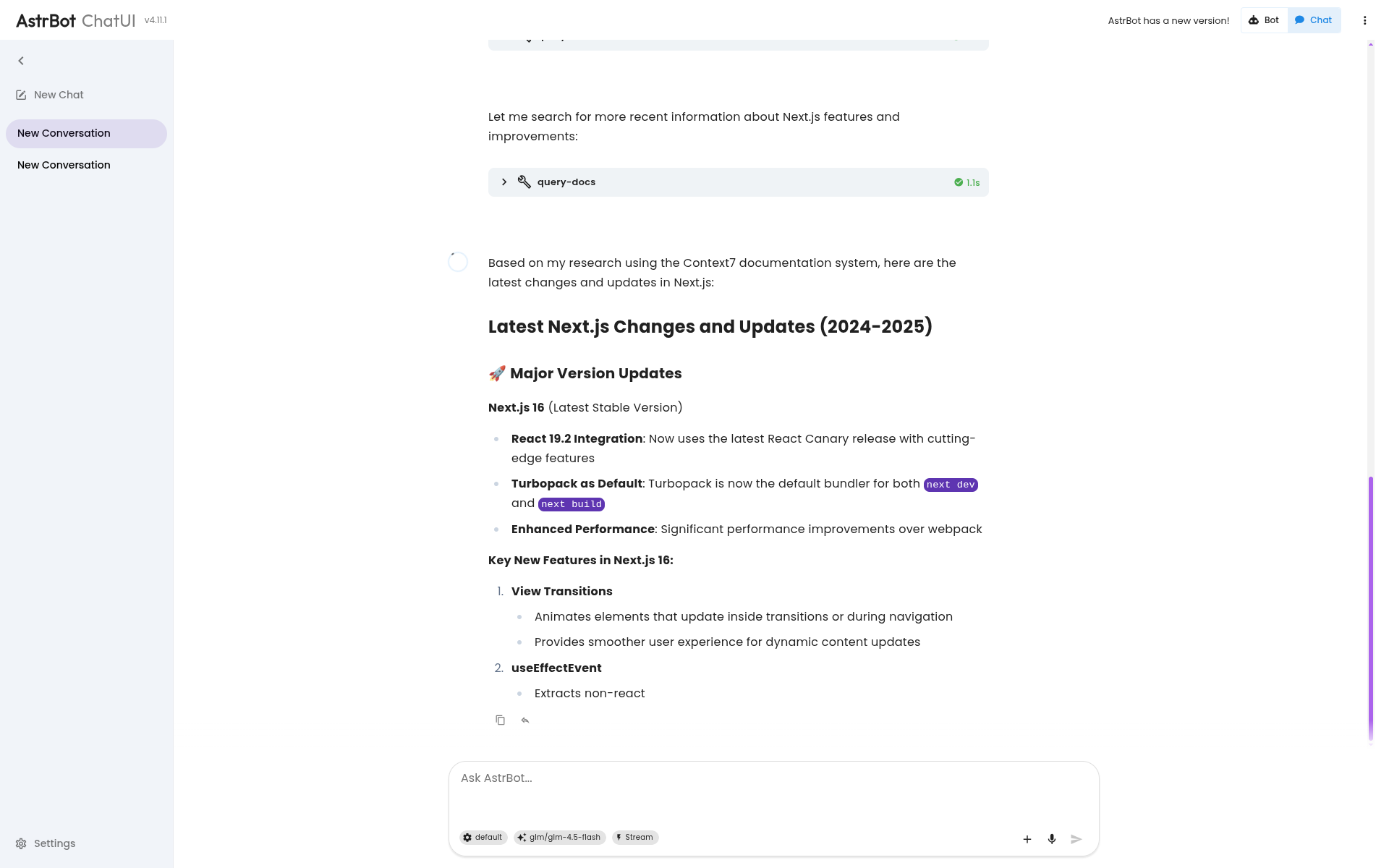
AstrBot is an Easy-to-use multi-platform LLM chatbot and development framework Platform supports QQ, QQ channel, Telegram, WeChat, Qiwei, Lark | MCP server, OpenAI, DeepSeek, Gemini, Silicon Flow, Dark Side of the Moon, Ollama, OneAPI, Dify, etc. Comes with WebUI.
Autohand Code CLI
Autohand Code CLI is a self-evolving autonomous coding agent with native MCP integration for external tool access. It supports 40+ built-in tools, multiple LLM providers (OpenRouter, Anthropic, OpenAI, Ollama), semantic code search, and a modular skills system, all from the terminal.
AnythingLLM
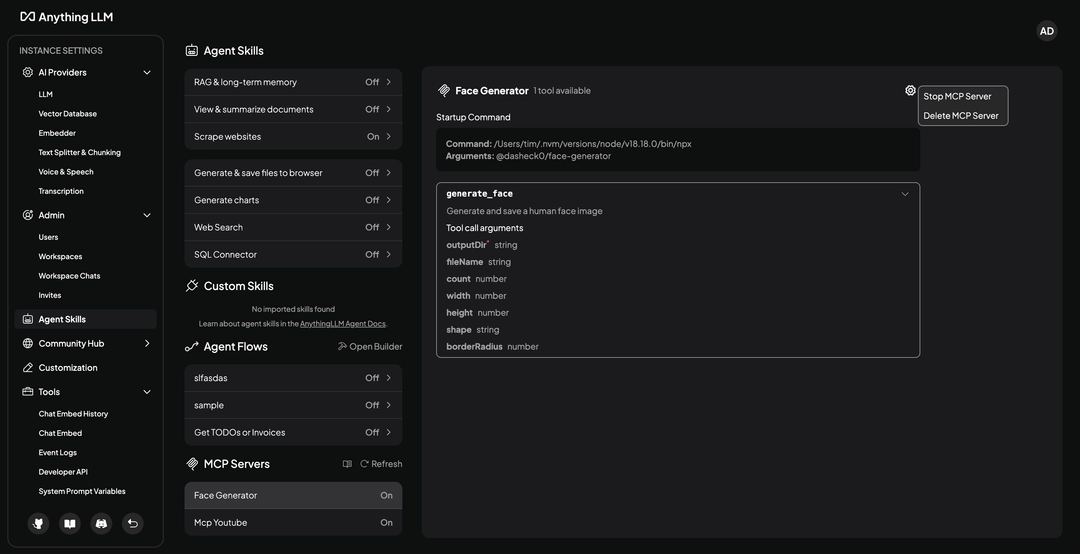
The all-in-one AI app you were looking for. Chat with your docs, use AI Agents, hyper-configurable, multi-user, & no frustrating set up required.
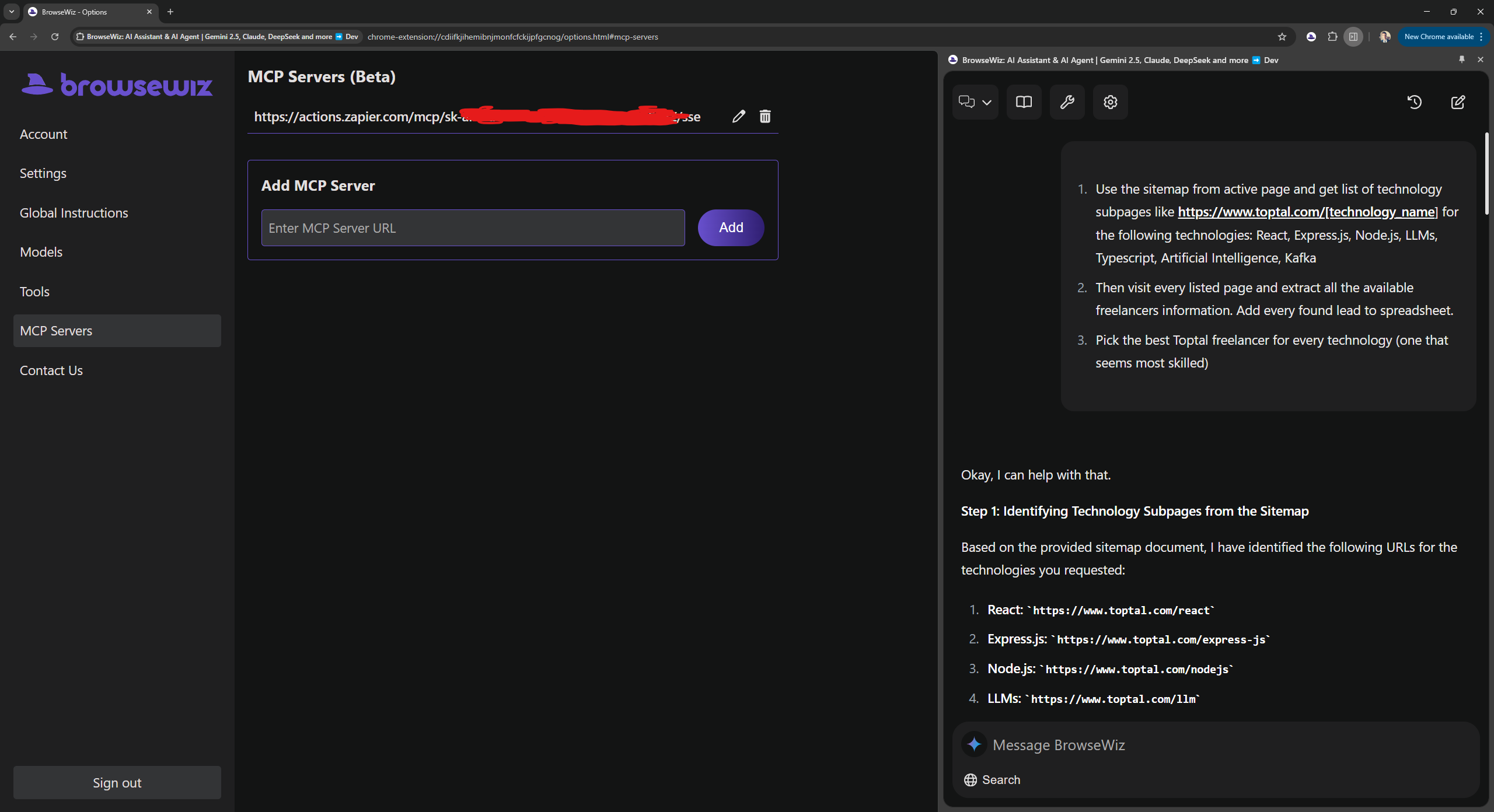
BrowseWiz
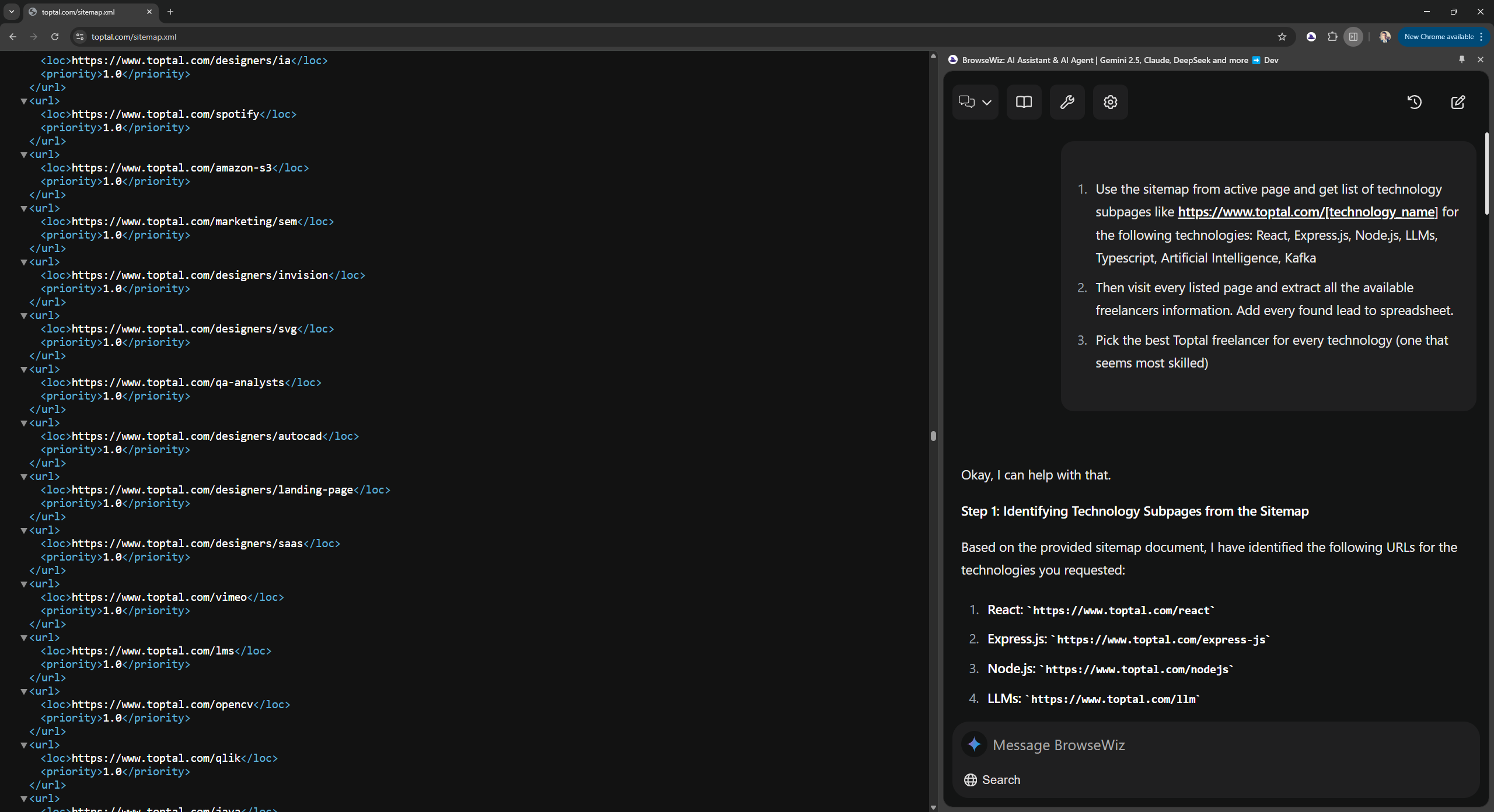
BrowseWiz is a customizable AI Chat, AI Assistant and AI Agent for browser's side panel. It is a flexible tool that can help automate your workflows.
Key Features:
- give AI access to contexts: files, active tab, YT video transcript, text selected on a page
- manage collection of prompts, add 1-click prompt buttons
- set and manage system instructions
- bring your own key or model (OpenAI API-compatible)
- add tools for agentic capabilities via webhooks/APIs + JSON schema or by providing MCP server URLs (supports streamable HTTP and SSE)
Canvas MCP Client
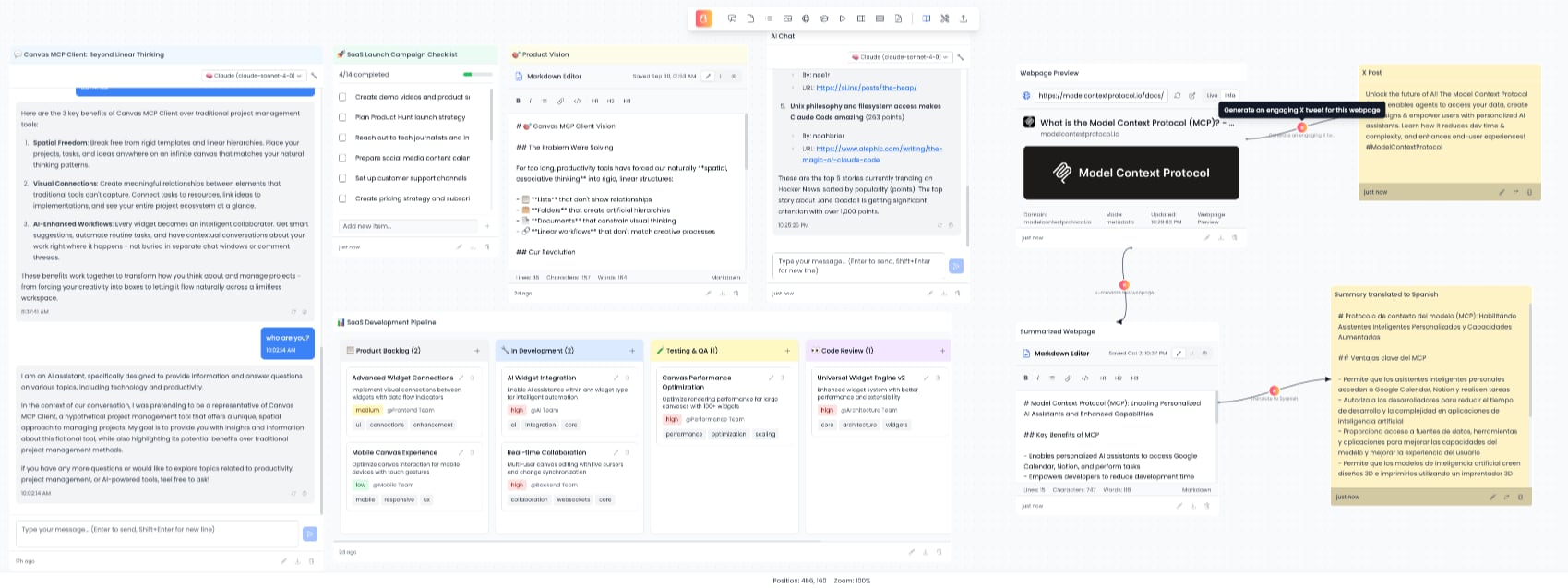
Canvas MCP Client is an infinite, zoomable, and pannable canvas. It provides a unified interface for interacting with multiple MCP (Model Context Protocol) servers through a flexible, widget-based system.
Key Features:
- Infinite Canvas: Organize your workspace spatially with unlimited zoom and pan capabilities
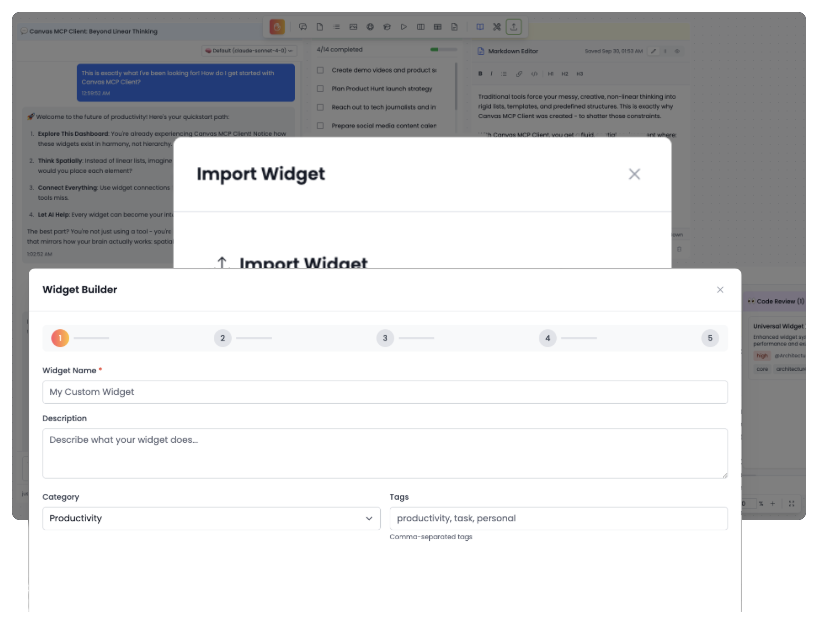
- Modular Widgets: Use 12+ pre-built widgets or create your own custom components
- No-code Widget Builder: Use the widget builder to create your own widgets without coding
- MCP Integration: Seamlessly connect to multiple MCP servers using the FastMCP library
- AI-Powered: Configure multiple AI providers (OpenAI, Anthropic, Ollama, Google) for enhanced functionality
- Template System: Save and share widget and dashboard configurations
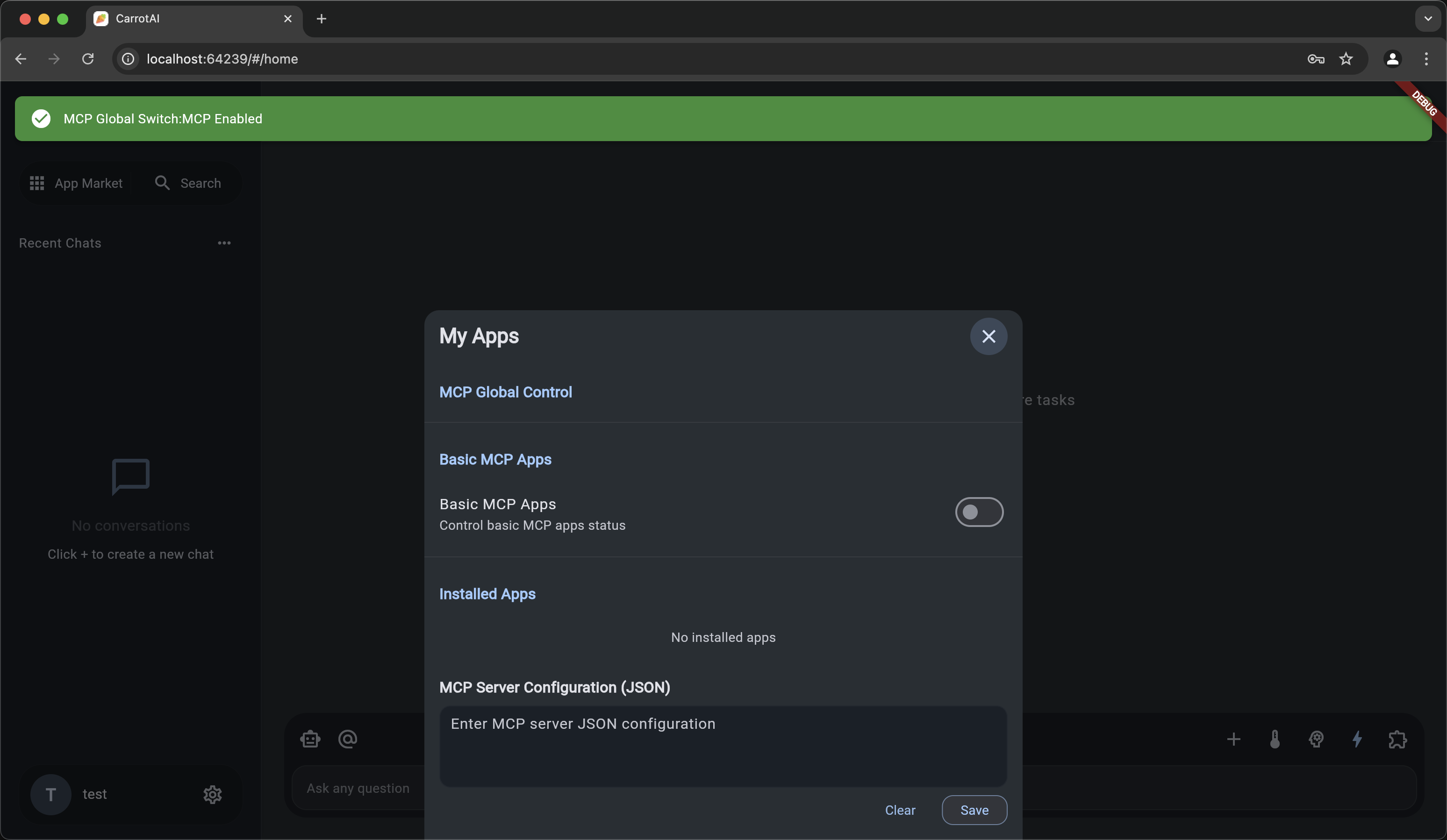
CarrotAI
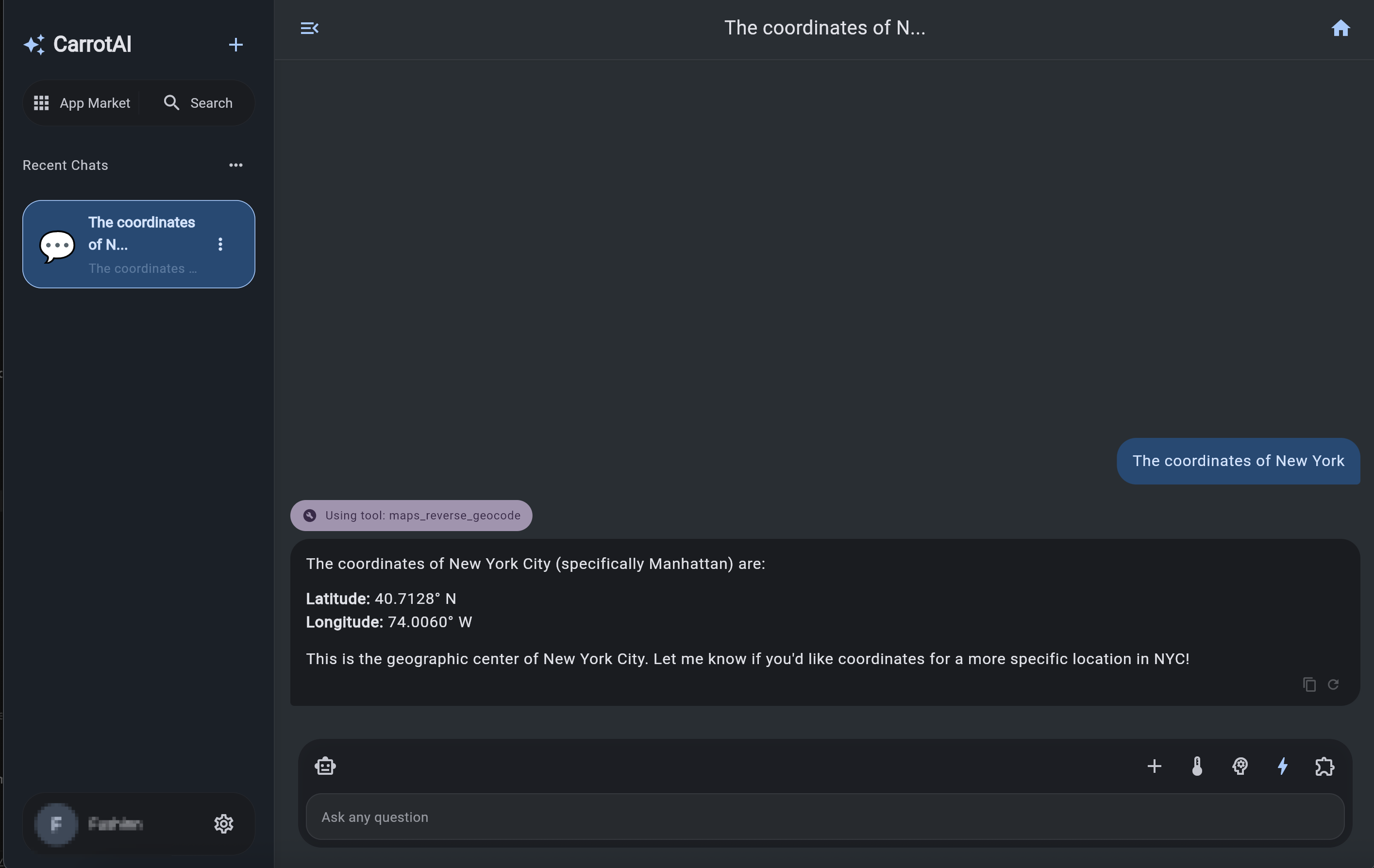
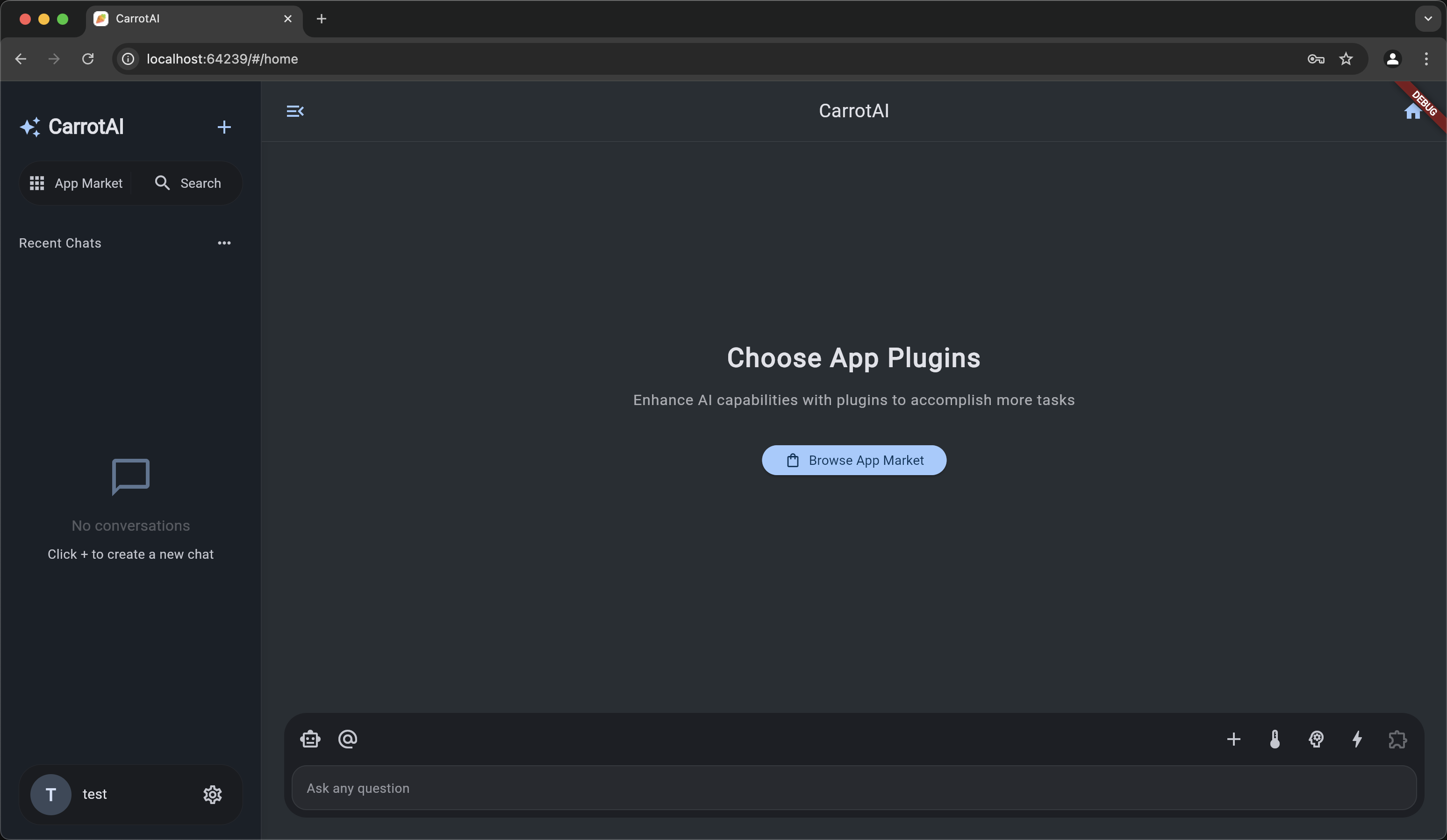
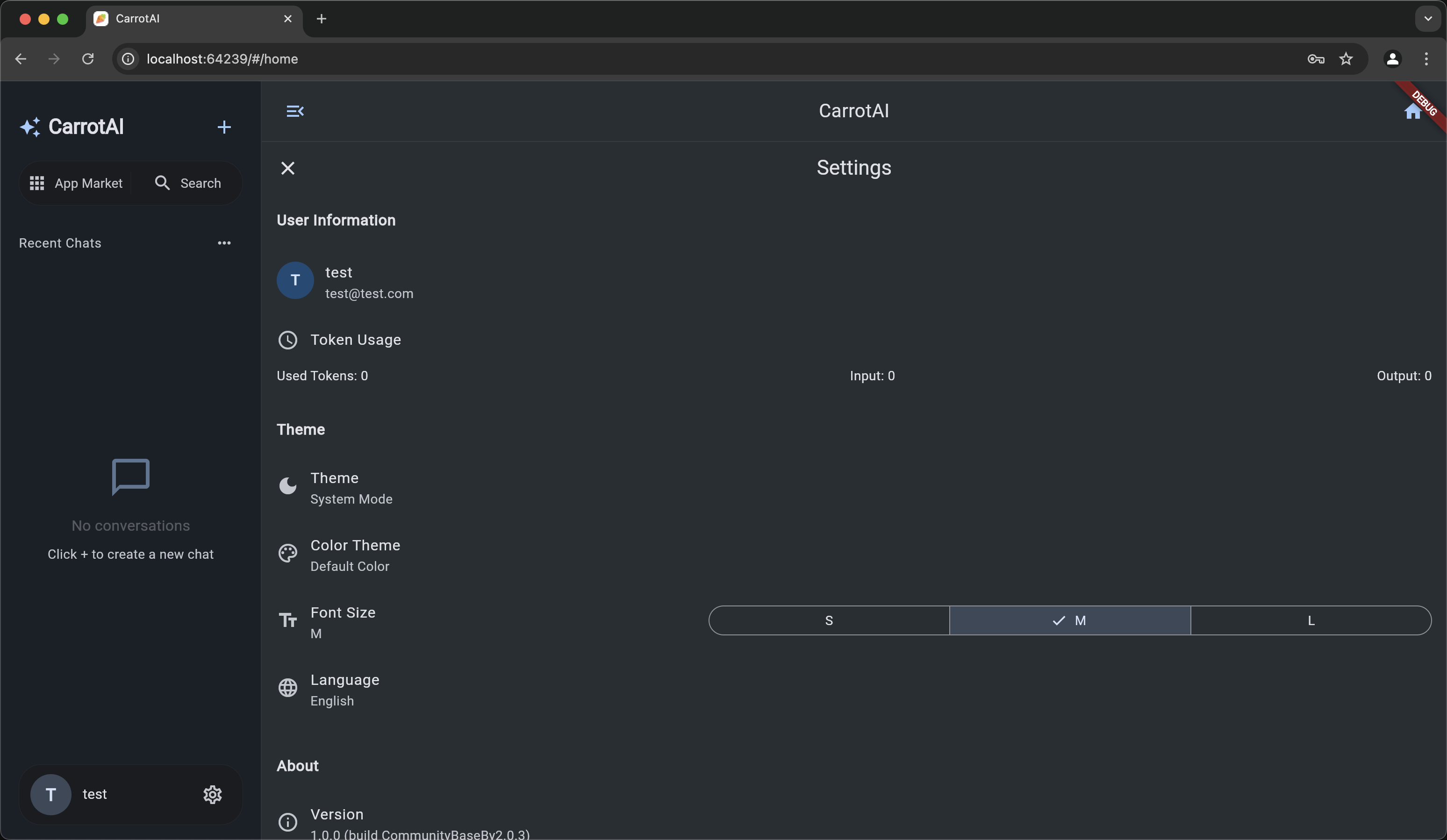
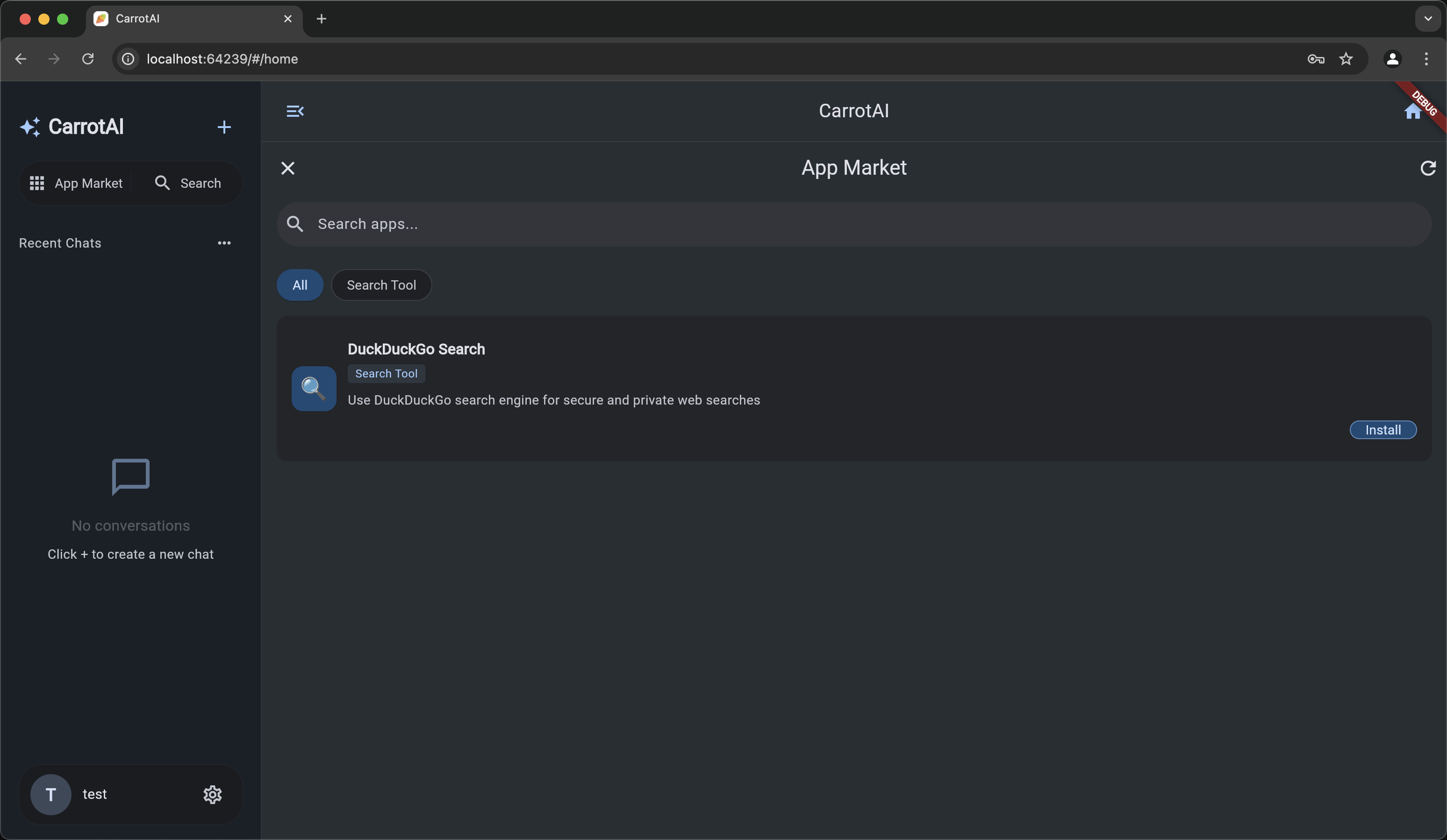
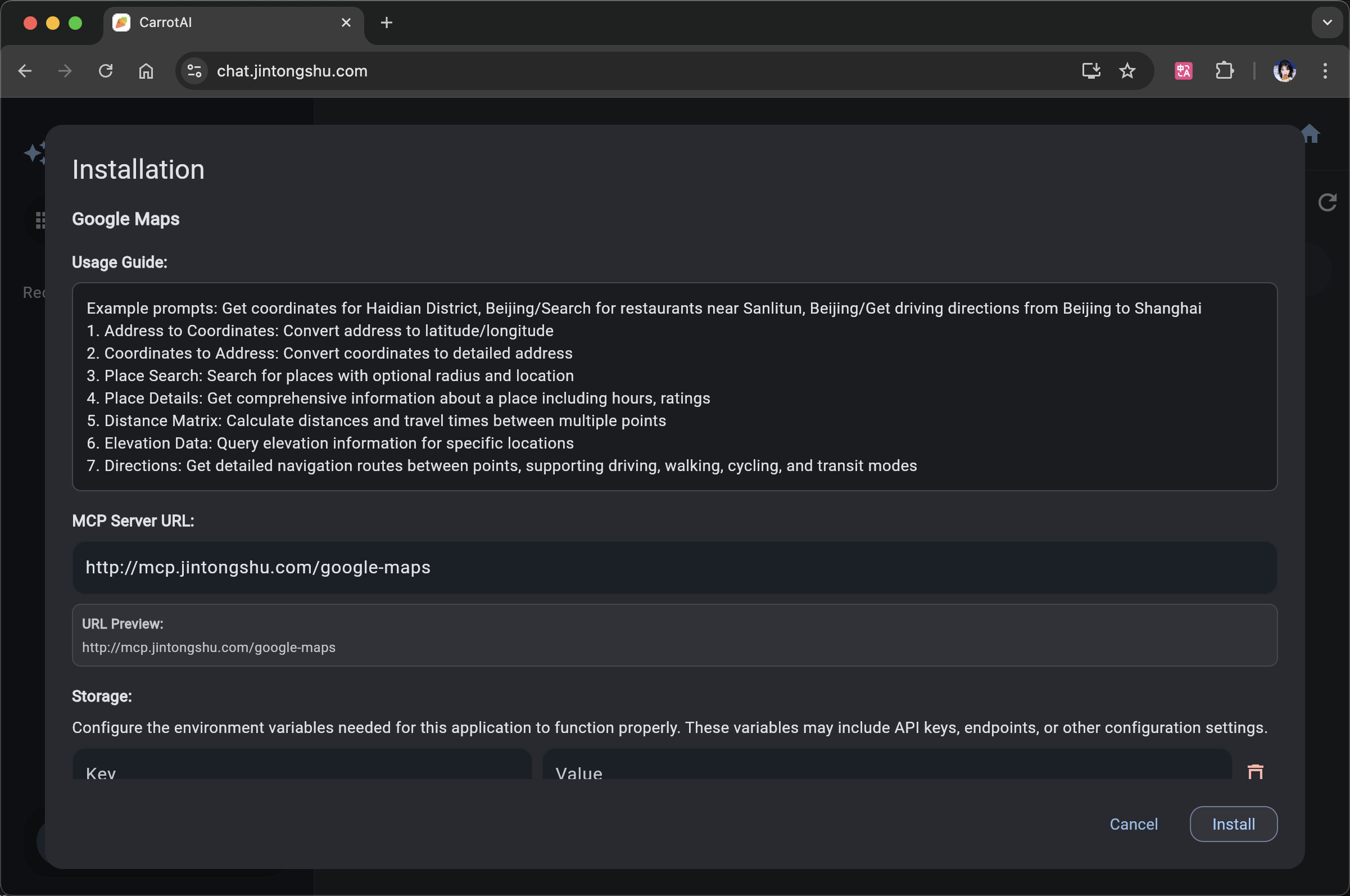
CarrotAI is an advanced AI agent application that enables real-time streaming chat using Server-Sent Events (SSE) and Streamable HTTP, with seamless integration of the Model Control Protocol (MCP). It supports concurrent connections to multiple SSE MCP servers and offers a multilingual user interface in English, Chinese, and Japanese.
Chainlit
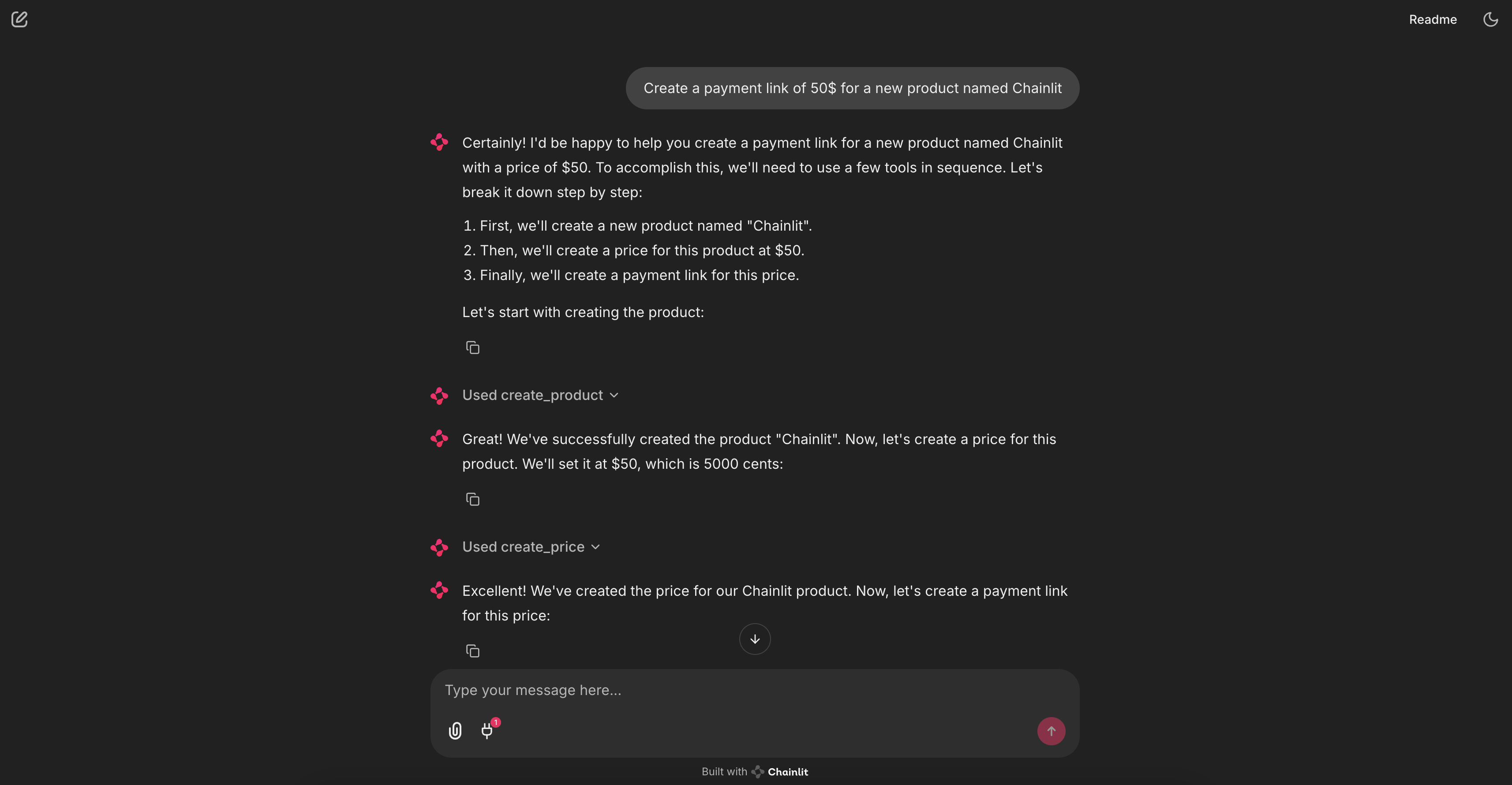
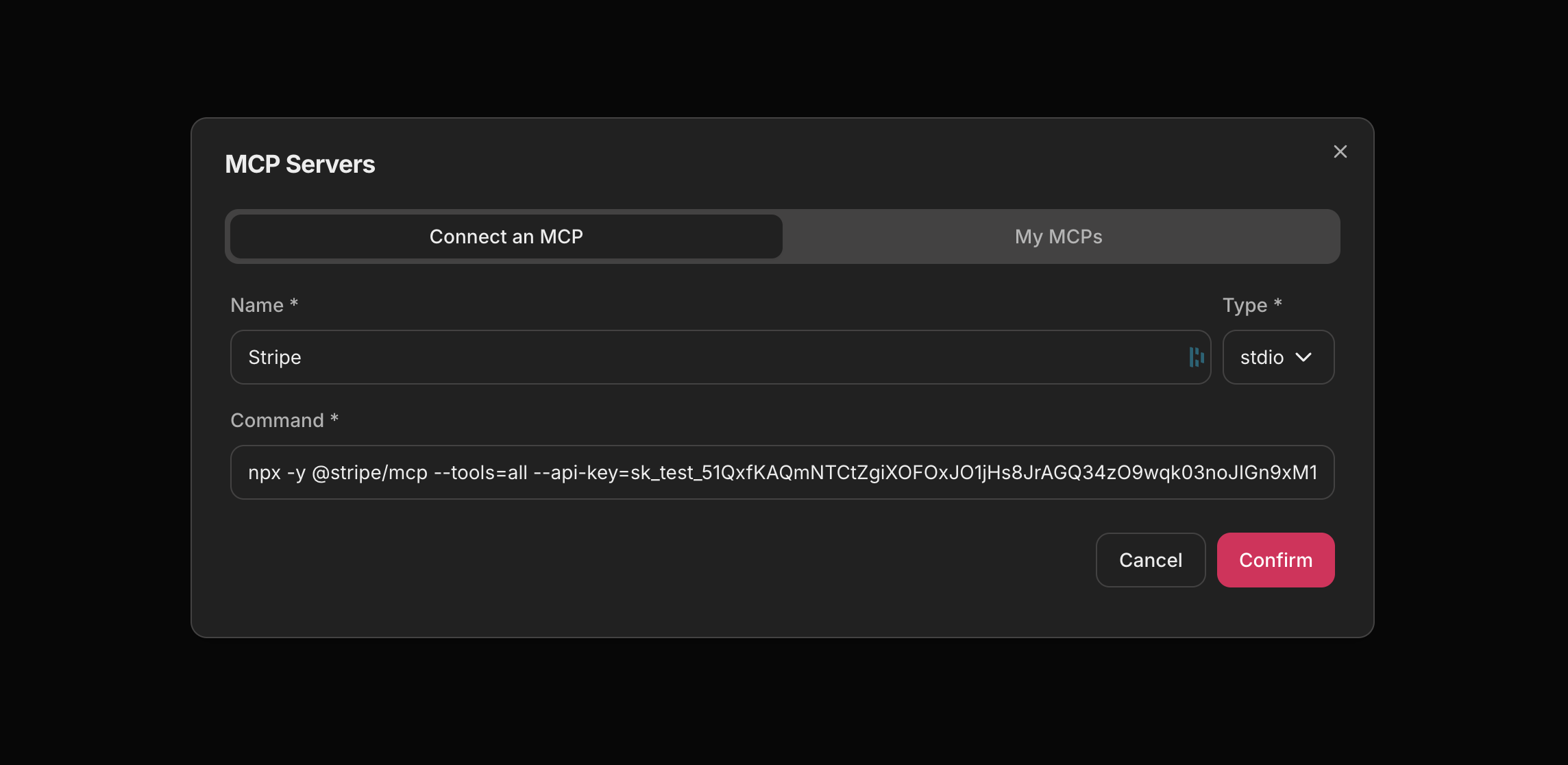
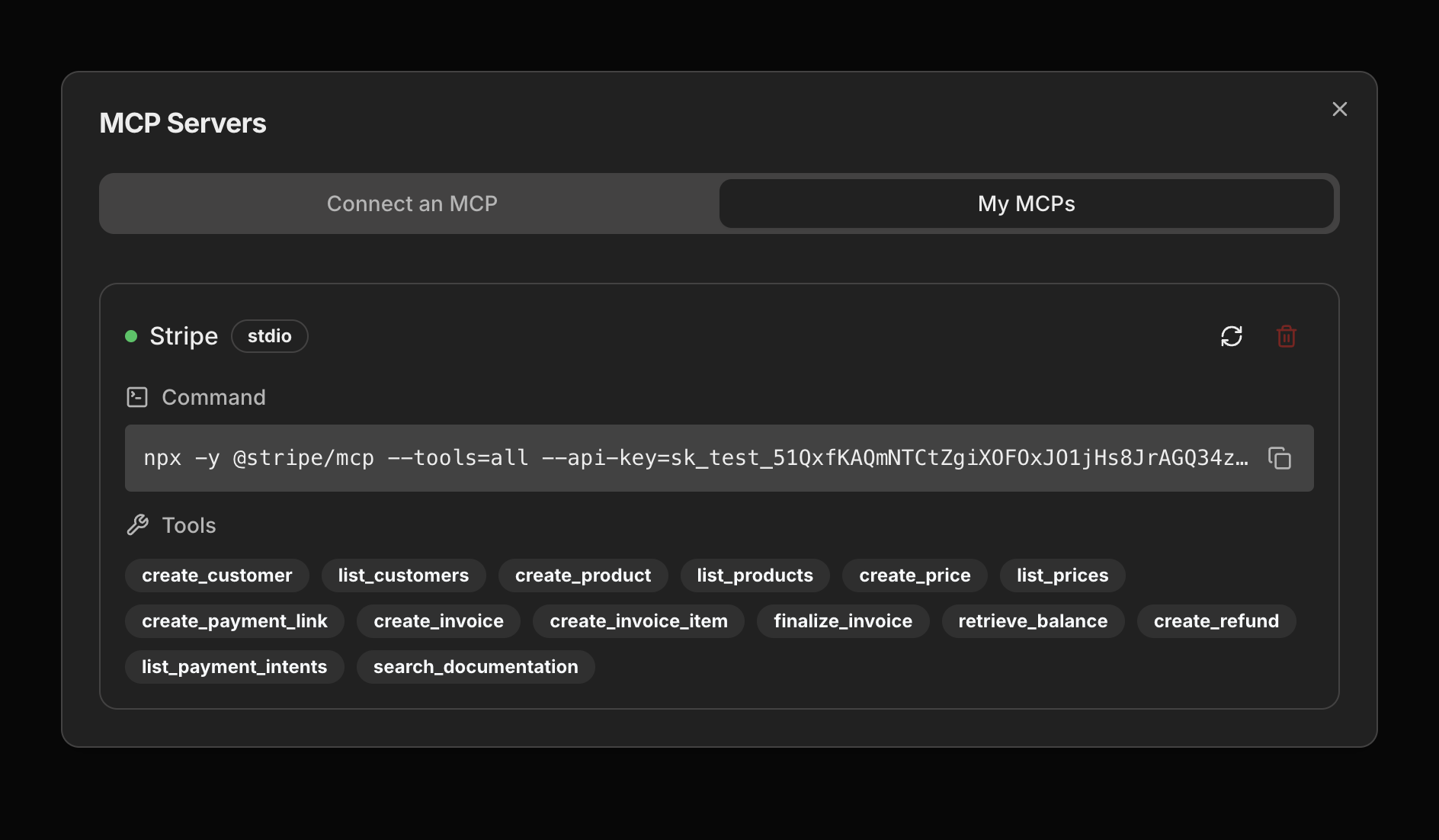
Chainlit is a python framework to build conversational AI apps with support for MCP.
ChatMCP
ChatMCP is an AI chat client implementing the Model Context Protocol (MCP).
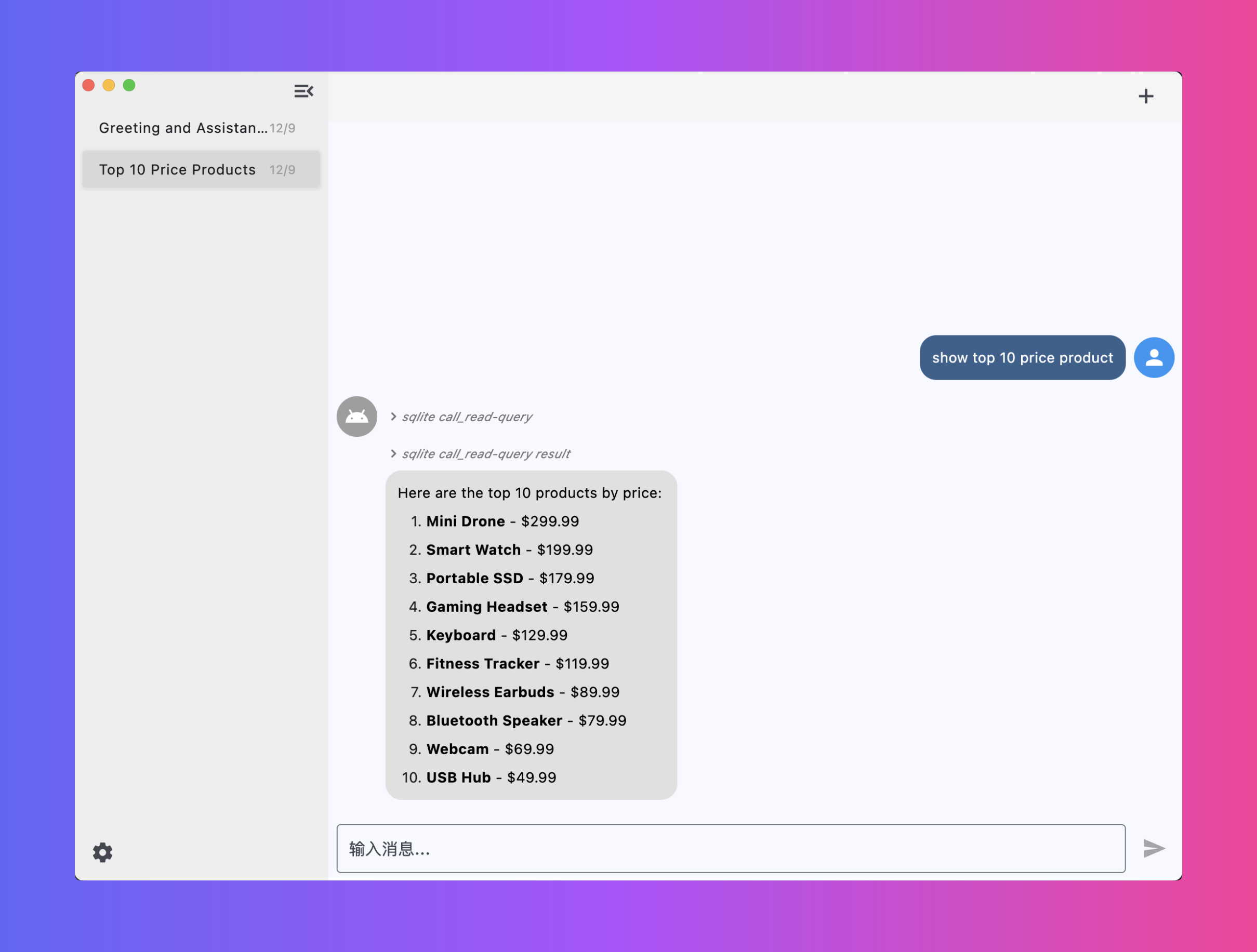
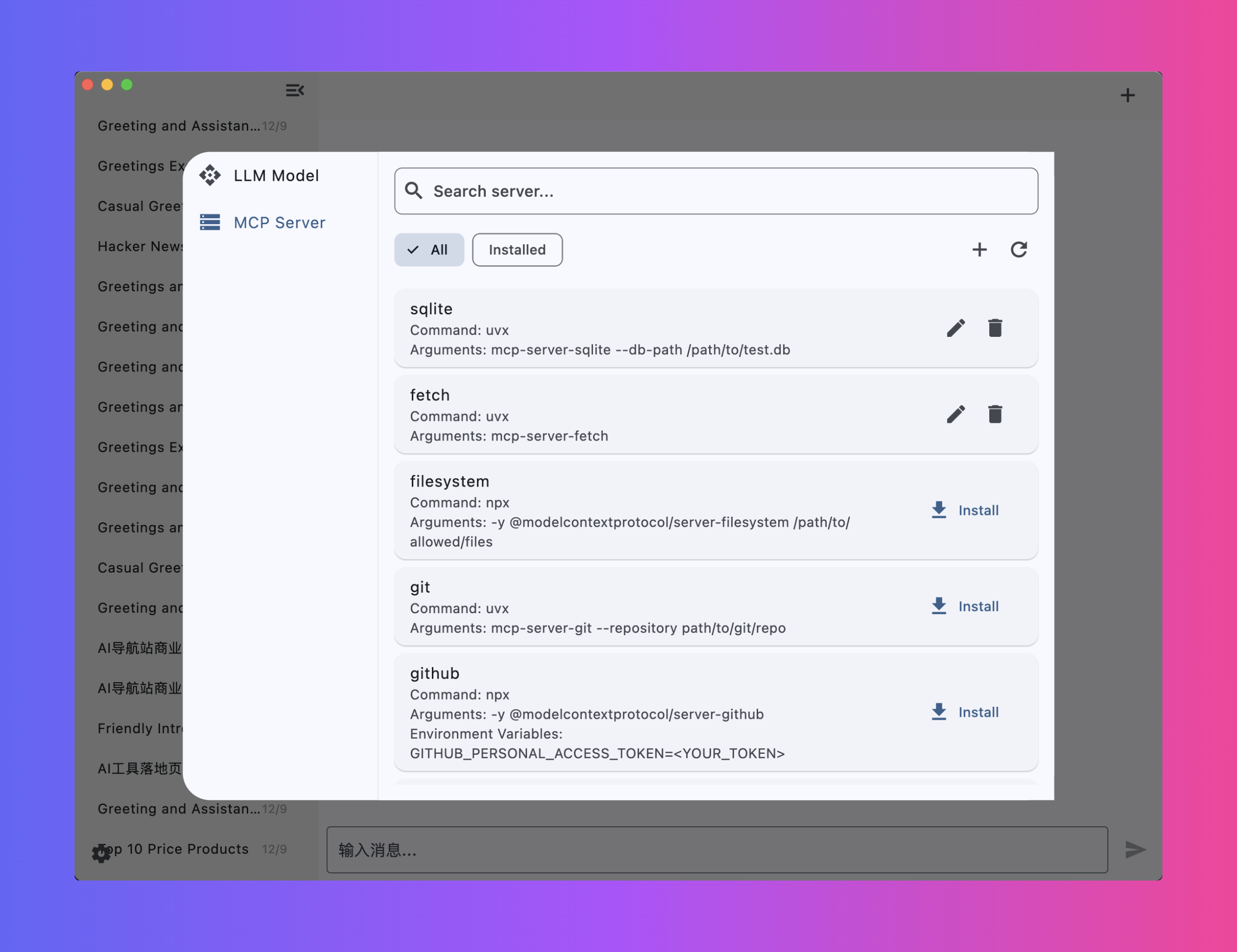
Cherry Studio
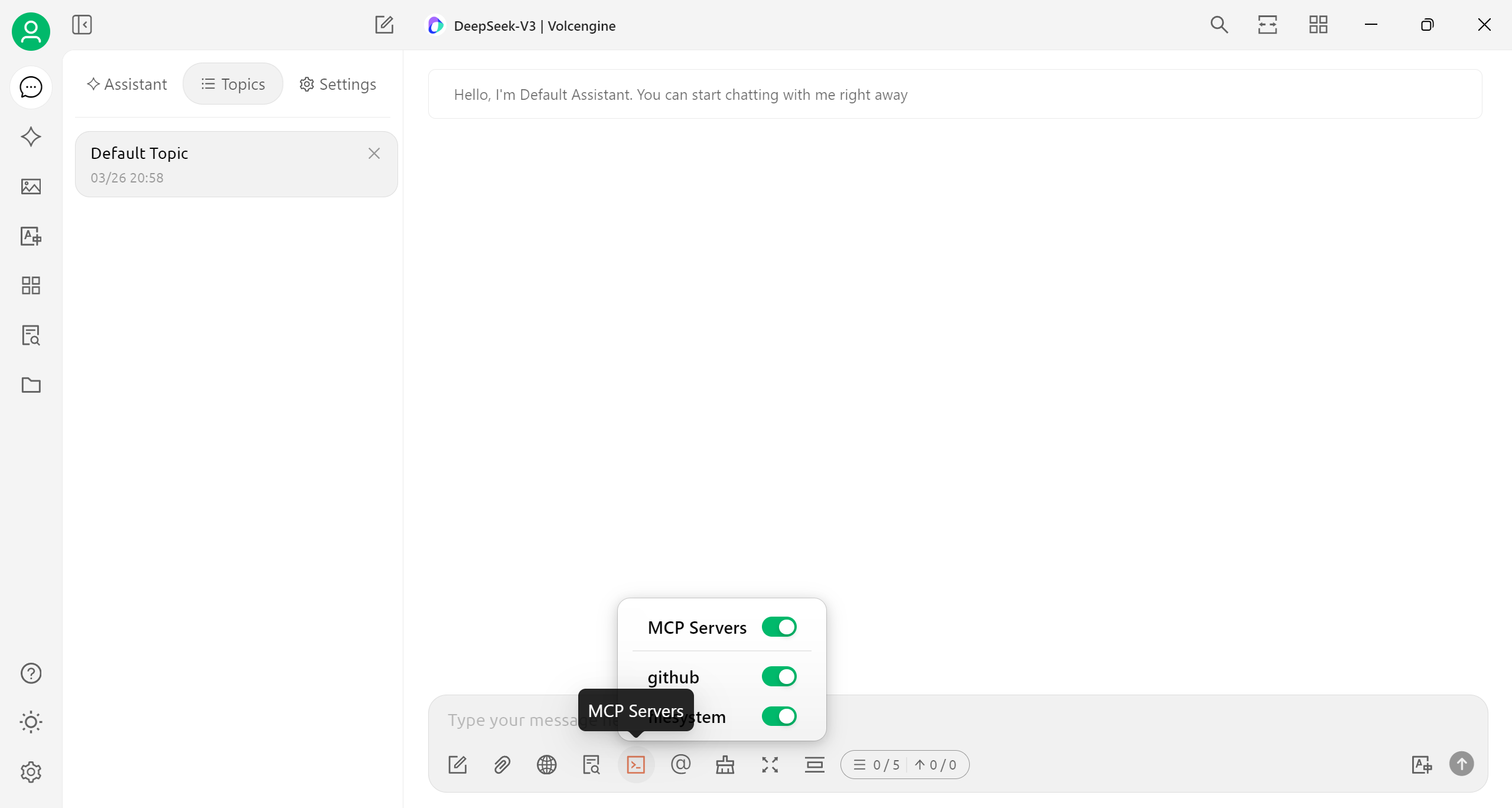
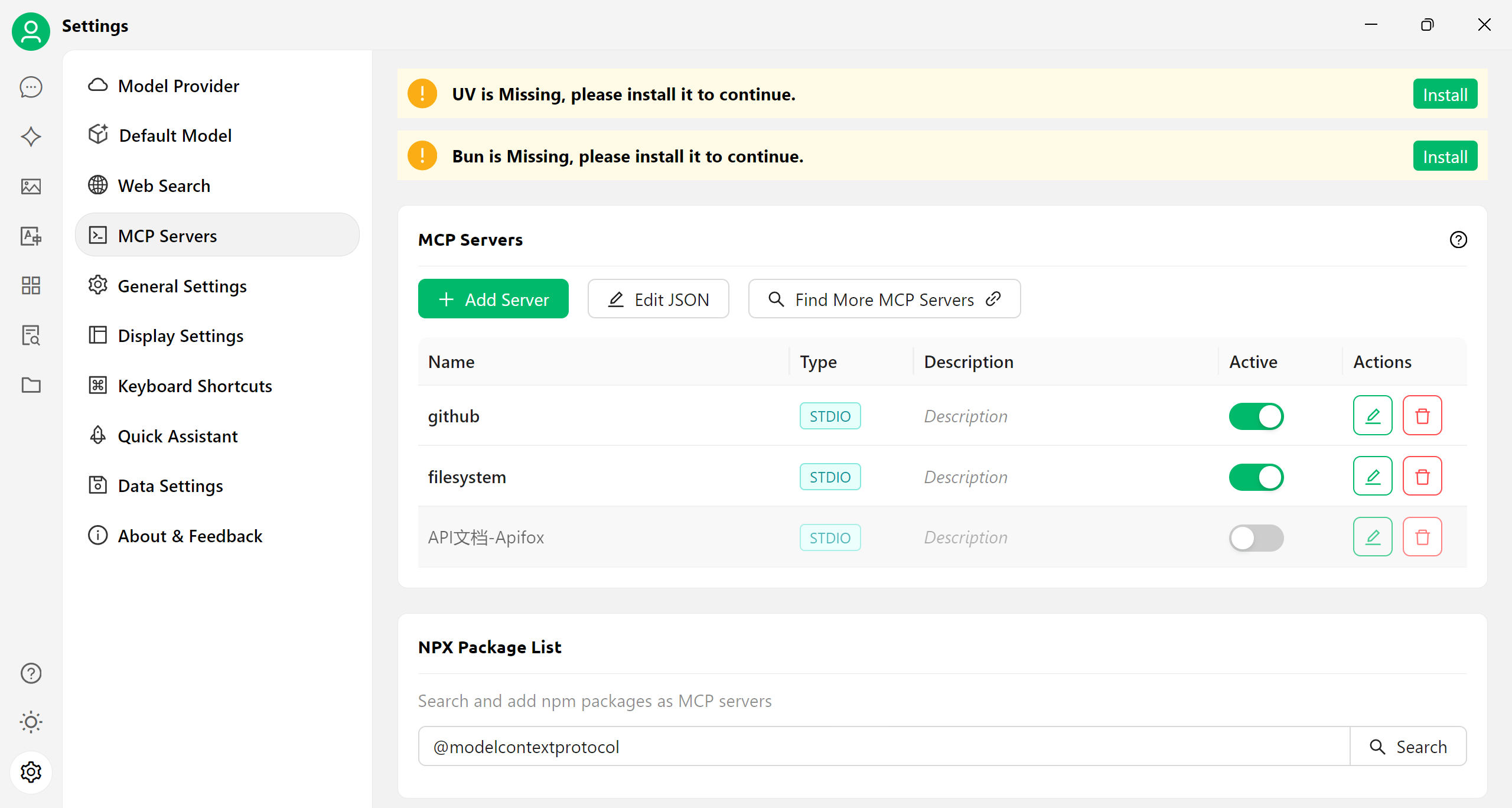
Cherry Studio is a desktop client that supports for multiple LLM providers, available on Windows, Mac and Linux.
Feature:
- Multi-Model Support: Integrates cloud (OpenAI, Gemini, Anthropic), web AI (Claude, Perplexity), and local models (Ollama, LM Studio).
- AI Assistants: 300+ presets, custom creation, and multi-model parallel chats.
- Doc Processing: Handles text/images/Office/PDF, WebDAV, Mermaid, and code highlighting.
- Productivity: Global search, topic management, AI translation, drag-drop, mini-programs, and MCP server.
- UX: Cross-platform (Win/Mac/Linux), plug-and-play, light/dark themes, transparent UI, full Markdown, and easy sharing.
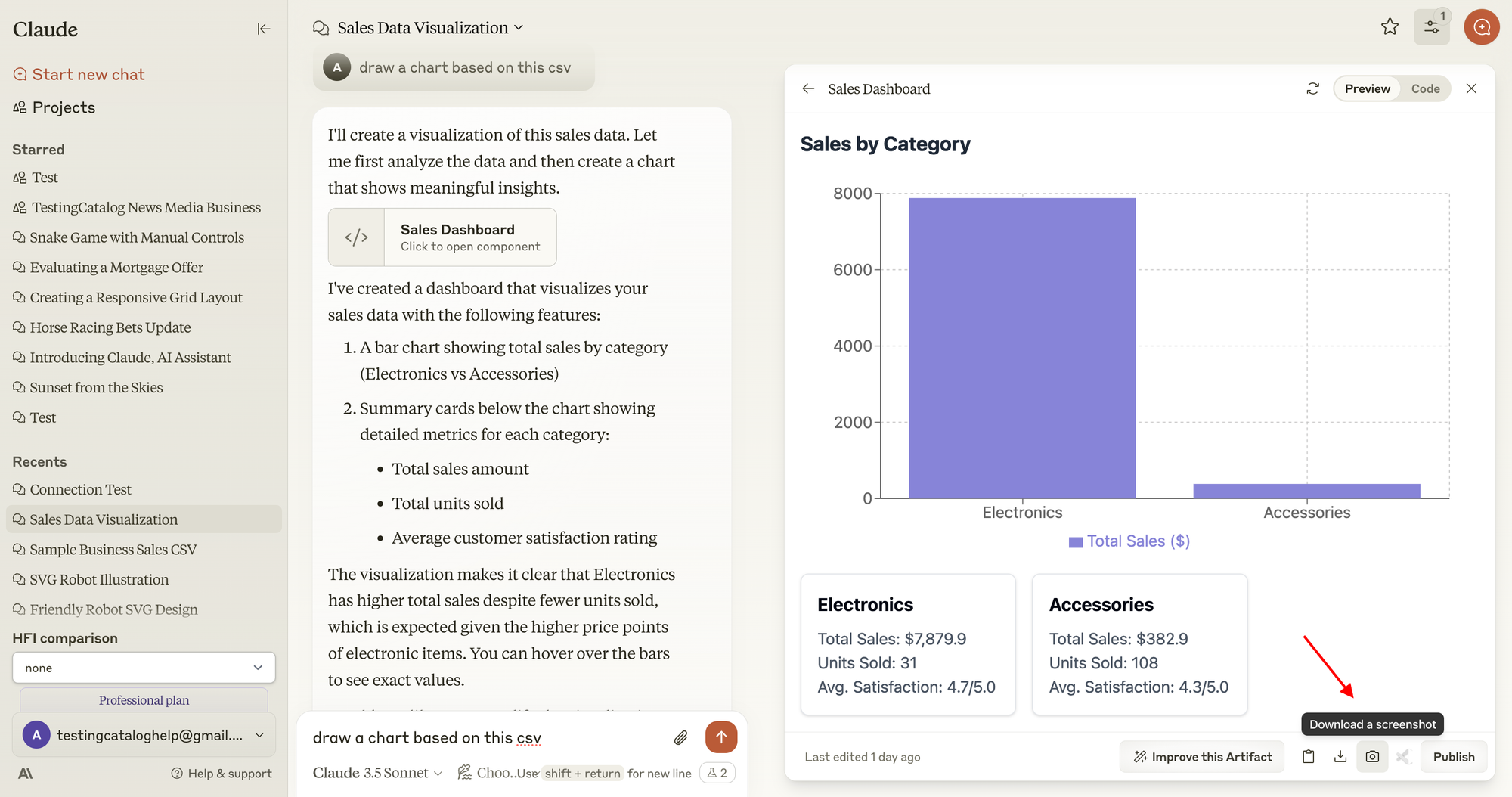
Claude Desktop
The Claude desktop app brings Claude's capabilities directly to your computer, allowing for seamless integration with your workflow.
Claude Code Open
Open-source AI coding platform based on Claude Code CLI with full MCP protocol support. Features a browser-based Web IDE with Monaco editor, 37+ built-in tools, Blueprint multi-agent orchestration system, and scheduled task daemon. Supports MCP server configuration and integration for extending AI capabilities through external tools and services.
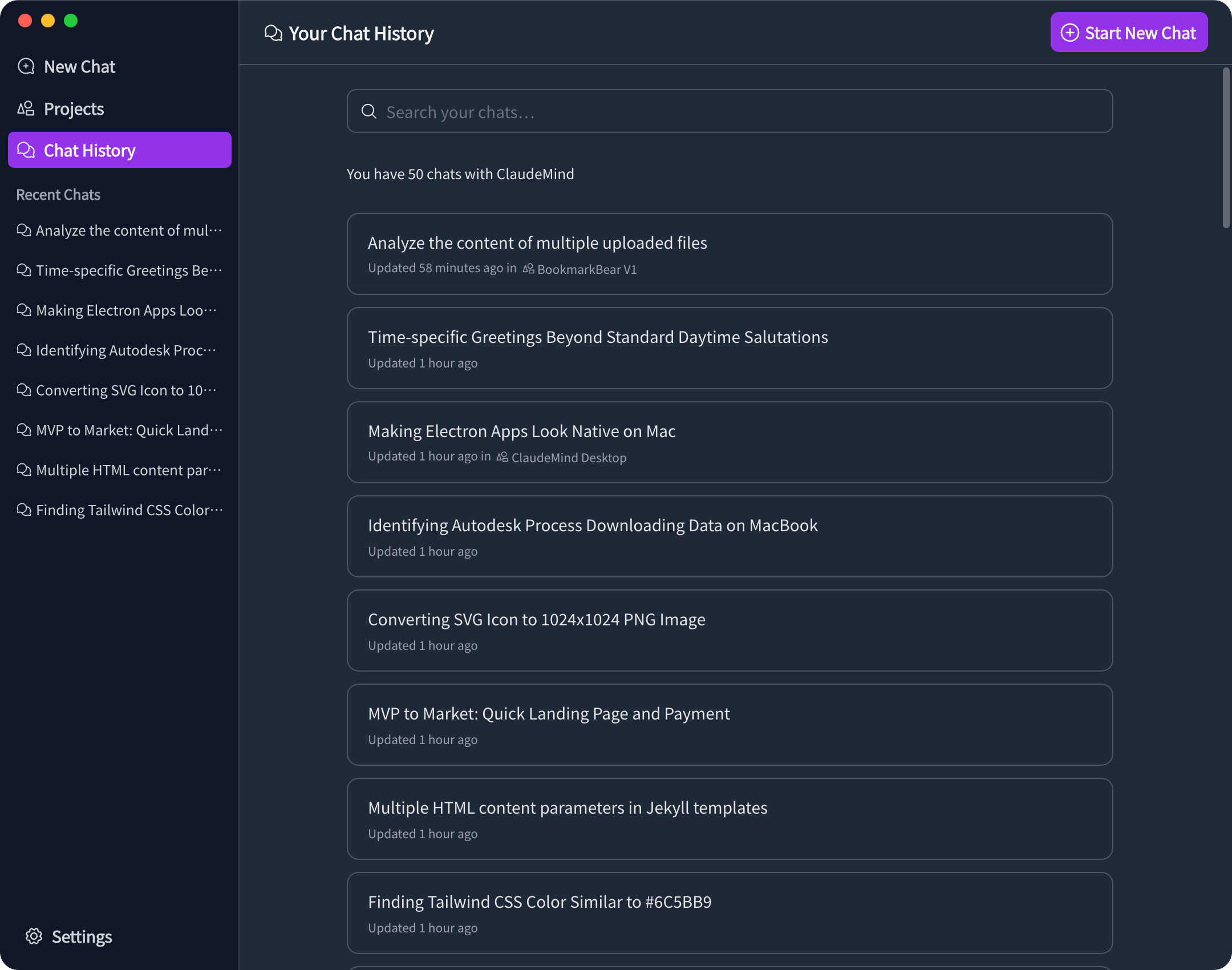
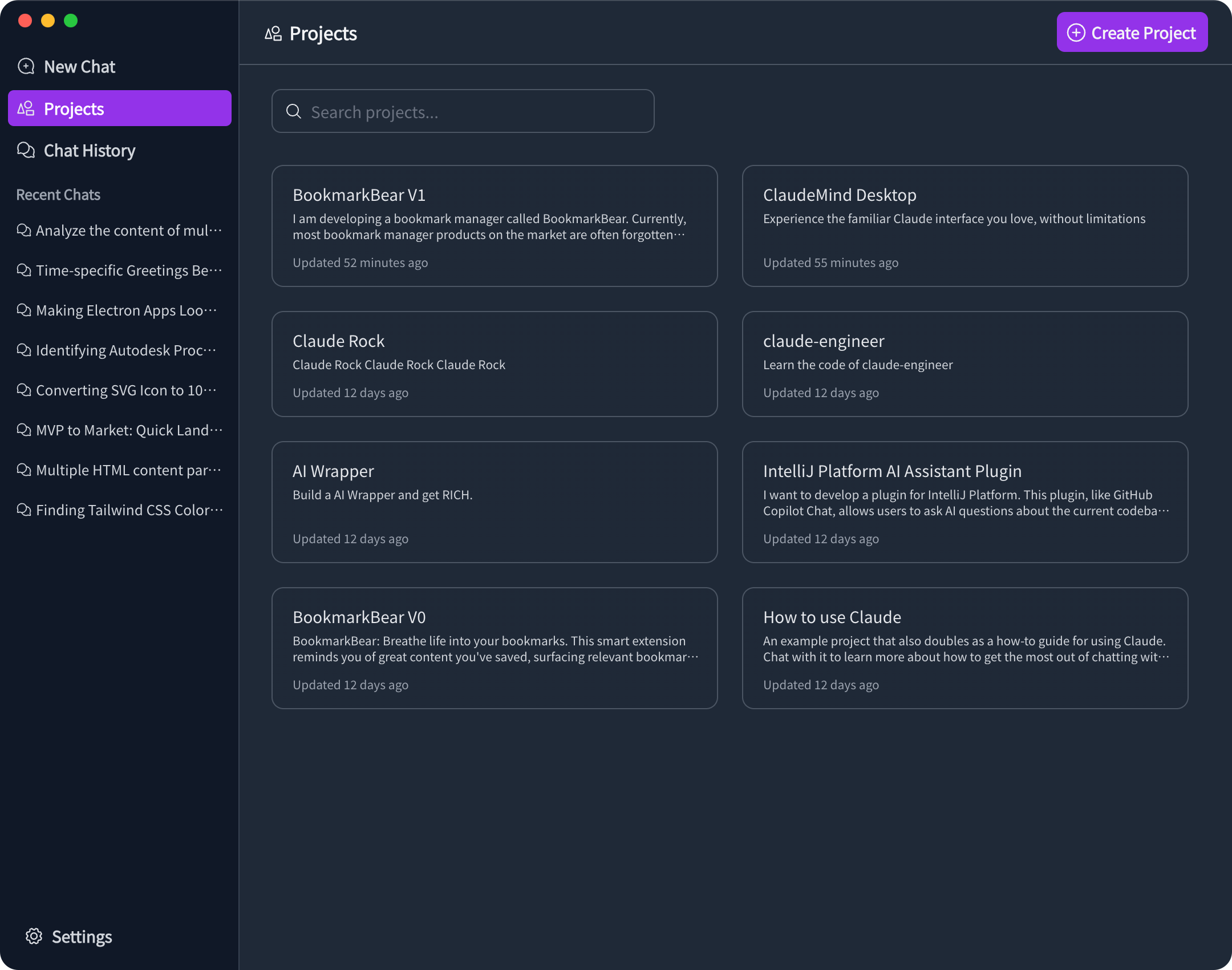
ClaudeMind
Experience Claude AI without limits. Use our desktop app for everyday AI assistance, or boost your coding productivity with our JetBrains plugin.

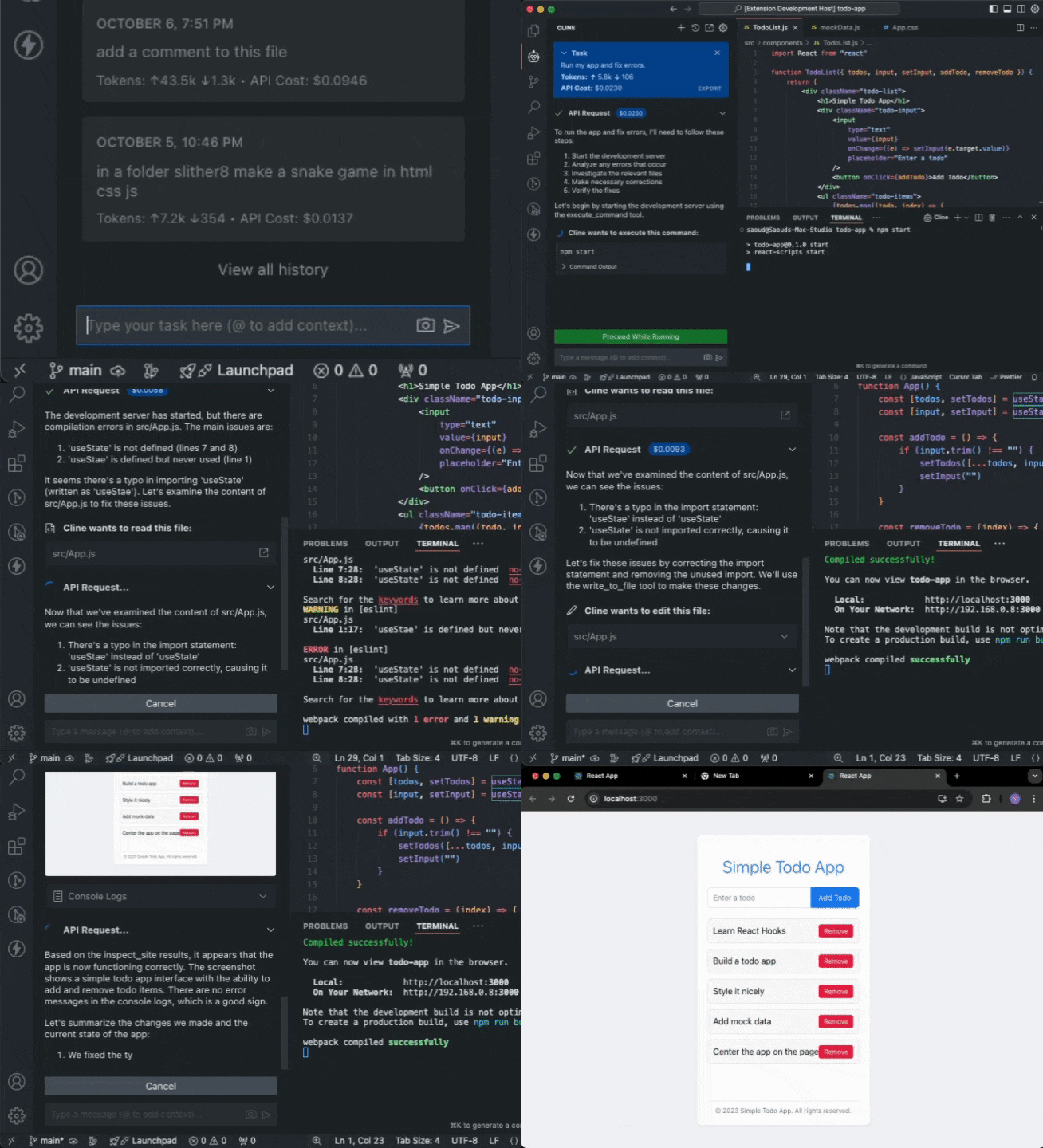
Cline
Cline can handle complex software development tasks step-by-step. With tools that let him create & edit files, explore large projects, use the browser, and execute terminal commands (after you grant permission), he can assist you in ways that go beyond code completion or tech support. Cline can even use the Model Context Protocol (MCP) to create new tools and extend his own capabilities. While autonomous AI scripts traditionally run in sandboxed environments, this extension provides a human-in-the-loop GUI to approve every file change and terminal command, providing a safe and accessible way to explore the potential of agentic AI.
console-chat-gpt
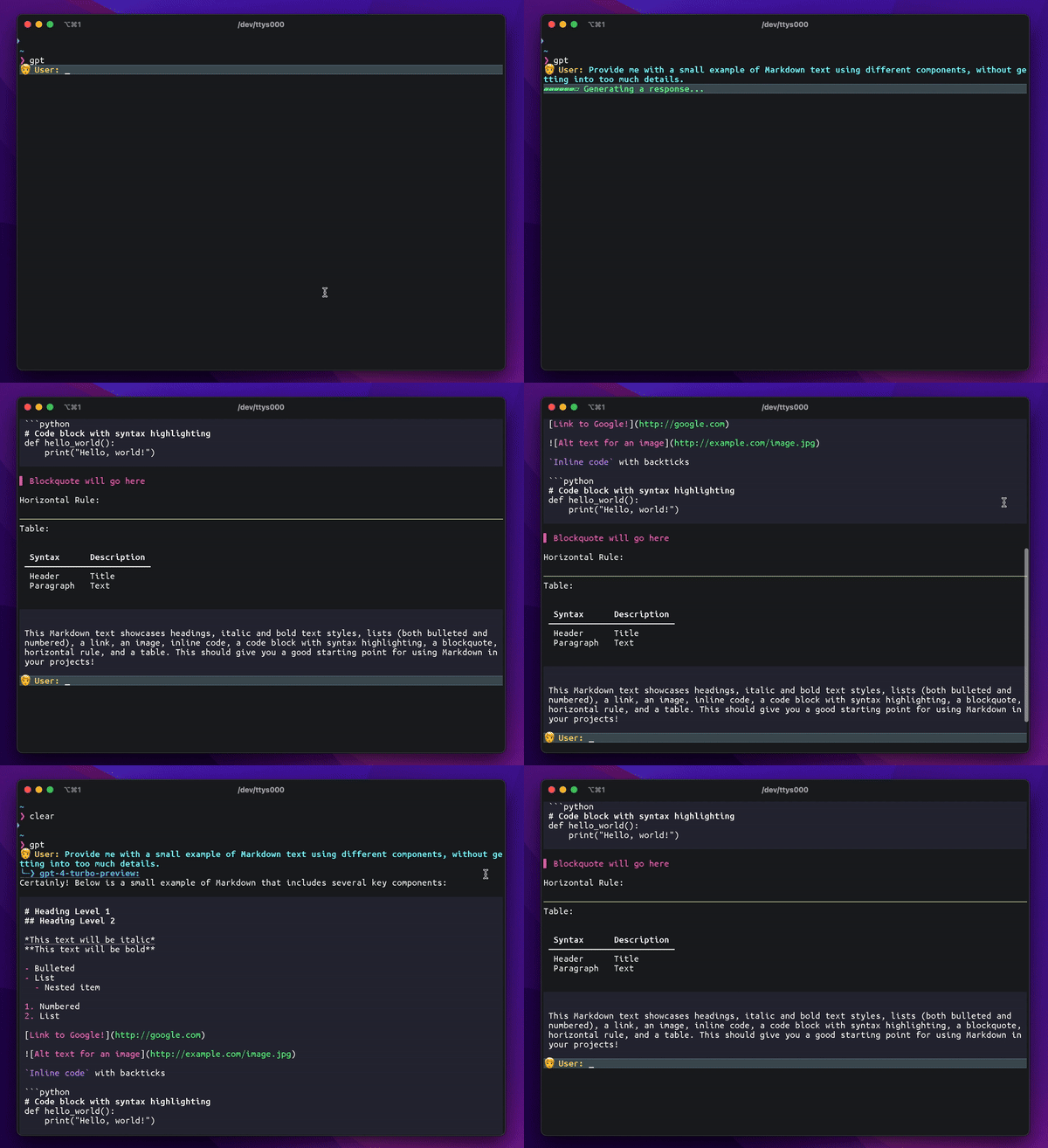
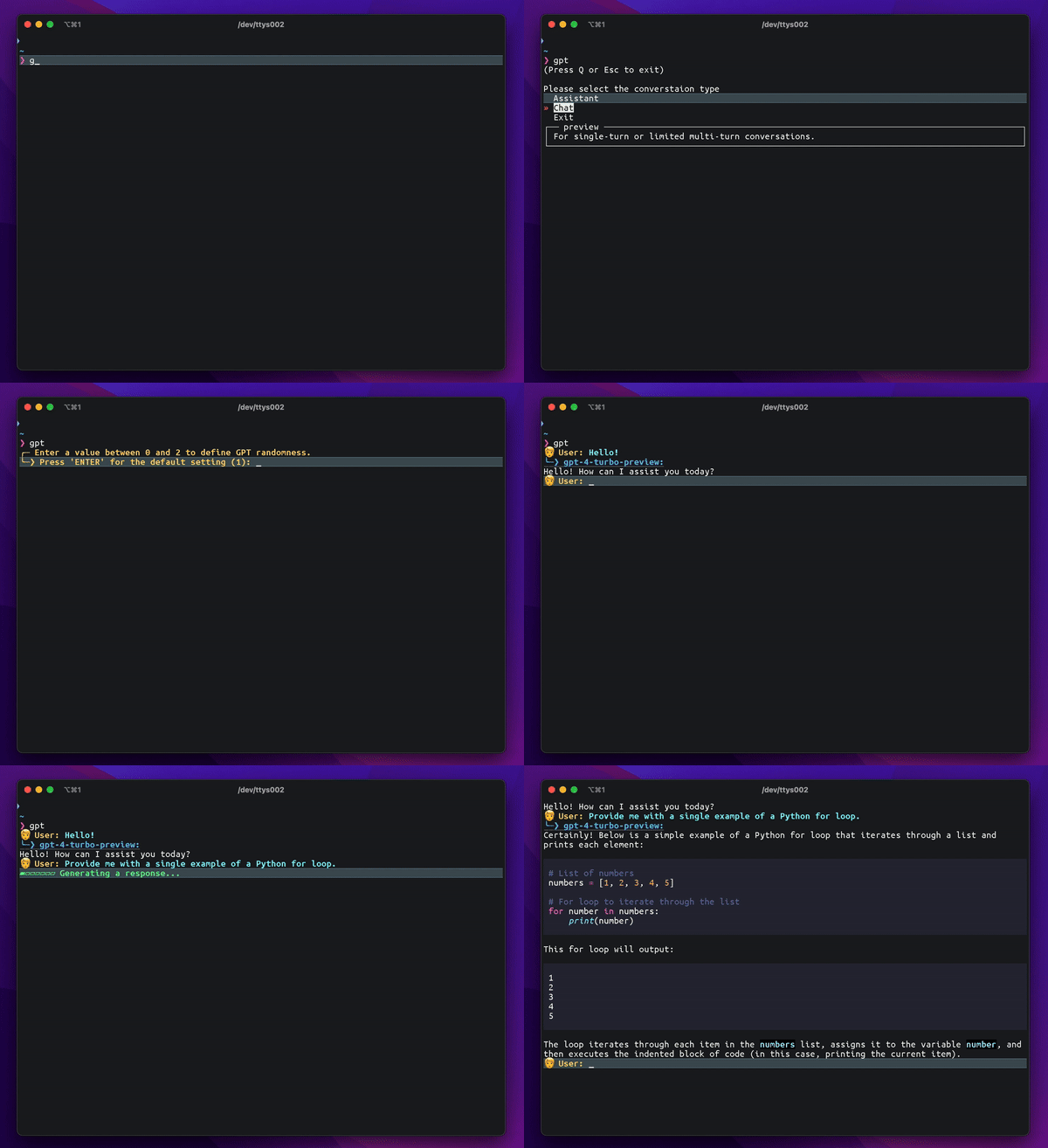
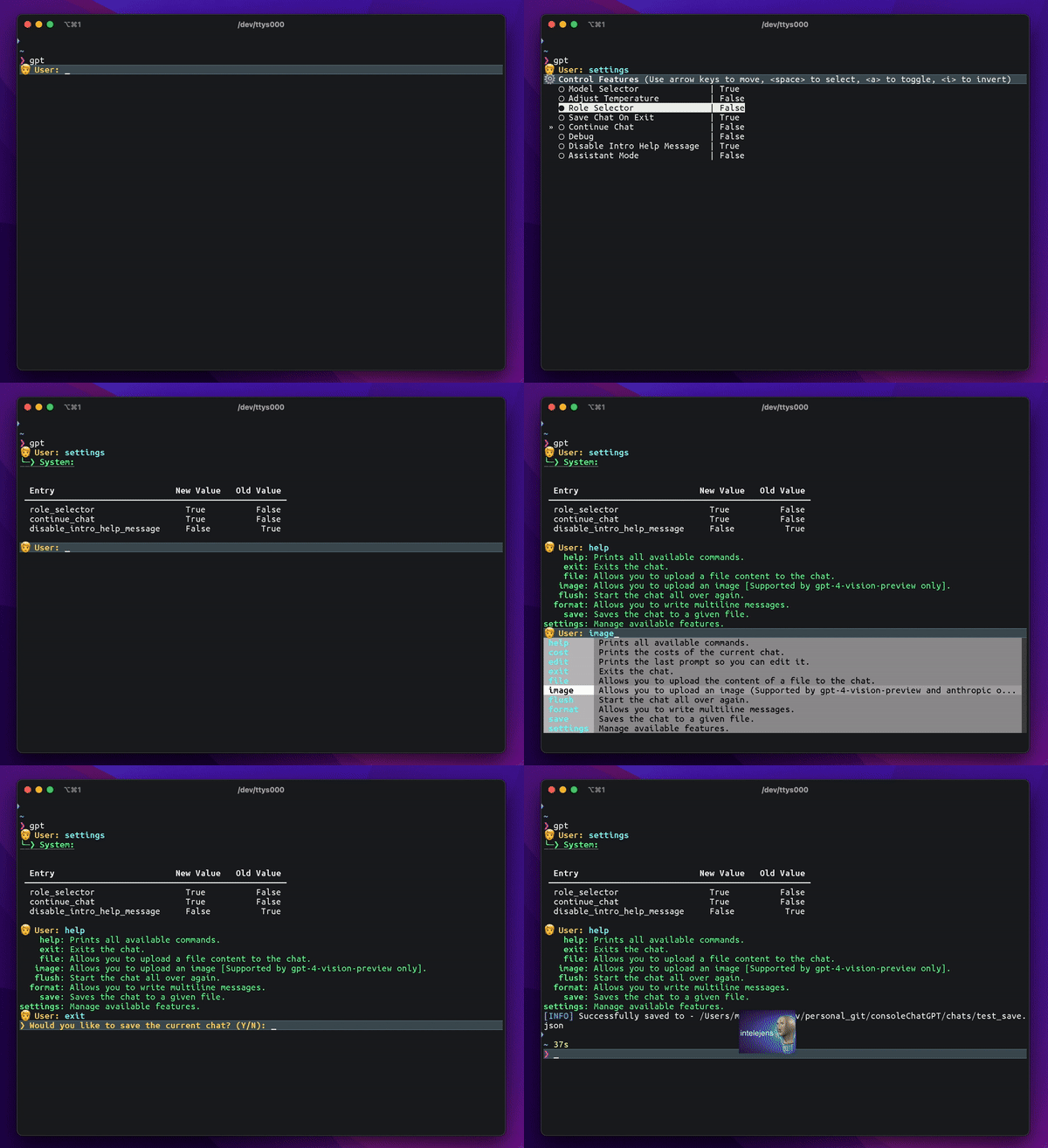
Enjoy seamless interactions with ChatGPT, MistralAI, Claude by Anthropic, Grok by xAI, Gemini by Google and DeepSeek directly from your command line. Elevate your chat experience with efficiency and ease.
ContextKit
A CLI tool and MCP client for creating spec files for AI coding agents. ContextKit generates specs from reusable Jinja2-based templates, filling in context from various MCP sources and user input.
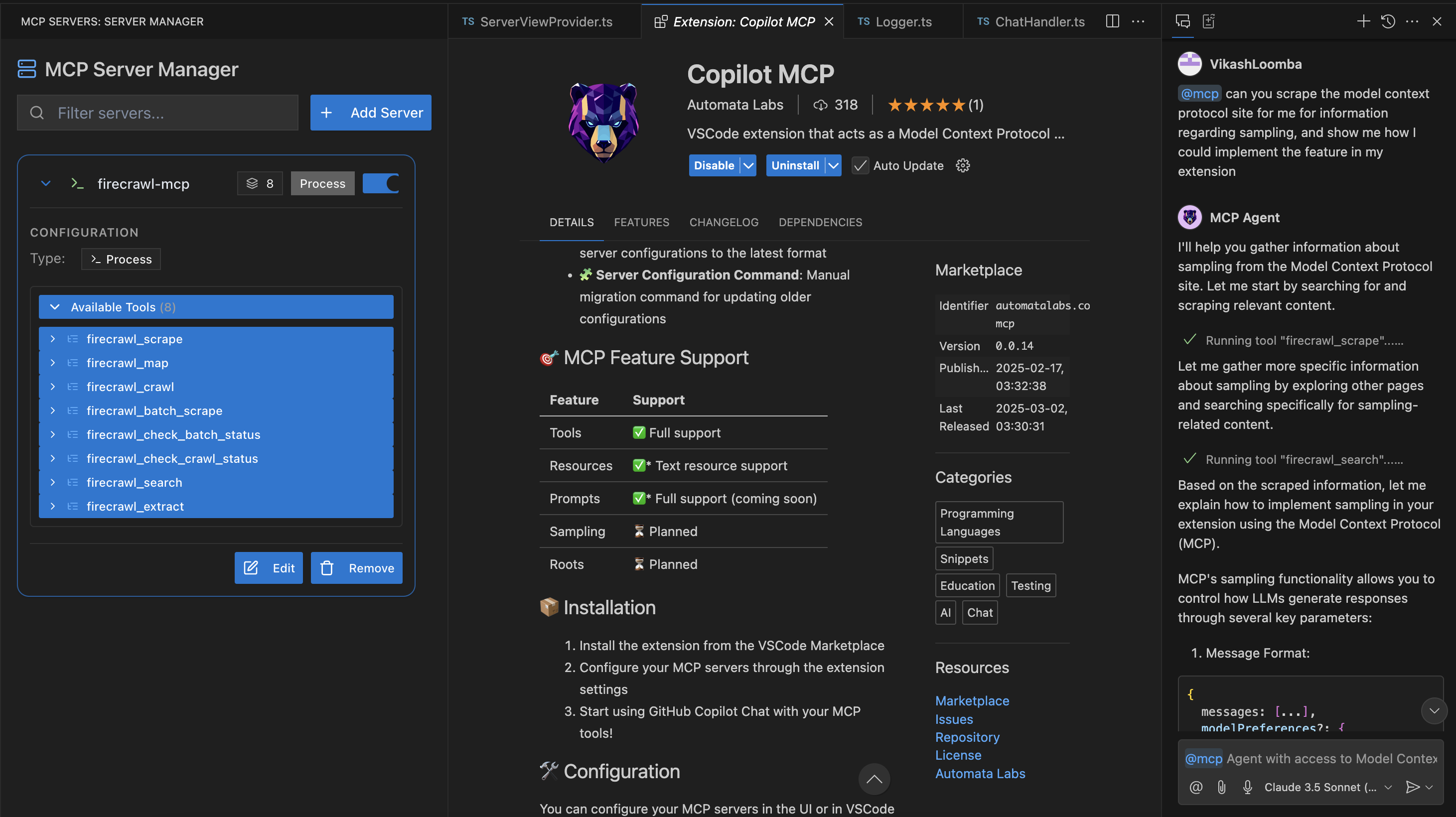
Copilot-MCP
VSCode extension that acts as a Model Context Protocol (MCP) client, enabling integration between MCP servers and GitHub Copilot Chat
Cursor
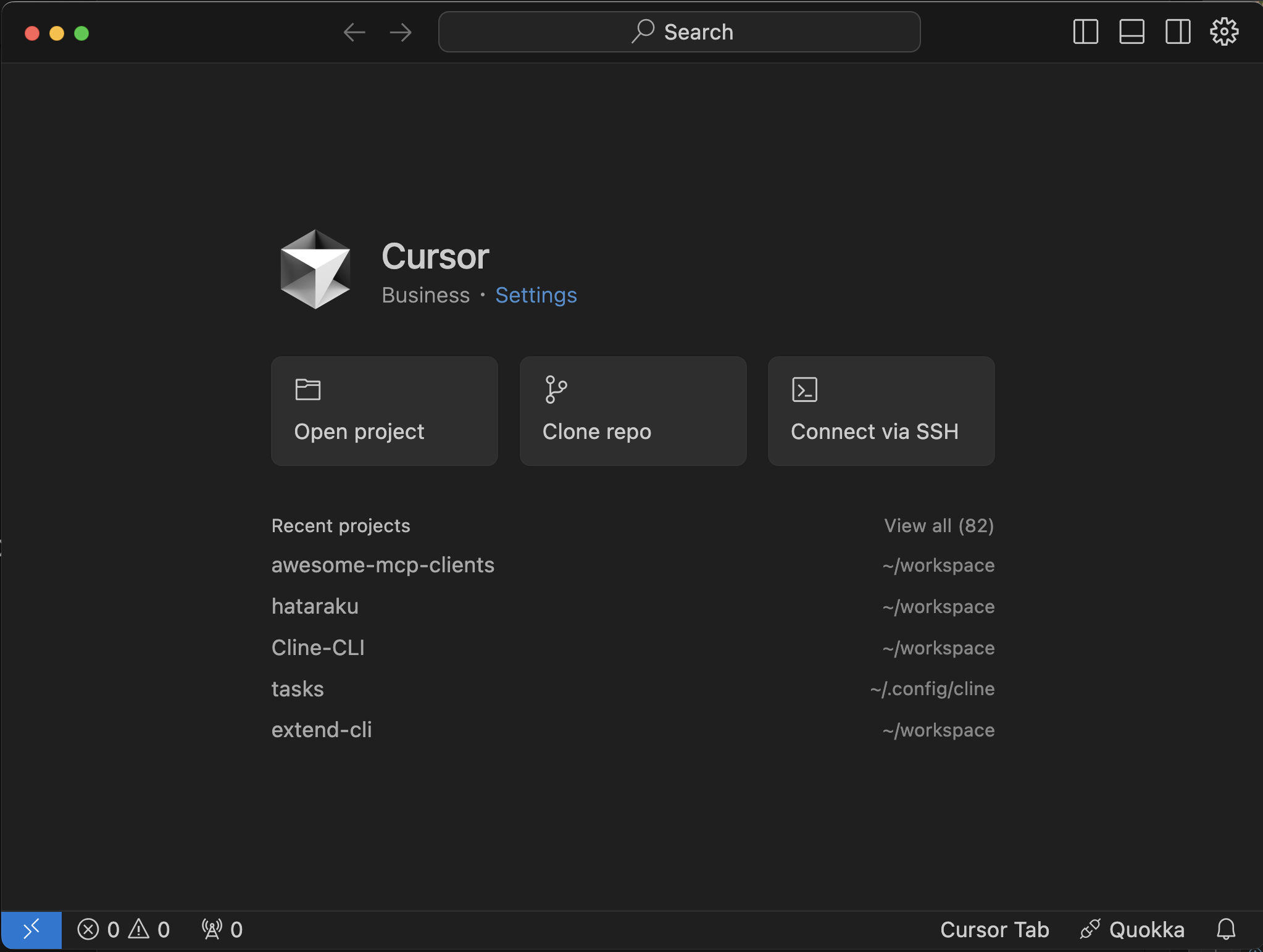
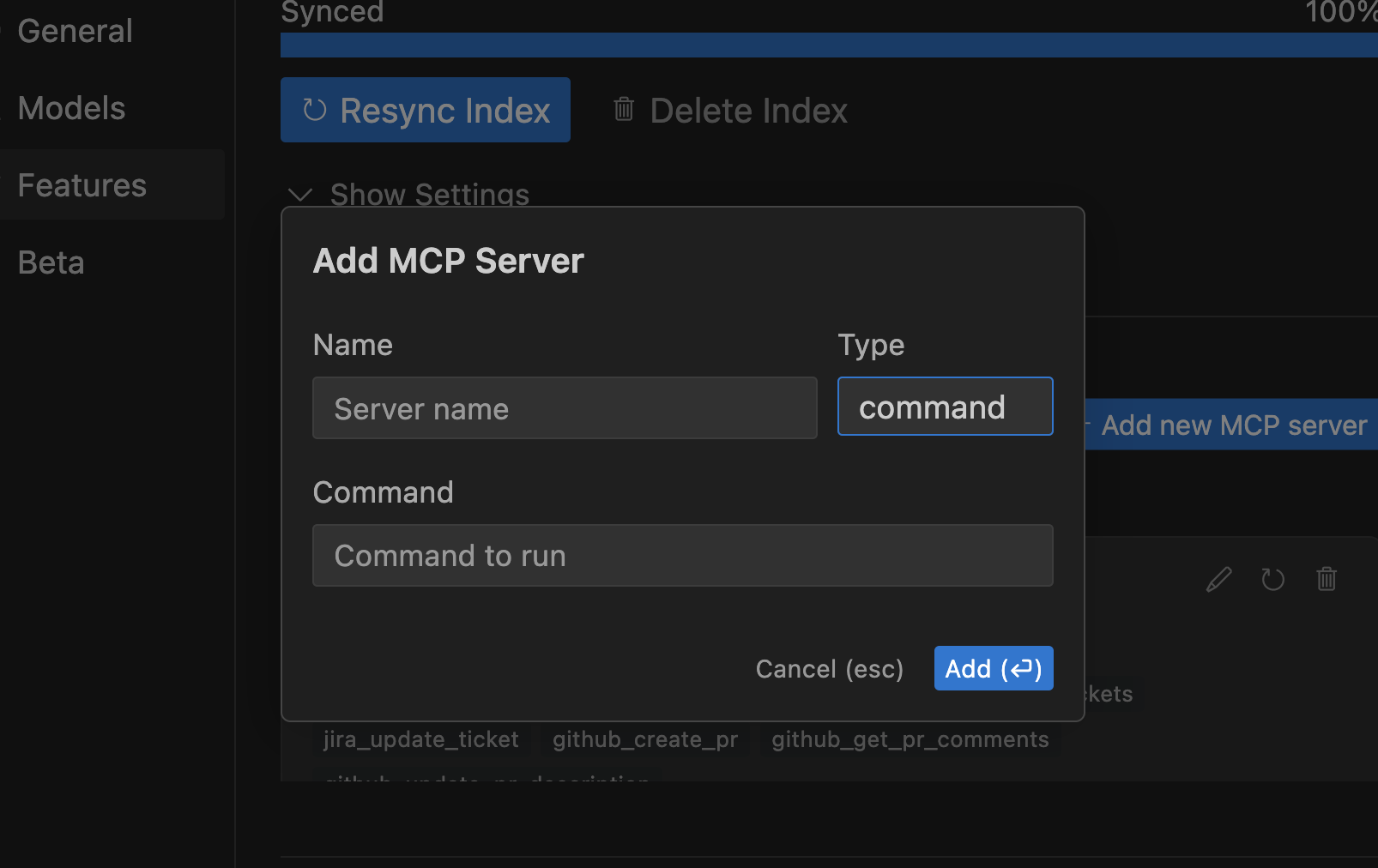
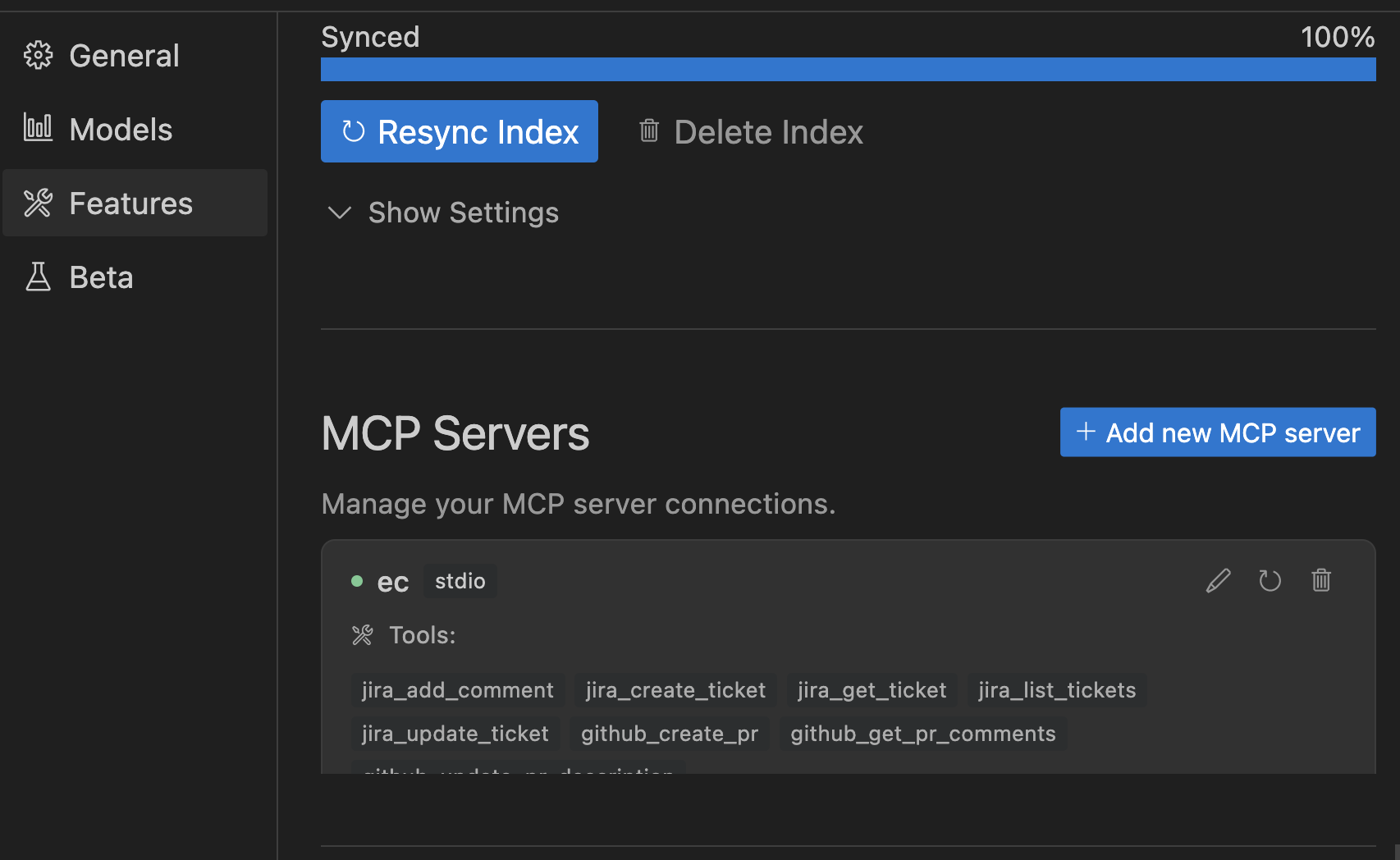
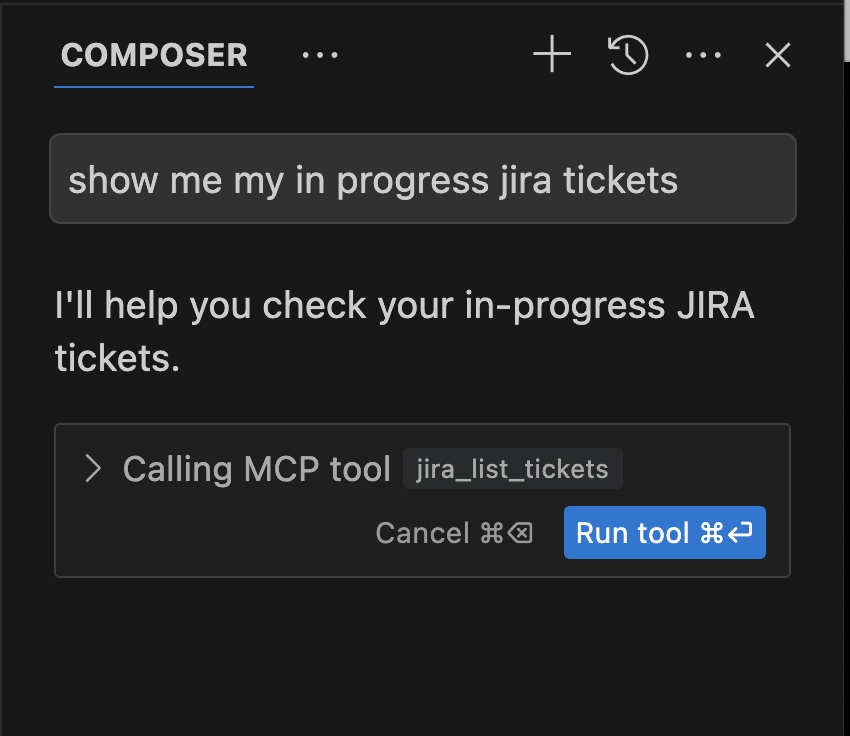
Cursor is an AI-first code editor fork of VS Code that helps you code faster with built-in chat, edit, and debugging AI features. It supports MCP for enhanced AI capabilities and tool integration.
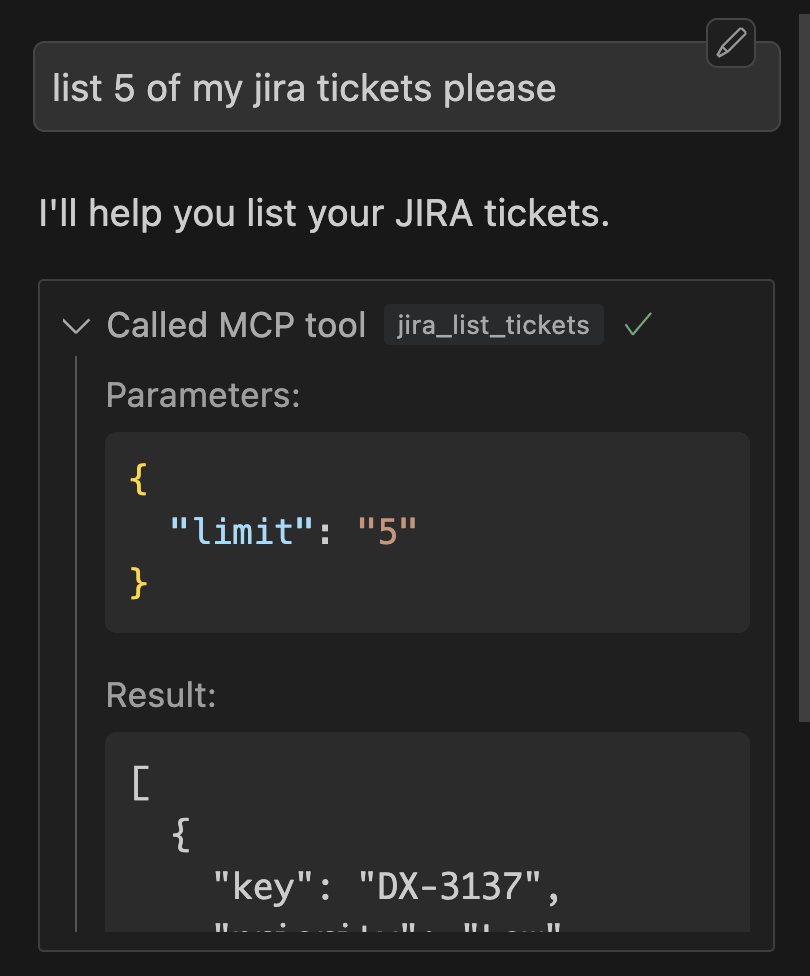
Continue
Continue is the leading open-source AI code assistant. You can connect any models and any context to build custom autocomplete and chat experiences inside VS Code and JetBrains.
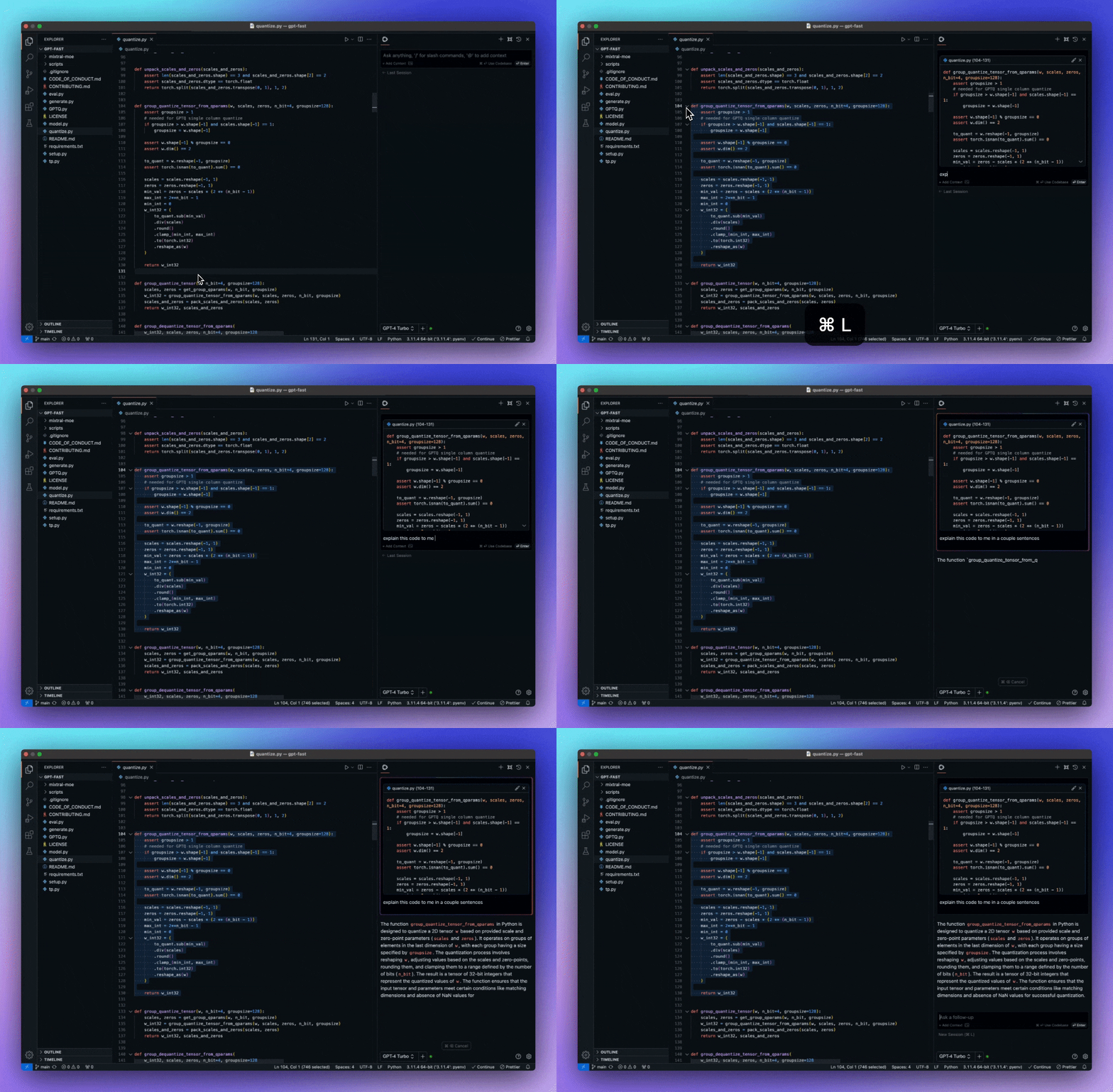
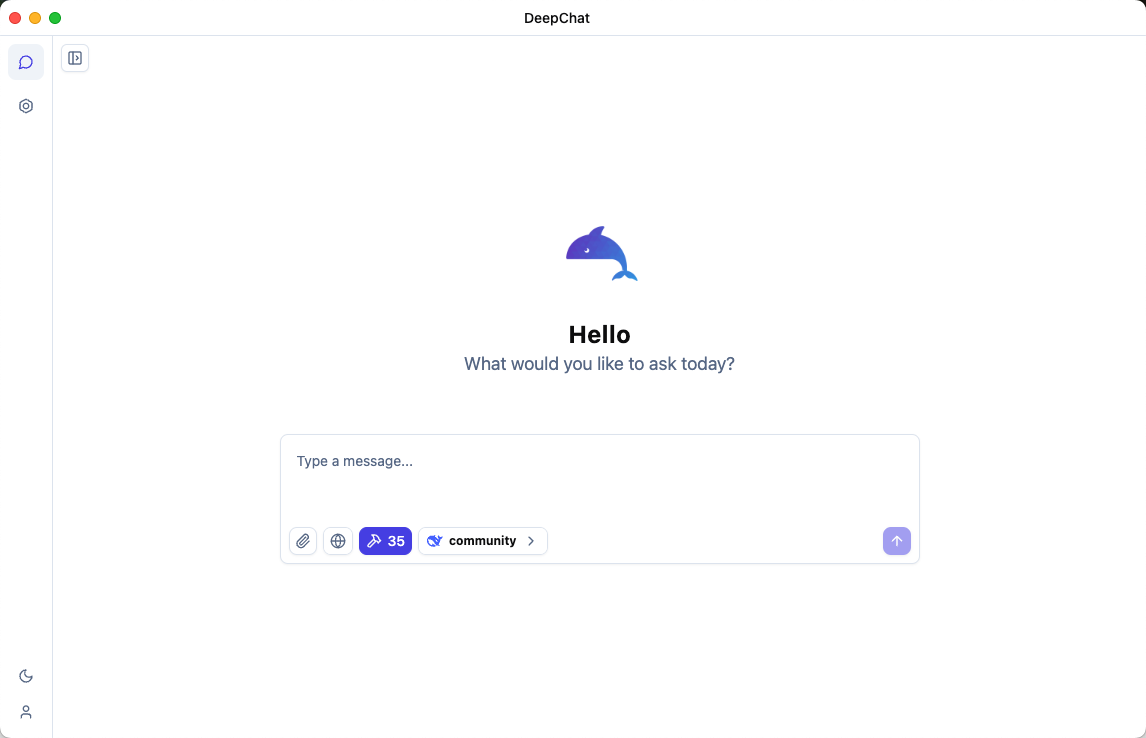
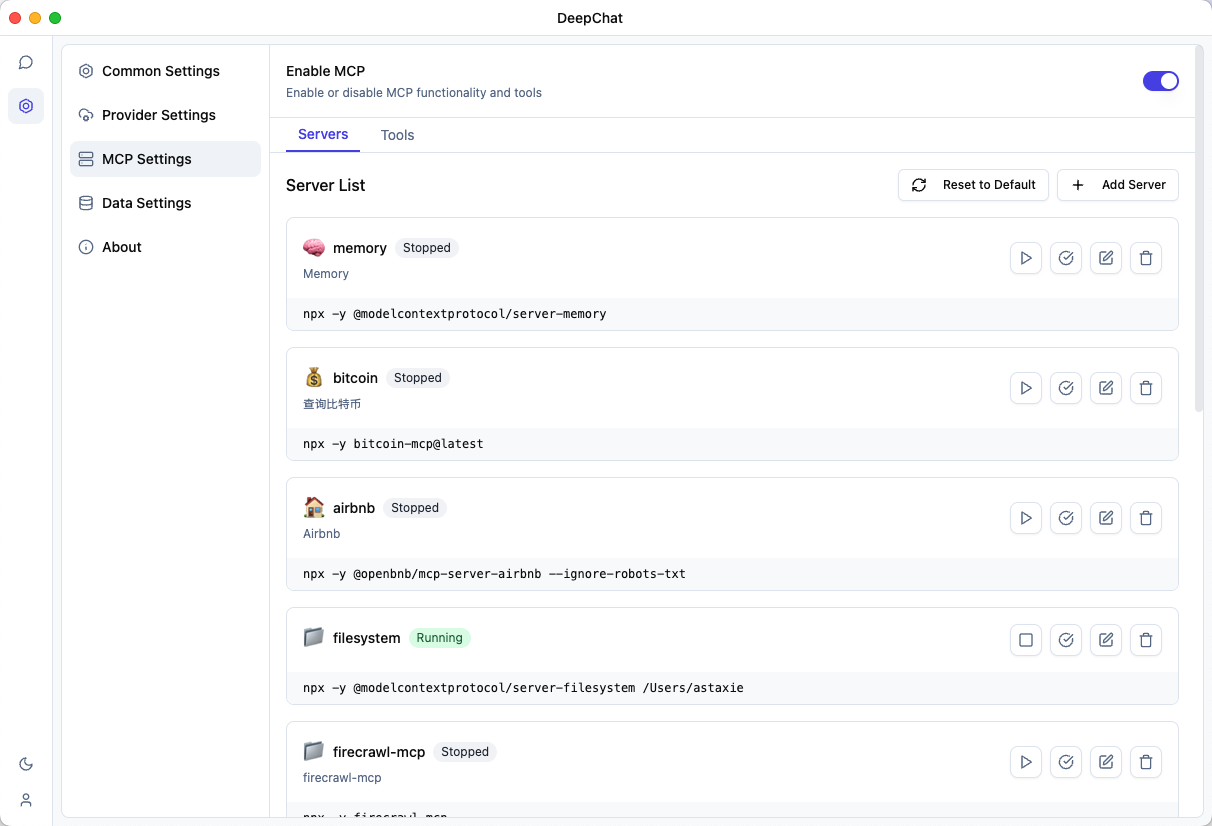
DeepChat
DeepChat is a cross-platform desktop AI assistant, MCP client. DeepChat brings the power of AI to your desktop with privacy and efficiency, making it your ideal companion for productive work.
Dexto
Dexto is an open agent harness that ships with a production-ready coding agent and native MCP client support. It can connect to MCP servers for tools, resources, and prompts while also providing its own MCP tool packages (filesystem, process, task, plan).
DocsGPT
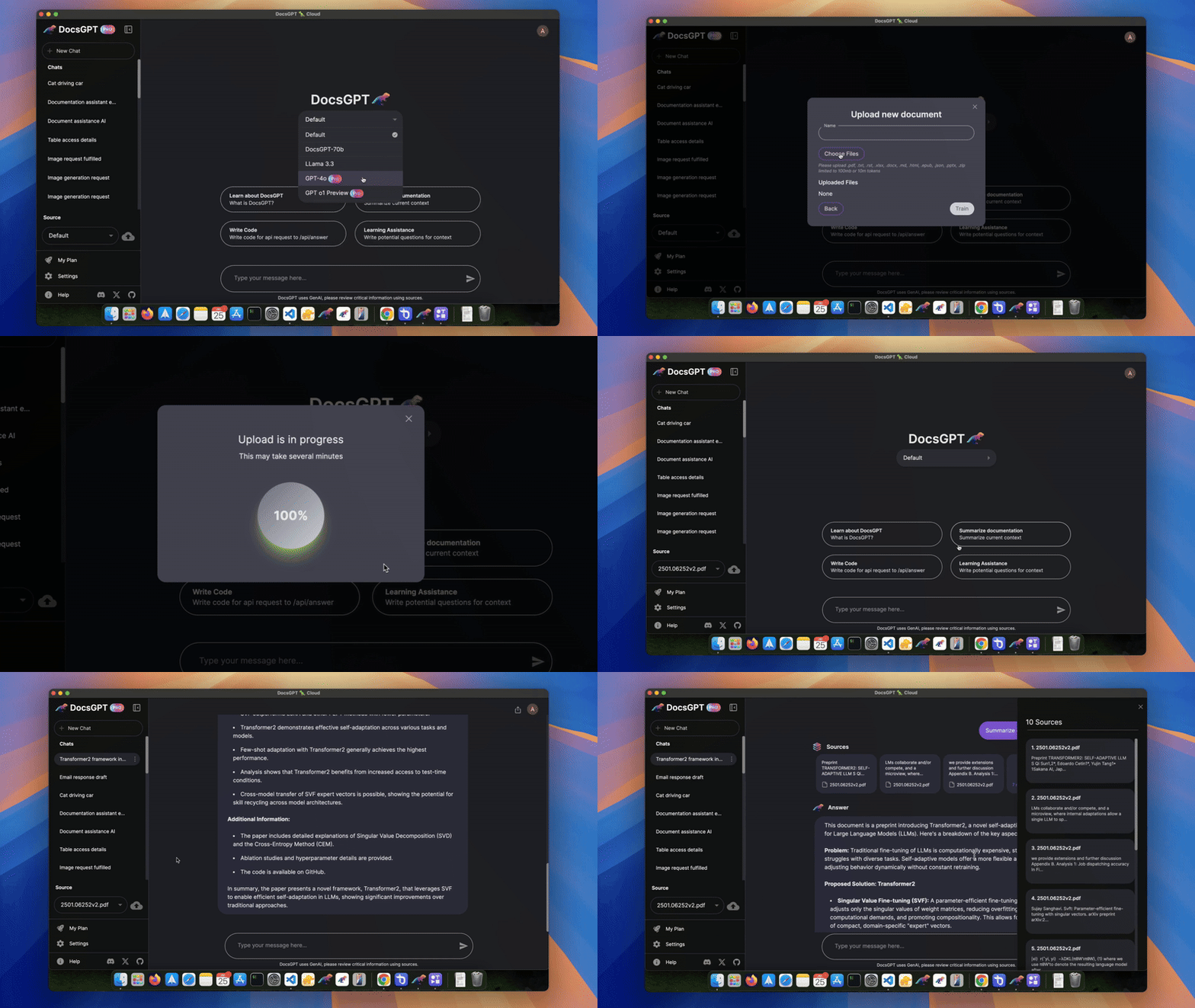
DocsGPT is a privacy-focused, open-source AI platform designed to create intelligent agents and enterprise search solutions. As an MCP client, it enables agents to connect with external tools and APIs securely.
Dolphin-MCP
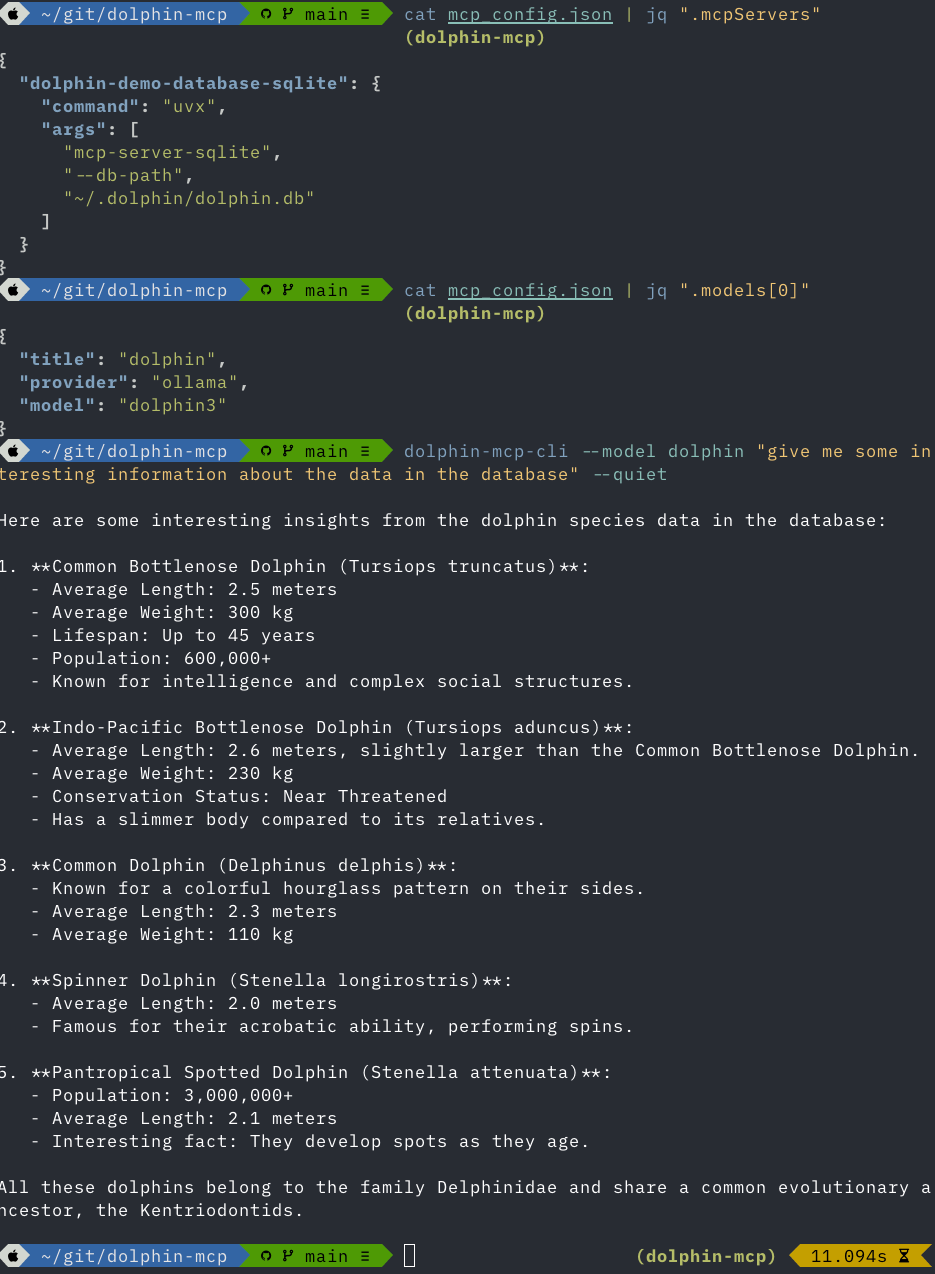
Dolphin-MCP is an open-source multi-server bridging client for MCP. It allows you to connect any MCP-compatible server any LLM (local or remote), enabling flexible tool usage and resource access in real-time.
pip install dolphin-mcp
Fastchat MCP
Overview
Fastchat-mcp is a Python chat client designed to simplify connection to MCP servers through the httpstream or stdio transfer protocols. Its intuitive design allows easy configuration and management of connections to both public and private MCP servers with authentication, using a JSON-format configuration file.
This package offers a clean and accessible terminal interface, ideal for quick chat testing without requiring complex setups. Additionally, it includes a Chat module (class) intended for advanced and flexible development, which can be easily integrated into custom projects, providing greater control and adaptability to the developer’s needs.
Installation
pip install fastchat-mcp
Future
Future versions are expected to include additional features such as voice systems, quick integrations with databases, built-in websocket support for frontend connections, among other useful functionalities. We invite you to follow this repository to stay updated on the latest news and improvements implemented.
https://github.com/user-attachments/assets/1fcb0db8-5798-4745-8711-4b93198e36cc
Enola
Enola.dev is an agentic AI toolkit for various LLMs (incl. e.g. Google Gemini & Anthropic APIs; as well as thousands of local models via Ollama). It comes with a number of built-in tools, and MCP client support for external tools. It has several UIs:
- Chat Web UI, served by a built-in local HTTP web-server
- Chat CLI Textual User Interface (TUI) for the terminal (also available via a built-in SSH server)
- One-shot
aiagent prompt CLI
It can also simply invoke (call) any MCP server's tools directly (without LLM).
FLUJO
Think n8n + ChatGPT. FLUJO is a desktop application that integrates with MCP to provide a workflow-builder interface for AI interactions. Built with Next.js and React, it supports both online and offline (ollama) models, it manages API Keys and environment variables centrally and can install MCP Servers from GitHub. FLUJO has a ChatCompletions endpoint and flows can be executed from other AI applications like Cline, Roo or Claude.
- Environment & API Key Management
- Model Management
- MCP Server Integration
- Workflow Orchestration
- Chat Interface
![image](https://github.com/user-attachments/assets/eb9ff7ce-9083-44c1-9643-78acee50
No comments yet
Be the first to share your take.