
Auto PPT Engine
Generate and revise editable PowerPoint decks from prompts, source files, or agent tool calls.
Auto PPT Engine is a self-hostable backend for teams that want AI agents, internal tools, or automation workflows to produce .pptx output through MCP, CLI, HTTP, or Docker.
Status: beta-quality open-source backend. Not a SaaS. Not a polished end-user GUI. Built for agent workflows, internal automation, and custom integrations. Current scope is feature-complete enough to evaluate today: prompt in, validated deck JSON and
.pptxout.
Why use it?
- Turn a prompt or a source brief into an editable
.pptxdeck - Let an AI agent create or revise slides through MCP, HTTP, or a JSON skill entrypoint
- Keep generation in your own environment with self-hosted deployment options
- Add engineering guardrails: schema validation, chart fallback, visual QA, and theme-aware rendering
Who is this for?
| You are… | What this gives you |
|---|---|
| AI agent builder | A PowerPoint tool backend your agent can call through MCP, HTTP, or file-based orchestration |
| Developer / power user | A CLI you can script into report generation, review loops, or internal workflows |
| Technical team | A self-hostable service for deck generation with controllable prompts, sources, themes, and outputs |
This is the backend behind “generate me a PPT”. It is designed to be embedded into your workflow, not used as a standalone SaaS product.
Quick Start
Prerequisites: Python 3.10+ and Node.js 18+.
Fastest path: mock mode, no API key required
# 1. Install dependencies
npm install && pip install .
# 2. Generate a deck locally without any LLM key
./auto-ppt generate --mock \
--prompt "Create an 8-slide AI strategy deck for executives" \
--source examples/inputs/sample-source-brief.md
Output:
output/py-generated-deck.jsonoutput/py-generated-deck.pptx
Real model generation
# 1. Configure your LLM key into .env
./auto-ppt init
# 2. Generate with a real model
./auto-ppt generate \
--prompt "Create an 8-slide AI strategy deck for executives" \
--source examples/inputs/sample-source-brief.md
Revise and validate
# Revise an existing generated deck
./auto-ppt revise \
--deck output/py-generated-deck.json \
--prompt "Compress to 6 slides, make it more conclusion-driven"
# Run visual QA on the rendered PPTX
./auto-ppt qa-visual output/py-generated-deck.pptx --strict
qa-visual writes a JSON report (default: alongside PPTX in <deck-name>-qa/visual-qa-report.json) and attempts to export slide images when soffice and pdftoppm are available.
Example Run
$ ./auto-ppt generate --mock --prompt "Q1 AI Strategy Review for Leadership"
Action: create
Deck JSON: output/py-generated-deck.json
PPTX: output/py-generated-deck.pptx
Renderer: pptxgenjs
Slides: 8
Sources: 1
1. [title ] Q1 AI Strategy Review for Leadership
2. [agenda ] Agenda
3. [bullet ] Background and goals
4. [two-column ] Current state and challenges
5. [process ] Python smart layer workflow
6. [timeline ] Execution timeline
7. [chart ] Adoption metrics
8. [closing ] Key recommendations
The output is not just a .pptx file. The system also emits a validated deck JSON contract that can be revised, re-rendered, audited, or handed to another workflow step.
Example Output
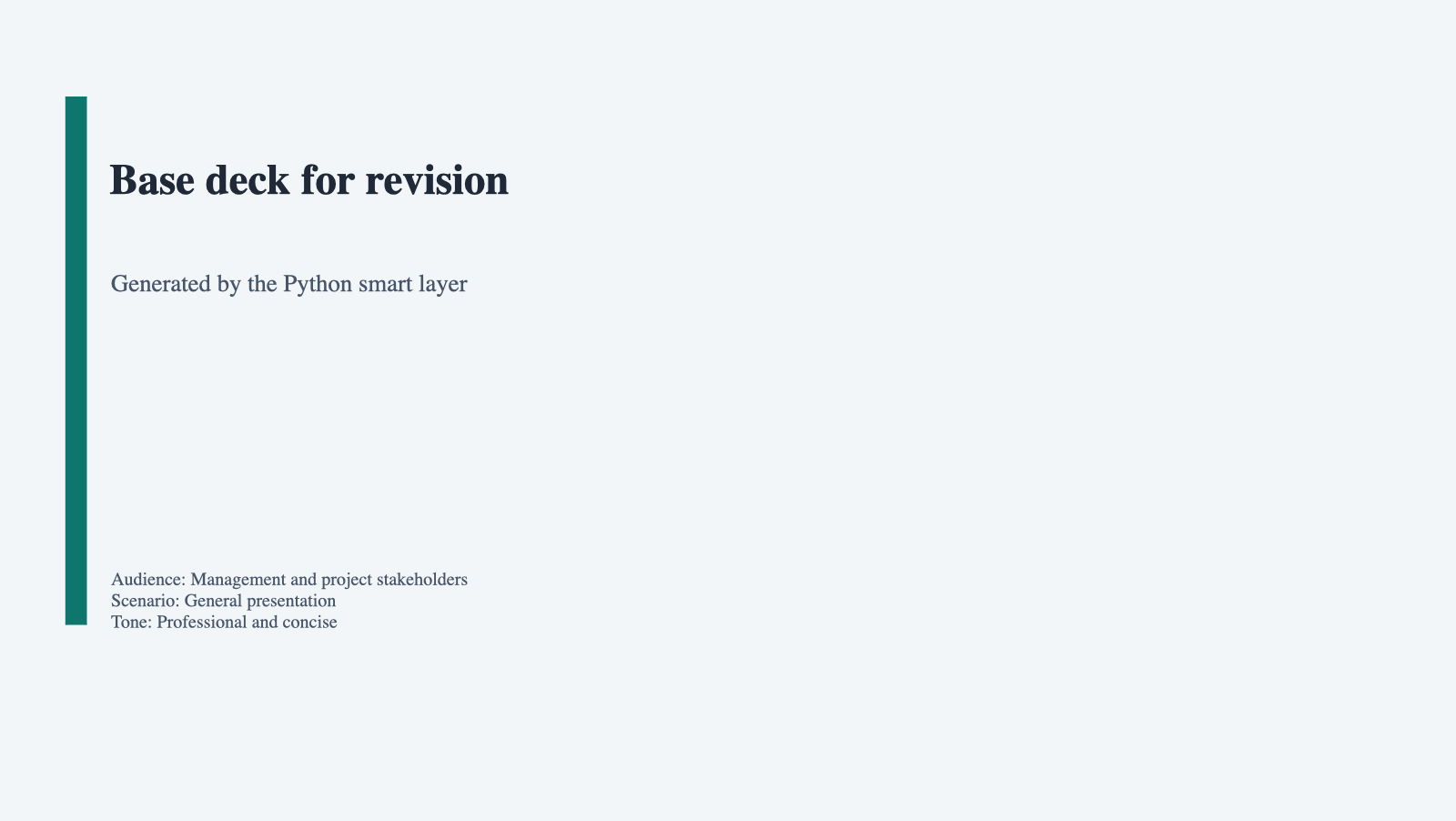
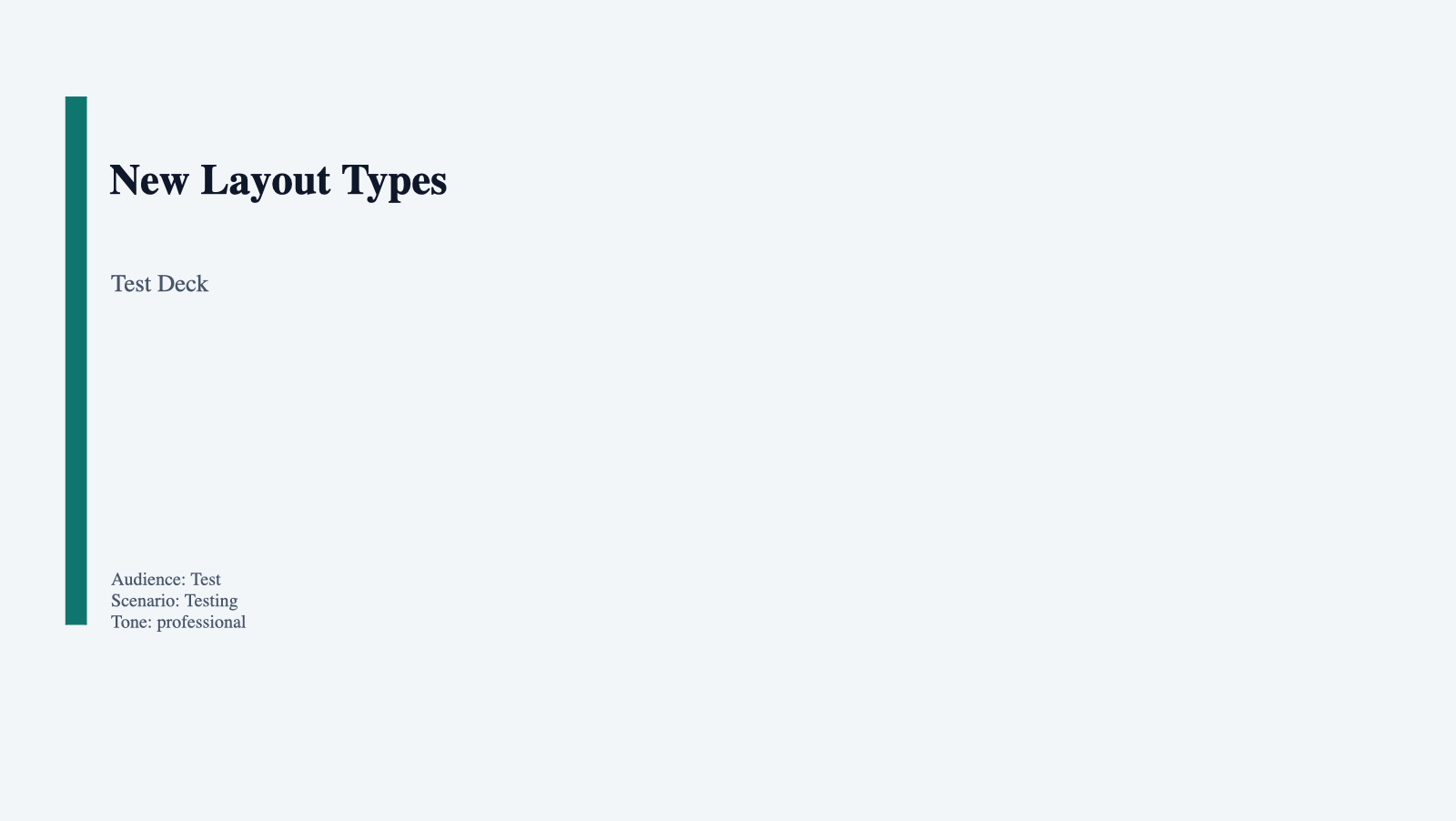
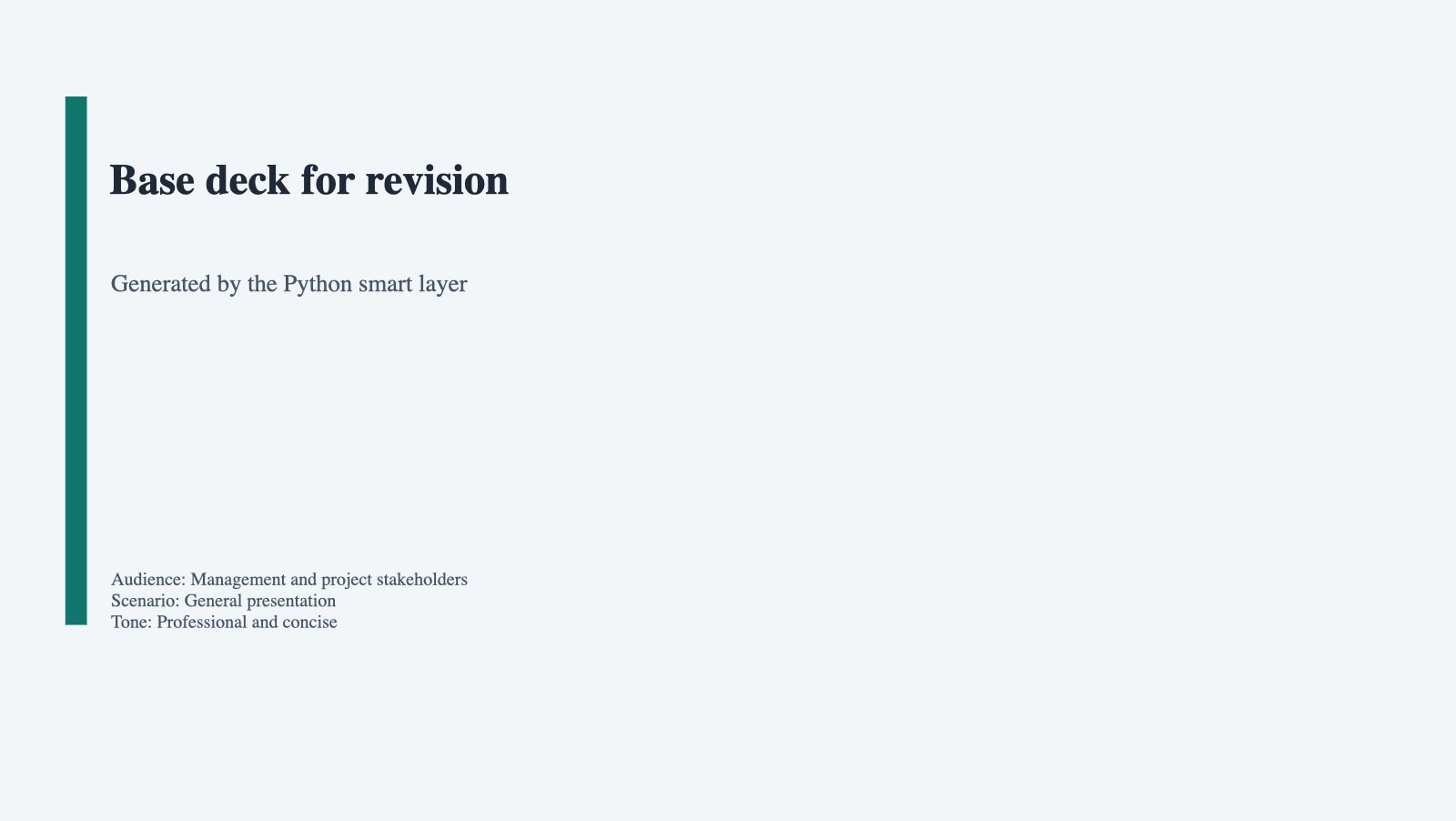
These thumbnails come from real .pptx files already checked into the repository under output/.
What they show:
- A prompt-driven first draft deck
- A layout coverage deck used to exercise more slide types
- A revised deck produced from an existing JSON contract
| Prompt-driven deck | Layout coverage deck | Revised deck |
|---|---|---|
 |
 |
 |
output/py-agent-generated-deck.pptx |
output/new-layouts-business-clean.pptx |
output/py-agent-revised-deck.pptx |
| First-pass deck generated by the Python smart layer | Coverage deck exercising newer layout types | Revision workflow output from an existing deck JSON |
Theme Gallery
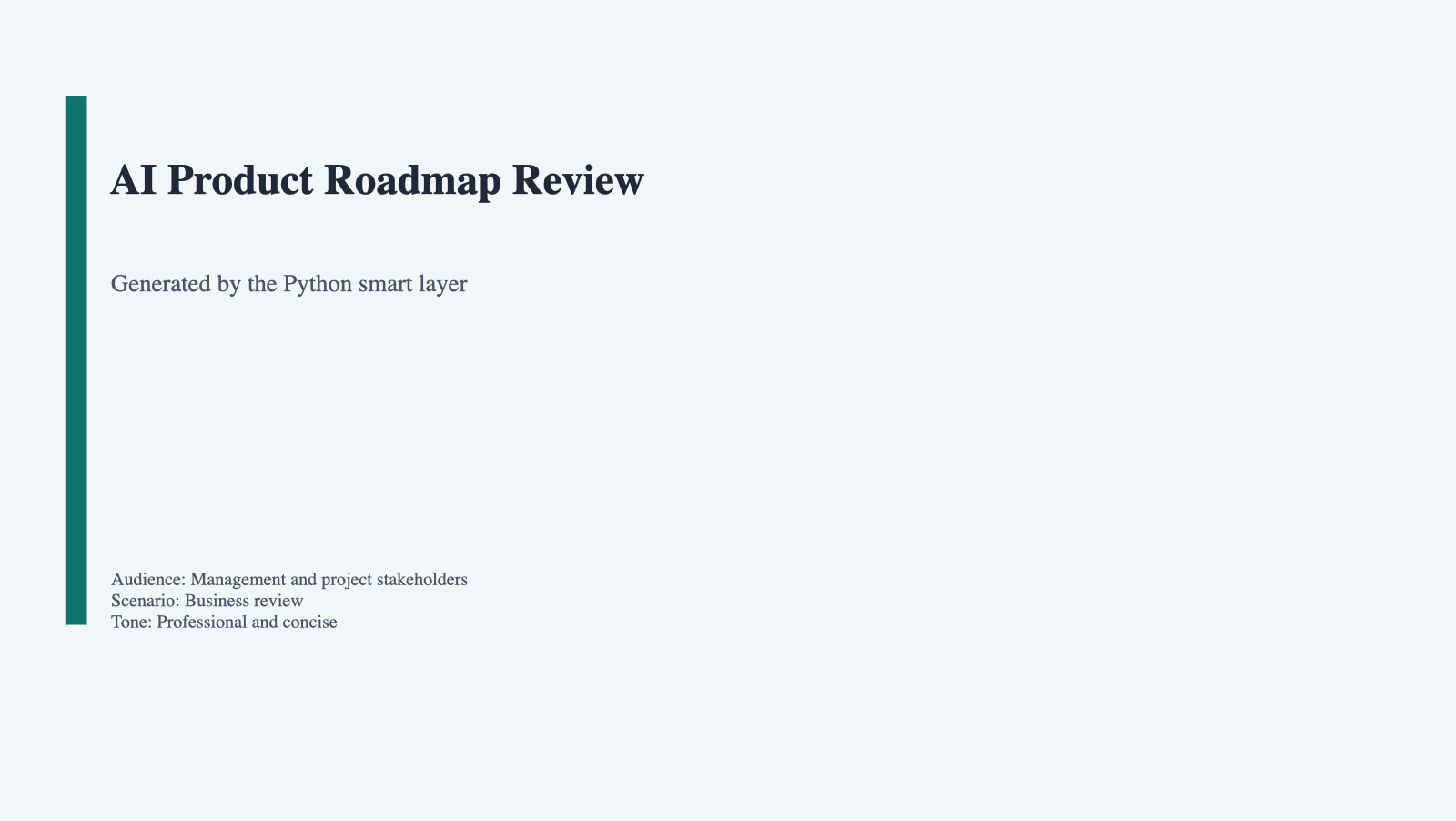
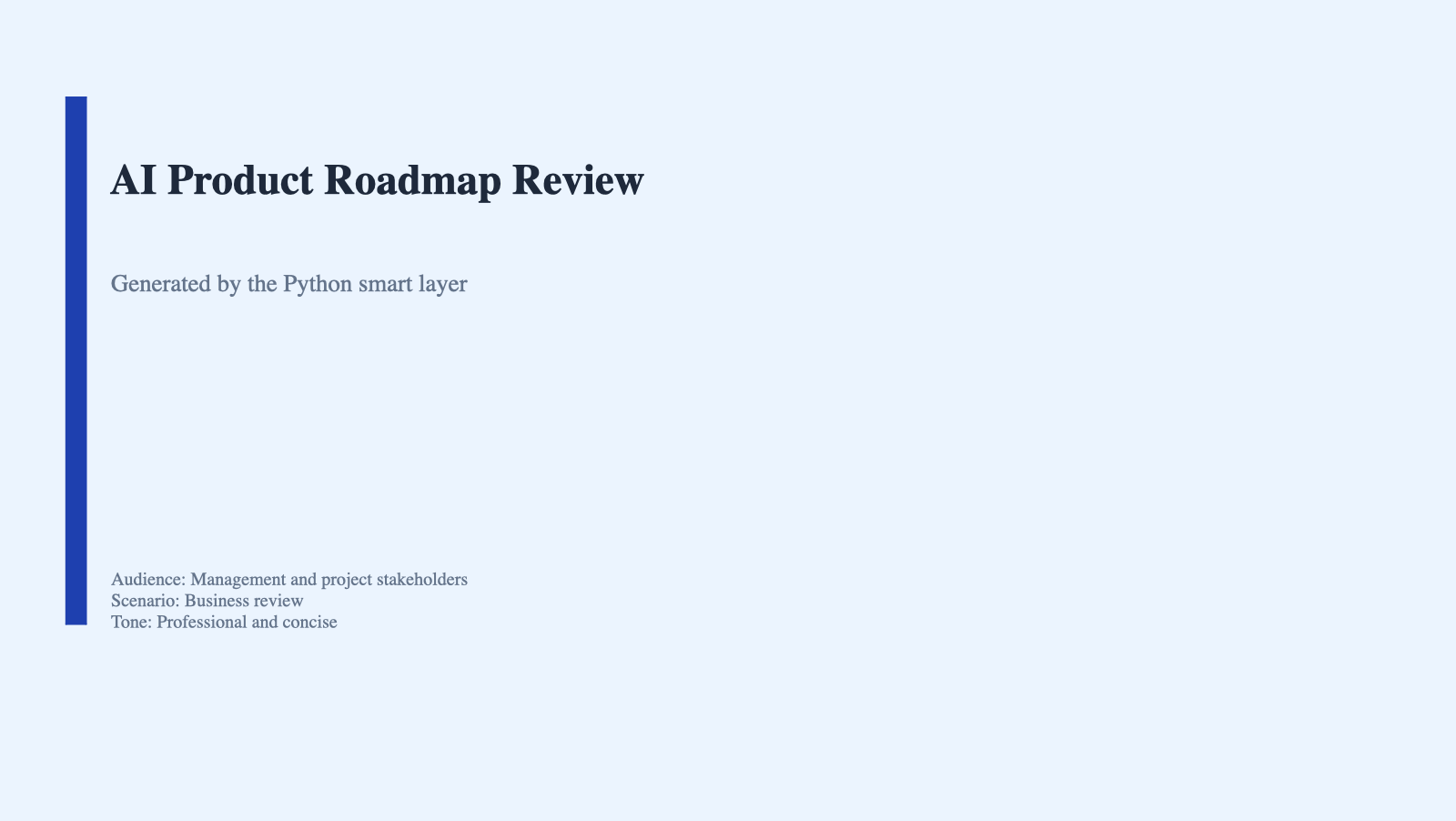
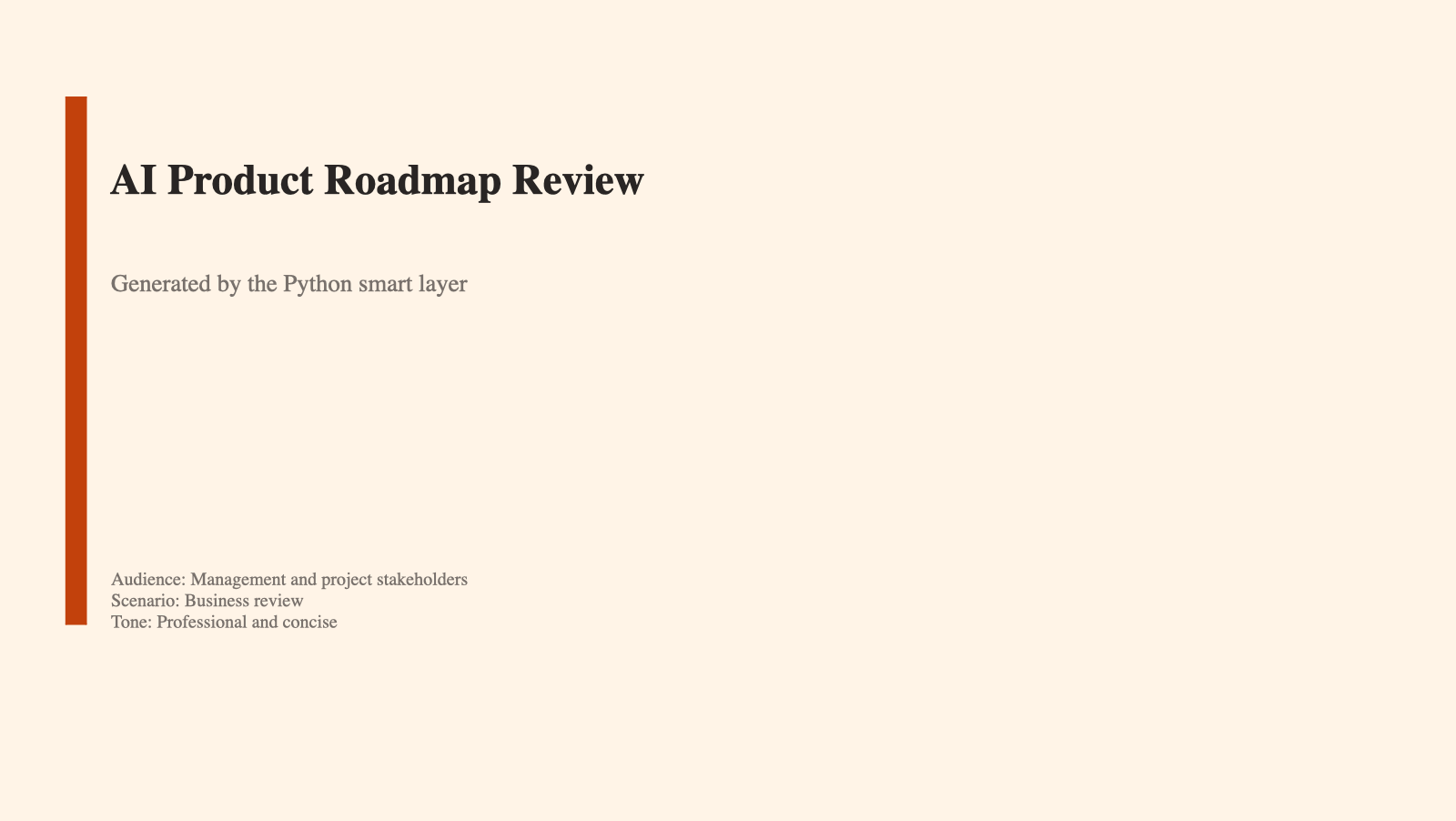
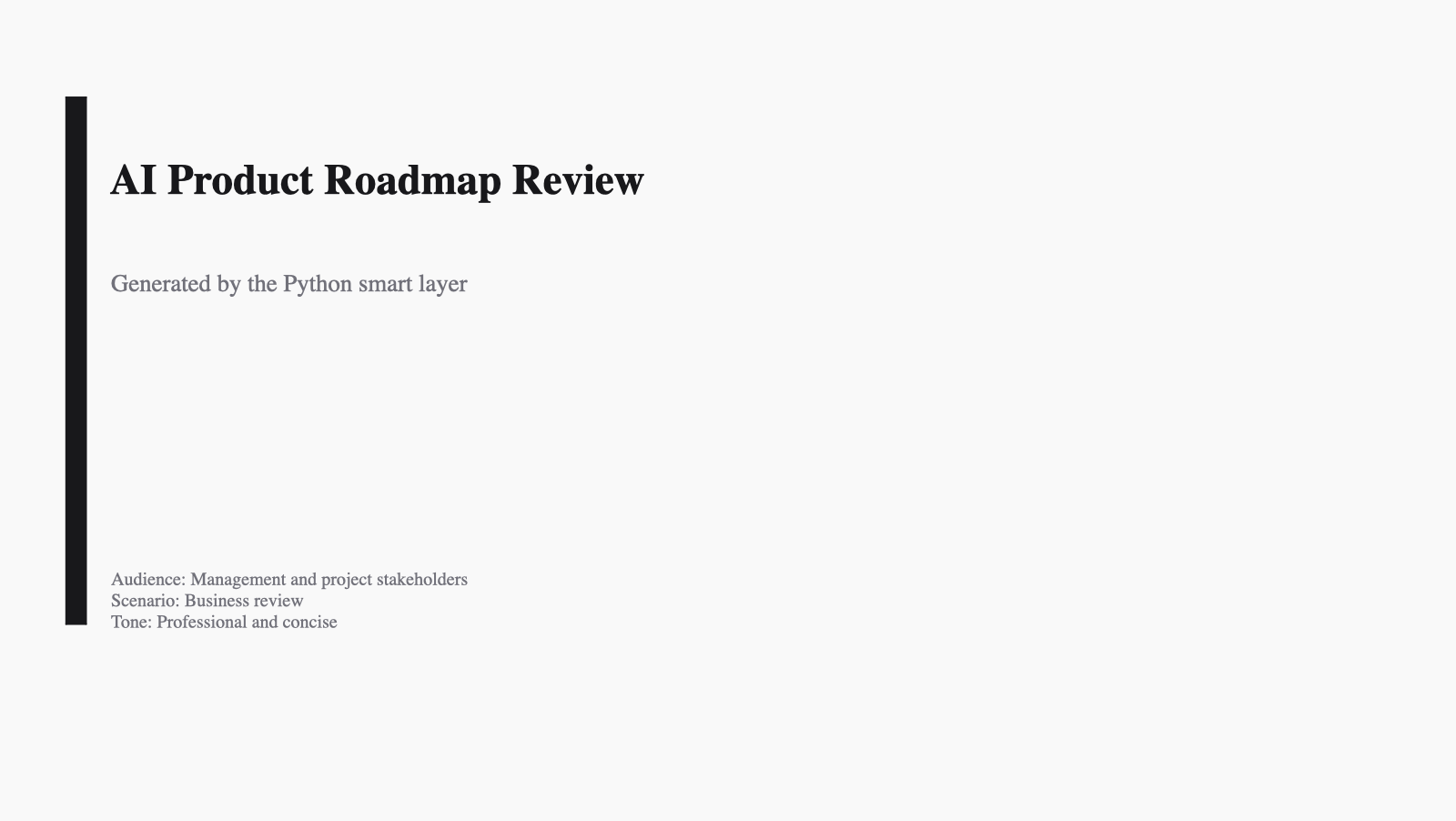
The 6 built-in themes below are shown using thumbnails regenerated from the current renderer. Each thumbnail is the same deck rendered with a different built-in theme, so the visual differences are easy to compare.
| business-clean | corporate-blue | dark-executive |
|---|---|---|
 |
 |
 |
| Clean default for general business decks | More formal blue-toned presentation style | Dark boardroom-style presentation theme |
| warm-modern | minimal | tech |
|---|---|---|
 |
 |
 |
| Warmer editorial look | Monochrome and restrained | Dark technical / product style |
Quality Pipeline
prompt + sources -> planning -> schema validation -> PPTX render -> visual QA -> editable .pptx
Quality controls already in the repository include:
- JSON schema validation before rendering
- Chart repair and fallback when chart data is invalid
- Visual QA heuristics for overlap, edge crowding, and empty-slide detection
- Theme-aware text/background contrast handling across light and dark themes
What It Does
| Capability | Detail |
|---|---|
| Prompt-to-deck planning | Natural-language prompt → structured slide deck |
| Natural-language revision | Iterate on an existing deck with free-text instructions |
| Source ingestion | .txt .md .csv .json .yaml .xml .html .pdf .docx, images, URLs |
| Schema validation | JSON-schema check before every render |
| LLM providers | OpenAI, OpenRouter, Claude, Gemini, Qwen, DeepSeek, GLM, MiniMax, any OpenAI-compatible endpoint |
| PPTX rendering | JS renderer (pptxgenjs) with CJK font support and chart image fallback for Keynote/Google Slides |
| Cross-platform charts | Image-based charts by default; native OOXML via --native-charts |
| Built-in themes | 6 themes (business-clean, corporate-blue, dark-executive, warm-modern, minimal, tech); --theme flag or API param |
| Multi-language | CJK + Latin universal font stack — any language mixed with English |
| Security | Path traversal protection, SSRF blocking, file size limits, subprocess timeout |
Entry Points
| Interface | Command | Use Case |
|---|---|---|
| MCP | python mcp_server.py |
Claude Desktop, Cursor, Windsurf — recommended for agent integration |
| CLI | ./auto-ppt generate / revise |
Interactive or scripted usage |
| HTTP | python py-skill-server.py |
REST integration (POST /skill) |
| JSON skill | python py-agent-skill.py --request req.json |
File-based agent orchestration |
| Docker | docker compose up --build |
One-command deploy |
MCP Demo
Below is a terminal-style demo generated from a real MCP stdio round-trip against the current mcp_server.py implementation.
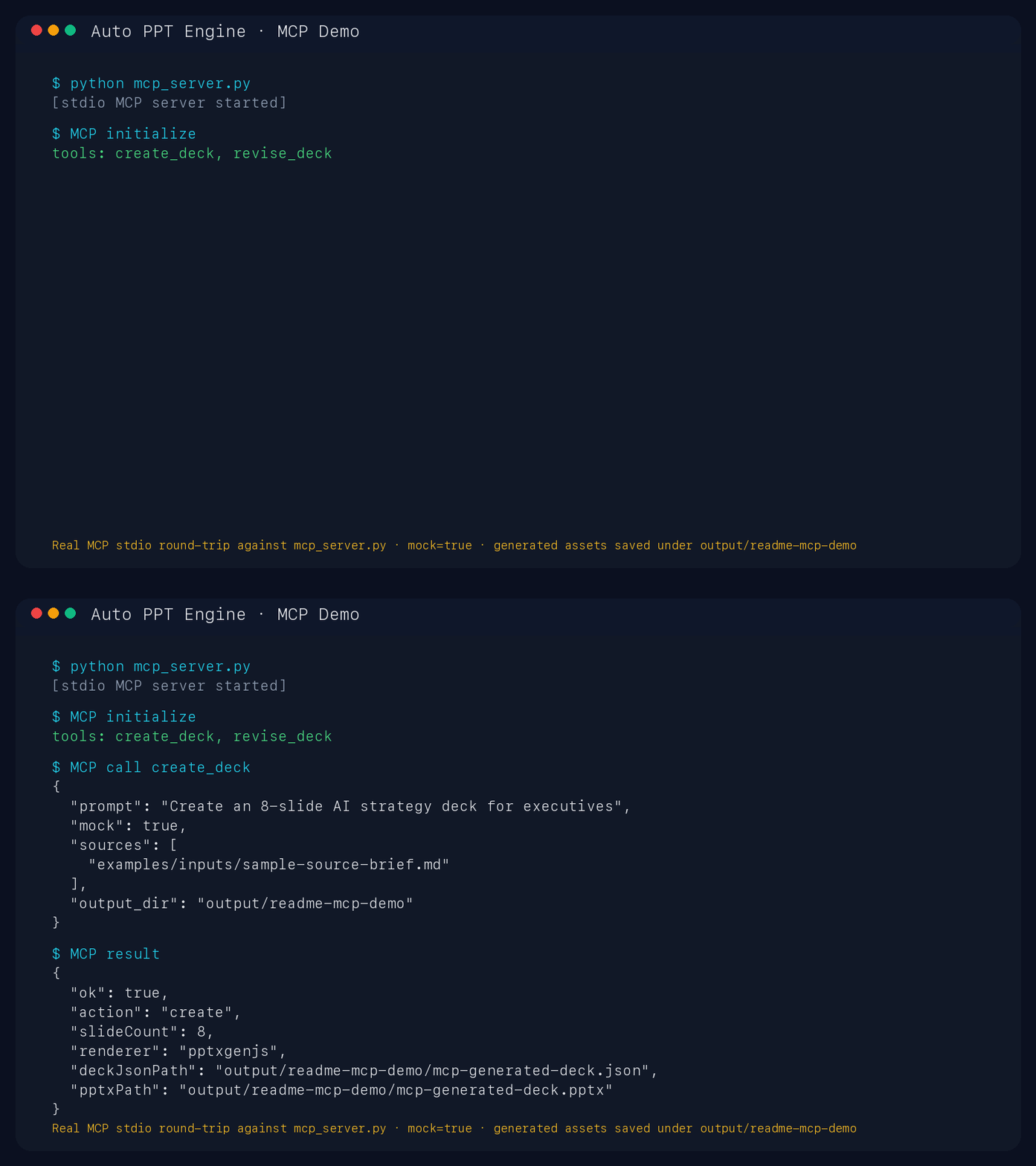
What it demonstrates:
- MCP server initialization over stdio
- Tool discovery (
create_deck,revise_deck) - A real
create_decktool call withmock: true - Returned artifact paths for generated deck JSON and PPTX
MCP Configuration
Claude Desktop — add to claude_desktop_config.json:
{
  "mcpServers": {
    "auto-ppt": {
      "command": "python",
      "args": ["/absolute/path/to/auto-ppt-engine/mcp_server.py"]
    }
  }
}
Cursor / Windsurf — add to .cursor/mcp.json or .windsurf/mcp.json:
{
  "mcpServers": {
    "auto-ppt": {
      "command": "python",
      "args": ["/absolute/path/to/auto-ppt-engine/mcp_server.py"]
    }
  }
}
Tools exposed: create_deck, revise_deck. Both accept sources, mock mode, and optional output_dir.
Docker
export OPENAI_API_KEY="sk-..."
docker compose up --build                          # HTTP skill server
docker run --rm -it -e OPENAI_API_KEY auto-ppt-engine python mcp_server.py  # MCP stdio
Testing
python -m pytest tests/ -v   # 408 tests
npm run ci:smoke             # JS renderer + end-to-end smoke
CI: pytest on Python 3.10 / 3.11 / 3.12, smoke on Node.js 18 / 20 / 22.
Architecture
flowchart LR
  MCP["MCP\ncreate_deck / revise_deck"]
  CLI["CLI\ngenerate / revise"]
  HTTP["HTTP skill server\nPOST /skill"]
  JSON["JSON skill\nrequest file"]
  Sources["Prompt + sources"]
  Smart["Python smart layer\nplanning · revision · source loading\nschema validation"]
  Deck["Validated deck JSON"]
  JS["JS renderer\npptxgenjs + chart fallback"]
  PY["Python template renderer\npython-pptx"]
  QA["Visual QA / audit"]
  PPTX["Editable .pptx"]

  MCP --> Smart
  CLI --> Smart
  HTTP --> Smart
  JSON --> Smart
  Sources --> Smart
  Smart --> Deck
  Deck --> JS
  Deck --> PY
  JS --> QA
  PY --> QA
  QA --> PPTX
  PPTX -. revise loop .-> Smart
Default output goes through the JS renderer; the Python renderer is used for template-oriented rendering paths.
- Python (
python_backend/): planning, revision, source loading, LLM calls, schema validation - Node (
generate-ppt.js): pptxgenjs rendering from validated deck JSON, cross-platform chart images, CJK font stack - deck JSON: the stable contract between both layers
Documentation
| Doc | Content |
|---|---|
| Examples | Copy-paste usage flows |
| User Guide | Day-to-day usage |
| Integration Guide | HTTP, MCP, JSON skill patterns |
| Changelog | Version history |
| Roadmap | Current scope, maintenance status, and version history |
Multilingual: all guides available in English, 中文, 日本語.
Acknowledgments
Built with the assistance of Claude (Anthropic) and GitHub Copilot.
License
This project is licensed under the GNU Affero General Public License v3.0 (AGPL-3.0). See LICENSE for the full text.
No comments yet
Be the first to share your take.