
English | 中文
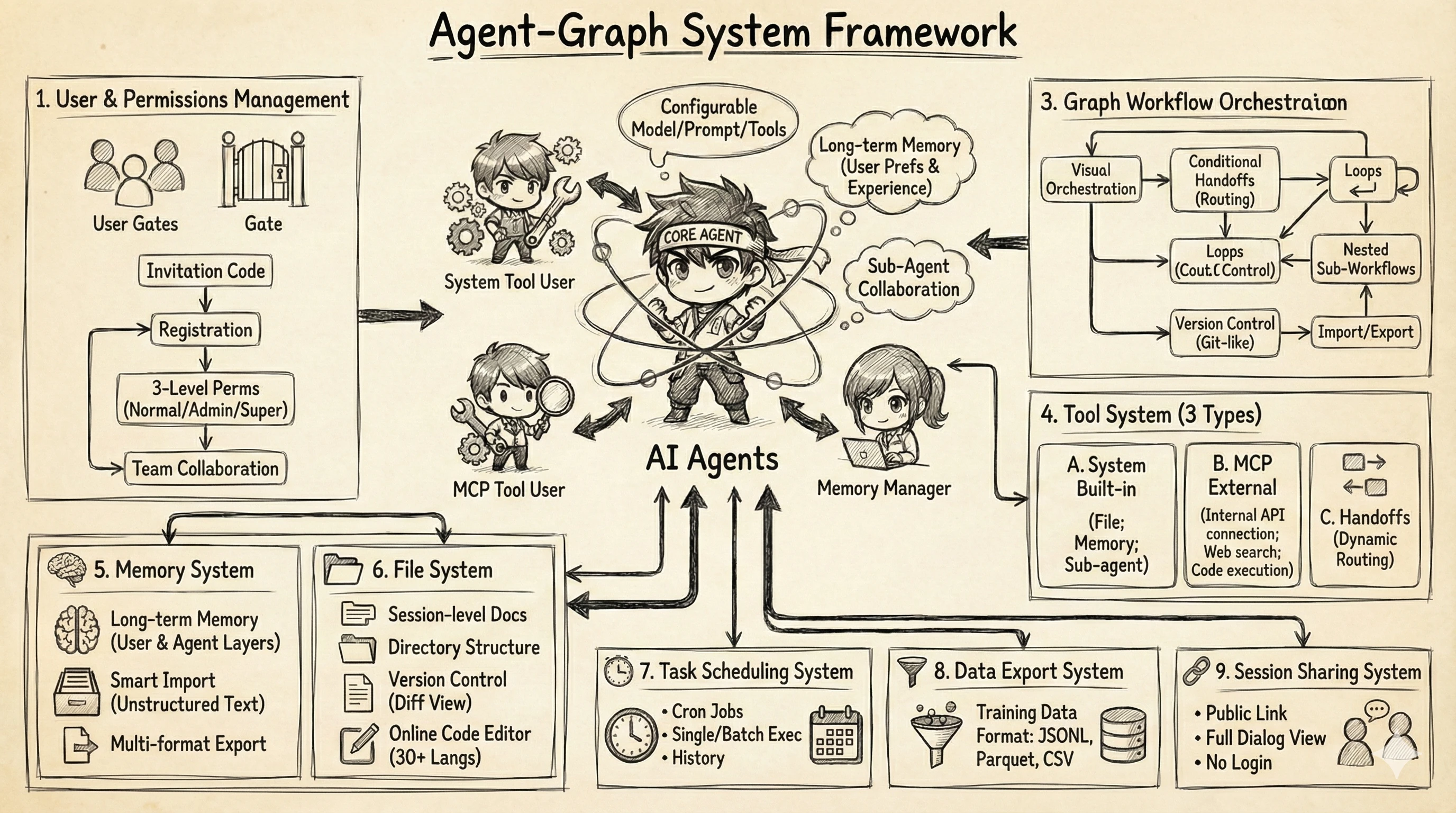
Agent-Graph is a Multi-Agent System built on the principles of Context Engineering. It integrates Sub-agent, Long-term Memory, MCP, Agent-based Workflow, and other capabilities. By integrating Context Engineering best practices into a visual development experience, Agent-Graph enables developers to rapidly build, test, and deploy complex multi-agent applications.
| Documentation | https://keta1930.github.io/agent-graph/ |
Table of Contents
- Framework
- Deployment Guide
- Core Features
- Future Roadmap
- Frontend Feature Showcase
- Citation
- WeChat Group
1. Framework
System Architecture
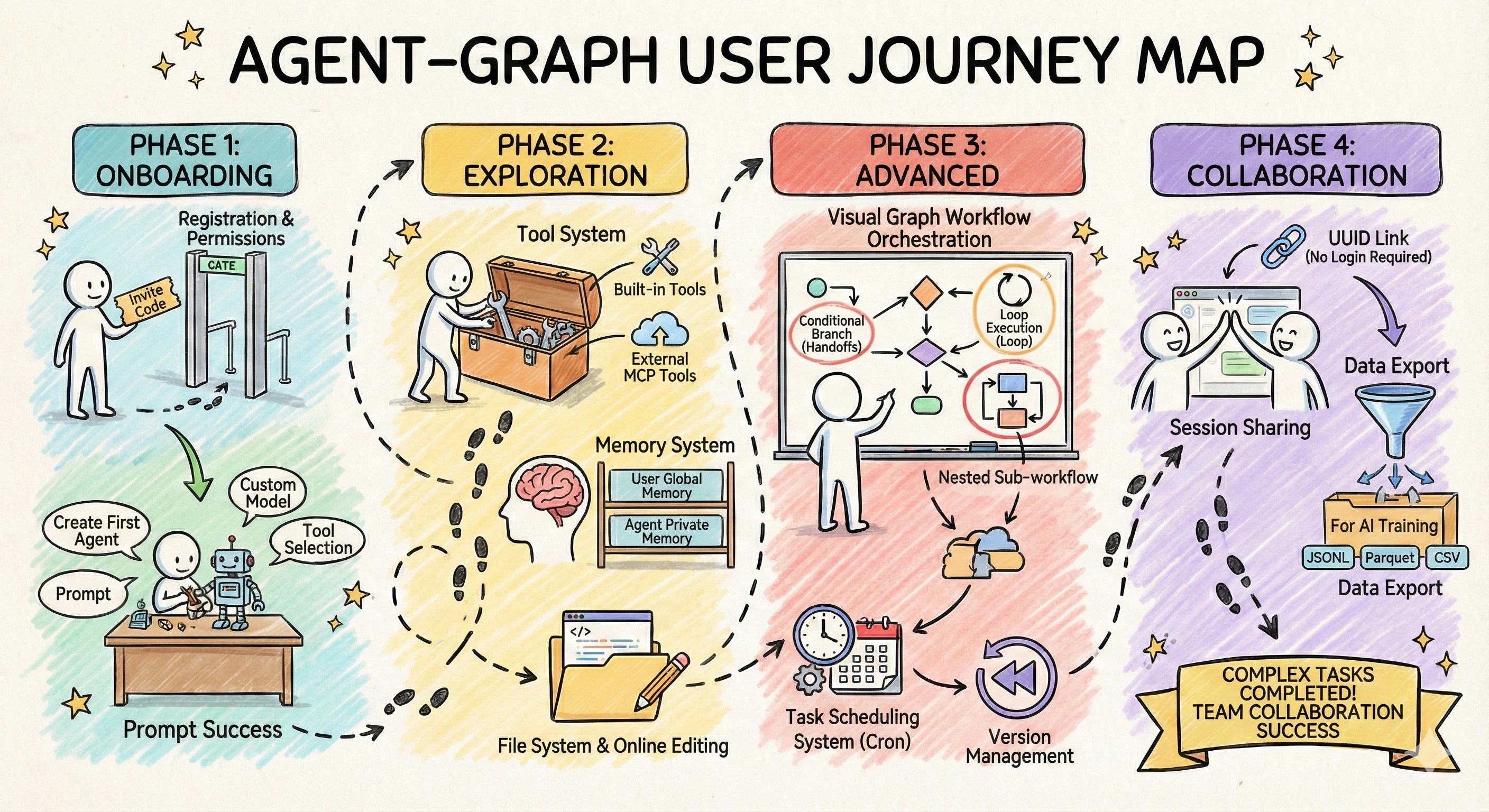
User Journey
2. Deployment Guide
📖 Detailed Installation Documentation: docs/first-steps/install.md
System Requirements
| Component | Requirement |
|---|---|
| Operating System | Linux, macOS, or Windows (requires WSL2) |
| Docker | Version 20.10+ with Docker Compose |
| Python | Version 3.11+ |
| Memory | Minimum 4GB (8GB recommended) |
| Storage | At least 10GB available space |
Quick Start
2.1. Clone Project
git clone https://github.com/keta1930/agent-graph.git
cd agent-graph
2.2. Configure and Start Docker Services
cp .env.example .env
# Set all blank credentials and secrets before startup
python agent_graph/scripts/generate_jwt_secret.py
docker compose --env-file .env -f docker/docker-compose.yml up -d
Default Service Addresses:
- MongoDB Express (Database Management): http://localhost:20041
- MinIO Console (File Storage): http://localhost:20043
2.3. Deploy Backend
Using uv (Recommended):
uv sync
uv run --env-file .env fastapi run
Using pip:
pip install -r requirements.txt
dotenv -f .env run -- fastapi run
Run in Background:
nohup uv run --env-file .env fastapi run > app.log 2>&1 &
2.4. Access Application
Open the address configured by PUBLIC_API_BASE_URL (default: http://localhost:20050).
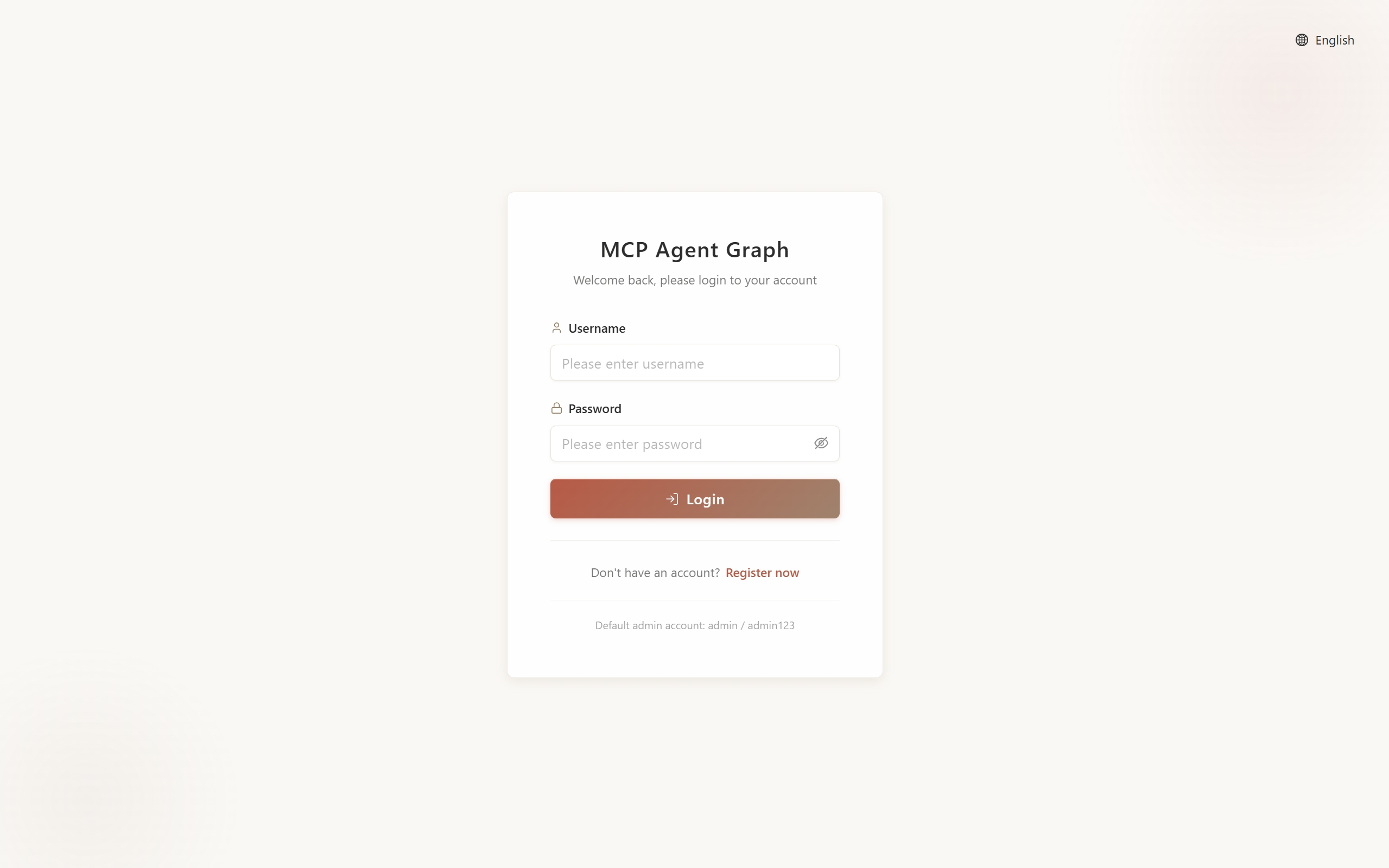
Login Page (Admin login with username and password configured in .env):
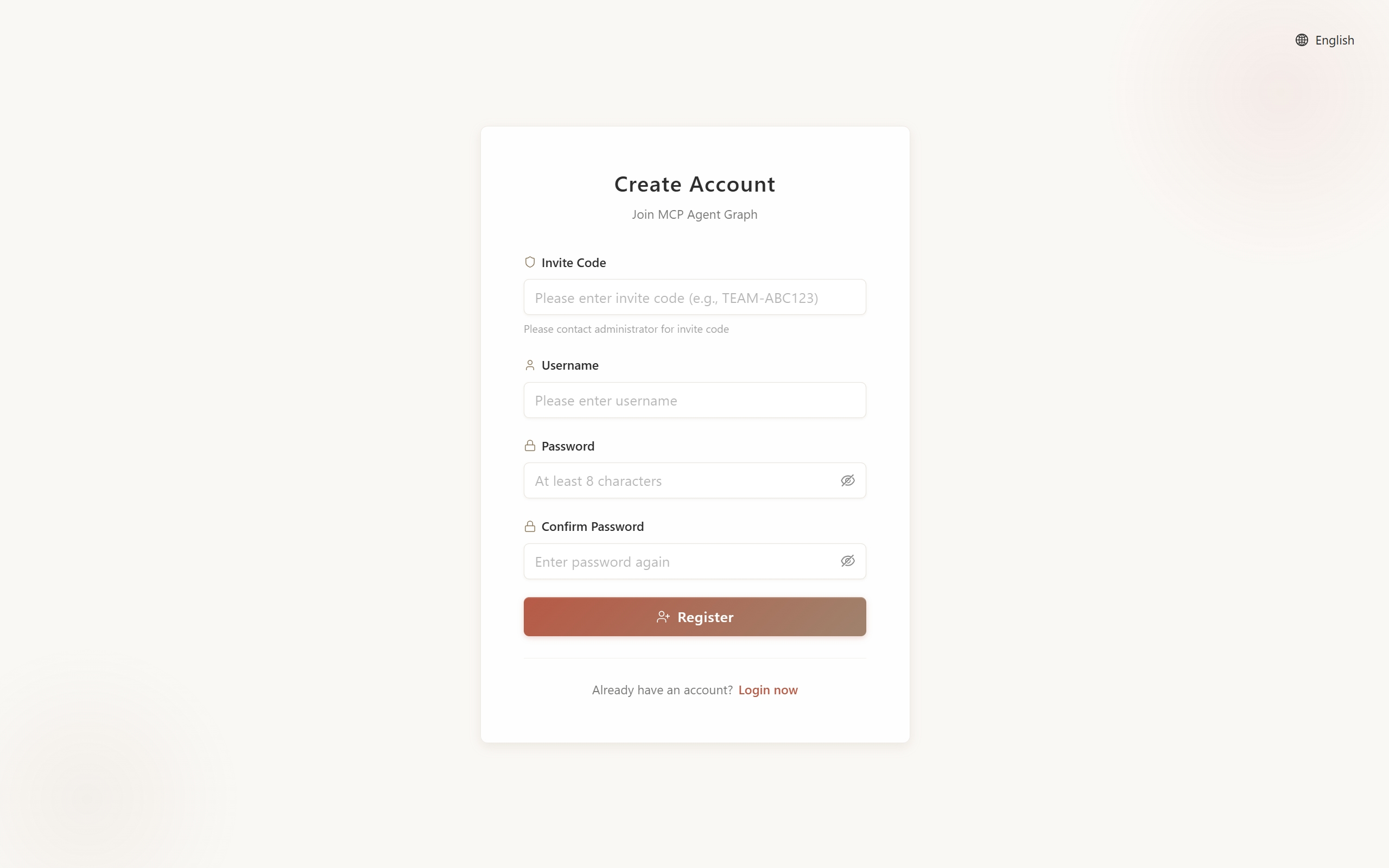
Registration Page (New users can register with invitation code):
Other Access Endpoints:
- API Documentation: http://localhost:20050/docs
- Health Check: http://localhost:20050/health
Frontend Development (Optional)
If you need to modify frontend code:
cd frontend
npm install
npm run dev  # Uses FRONTEND_PORT from the root .env
npm run build  # Build production version
Note: The repository includes pre-built frontend files. This step is only needed when developing or customizing the frontend.
3. Core Features
Core Components
| Feature | Description | Documentation |
|---|---|---|
| Agent | AI entities with capabilities to understand goals, use tools, iterate optimization, maintain context and long-term memory, solving open-ended tasks through autonomous action execution | Agent Docs |
| Graph (Workflow) | Orchestrate multiple agents into structured workflows, defining execution flow through nodes and edges, suitable for predictable multi-stage tasks | Graph Docs |
| Model | Support for LLM and VLM models (OpenAI compatible), flexible API Key configuration | Model Docs |
| Memory | Short-term memory maintains conversation context, long-term memory stores user preferences and Agent knowledge base across sessions | Memory Docs |
| Prompt Center | Centralized management of reusable Prompt templates, supporting categorization, import/export, and cross-project references | Prompt Docs |
| Projects | Organize conversations into collections with shared files | Projects Docs |
Workflow Capabilities
| Feature | Description | Documentation |
|---|---|---|
| Visual Graph Editor | Frontend drag-and-drop workflow design, supporting linear, parallel, conditional, and nested graph types, WYSIWYG | Graph Docs |
| Subgraph Nesting | Use entire Graphs as single nodes for nesting, enabling modular, reusable, and hierarchical workflow construction | Subgraph Docs |
| Handoffs (Smart Routing) | Nodes dynamically select next execution node, supporting intelligent decisions, conditional branching, and iterative optimization loops | Handoffs Docs |
| Task (Scheduling) | Scheduled or periodic automatic Graph execution, supporting cron expressions, concurrent instances, and execution history tracking | Task Docs |
Extension Capabilities
| Feature | Description | Documentation |
|---|---|---|
| MCP Protocol Integration | Connect external tools and data sources (databases, APIs, file systems, cloud services, etc.) through standardized protocol, connect once and use everywhere | MCP Docs |
| Built-in Tool Set | Provides resource creation (Agent Creator, Graph Designer, MCP Builder, Prompt Generator, Task Manager), collaboration (Sub-agent, File Tool), and query (Memory Tool, System Operations) system tools | Tools Docs |
Collaboration & Management
| Feature | Description | Documentation |
|---|---|---|
| Team Collaboration | Admins create invitation codes, manage team members, assign role permissions (Super Admin, Admin, Regular User) | Team Management |
| Conversation Management | Support conversation history viewing, file attachment management, and session context maintenance | Quick Start |
4. Future Roadmap
📖 Complete Roadmap: docs/roadmap/index.md
The platform continues to evolve, bringing more powerful Agent capabilities and better collaboration experiences to users.
Recently Implemented
The following features have been recently implemented and are now available:
| Feature | Core Value | Documentation |
|---|---|---|
| Multimodal Support | VLM gives Agents visual understanding capabilities | Details |
| Projects | Organize conversations into collections with shared resources | Details |
Coming Soon
The following features are coming soon or actively under development:
| Feature | Core Value | Documentation |
|---|---|---|
| Team Resource Sharing | Share Agents, workflows, and Prompts within teams | Details |
| Agent Skills | Progressive context engineering to improve efficiency and capabilities | Details |
Future Plans
These features are under continuous exploration and planning:
| Feature | Core Value | Documentation |
|---|---|---|
| External Agent API | Open Agents to external calls, building a service ecosystem | Details |
| User Analytics | Effect evaluation and team insights | Details |
5. Frontend Feature Showcase
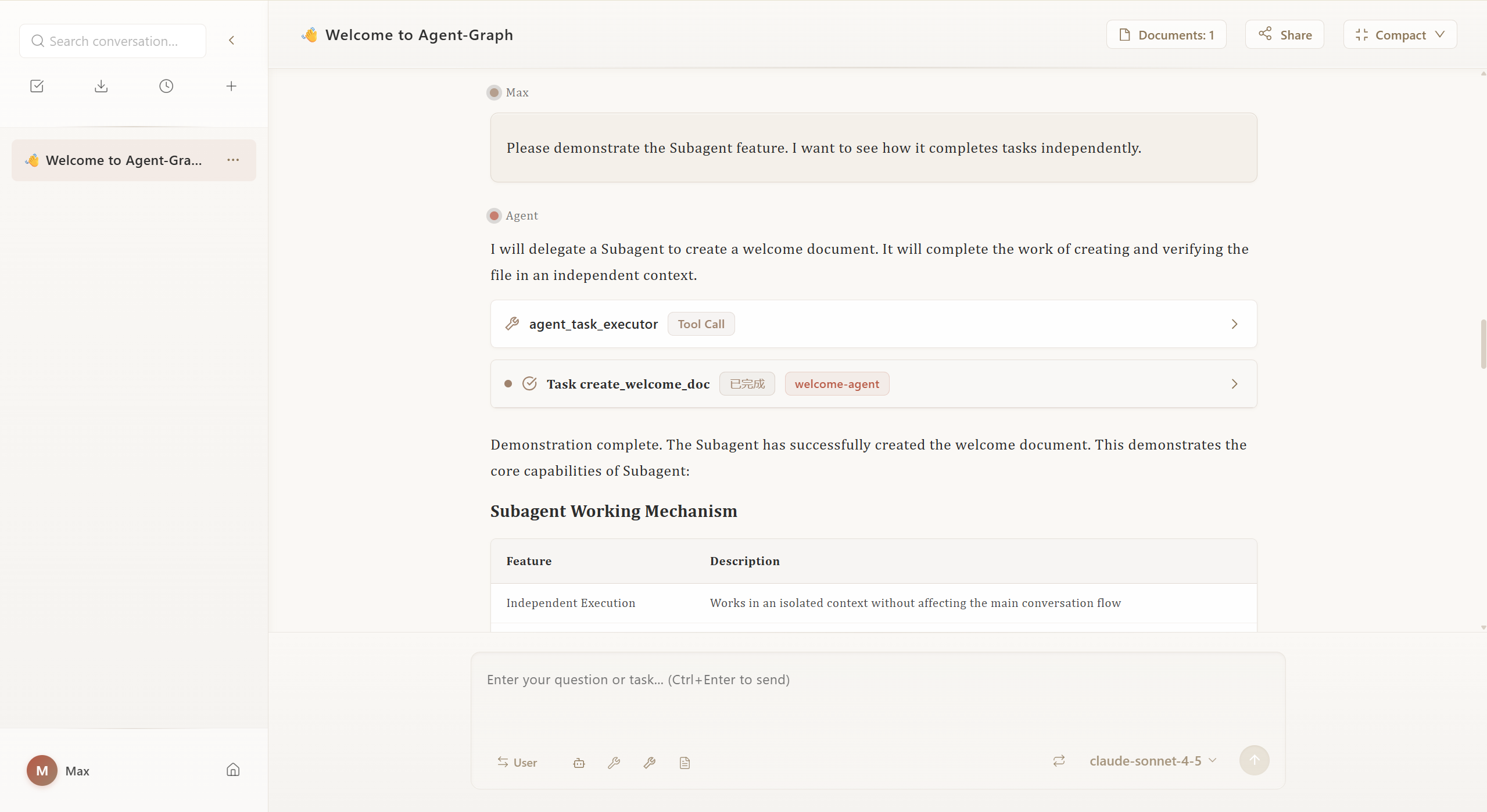
5.1. Chat Welcome Page
Entry interface for starting conversations with Agents, supporting quick selection of preset Agents or creating new conversations.
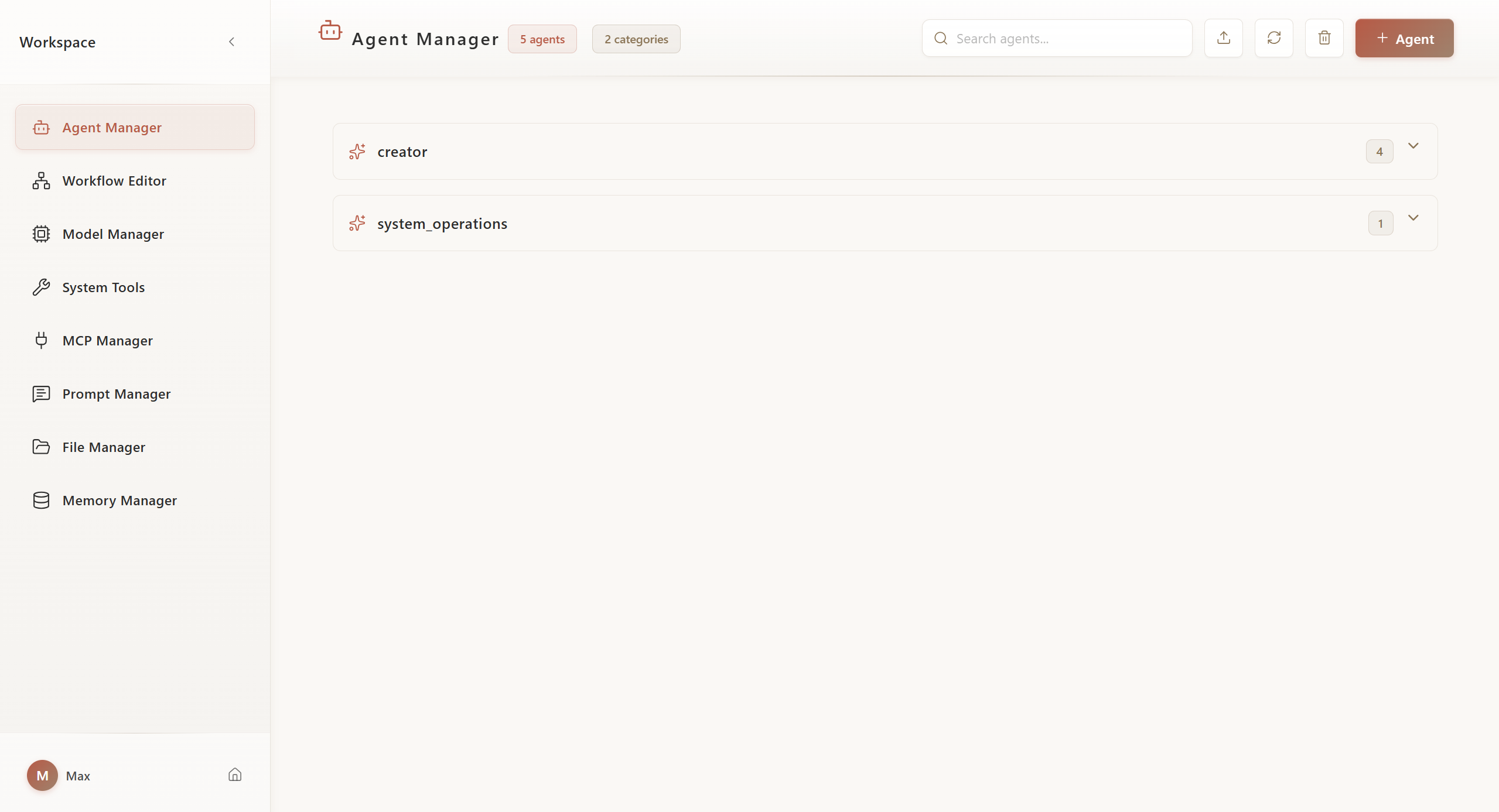
5.2. Workspace - Agent Management
Create, configure, and manage agents, set system prompts, tools, and model parameters.
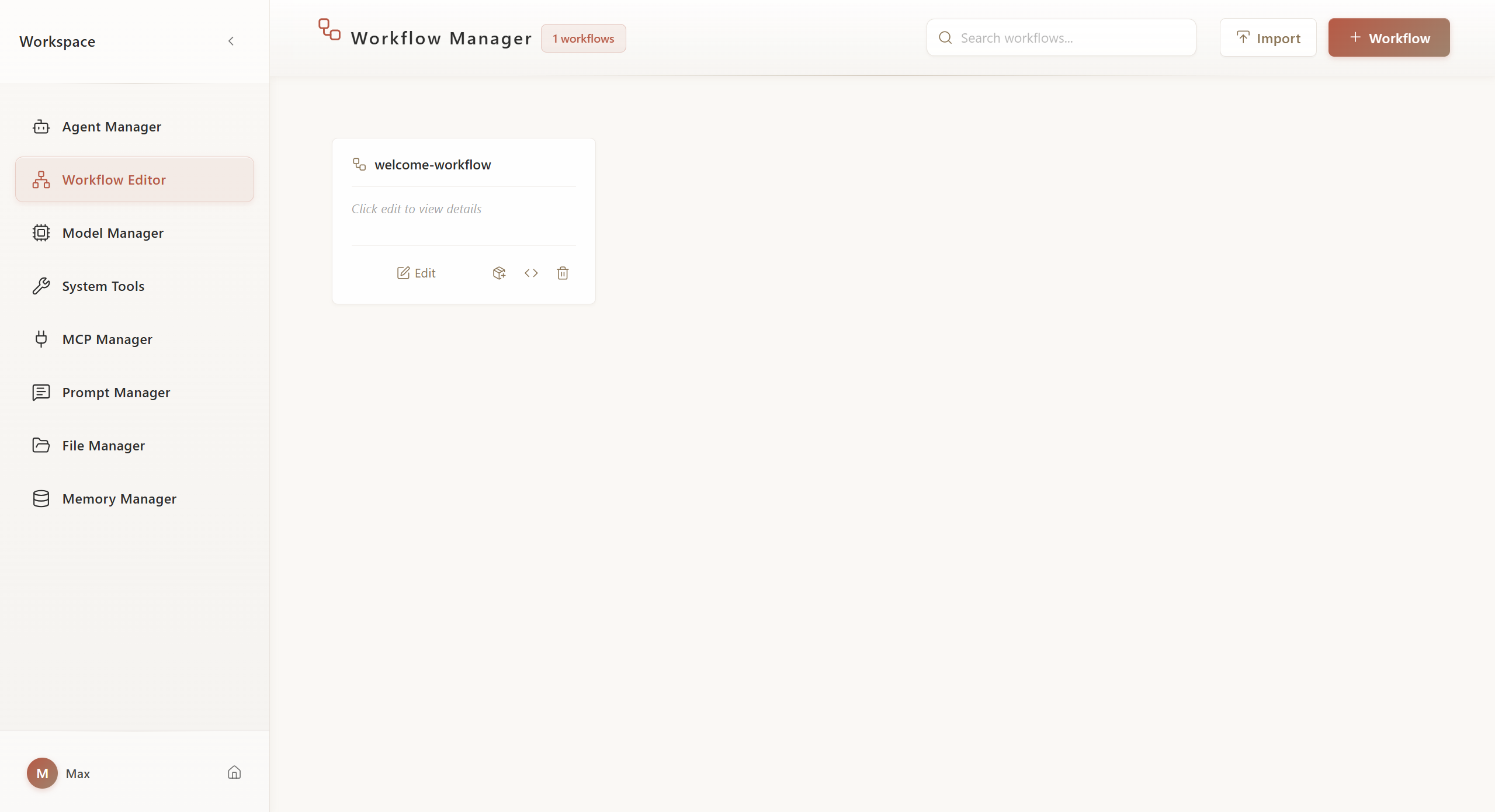
5.3. Workspace - Workflow Management
Visual drag-and-drop workflow designer, supporting multiple node types and complex process orchestration.
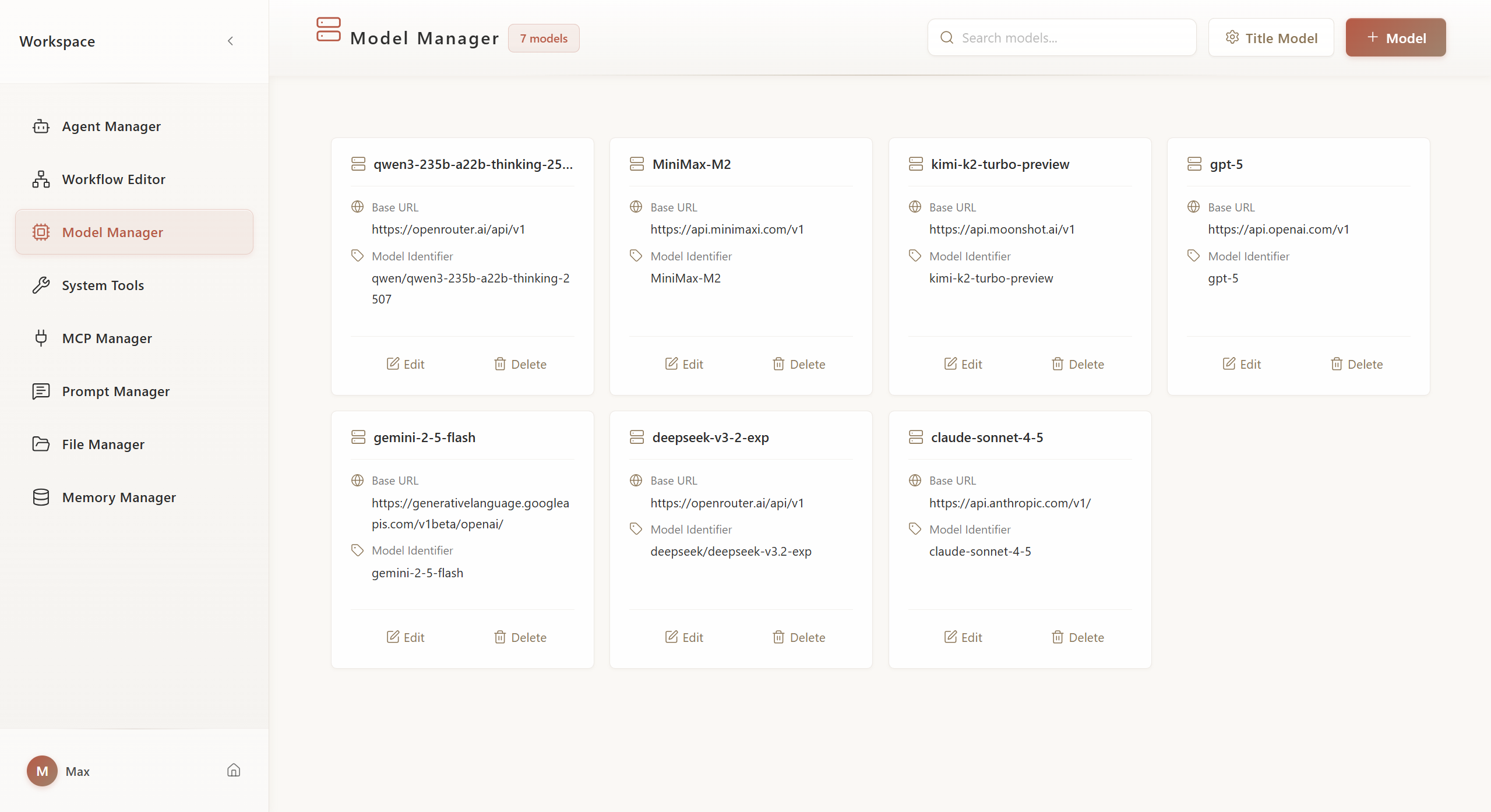
5.4. Workspace - Model Management
Configure and manage multiple LLM models, set API Keys and model parameters.
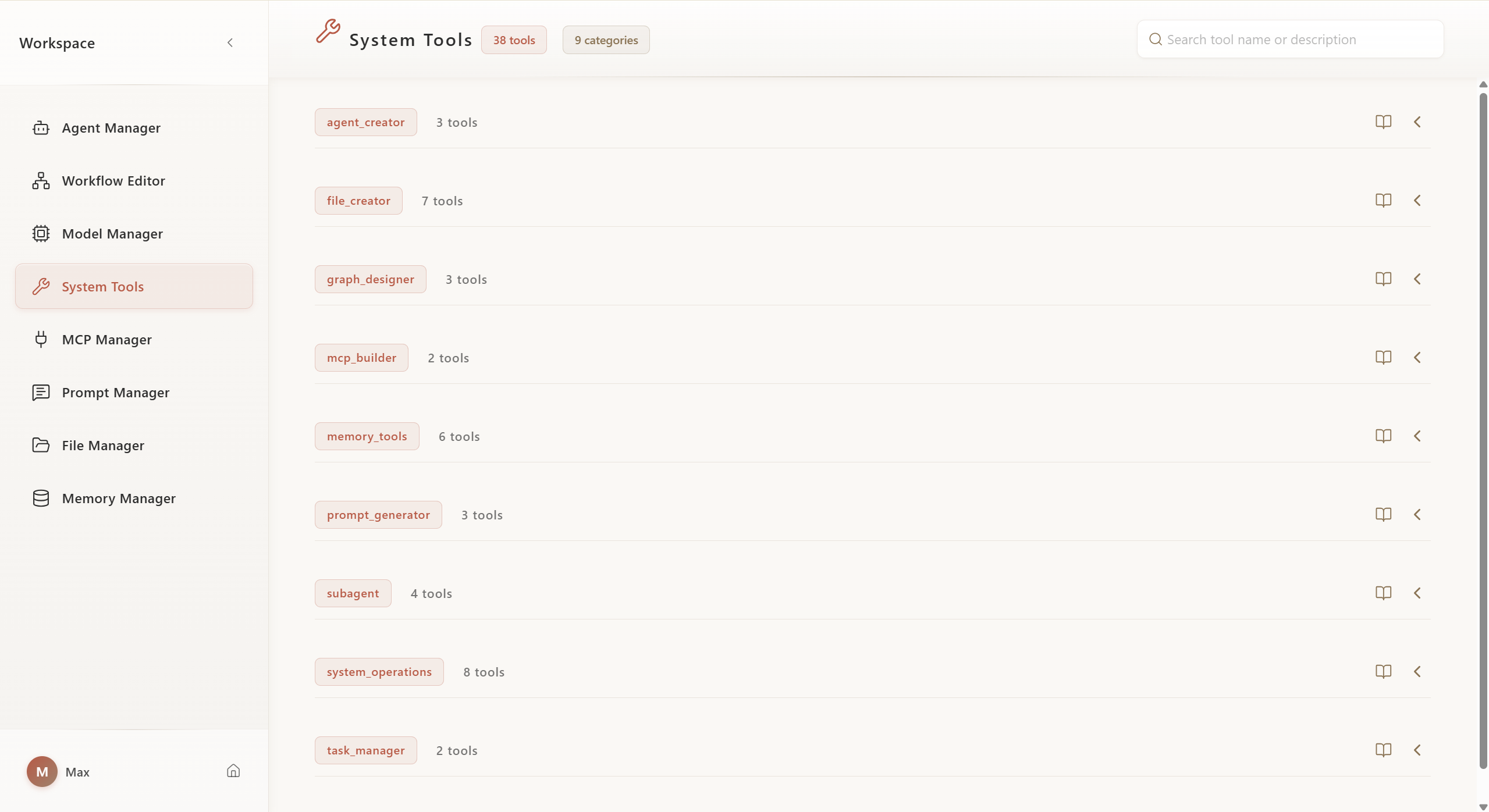
5.5. Workspace - System Toolbox
View and configure built-in system tools, including resource creation and collaboration tools.
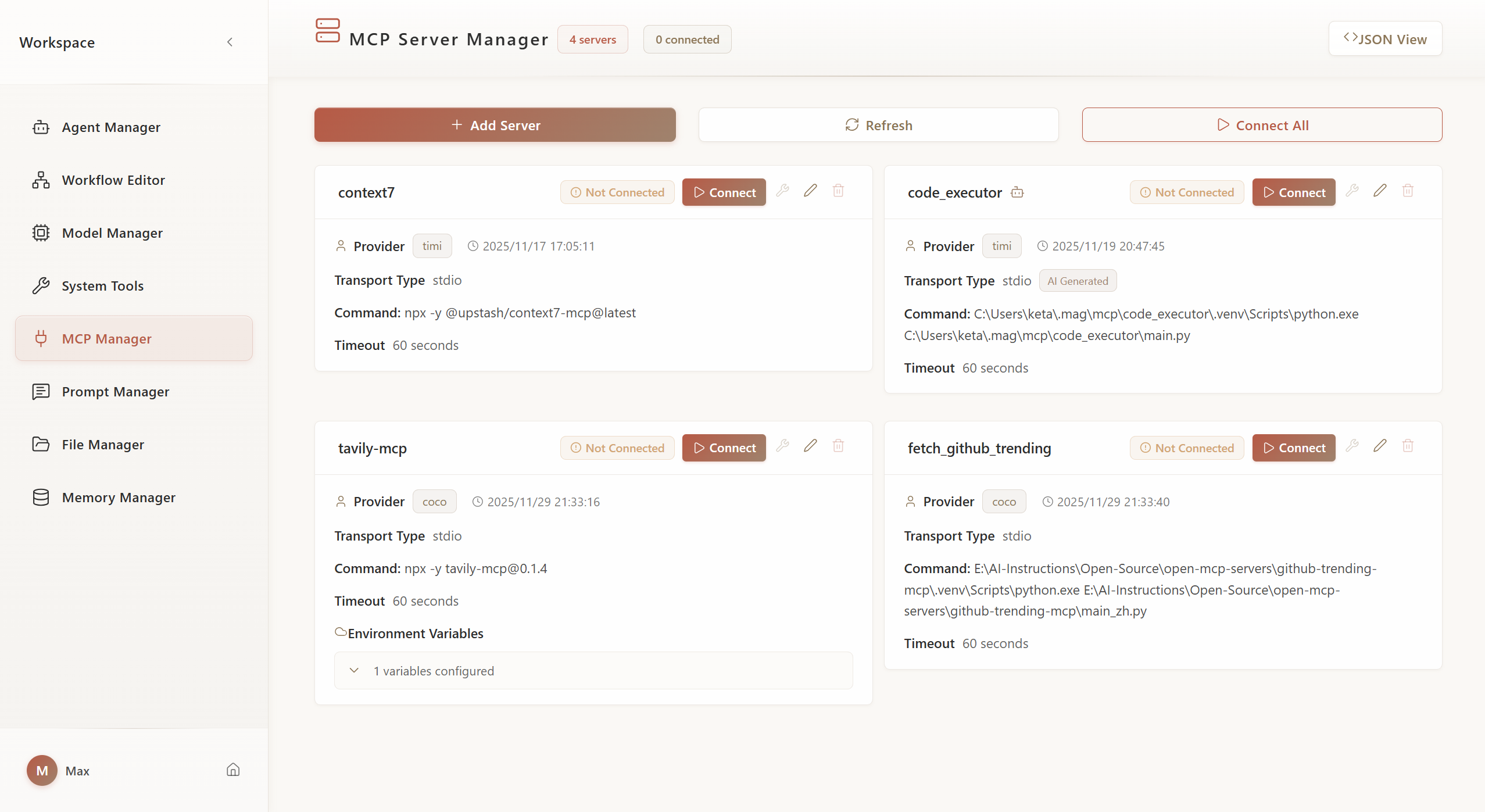
5.6. Workspace - MCP Management
Manage MCP server connections, configure external tool and data source integrations.
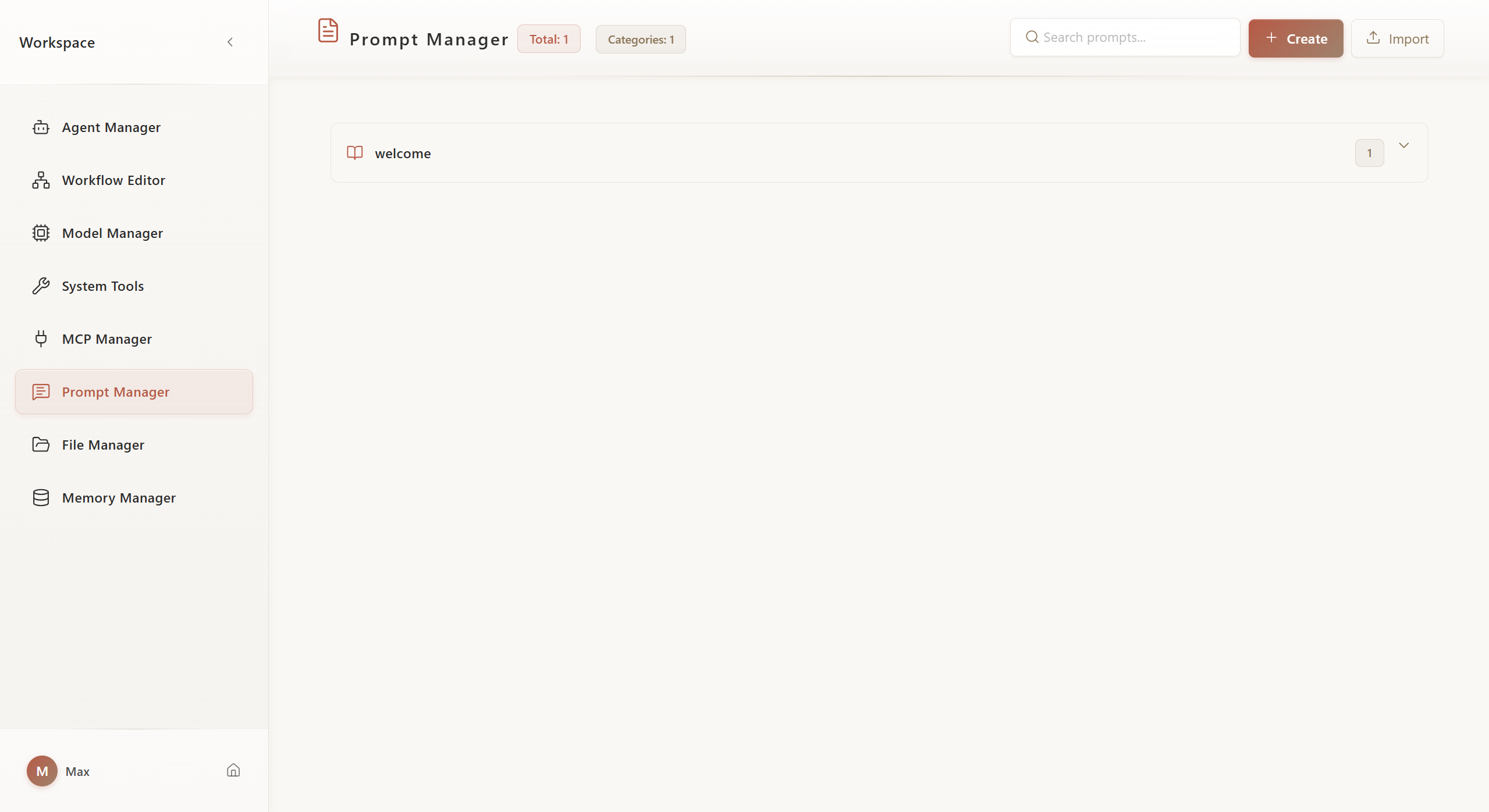
5.7. Workspace - Prompt Management
Centrally manage reusable Prompt templates, supporting categorization and version control.
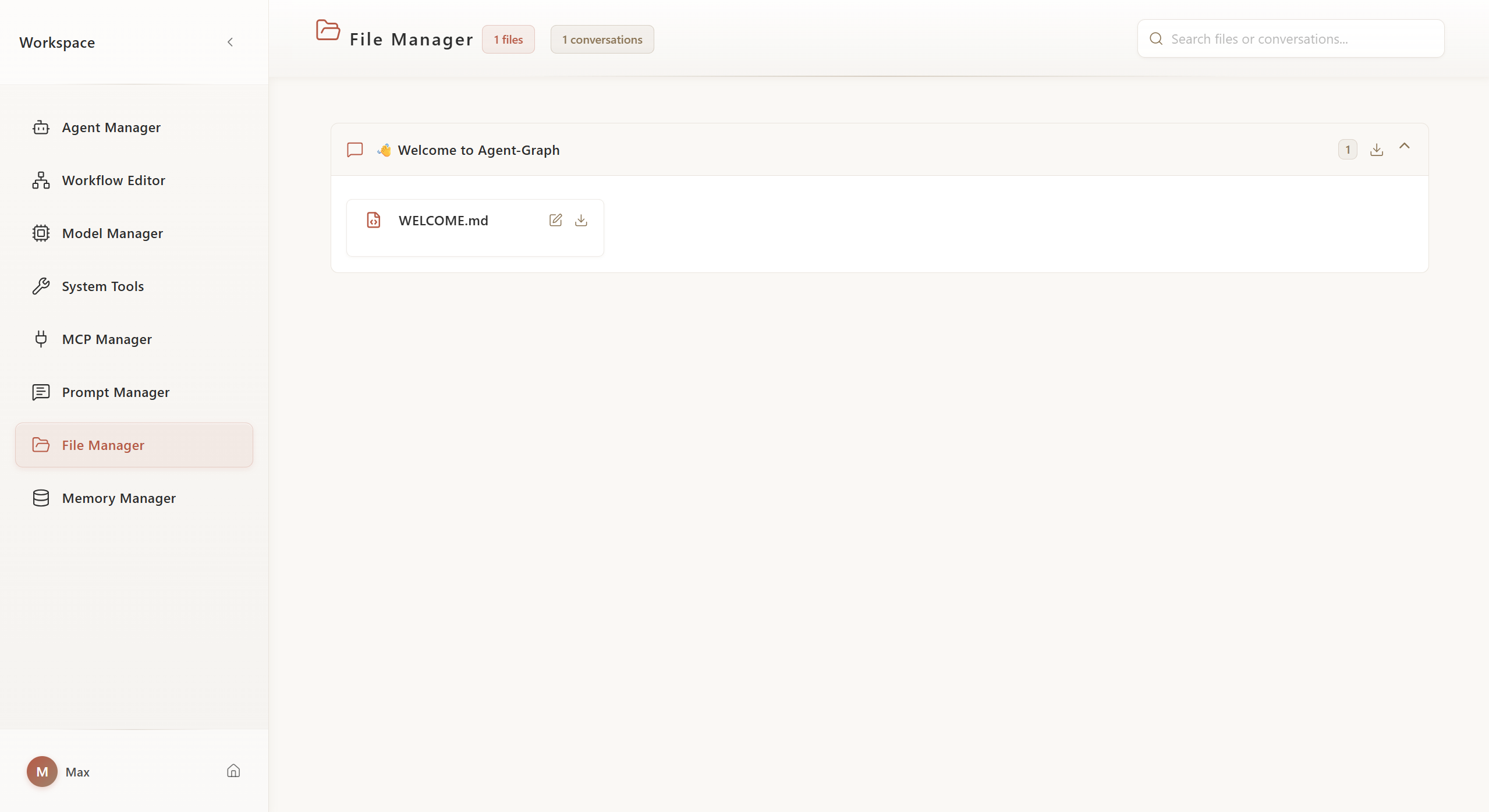
5.8. Workspace - File Management
Manage uploaded files and attachments, supporting file preview and organization.
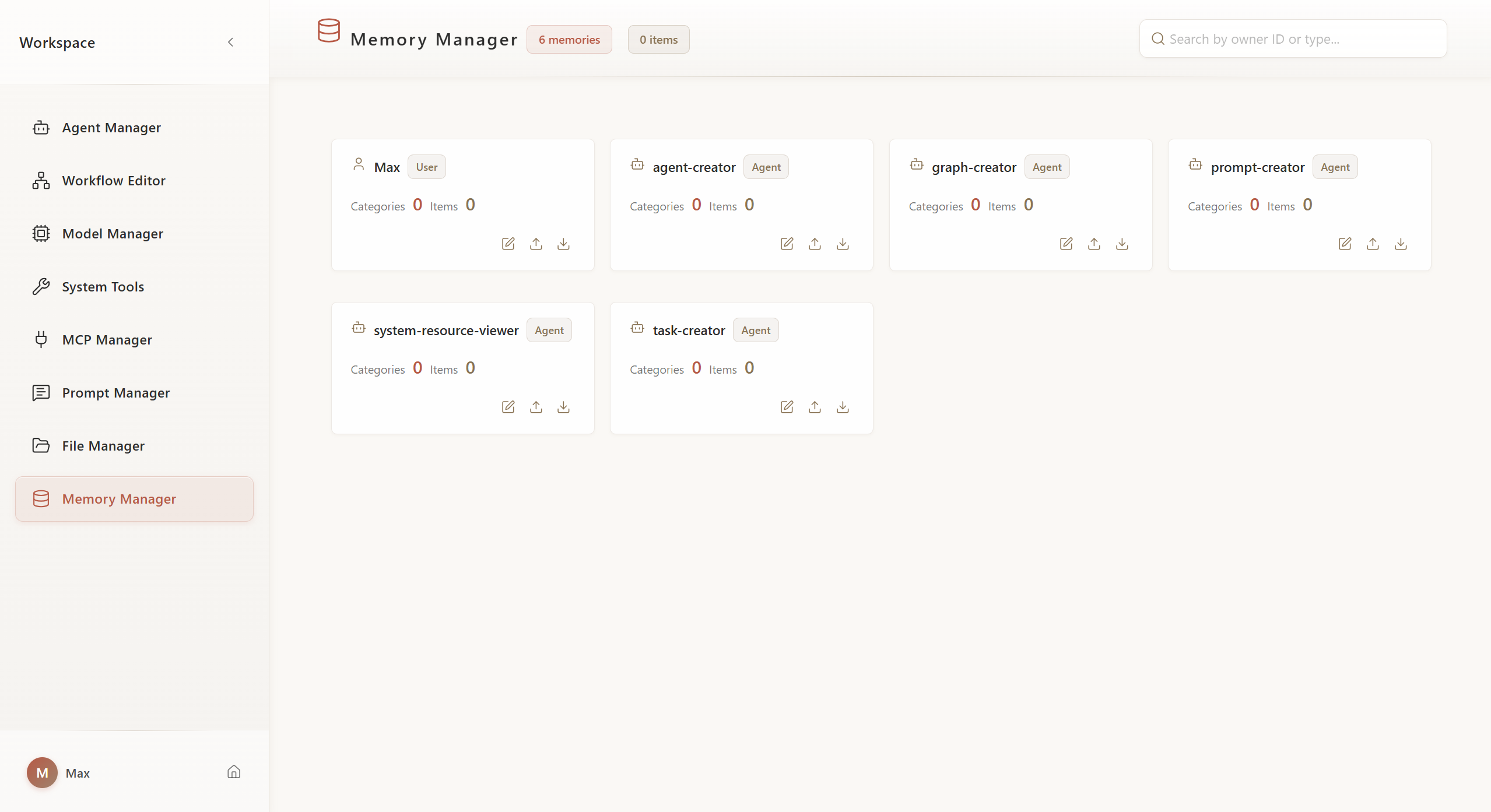
5.9. Workspace - Memory Management
View and manage Agent's long-term memory and knowledge base.
6. Citation
If you find Agent-Graph helpful for your research or work, please consider citing it:
@misc{agent_graph_2025,
  title        = {agent-graph},
  author       = {Yan Yixin},
  howpublished = {\url{https://github.com/keta1930/agent-graph}},
  note         = {Accessed: 2025-04-24},
  year         = {2025}
}
7. Contact
For questions, suggestions, or collaboration inquiries, feel free to reach out:
📧 Email: [email protected]
No comments yet
Be the first to share your take.